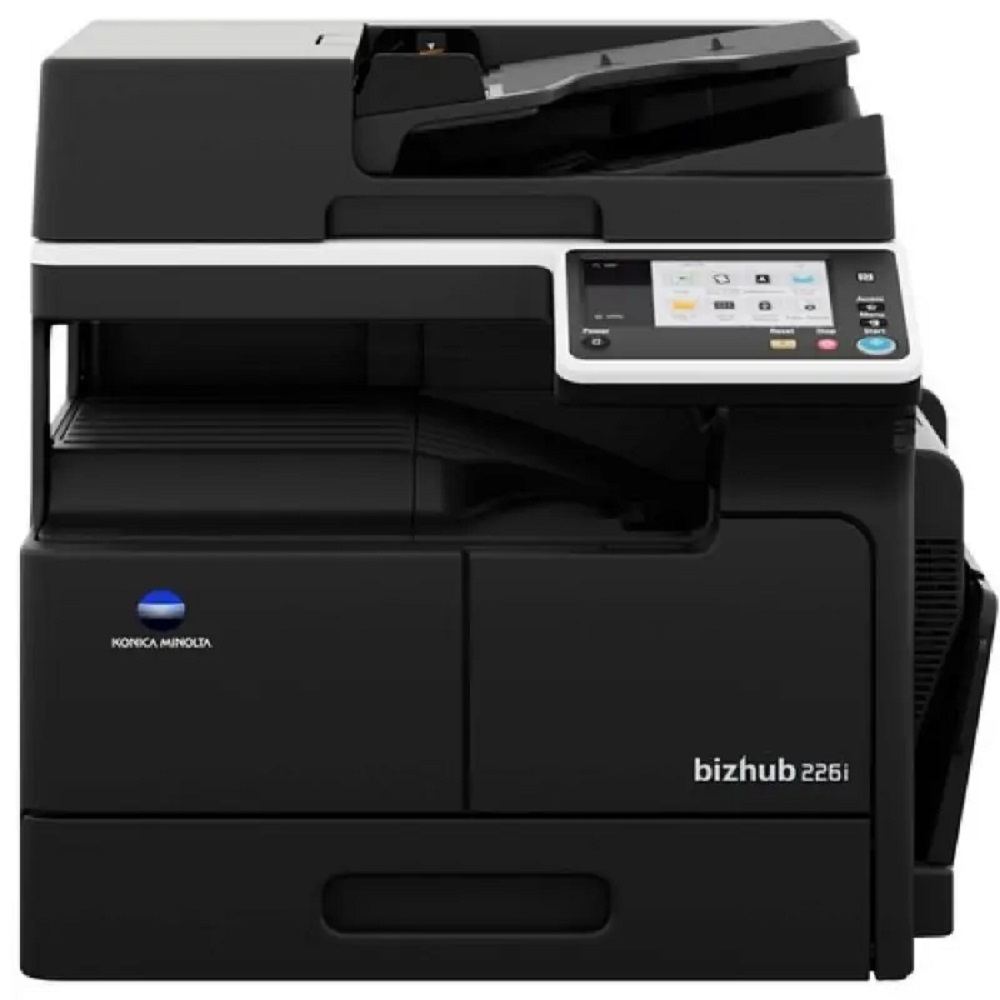
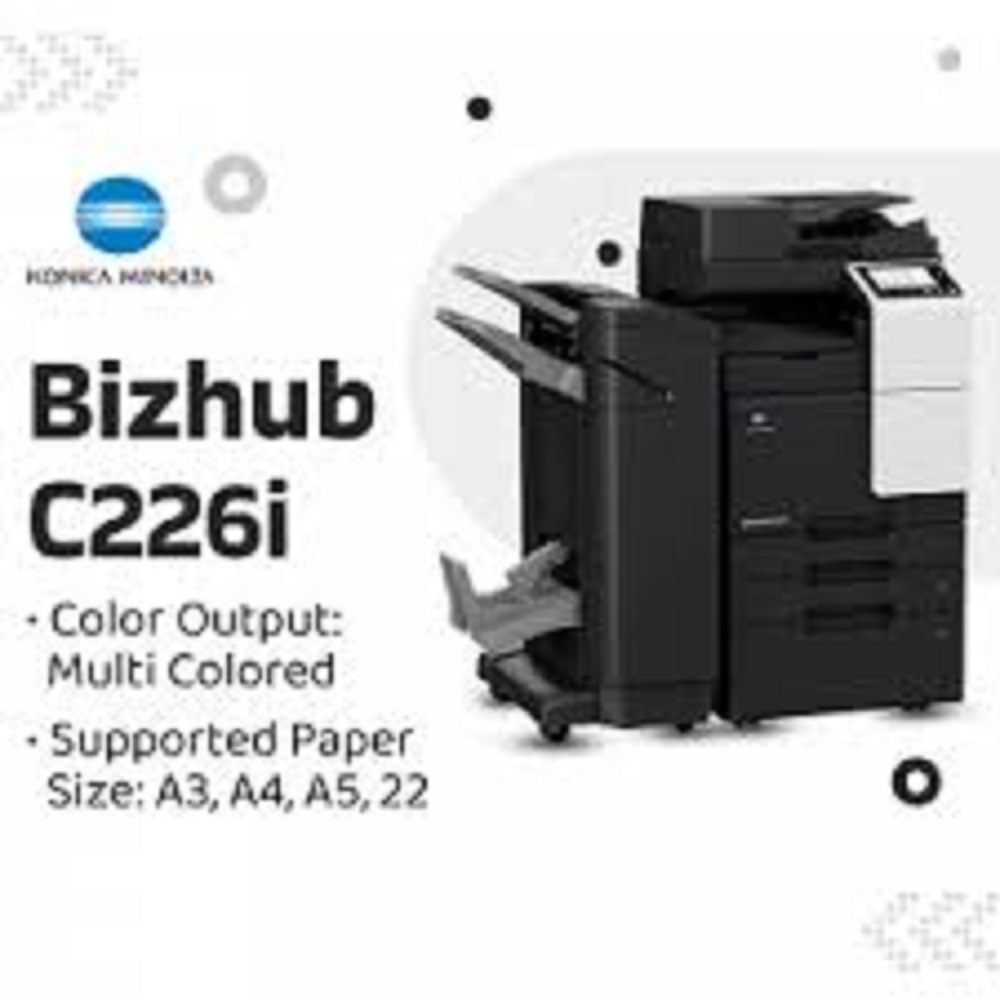
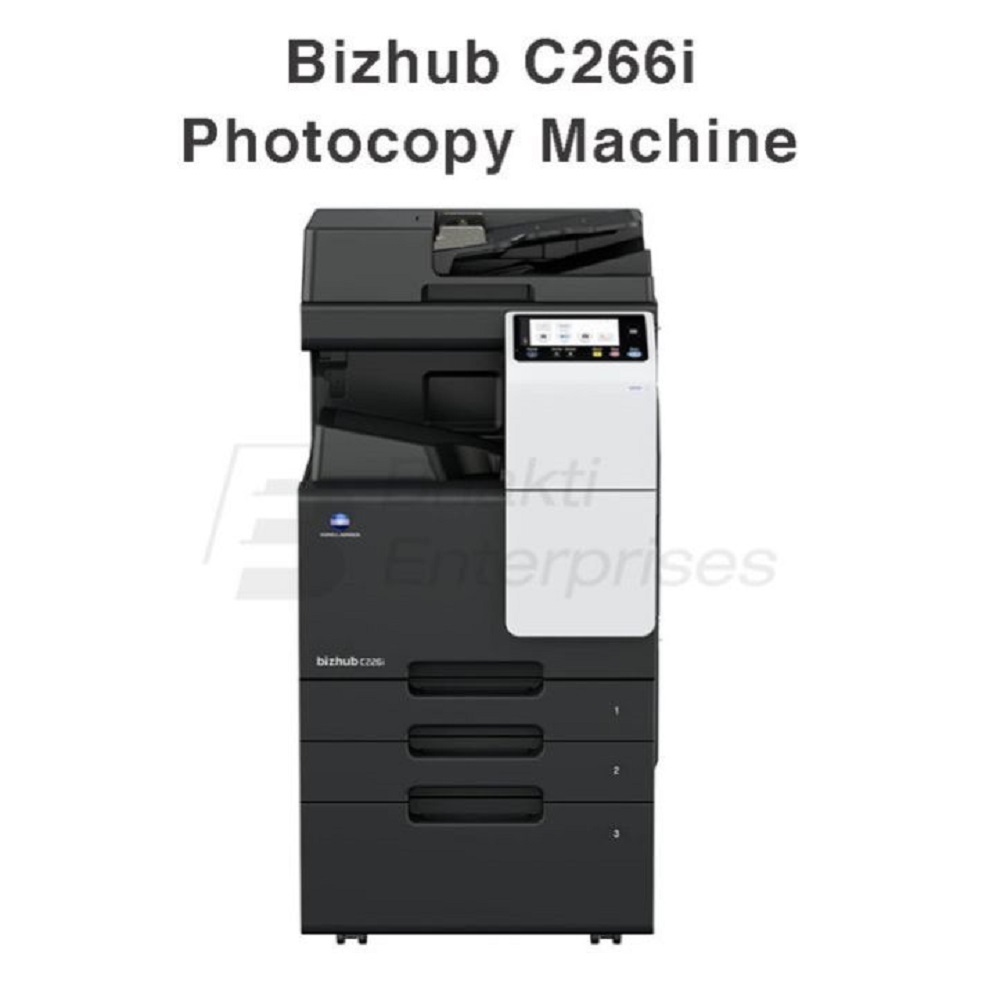
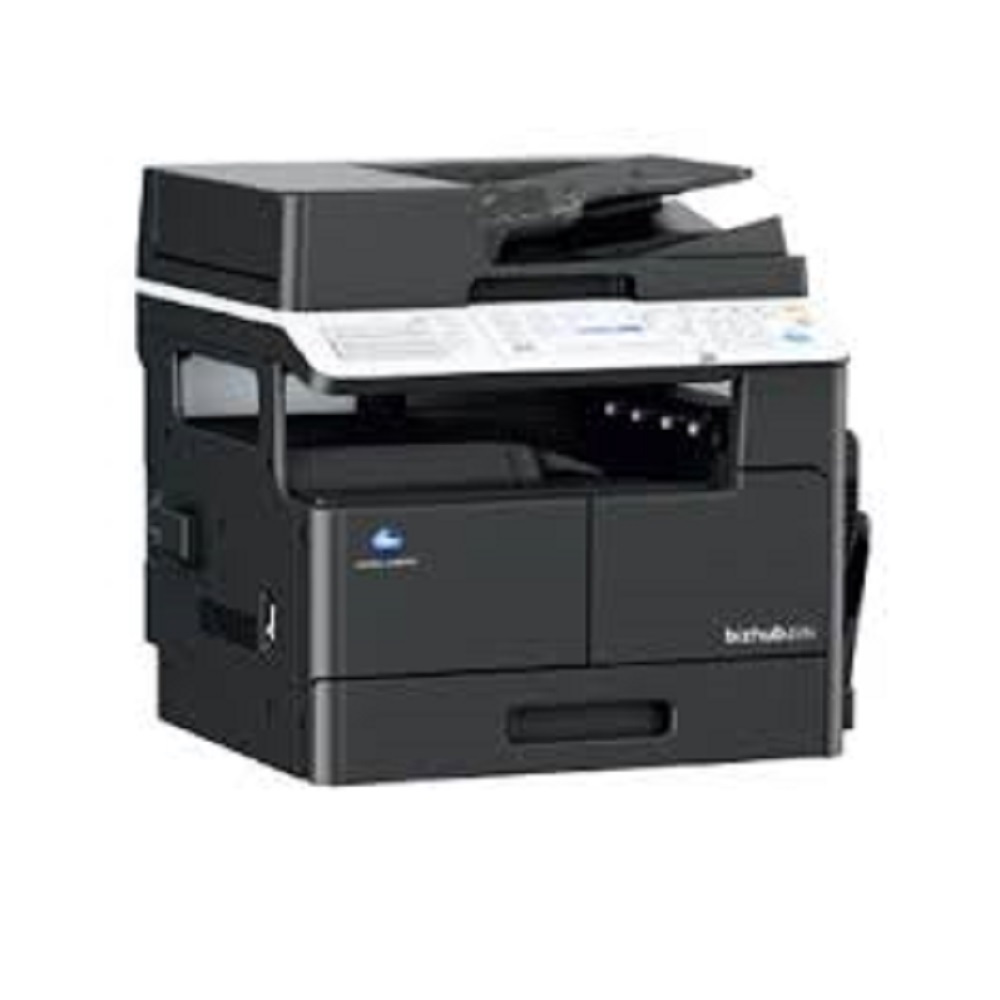
konica minolta bizhub c226i colour photocopy About
"i, General / System Specs
-
Functions: Print, Copy & Scan (optional Fax)
-
Print Technology: Laser colour
-
Engine/Cores: Quad-core CPU for fast response
-
Memory: 6 GB RAM
-
Storage: 8 GB microSD standard, optional 256 GB SSD
-
Display: 7a touchscreen with tablet-style UI
"i, Print Specifications
-
Print Speed: Up to 22 ppm (A4) in colour and mono
-
Print Speed (A3): Up to 12 ppm
-
Print Resolution: Equivalent 1800 A 600 dpi
-
First Page Out Time: Approx. 6.8 s (mono) / 8.4 s (colour)
-
Duplex Printing: Automatic double-sided printing standard
-
Page Description Languages: PCL 6, PCL 5c, PostScript 3, XPS
Paper Handling
-
Standard Paper Capacity: Typically 1,150 sheets (combo of trays + bypass)
-
Maximum Capacity: Up to 3,600 sheets with optional trays
-
Paper Sizes Supported: A6 to A3, banner printing up to 1,200 mm
-
Bypass Tray: 100 sheets; supports custom sizes and banner print
-
Output Tray Capacity: Up to 250 sheets
Scan & Document Feeder
-
Scanner Type: Colour scanning with multiple destinations (email, SMB, FTP, WebDAV, URL, USB, etc.)
-
Scanner Speed: Up to ~55 ipm simplex with Automatic Doc Feeder (RADF)
-
ADF Capacity: Up to 130 originals (A5a A3)
-
File Formats: JPEG, TIFF, PDF, encrypted PDF, XPS, PPTX
Connectivity
-
Standard Interfaces: Ethernet, USB 2.0
-
Optional: Wi-Fi 802.11 b/g/n/ac
-
Mobile Print Support: AirPrint (iOS), Mopria (Android), Konica Minolta Mobile Print
-
Network Protocols: TCP/IP (IPv4/IPv6), SMB, LPD, IPP, SNMP, HTTP(S), Bonjour
Security & Software
-
Security Features: Secure print, user authentication, encrypted storage, IP filtering, SSL/TLS, Kerberos, hard-disk overwrite & deletion
-
Optional Security: Antivirus scanning (Bitdefender)
-
Software Compatibility: Windows, macOS, Linux/Unix, Citrix, various server OS support
Physical / Power
-
Dimensions (W A D A H): ~571 A 661 A 786 mm
-
Weight: ~70 kg (without options)
-
Power: 220a 240 V, 50/60 Hz; < ~1.5 kW
Superior Performance & VersatilityThe Bizhub C226i combines reliable print speeds of 22 ppm in both colour and monochrome and supports an impressive variety of media types and sizes, ranging from A3 to custom paper options. With 256 gradations of grayscale and up to 600 x 600 dpi scanning resolution, it delivers crisp, vibrant output suitable for diverse office document needs. The automatic duplex function and quick warm-up time further improve workflow efficiency.
User-Friendly and Efficient DesignEquipped with a 7-inch touch panel, the Bizhub C226i ensures effortless navigation and operation. Its quiet operation at under 68 dB(A), substantial input tray capacity of 500 standard sheets, and 100-sheet bypass make it suitable for busy office settings. The energy-efficient design and ample toner yield-24,000 pages in black and 15,000 in colour-reduce maintenance intervals, maximizing uptime.
FAQ's of konica minolta bizhub c226i colour photocopy:
Q: How do I connect the Konica Minolta Bizhub C226i to my network or computer?
A: You can connect the Bizhub C226i to your office network using the Ethernet port (10BASE-T/100BASE-TX/1000BASE-T) or directly to your computer via USB 2.0. The device is compatible with Windows, Mac OS, and Linux platforms, enabling seamless integration with a variety of IT environments.
Q: What are the main benefits of using the Bizhub C226i multifunction copier?
A: The main benefits include high-quality colour and monochrome printing at speeds of up to 22 pages per minute, automatic duplexing to save paper, and a large monthly duty cycle of up to 50,000 pages. Its intuitive touch panel, quiet operation, and reliable performance help boost office productivity while reducing energy and maintenance costs.
Q: When should the toner be replaced, and what is its yield?
A: You should replace the toner when the device notifies you that the cartridge is low or empty. The Bizhub C226i offers a yield of approximately 24,000 pages for black toner and 15,000 pages for each colour toner, depending on your typical print coverage and usage patterns.
Q: Where can Bizhub C226i units be supplied from in India?
A: Bizhub C226i units are available through authorized dealers, distributors, exporters, service providers, suppliers, and traders across India. Ensure you purchase from a reputable source to receive genuine products and authorized support services.
Q: What is the process for setting up the Bizhub C226i for the first time?
A: Begin by unpacking the device and connecting it to a suitable AC 220-240V power source. Install the toner cartridges and load your chosen paper size into the trays. Follow the touch panel prompts to configure network settings and install the necessary drivers on your computers. Refer to the user manual for a step-by-step setup guide or contact your supplier for on-site installation support.
Q: How can I use the scanning feature on the Bizhub C226i?
A: The Bizhub C226i enables high-resolution scanning up to 600 x 600 dpi. You can scan documents directly to a connected computer, email, or network folder, depending on your configuration. Simply place your document in the automatic document feeder or on the glass, then use the touch panel to select your preferred scan destination and settings.
Q: What paper sizes and weights does the Bizhub C226i support?
A: This device accommodates a wide range of media, including standard paper sizes from A3 to A5 and custom paper formats. It supports paper weights between 52 and 256 gsm, facilitating various print and copy tasks from light office memos to heavier presentation materials.







 Send Inquiry


 Send Inquiry