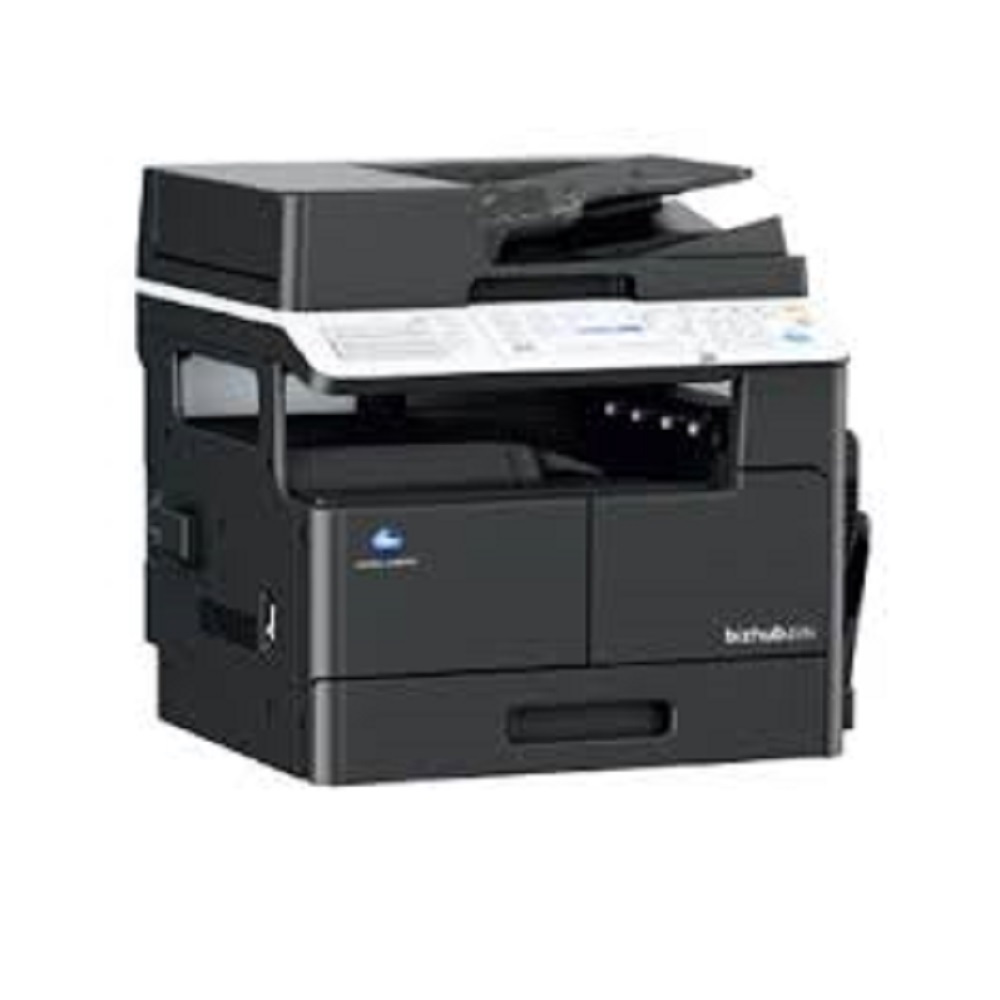
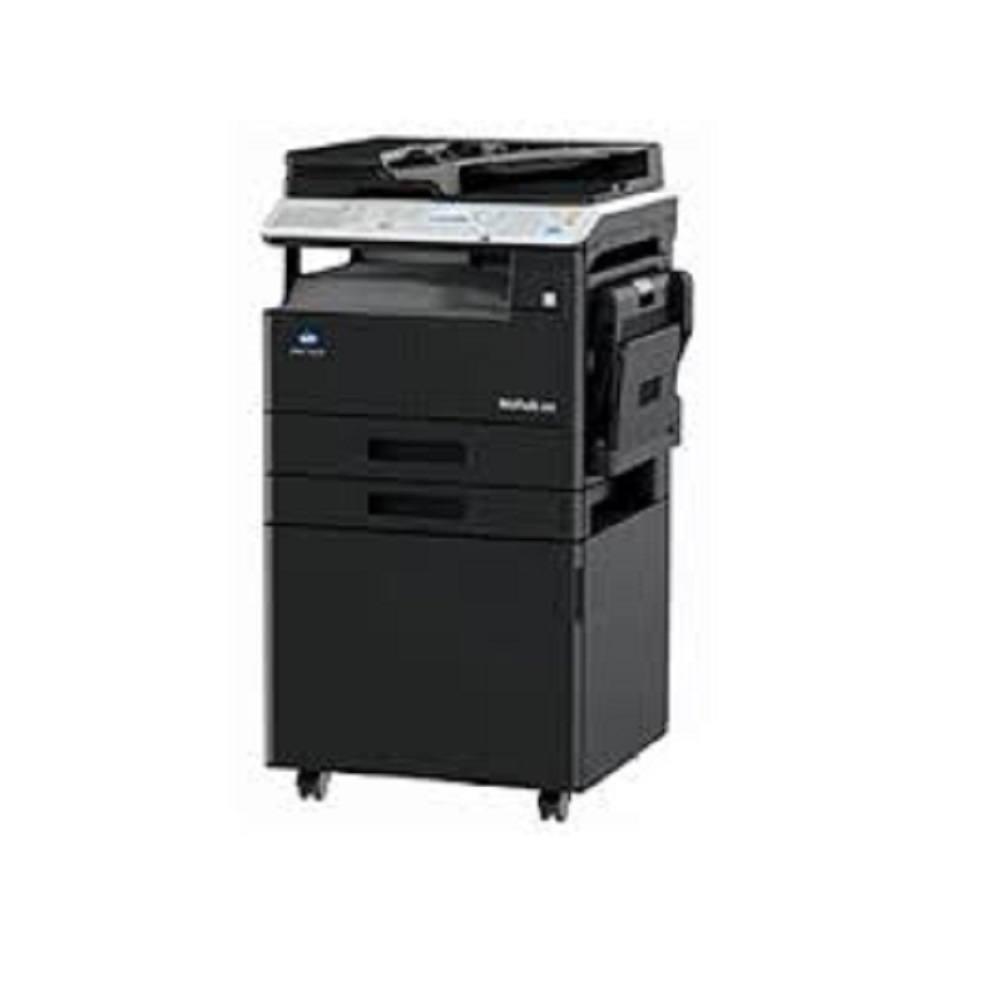
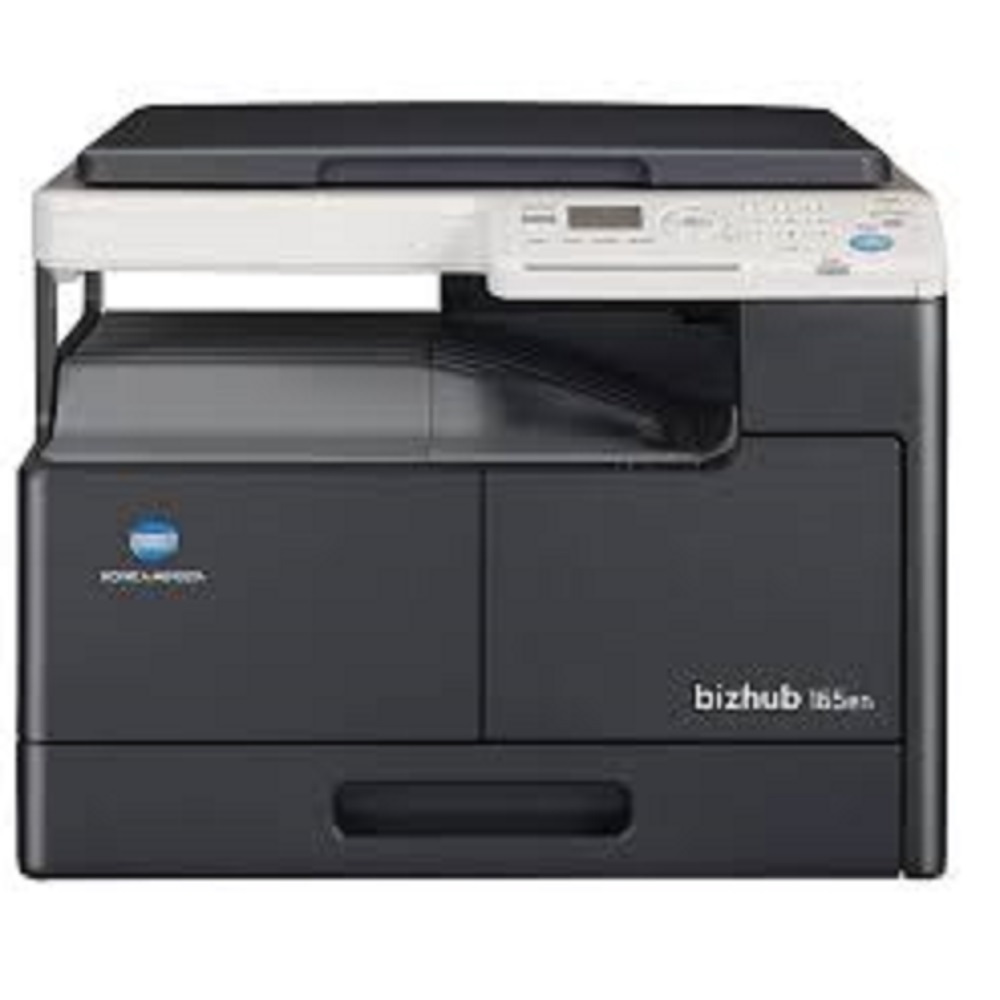
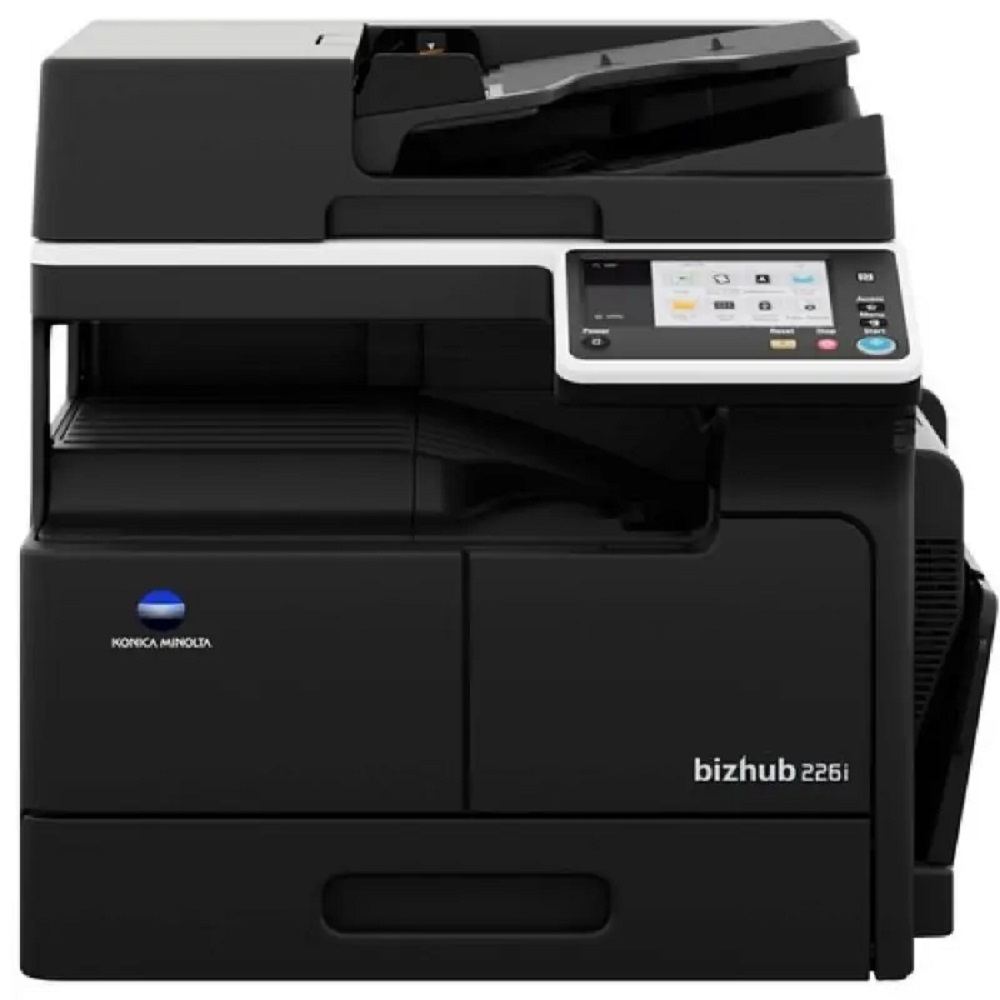
Konica Minolta Bizhub 205i About
General System Specs -
Print speed (A4): up to 20 pages per minute (mono)
-
First page out time: ~6.5 seconds
-
Warm-up time: ~15 seconds
-
Imaging technology: Monochrome laser with Simitri HD polymerised toner
-
Display panel: 5-line LCD (128 64)
-
System memory: 256 MB (standard / max)
Print Specifications -
Print resolution: 600 600 dpi
-
Page description: GDI (uses host computer processing)
-
Operating systems supported: Windows & Linux (various versions)
Paper Handling -
Paper sizes supported: A5 to A3 (including custom sizes)
-
Standard paper input: ~350 sheets total (tray + bypass)
-
Optional extra trays: Expand up to ~1,350 sheets
-
Manual bypass feed: up to ~100 sheets
-
Automatic duplex (optional): Yes (A5A3)
-
Paper weight: 64157 g/m
-
Output capacity: ~250 sheets
Scanner -
Scan type: Flatbed (ADF optional)
-
Scan resolution: up to 600 600 dpi
-
Scan speed: ~55 ipm (simplex mono) / ~20 ipm (colour) with ADF
-
Scan features: Scan-to-Email/SMB/FTP/USB, TWAIN scanning, multiple file formats
Copy Features Fax (Optional) -
Fax type: Super G3 optional
-
Fax resolution: up to 408 392 dpi
-
Modem speed: up to 33.6 kbps
Connectivity & Protocols -
Interfaces: 10/100 Ethernet, USB 2.0
-
Network protocols: TCP/IP (IPv4/IPv6), SMB, LPD, IPP, SNMP, HTTP
Physical & Electrical -
Dimensions (WDH): ~607 570 458 mm
-
Weight: ~28.2 kg (without options)
-
Power: 220240 V, <1.30 kW
-
Versatile Document HandlingWith the ability to handle paper sizes from A3 to A5 and a wide range of paper weights (60-210 g/m2), the Bizhub 205i is suited for diverse office document needs. Its 250-sheet standard tray and 100-sheet bypass enable uninterrupted workflow for both small tasks and larger projects.
Reliable Performance and Fast OutputExperience sharp, quick copies and prints with a resolution of 600 x 600 dpi and a first copy time of just 6.5 seconds. The device's maximum monthly duty cycle of 8,000 pages ensures it can keep up with demanding business environments, making it a dependable asset for growing offices.
User-Friendly Interface and ConnectivityEasily connect to the Bizhub 205i via USB 2.0 or optional Ethernet for convenient printing and scanning. It is compatible with Windows 7/8/8.1/10 and Server 2008/2012 systems, simplifying integration into most office setups. Manual duplex printing and intuitive controls streamline the user experience.
FAQ's of Konica Minolta Bizhub 205i:
Q: How do I connect the Konica Minolta Bizhub 205i to my computer?
A: You can connect the Bizhub 205i to your computer using the USB 2.0 port included as standard, or opt for an Ethernet connection if network sharing is needed. Make sure to install the appropriate driver compatible with your Windows operating system.
Q: What types and sizes of paper does the Bizhub 205i support?
A: The copier accepts paper sizes ranging from A3 to A5 and can handle paper weights between 60 and 210 g/m2. This flexibility suits a variety of business document requirements, from reports to presentation materials.
Q: When should I perform maintenance or replace consumables?
A: Regular maintenance is recommended as per the user manual or around every 8,000 pages, the device's maximum monthly duty cycle. Replace consumables such as toner and paper trays when prompted by the machine or if print quality declines.
Q: Where is the Bizhub 205i best suited for use?
A: This multifunction copier is ideal for small to medium-sized offices, educational institutions, and service centers seeking efficient black & white document processing within a compact footprint.
Q: What is the benefit of the manual duplex printing feature?
A: Manual duplex printing allows users to print on both sides of the paper, helping reduce paper usage and costs. It's particularly useful for offices aiming to lower their environmental impact and operational expenses.
Q: How quickly can the device deliver the first copy and subsequent pages?
A: The Bizhub 205i produces its first copy in 6.5 seconds or less and goes on to deliver up to 20 copies per minute (A4), ensuring swift turnaround for busy workdays.
Q: What process does the Bizhub 205i use for printing and copying?
A: This device uses a laser electrostatic, indirect technology to provide consistent monochrome prints and copies, ensuring professional document quality with every job.







 Send Inquiry


 Send Inquiry