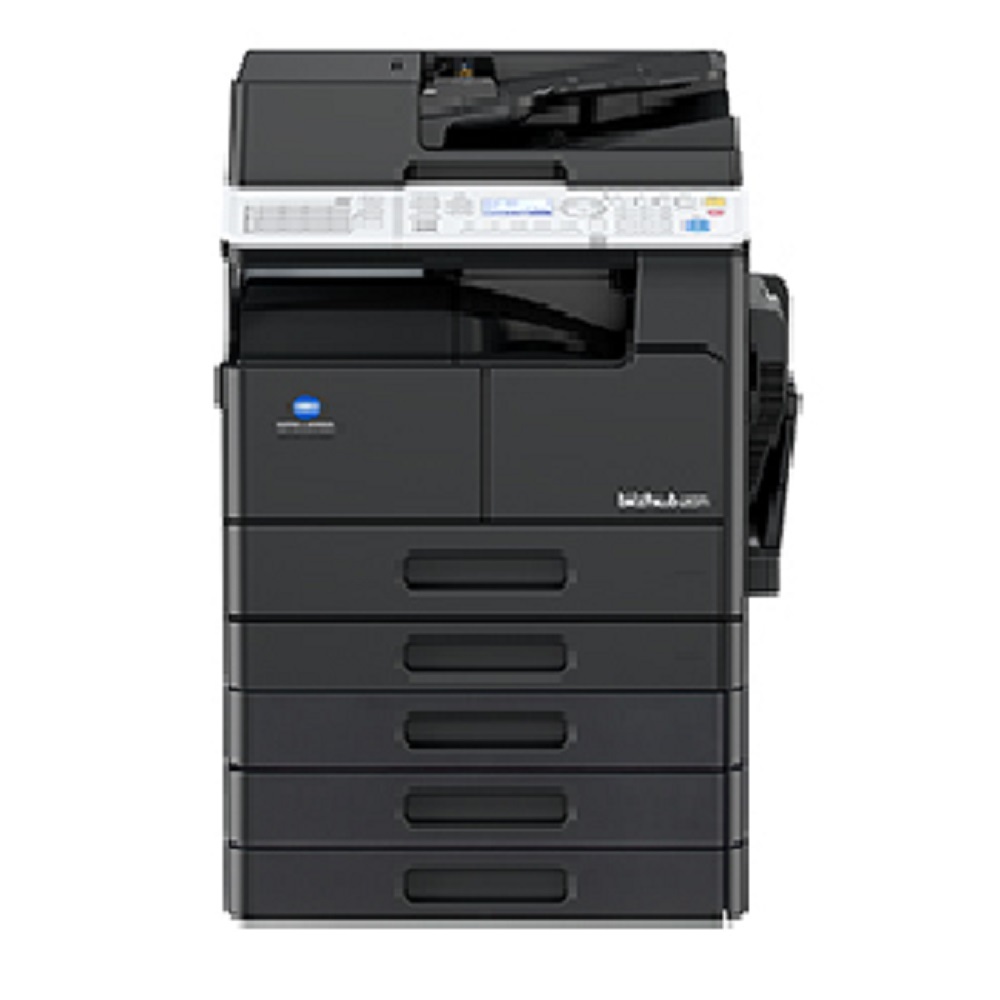
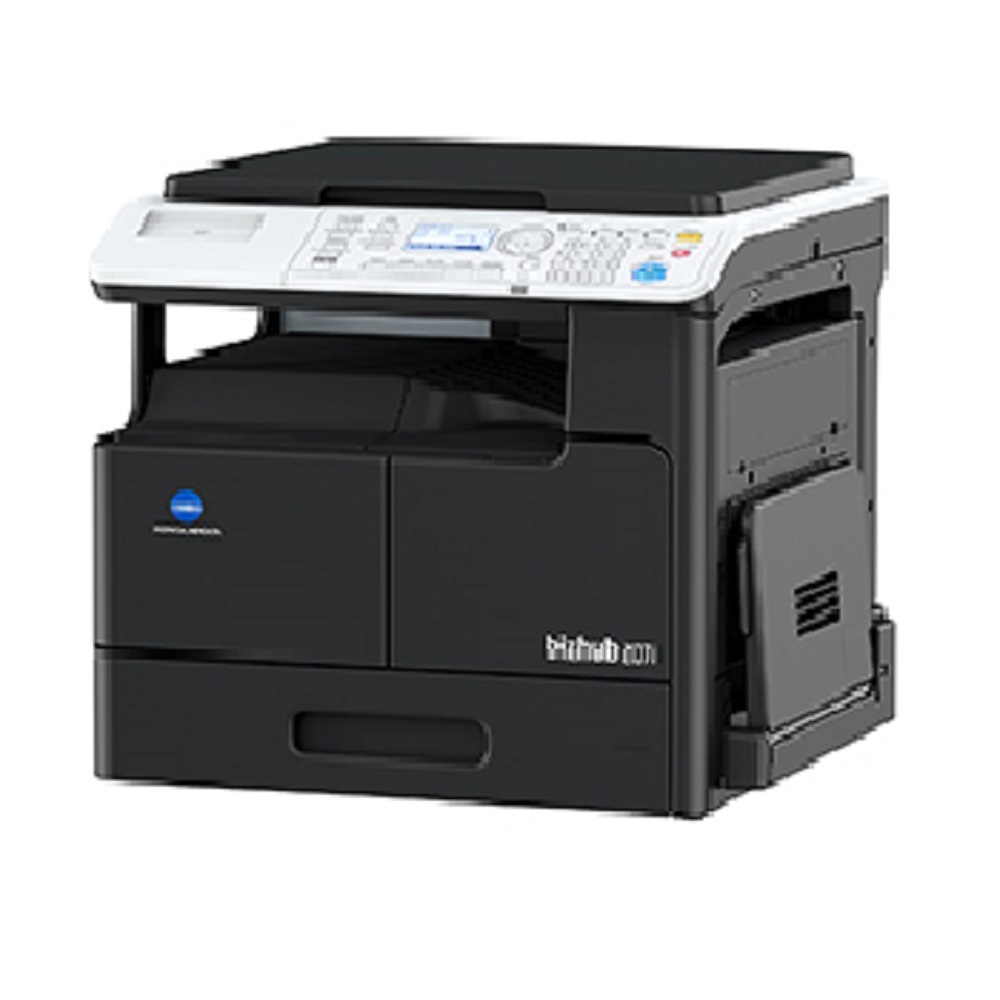
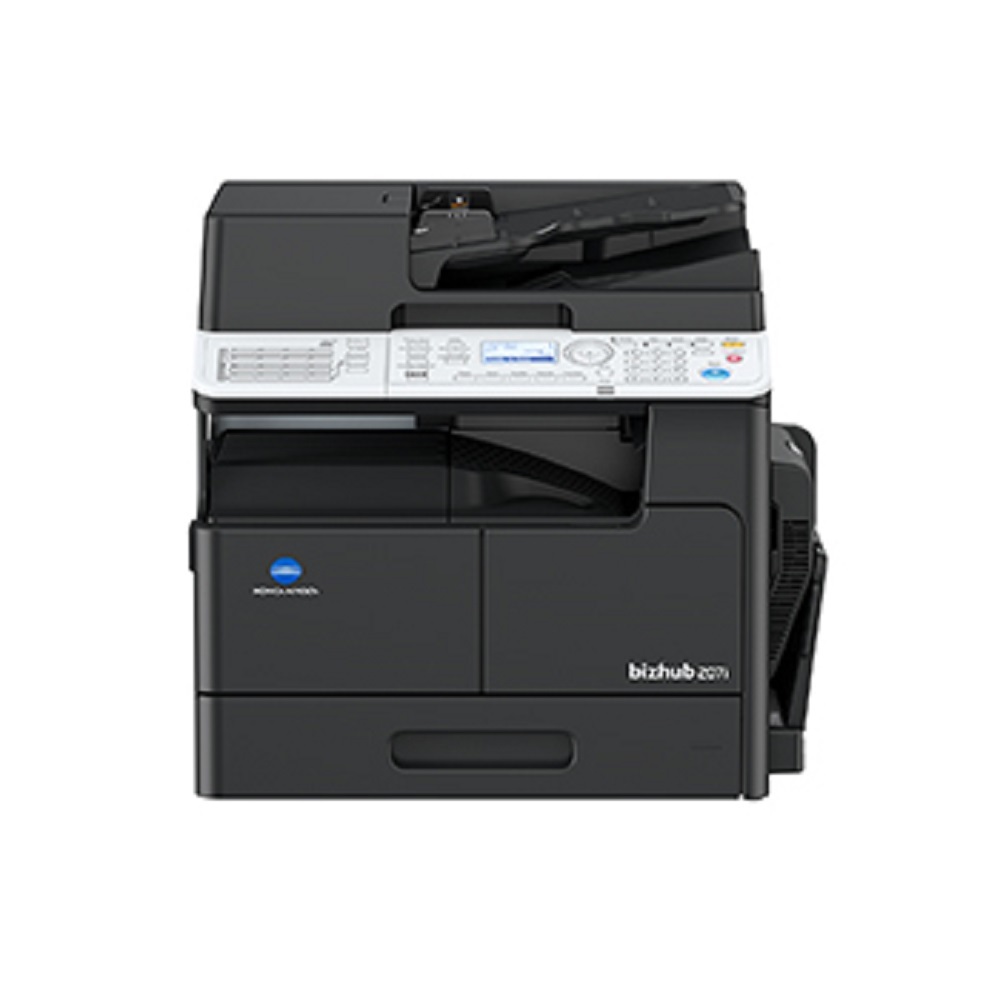
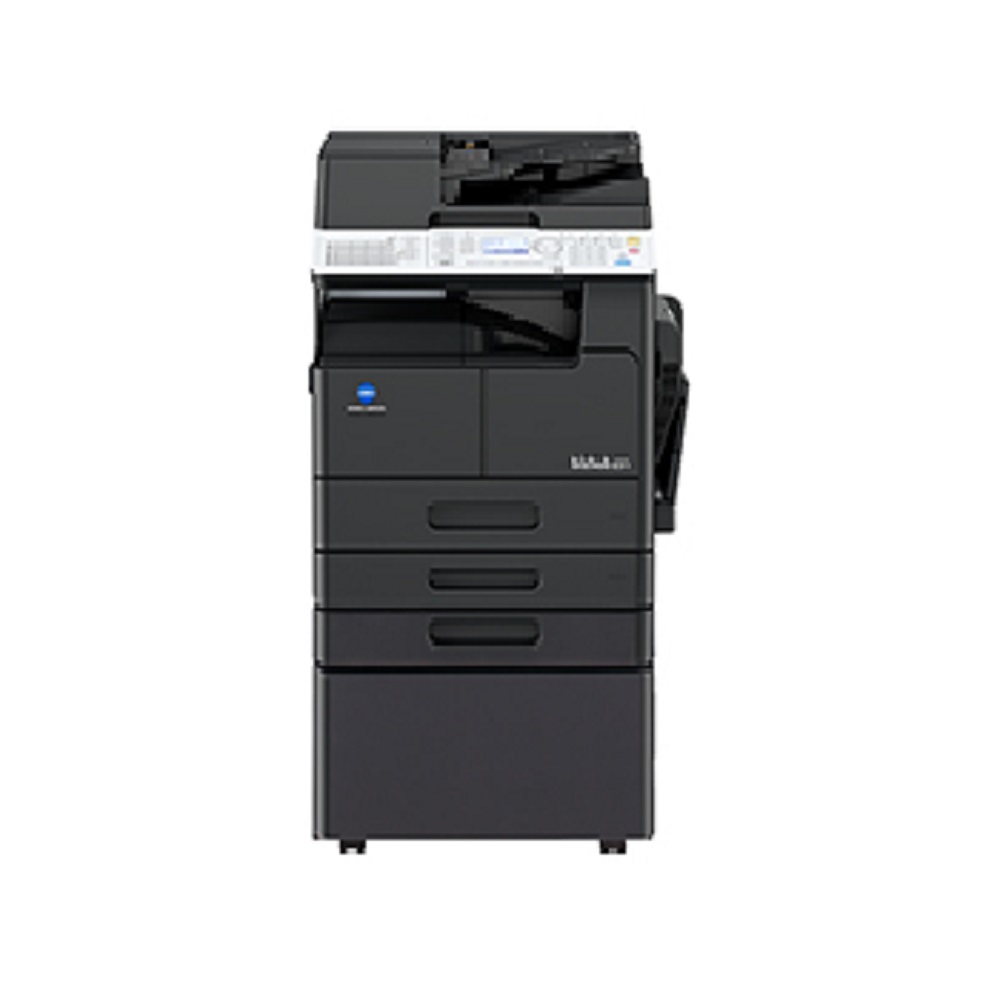
Konica Minolta bizhub 207i About
Key Features
- Print, Copy & Color Scan
- Print Speed: 20 Pages Per Minute (A4)
- A3 & A4 Paper Size Support
- Optional Automatic Duplex Printing
- Network Printing & Network Color Scanning
- USB & Ethernet Connectivity
- Mobile Printing Support
- 256 MB Memory
- Up to 350 Sheets Standard Paper Capacity (Expandable)
- Compact & Energy-Efficient Design
- User-Friendly LCD Display
- High-Quality Monochrome Output
Applications
- Corporate Offices
- Schools & Colleges
- Hospitals
- Banks
- Government Offices
- Print & Copy Centers
- Small & Medium Businesses
Why Choose Us?
- Genuine Konica Minolta Products
- Competitive Pricing
- Professional Installation
- Warranty Support
- AMC & On-Site Service Available
- Genuine Spare Parts
- Fast Delivery Across India
Technical Specifications
- Brand: Konica Minolta
- Model: bizhub 207i
- Functions: Print, Copy, Color Scan
- Print Speed: 20 PPM
- Paper Size: A3, A4, Legal
- Connectivity: USB, Ethernet
- Memory: 256 MB
- Paper Capacity: 350 Sheets (Expandable)
- Output Type: Monochrome
- Display: LCD Panel
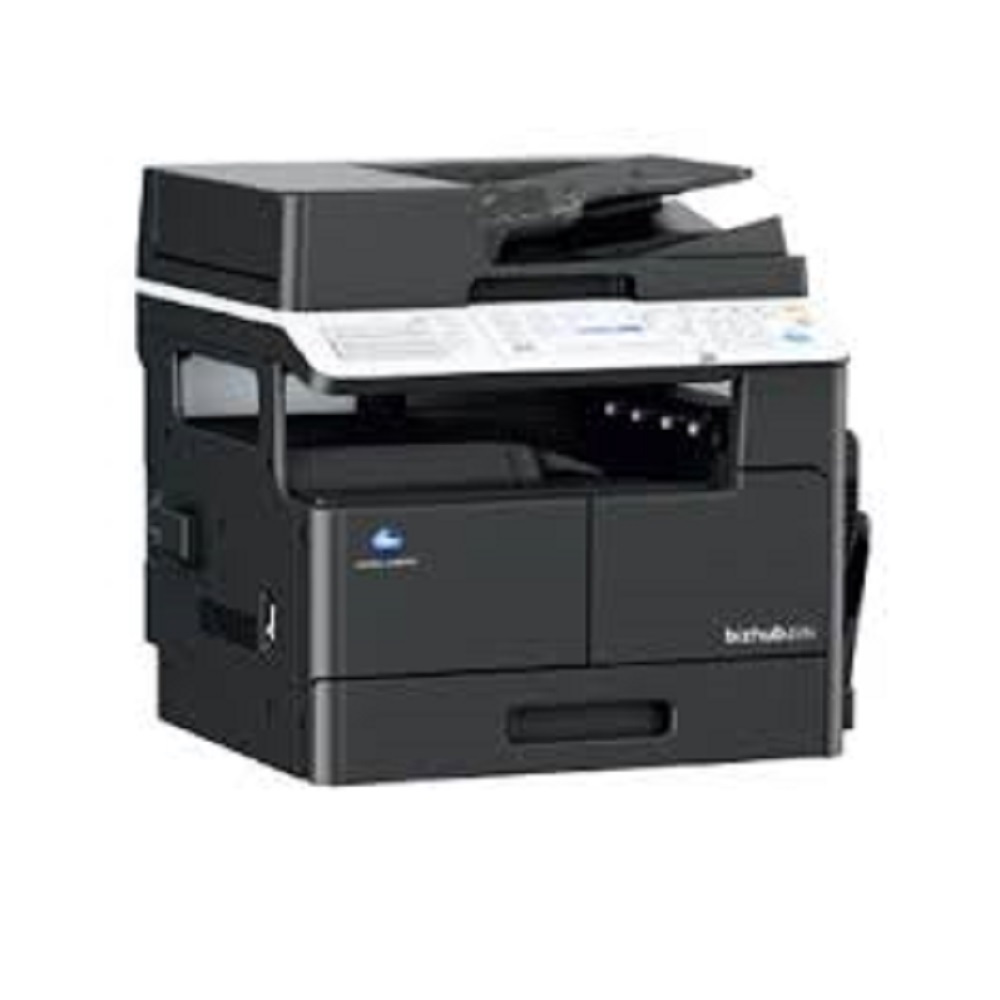
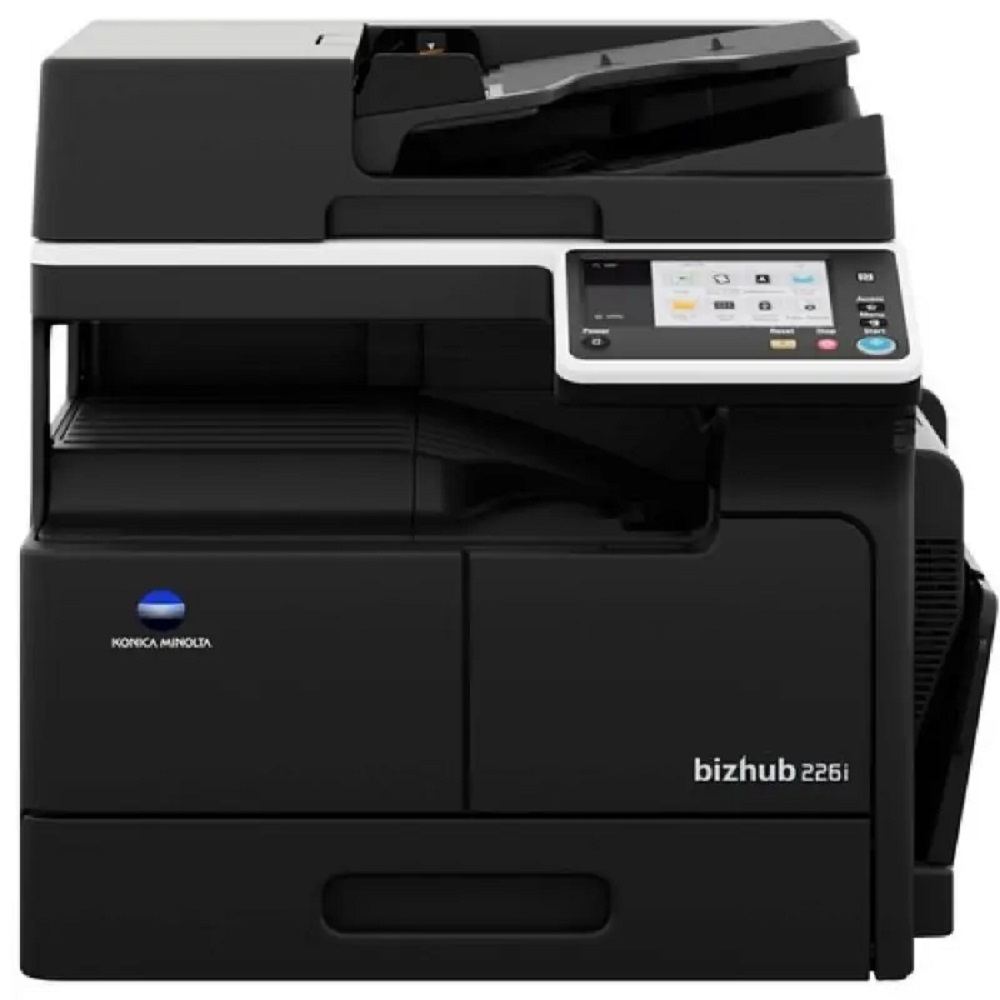
Powerful Performance with User-Friendly ControlThe bizhub 207i is powered by a Cortex-A9 1.2 GHz processor and features an intuitive 2-line LCD panel with hard keys, ensuring swift operation and clear navigation for every user. With quick warm-up times and first copy speeds of just 6.5 seconds, your workflow remains uninterrupted.
Flexible Paper Handling and Superior Print QualityThis multifunction printer supports a standard input of 350 sheets, expandable up to 1,350 sheets, and accommodates paper sizes from A5 to A3 with weights between 60 and 210 gsm. Duplex printing and an output tray of 250 sheets streamline document output, while the 600 x 600 dpi resolution guarantees crisp, professional-quality prints.
Comprehensive Connectivity and VersatilityEquipped with Gigabit Ethernet, USB 2.0, and support for Windows, Mac OS, and Linux, the bizhub 207i adapts seamlessly to diverse office environments. Advanced scanning functions-scan-to-email, SMB, USB-combined with optional fax capabilities, provide robust document management from a compact footprint.
FAQ's of Konica Minolta bizhub 207i:
Q: How does the Konica Minolta bizhub 207i benefit my office operations?
A: The bizhub 207i streamlines office tasks by combining print, copy, and scan functions in one device. Its fast print speed, high input capacity, and advanced scanning features reduce wait times and increase overall productivity.
Q: What types of paper and sizes can the bizhub 207i handle?
A: This printer supports a range of media, from A5 to A3 sizes and paper weights between 60 to 210 gsm, making it suitable for standard documents, reports, and larger format prints.
Q: When is the optional fax function useful for my business?
A: The fax option is ideal if your office regularly sends or receives fax documents, allowing seamless integration of traditional communication with digital workflows in your daily operations.
Q: Where can I find support or service for the bizhub 207i in India?
A: Support, service, and sales are available through authorized dealers, distributors, service providers, and suppliers across India. You can contact your local Konica Minolta representative for assistance.
Q: What is the process to scan and share documents using the bizhub 207i?
A: You can use the ADF to scan up to 80 sheets at once and select scan-to-email, scan-to-SMB (network folder), or scan-to-USB options directly from the control panel, facilitating easy and quick document distribution.
Q: How quiet is the bizhub 207i during operation?
A: The printer operates at less than 52 dB, ensuring a quiet working environment even during heavy-use periods.
Q: What operating systems are compatible with this multifunction printer?
A: The bizhub 207i supports Windows, Mac OS, and Linux operating systems, ensuring broad compatibility with most office networks.







 Send Inquiry


 Send Inquiry