HP ScanJet Pro N4000 snw1 About
Key Features
- High-Speed Document Scanner
- Scan Speed: Up to 40 ppm / 80 ipm
- Single-Pass Duplex Scanning
- 50-Sheet Automatic Document Feeder (ADF)
- Optical Resolution: Up to 600 dpi
- Daily Duty Cycle: Up to 4,000 Pages
- Wi-Fi, Wi-Fi Direct, Ethernet & USB 3.0 Connectivity
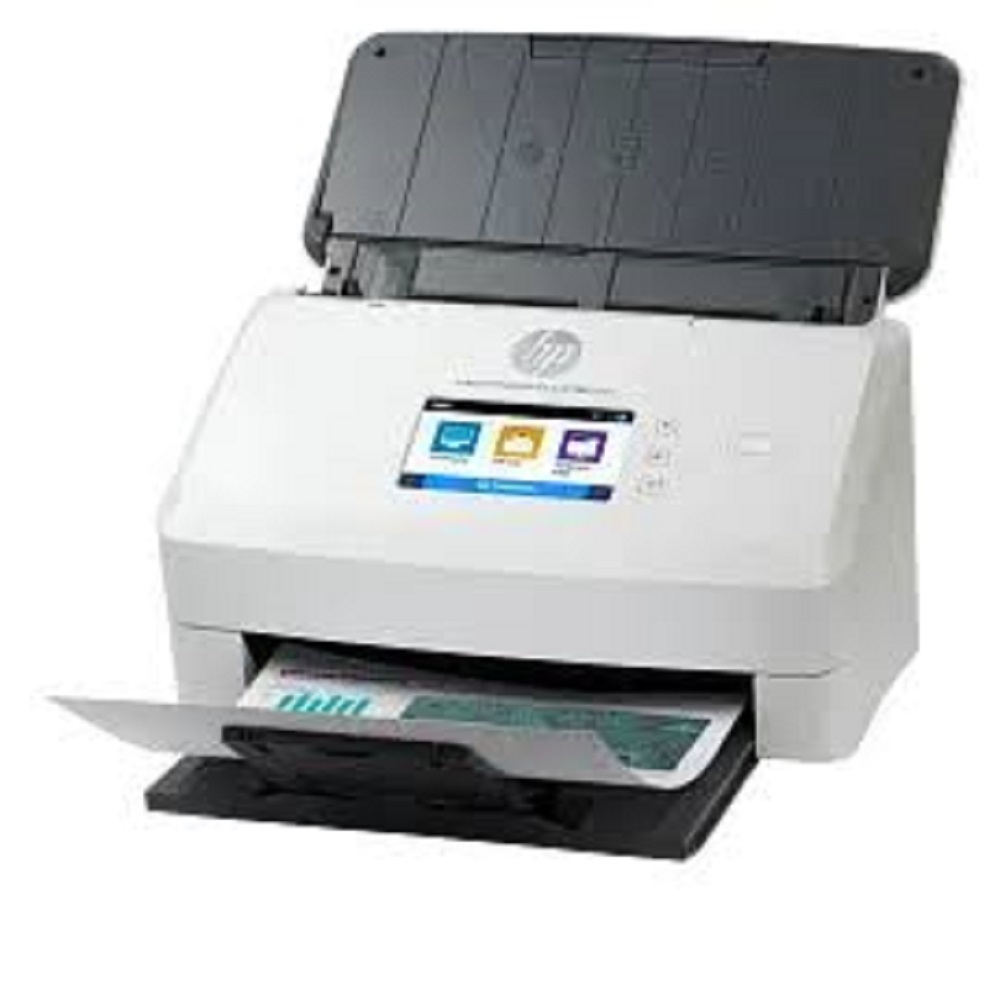
- 2.8-inch Colour Touchscreen Display
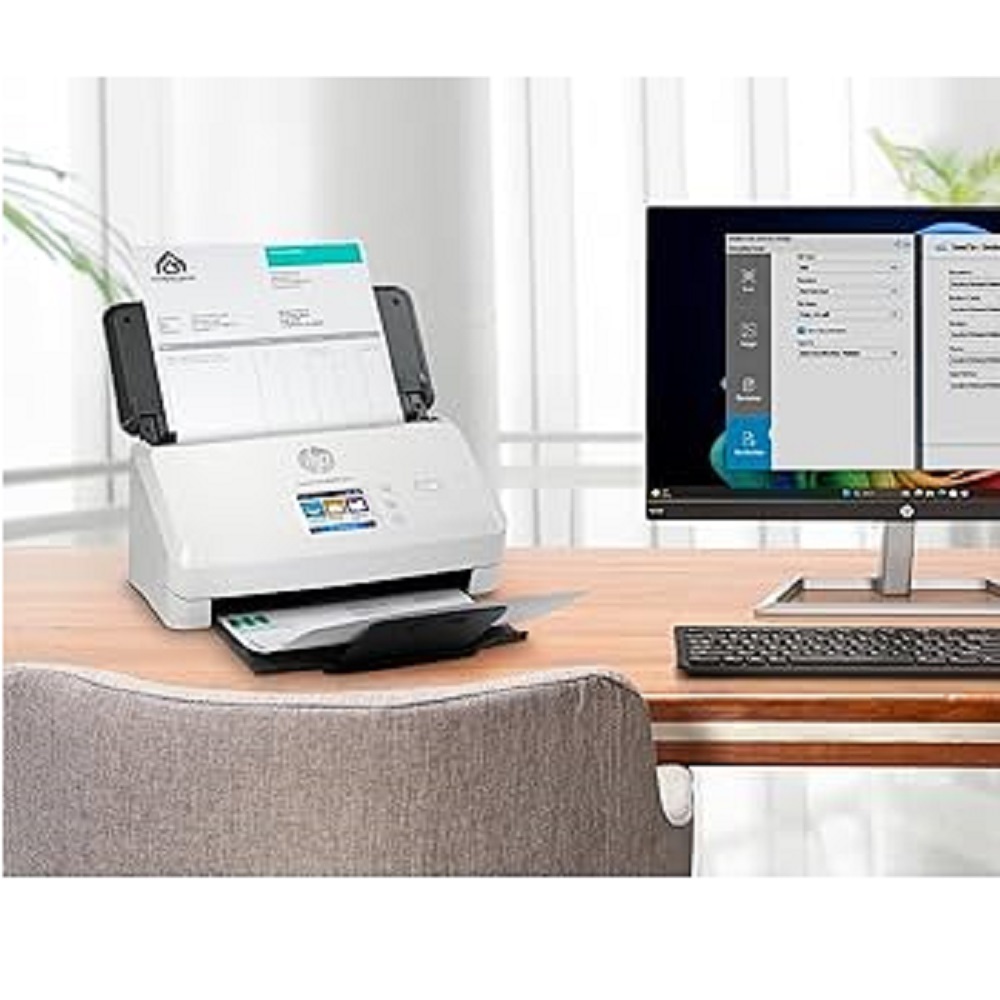
- Scan to PC, Email, USB, Network Folder, Cloud & SharePoint
- OCR & Searchable PDF Support
- HP EveryPage Ultrasonic Multi-Feed Detection
- Supports Paper, Business Cards, Plastic ID Cards & Bank Cheques
- Compatible with Windows, macOS & Linux Operating Systems
Applications
- Corporate Offices
- Banking & Financial Institutions
- Government Departments
- Healthcare & Hospitals
- Educational Institutions
- Legal & CA Firms
- Logistics & Warehousing
- Document Management & Archiving
Why Choose HP ScanJet Pro N4000 snw1?
- Fast & Reliable High-Volume Scanning
- Wireless & Network Connectivity
- Advanced OCR & Document Management
- Secure and Efficient Workflow Automation
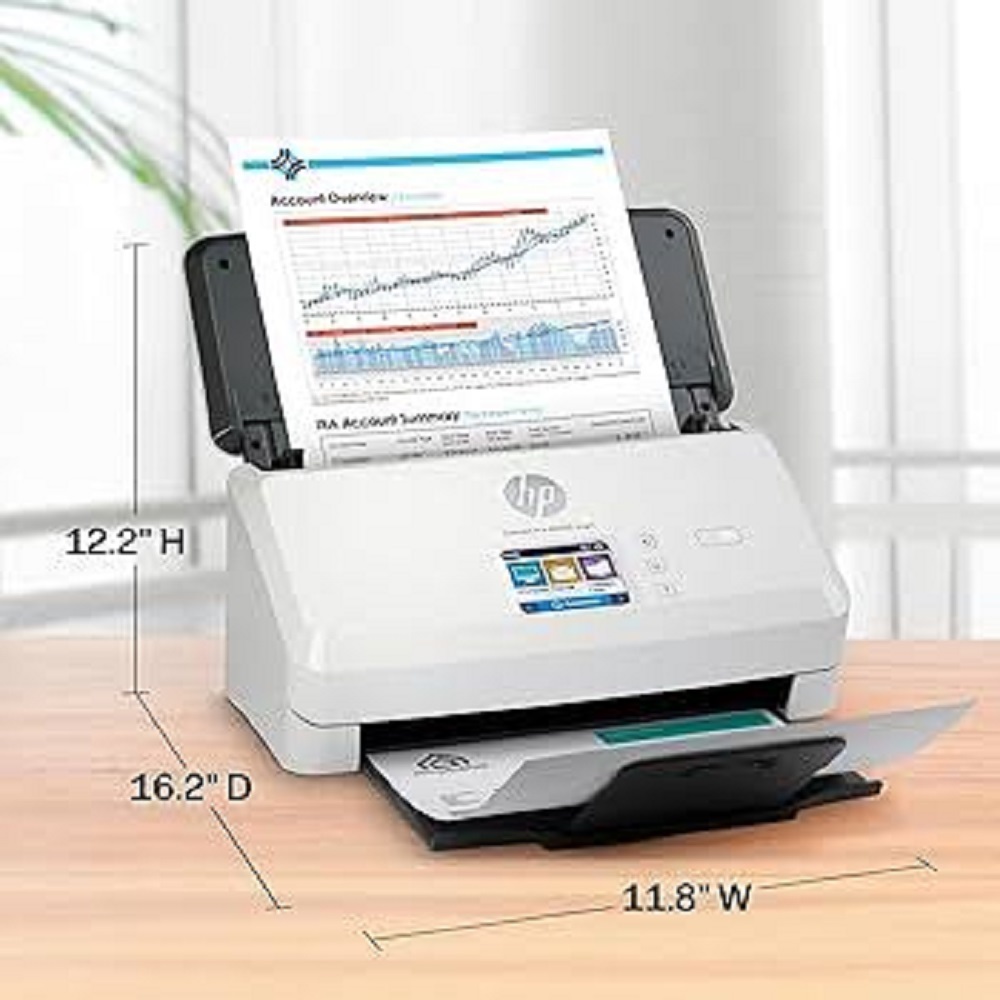
- Compact Design with Low Power Consumption
- Professional-Grade Scanning Performance
Available From
ALL TECH SOLUTIONS
Authorized Dealer of HP Scanners & Office Automation Products
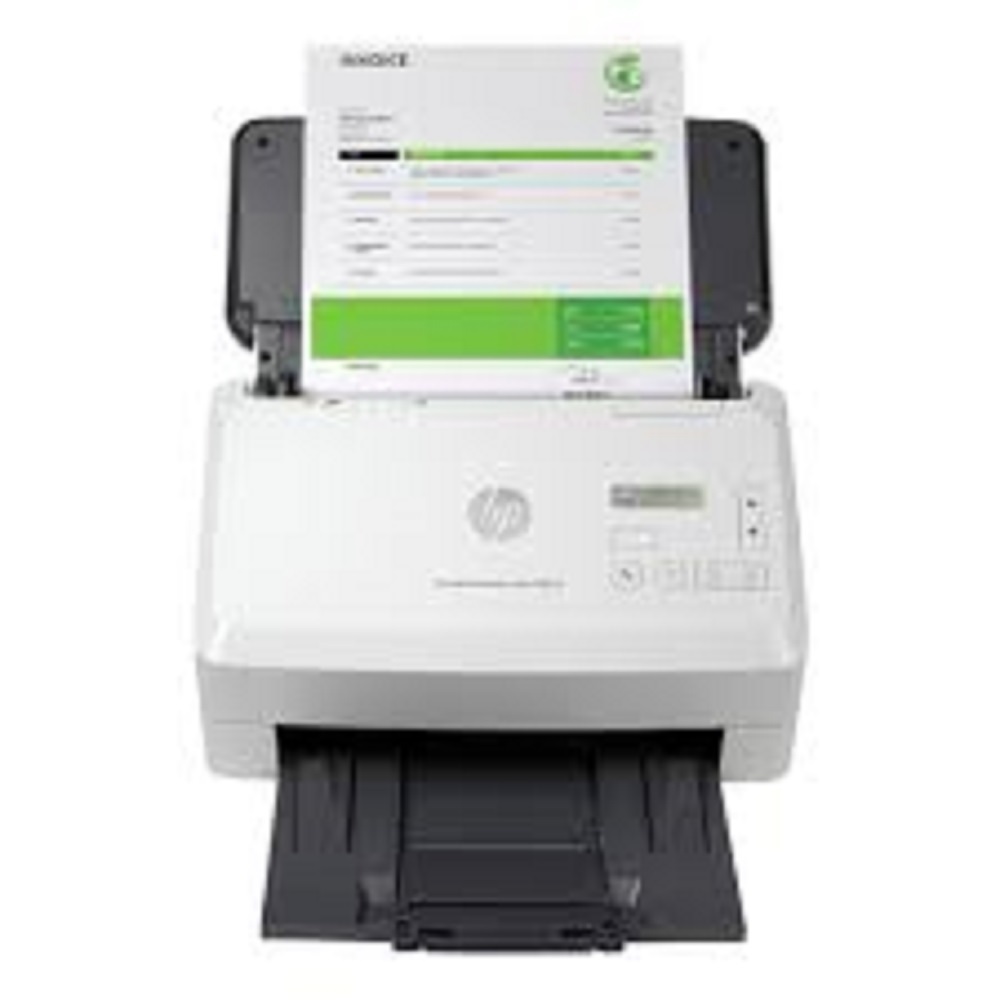
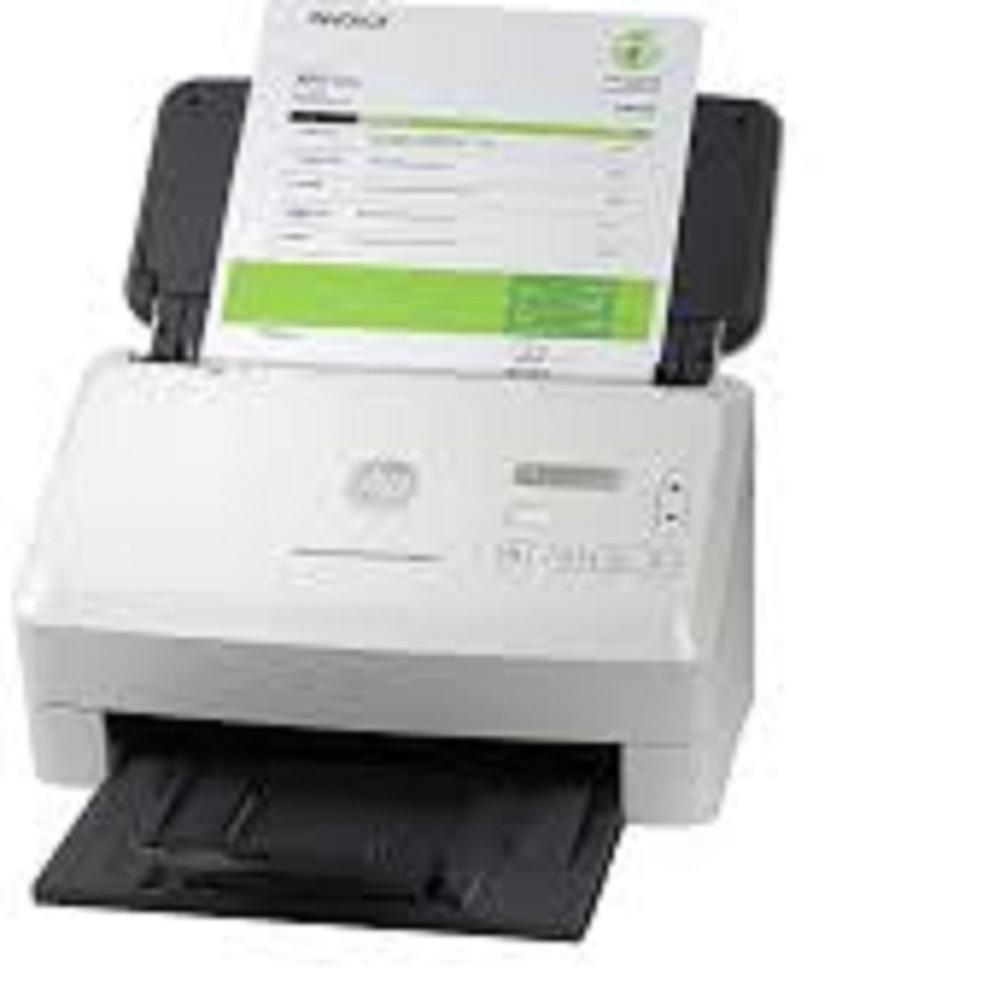
Boost Productivity with Advanced ScanningThe HP ScanJet Pro N4000 snw1 empowers businesses to efficiently digitize documents. Its powerful ADF allows hands-free scanning of up to 50 sheets, and duplex scanning saves time by capturing both sides in one pass. With a daily duty cycle of up to 4,000 pages, it supports heavy office use without compromising speed or quality.
Flexible Connectivity and Seamless IntegrationOffering connectivity via USB 3.0, Wi-Fi, and Ethernet, this scanner easily integrates into diverse office setups. It is compatible with Windows, Mac OS, and Linux systems, and supports cloud, email, USB, and network folder scan destinations, promoting convenient, streamlined workflows.
Intuitive Operation and Mobile SupportA 2.8-inch touchscreen interface makes operation straightforward, while HP JetAdvantage Capture support enables mobile scanning, so you can digitize documents directly from your smartphone. The scanner is plug & play, making installation hassle-free for new users.
FAQ's of HP ScanJet Pro N4000 snw1:
Q: How does the Auto Document Feeder (ADF) benefit high-volume scanning tasks?
A: The 50-sheet ADF allows you to scan large document batches without manual intervention, significantly increasing efficiency and productivity for high-volume business and office tasks.
Q: What file formats can the HP ScanJet Pro N4000 snw1 output scanned documents in?
A: This scanner supports a wide range of file formats, including PDF, JPEG, TIFF, PNG, TXT, RTF, and BMP, enabling flexibility for varied document management needs.
Q: When and how can I utilize mobile scanning with this device?
A: You can use the HP JetAdvantage Capture app on your smartphone at any time to initiate scans remotely, making it convenient to digitize documents when you're away from your PC.
Q: Where can scanned documents be sent using the ScanJet Pro N4000 snw1?
A: Scanned files can be directed to email, USB drives, cloud storage, network folders, or directly to a connected PC, offering versatile distribution options to suit your workflow.
Q: What is the process for installing and setting up this scanner?
A: The scanner is plug & play and comes with necessary accessories like the ADF tray, power adapter, and USB cable. Connect to your preferred interface (USB, Wi-Fi, or Ethernet), install the drivers, and follow the on-screen setup instructions via the touchscreen display.
Q: How does duplex scanning work on this model?
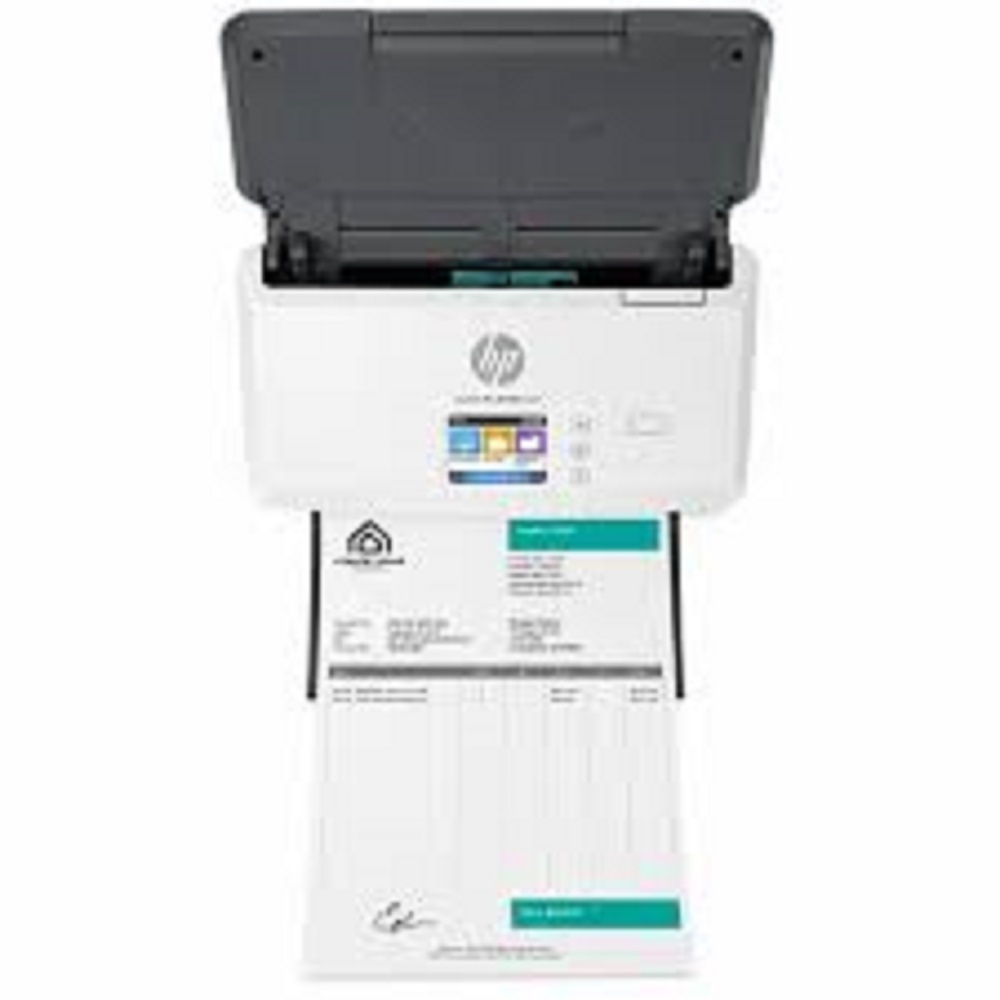
A: With automatic duplex scanning, both sides of a document are captured in a single pass, reducing handling time and making double-sided document management seamless.
Q: What are the key advantages of using the HP ScanJet Pro N4000 snw1 in an office environment?
A: Key benefits include high-speed scanning up to 40 ppm/80 ipm, support for diverse document types and sizes, versatile connectivity, reliable daily operation up to 4,000 pages, and robust compatibility with various platforms, all in a compact, desktop-friendly design.







 Send Inquiry


 Send Inquiry