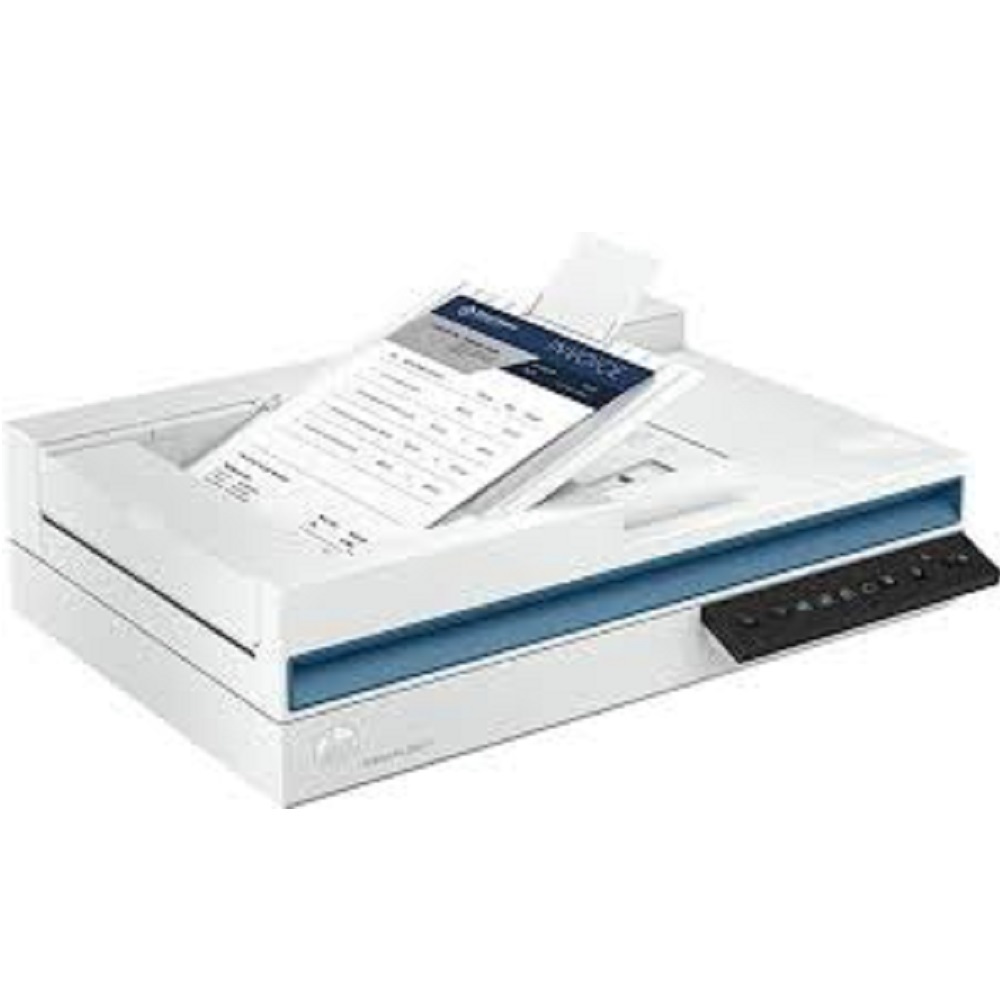
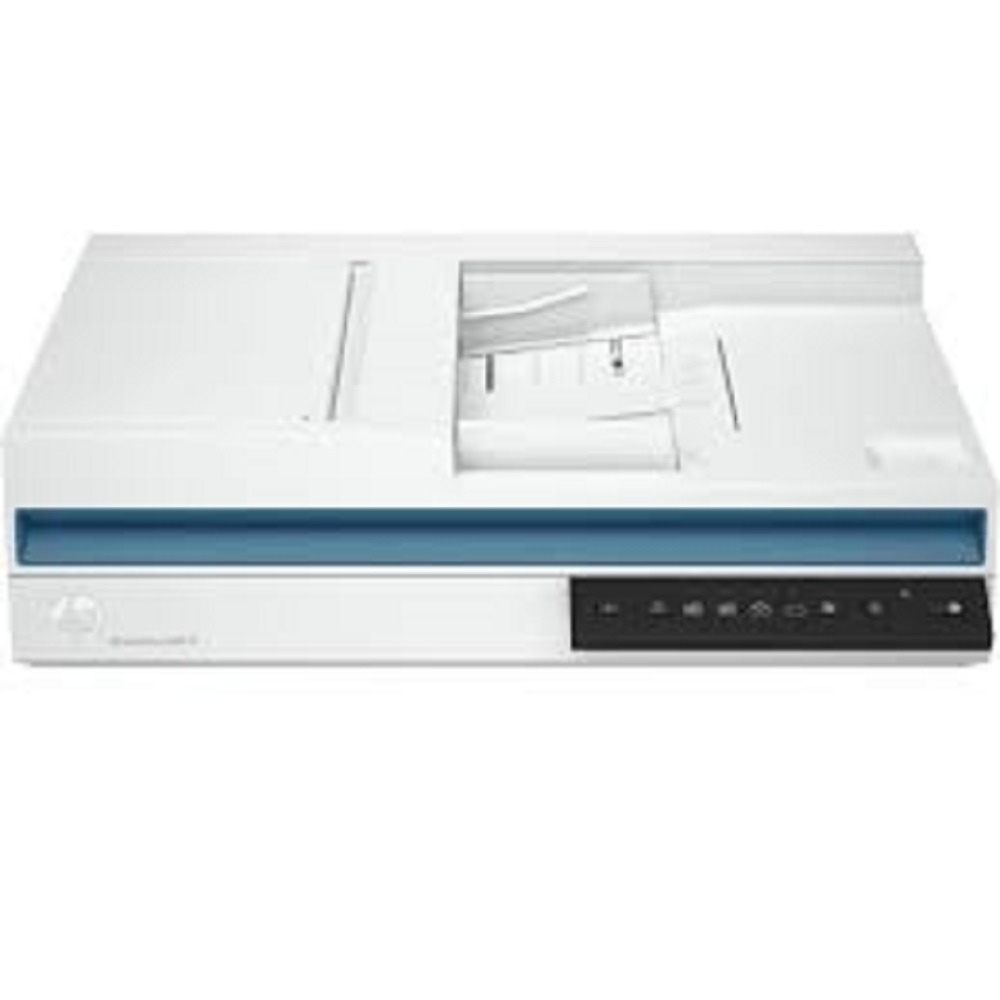
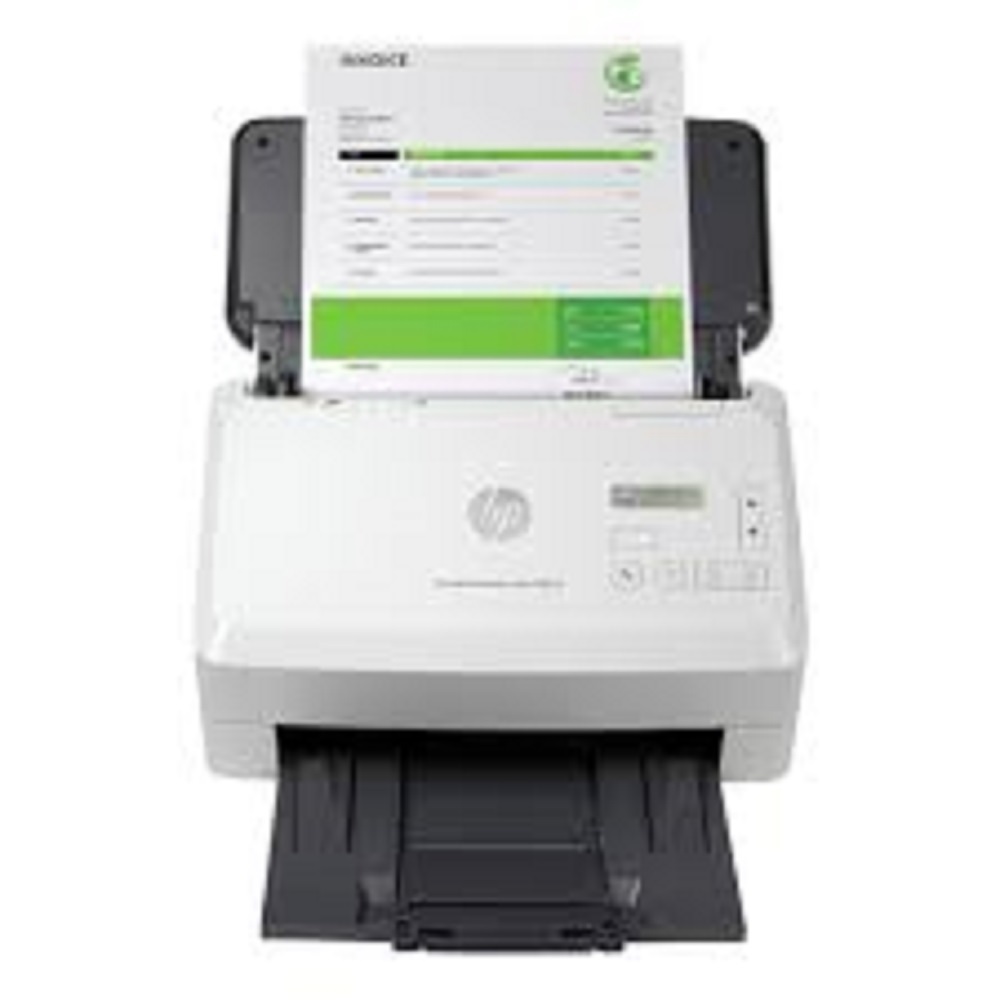
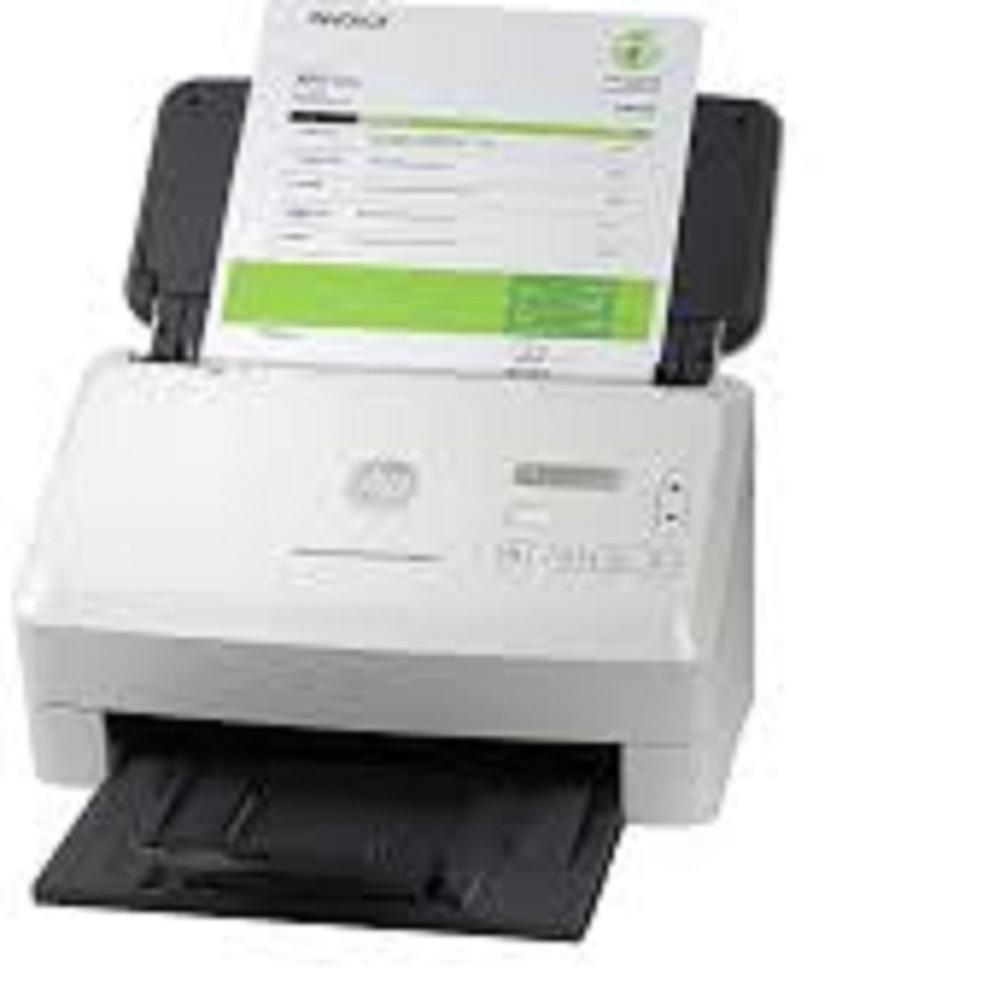
HP ScanJet Pro 2600 f1 Scanner About
default
- Product number
- 20G05A
- Scanner type
- ADF; CIS scanning technology; Flatbed
Scan Resolution
-
Scan Resolution, Optical
-
Up to 600 dpi (color and mono, ADF); Up to 1200 dpi (color and mono, flatbed)
-
Scan Resolution, Hardware
-
Up to 600 x 600 dpi (color and mono, ADF); Up to 1200 x 1200 dpi (color and mono, flatbed)
-
Output Resolution Dpi Settings
-
75; 150; 200; 240; 300; 400; 500; 600; 1200 ppi
Scan Speed
-
Automatic document feeder scan speed
-
Up to 25 ppm/50 ipm (b&w, gray and color, 300 dpi)
-
Scan speed footnote number
-
[2] Scan speeds of up to 25 ppm measured at 300 dpi (color) from automatic document feeder when scanning to digital file. Actual speeds may vary depending on scan resolution, network conditions, computer performance and application software.
Scanner Specifications
-
Duty cycle (daily)
-
Recommended daily duty cycle: 1500 pages (ADF)
-
Bit Depth
-
24-bit (external), 48-bit (internal)
-
Auto document feeder capacity
-
Standard, 60 sheets
-
Scan size, maximum
-
216 x 297 mm
-
Scan size (ADF), maximum
-
216 x 3100 mm
-
Scan size ADF (minimum)
-
89 x 148 mm
-
Scan input modes
-
Scan front-panel function : Save as PDF, Save as JPEG, E-mail as PDF and Send to Cloud. HP Scan in Win OS, HP Easy Scan/ICA in Mac OS and third parties applications via TWAIN.
-
Scan file format
-
For text and image pages: PDF, JPEG, PNG, BMP, TIF, Text(TXT), Rich Text(RTF), SEARCHABLE PDF, PDF/A, Word(DOC), Word(DOCX), Excel(XLS), Excel(XLSX), CSV
-
Scanning options (ADF)
-
Single-pass Duplex scanning
-
Duplex ADF scanning
-
Yes
-
Scan technology
-
ADF; Flatbed; Contact Image Sensor (CIS)
-
Levels of grayscale
-
256
-
Color scanning
-
Yes
-
Multifeed detection
-
No
-
Light source (scanning)
-
Light Emitting Diode (LED)
- Processor speed
-
666 MHz
-
Memory
-
256 MB
Connectivity and Communications
-
Connectivity, standard
-
USB 2.0
-
Twain version
-
Version 2.4
-
Control panel
-
6 lights (Shortcut, Duplex, Error); 5 button (Power, Scan, Duplex, Shortcut Select, Cancel )
Power
-
Power
-
Input Voltage: 100 to 240 VAC
-
Power supply type
-
External power adapter
-
Power Consumption
-
12.90 watts (Active - Scanning), 5 watts (Ready), 1.11 watts (Sleep), 0.06 (Auto-Off), 0.06 (Manual-Off)
Supported Printing Media
-
Media weights, supported, ADF
-
60 to 105 g/m2
-
Media size (ADF)
-
Letter; Legal; Executive; A4; A5; A6; B5; B5 (JIS)
-
Media types
-
Paper (banner, inkjet, photo, plain), envelopes, labels, cards (greeting, index)
Environmental
-
Operating temperature range
-
10 to 35C
-
Storage temperature range
-
-40 to 60C
-
Operating humidity range
-
15 to 80% RH (non-condensing)
-
Non-Operating Humidity Range
-
0 to 90% RH (non-condensing)
-
Acoustic power emissions
-
6.5 B(A)
System Requirements
-
Compatible Operating Systems
-
Windows 11; Windows 10; Windows 8; Windows 8.1; Windows 7; Windows Server; macOS 10.14 Mojave; macOS 10.15 Catalina; macOS 11 Big Sur; macOS 12 Monterey; Linux
-
Minimum System Requirements
-
Microsoft Windows (11, 10, 8.1, 7 : 32-bit and 64-bit, 2008 R2, 2012 R2, 2016, 2019); 2 GB available hard disk space, Internet connection, Microsoft Internet Explorer or any browser
-
Mac compatible
-
Yes
-
Minimum System Requirements for Macintosh
-
10.14(Mojave), 10.15(Catalina) and 11.x(Big SUR) Internet required
Dimensions and Weight
-
Dimensions (W x D x H)
-
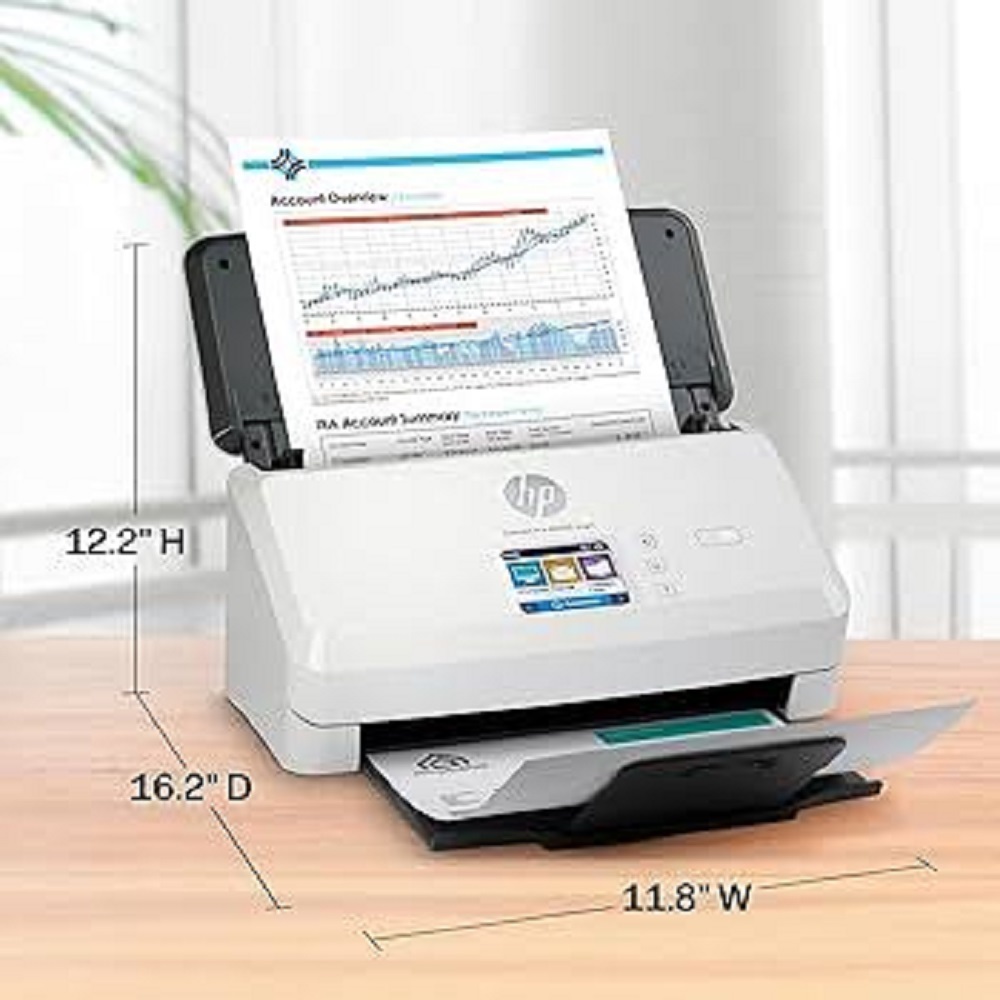
491.5 x 325.4 x 133.3 mm
-
Maximum dimensions (W x D x H)
-
491.5 x 422.28 x 387.42 mm
-
Weight
-
5.4 kg
Box contents
-
What's in the box
-
HP ScanJet Pro 2600 f1 Scanner; Install Guide; Supporting flyers; Cushions; USB cable; Power adapter; Power cords
-
Cable included
-
Yes, 1 USB PC to Scanner
-
Software included
-
HP Scan Software, HP Scanner Device Driver, HP WIA scan driver, HP TWAIN scan driver, HP Scanner Tools Utility, ISIS driver
Fast and Reliable ScanningThe HP ScanJet Pro 2600 f1 offers impressive scanning speeds of up to 25 pages per minute and 50 images per minute in duplex mode. Its 60-sheet ADF and single-pass duplex scanning streamline large batch scanning tasks, making it perfect for busy offices and enterprises.
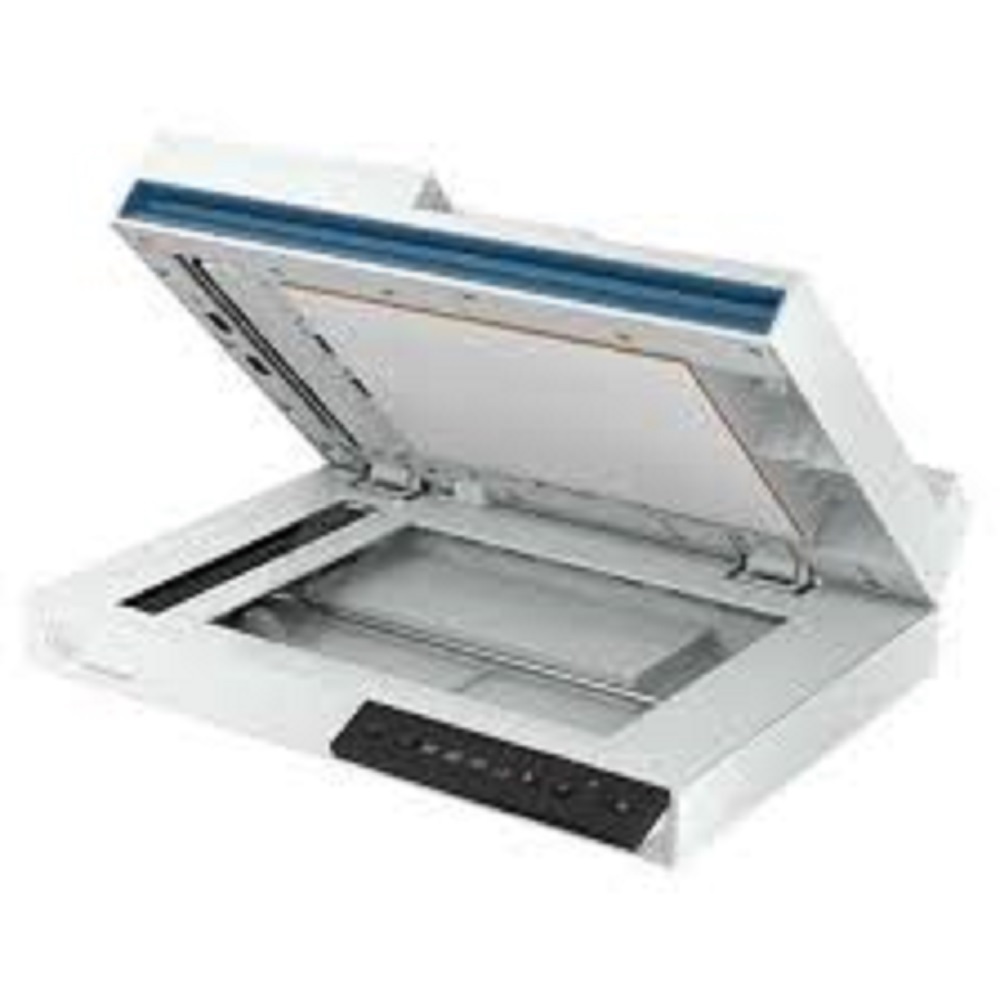
Versatile Document HandlingSupport for a wide range of paper sizes, including A4, A5, B5, and custom formats, paired with robust auto-crop and deskew features ensures accurate digitization regardless of your document type. Flatbed capability further extends the scanner's versatility to delicate or irregular documents.
Advanced Connectivity and CompatibilitySeamlessly integrate the HP ScanJet Pro 2600 f1 into your existing workflow with Hi-Speed USB 2.0 or 3.0. Compatible with Windows 7, 8, 10, 11, and macOS, it suits diverse office environments while maintaining consistent scanning performance.
FAQ's of HP ScanJet Pro 2600 f1 Scanner:
Q: How does the HP ScanJet Pro 2600 f1 handle high-volume scanning tasks?
A: With an auto document feeder capacity of 60 sheets and a daily duty cycle of up to 1,500 pages, the scanner is built for processing large batches efficiently. Its duplex scanning feature captures both sides of each page in a single pass, minimizing manual intervention and maximizing throughput.
Q: What file formats can be saved using the HP ScanJet Pro 2600 f1?
A: The scanner supports several output formats including PDF, searchable PDF, JPEG, PNG, TIFF, TXT, BMP, and RTF, allowing users to select the ideal file type for archiving or document management needs.
Q: When is it best to use the flatbed versus the ADF feature?
A: Use the flatbed for delicate, irregular, or bound documents such as passports and books. The ADF is best suited for rapid, unattended scanning of loose sheets and multipage documents, maximizing efficiency during large jobs.
Q: Where can the HP ScanJet Pro 2600 f1 be installed?
A: Its compact desktop design, measuring 451 x 351 x 122 mm and weighing just 4.3 kg, makes it suitable for various office settings, including workstations, reception areas, and scanning stations within enterprises in India.
Q: What are the benefits of TWAIN/ISIS support on this scanner?
A: TWAIN/ISIS compatibility ensures seamless integration with industry-standard scanning applications and workflow solutions, making it simple to connect the scanner to document management systems and automate business processes.
Q: How does the scanner support secure and searchable document management?
A: With built-in OCR, the device generates searchable PDF files, facilitating easy retrieval and indexing of scanned documents without additional software, enhancing productivity and document security.







 Send Inquiry


 Send Inquiry