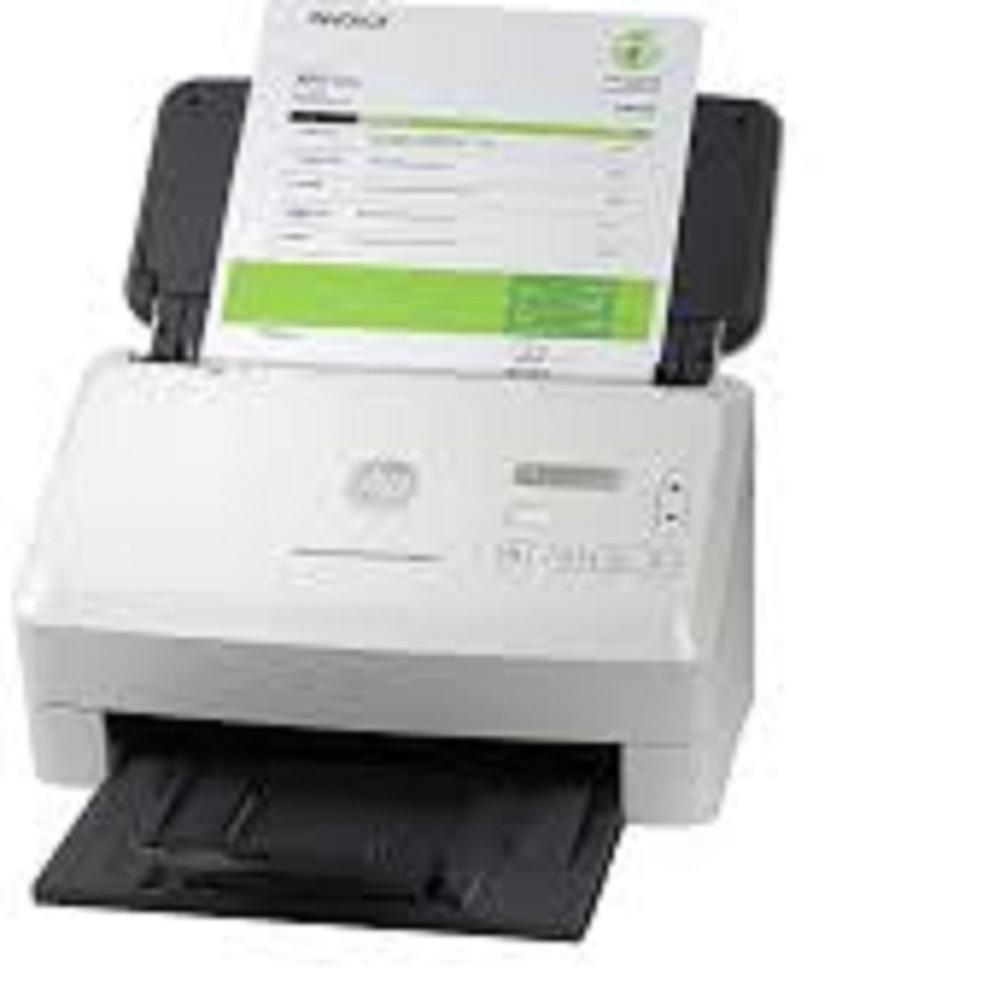
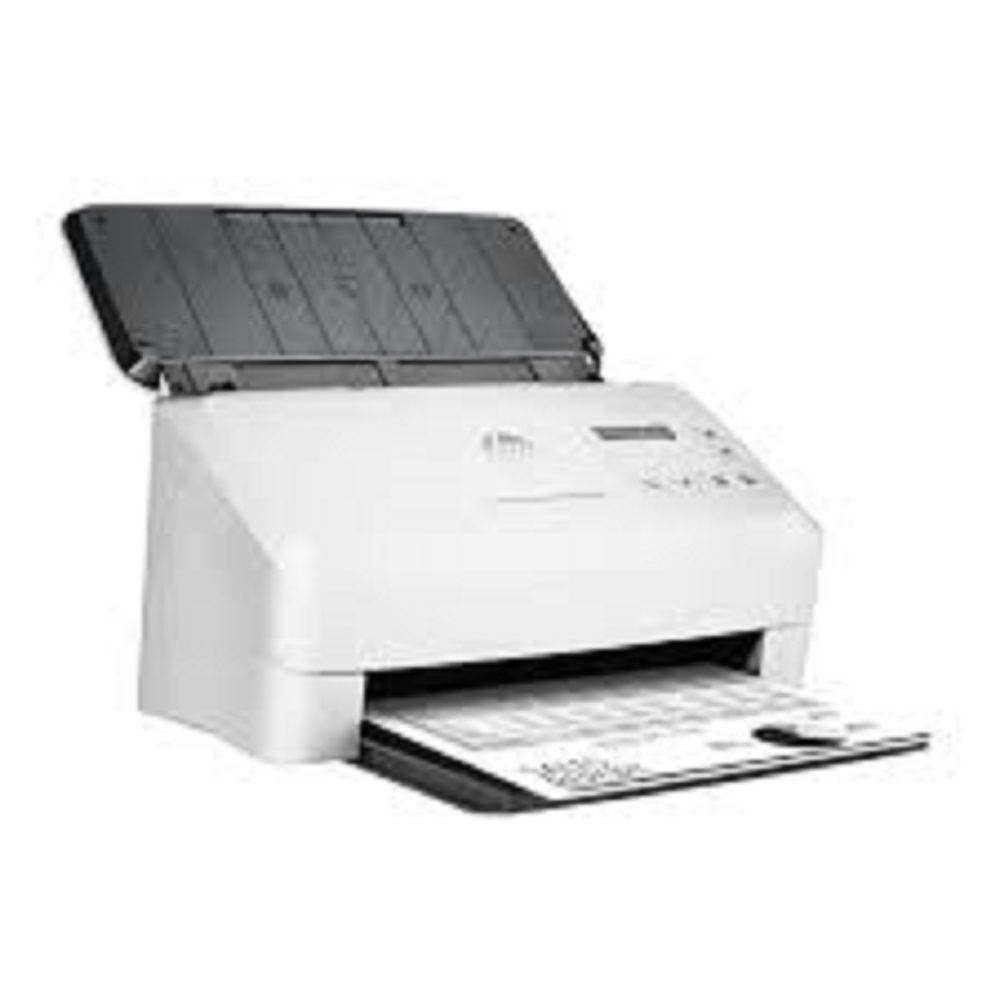
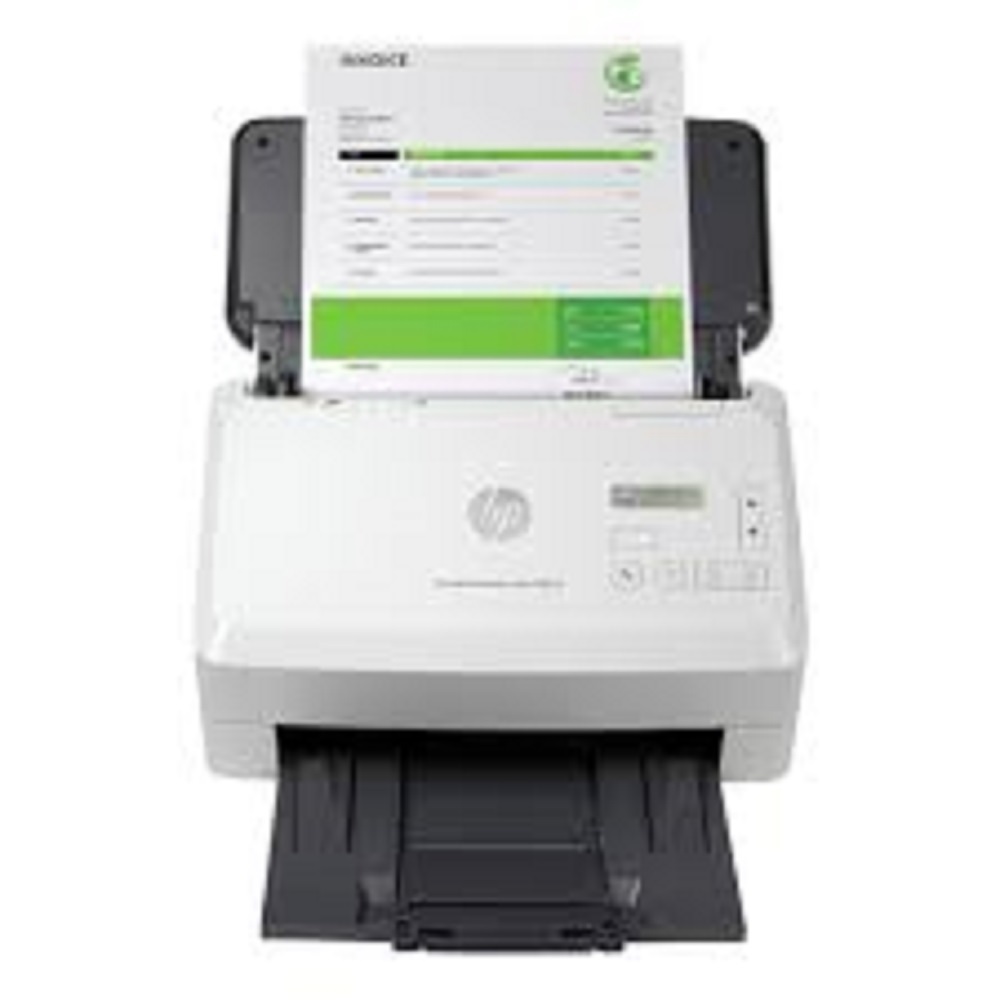
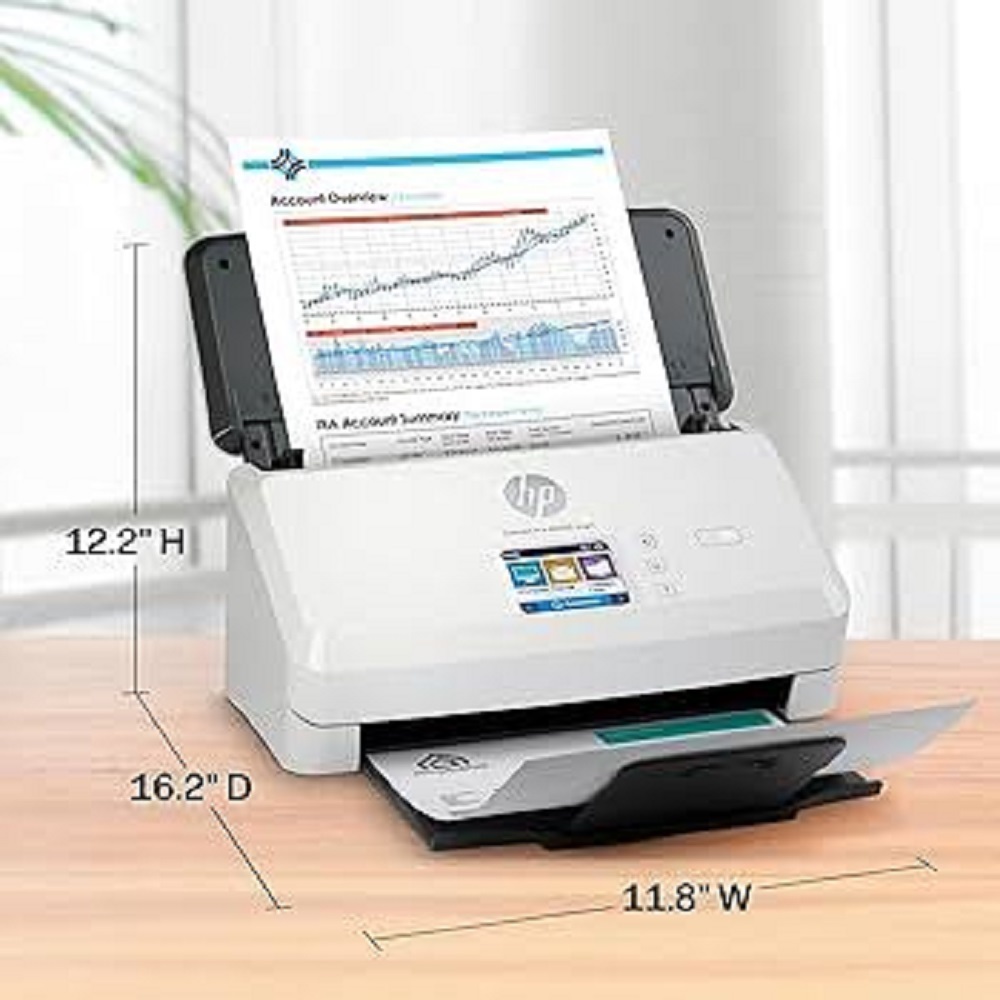
HP ScanJet Enterprise Flow 5000 s5 Scanner About
Scan Resolution
-
Scan Resolution, Optical
-
Up to 600 dpi
-
Scan Resolution, Hardware
-
600 x 600 dpi
-
Output Resolution Dpi Settings
-
75; 150; 200; 240; 300; 400; 500; 600; 1200 ppi
Scan Speed
-
Automatic document feeder scan speed
-
Up to 65ppm/130 ipm
-
Scan speed footnote number
-
[3] Sheet feed speeds: (All resolutions up to and including 300 ppi) Simplex 65 A-4 pages per minute Duplex 130 A-4 images per minute
Scanner Specifications
-
Duty cycle (daily)
-
Recommended daily duty cycle: 7500 pages
-
Bit Depth
-
24-bit (external), 48-bit (internal)
-
Auto document feeder capacity
-
Standard, 80 sheets
-
Scan size (ADF), maximum
-
216 x 3100 mm
-
Scan size ADF (minimum)
-
50.8 x 50.8 mm
-
Scan input modes
-
Two scan modes (simplex/duplex) with convenient 2x16 character LCD on front-panel for HP scan in Win OS, HP Easy Scan/ICA in Mac OS and third parties applications via TWAIN, ISIS and WIA
-
Scan file format
-
For text & images: PDF, PDF/A, Encrypted PDF, JPEG, PNG, BMP, TIFF, Word, Excel, PowerPoint, Text (.txt), Rich Text (.rtf) and Searchable PDF
-
Scanning options (ADF)
-
Single-pass duplex
-
Duplex ADF scanning
-
Yes
-
Scan technology
-
CMOS CIS (Contact Image Sensor)
-
Levels of grayscale
-
256
-
Color scanning
-
Yes
-
Multifeed detection
-
Yes
-
Light source (scanning)
-
LED
-
Scanner advanced features
-
Auto exposure, Auto threshold, Auto detect color, Background smooth/removal, Auto detect size, Straighten content, Enhance content, Multi-streaming, Auto feed, Multi-feed detection sensor, Advanced multi-feed detection, Auto orient, Multi-color dropout, Channel color dropout, Edge erase, Delete blank page, Merge pages, Hole fill, Digital stamps, Metadata capture, PDF permissions, PDF digital signatures, Document separation (Blank page, Barcode, Zonal barcode, Zonal OCR)
-
Processor speed
-
ARM-1176 666 MHz
-
Memory
-
512 MB
Connectivity and Communications
-
Connectivity, standard
-
USB 3.0
-
Twain version
-
Windows: 32-bit and 64-bit TWAIN version 2.1; Mac: n/a
-
Control panel
-
2-line 16 character per line LCD display, Simplex button, Duplex button, Cancel button, Power button with a LED, Up button, Down button and Tool button
Power
-
Power
-
Input Voltage range: 90 - 264 VAC, Rated Frequency: 50 - 60HZ, Worldwide use
-
Power supply type
-
External power adapter
-
Power Consumption
-
4.1 watts (ready), 38 Watts (scanning), 1.3 watts (sleep), 0.1 watts (off), 0.1 watts (auto-off)
-
Power Consumption Footnote Number
-
[1] Power requirements are based on the country/region where the printer is sold. Do not convert operating voltages. This will damage the printer and void the product warranty. Energy Star value typically based on measurement of 115V device.
Supported Printing Media
-
Media weights, supported, ADF
-
43 to 350 g/m2
-
Media size (ADF)
-
U.S.-Letter: 215.9 x 279.4 mm (8.5 x 11 in); U.S.-Legal: 215.9 x 355.6 mm (8.5 x 14 in); U.S.-Executive: 184.2 x 266.7 mm (7.25 x 10.5 in); ISO A4: 210 x 297 mm (8.3 x 11.7 in); JIS B5: 182 x 257 mm (7.2 x 10.1 in); ISO B5: 176 x 250 mm (7.0 x 9.9 in); ISO A5: 148 x 210 mm (5.8 x 8.3 in); ISO A6: 105 x 148 mm (5.8 x 4.1 in); ISO A7: 74 x 104 mm (2.9 x 4.1 in); ISO A8: 52 x 74 mm (2.0 x 2.9 in); Custom: 5.08 x 7.36 cm to 21.6 x 309.9 cm (2.0 x 2.9 in to 8.5 x 122 in)
-
Media types
-
Cut Sheet Paper, Printed Paper (Laser and ink), Pre-Punched Paper, Bank Checks, Business Cards, Freight Bills, Carbonless forms, Plastic Carrier sheets for easily damaged documents, Previously stapled media with staple removed, Plastic cards (up to 1.24 mm)
Environmental
-
Operating temperature range
-
10 to 35C
-
Storage temperature range
-
-40 to 60C
-
Operating humidity range
-
15 to 80% RH
-
Acoustic power emissions
-
65 (dB), 6.5 (
Reliable High-Capacity ScanningWith a daily duty cycle of up to 6,000 pages and a fast scan speed of 65 ppm (130 ipm), the HP ScanJet Enterprise Flow 5000 s5 is engineered for demanding workflows. The 80-sheet ADF and duplex scanning capabilities make it suitable for organizations with large document digitization needs, reducing manual intervention and maximizing productivity.
Comprehensive Media CompatibilityThis scanner easily accommodates a wide range of media types such as plain, inkjet, or photo paper, cards, receipts, envelopes, and labels. Its robust paper handling supports various paper sizes, including A4, A5, legal, letter and custom dimensions, ensuring versatility for multiple scanning applications.
Advanced Security and Output FeaturesThe HP ScanJet 5000 s5 is equipped with essential security features like encrypted PDF creation, password protection, and secure scan-to-email or network folders, safeguarding sensitive data. It also supports diverse output file formats including PDF, JPEG, TIFF, PNG, DOCX, and XLSX, providing flexibility for different document management needs.
FAQ's of HP ScanJet Enterprise Flow 5000 s5 Scanner:
Q: How do I connect the HP ScanJet Enterprise Flow 5000 s5 Scanner to my office network?
A: You can connect the scanner to your office network via Gigabit Ethernet for secure wired access, or use USB 3.0 for direct connection. Wireless connectivity is also possible with the addition of an optional Wi-Fi accessory, making it adaptable to various network environments.
Q: What types of documents and media can the scanner handle?
A: The HP ScanJet 5000 s5 accommodates a broad range of media, including plain, inkjet, and photo paper, cards, receipts, envelopes, and labels. Its variable paper size support (A4, A5, card, custom) and robust paper handling, including duplex scanning, make it suitable for many business scanning tasks.
Q: When should I use the Automatic Document Feeder (ADF)?
A: The ADF is designed for efficiently scanning multi-page documents, up to 80 sheets in one go. This feature is especially useful during high-volume scanning processes, saving significant time compared to manual, single-sheet scanning.
Q: Where can I use the HP ScanJet 5000 s5 scanner effectively?
A: This scanner is ideal for deployment in offices, healthcare, legal, government, education, and other organizations requiring reliable and high-capacity document intake. Its robust functionality also suits dealers, exporters, and service providers who manage large volumes of paperwork.
Q: What are the main benefits of using this scanner's security features?
A: The scanner's security features-such as encrypted PDF creation, password protection, and secure options for scan-to-email or network folders-help protect sensitive information, reduce unauthorized access, and ensure compliance with data protection standards.
Q: How can I process scanned documents into different file formats?
A: Using the included HP Scan, Kofax Power PDF, and Kofax IRIS OCR software, you can convert scanned documents into a wide range of formats including searchable PDF, JPEG, TIFF, PNG, BMP, TXT, RTF, DOCX, and XLSX for easy integration with your workflow.







 Send Inquiry


 Send Inquiry