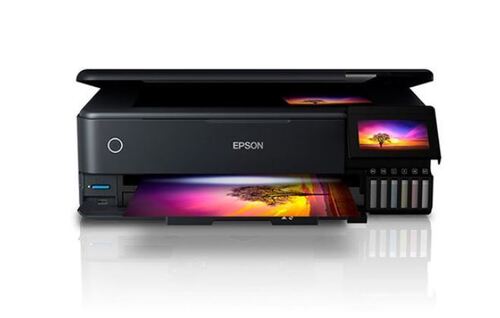
Epson EcoTank L3350 About
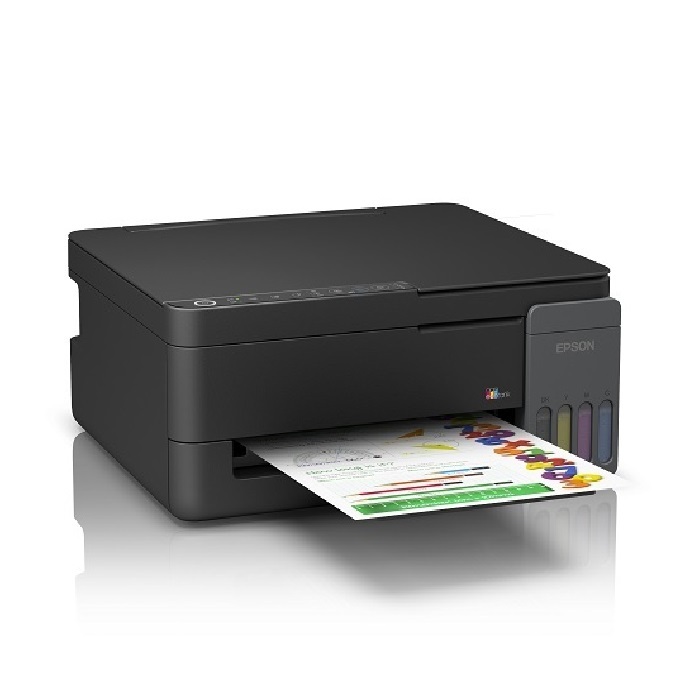
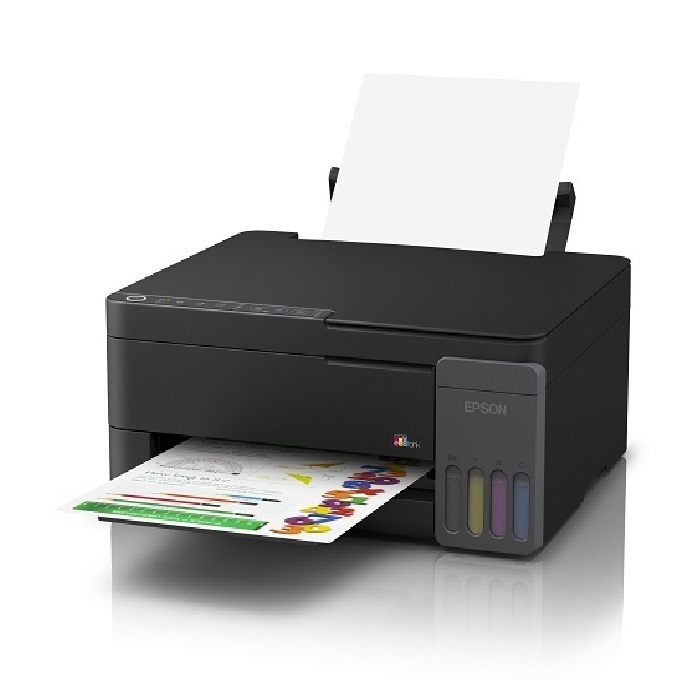
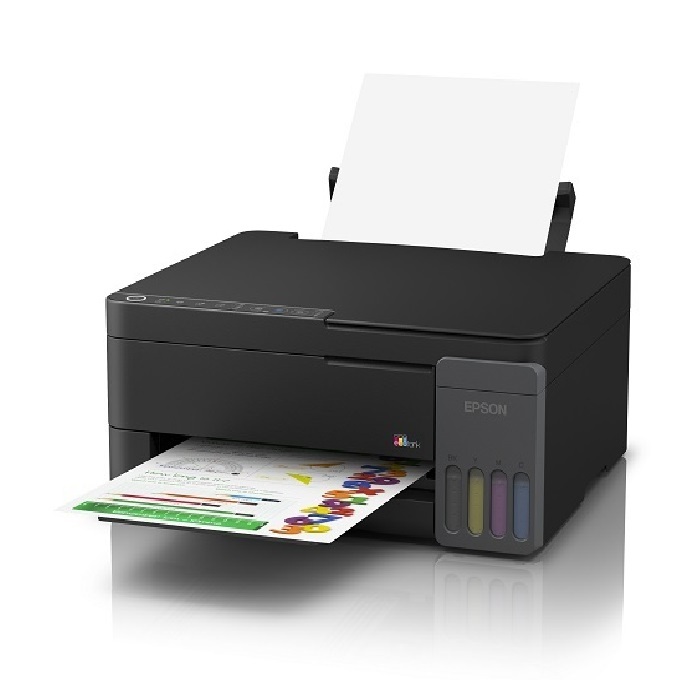
AN ECONOMICAL, ALL-IN-ONE PRINTER FOR HOME USE WITH WIRELESS PRINTING CAPABILITY
Print, scan, copy
- Cost Per Print- 9 Paise (black)*; 33 Paise (colour)*
- Compact integrated tank design
- High yield ink bottles
- Spill-free, error-free refilling
- Wi-Fi & Wi-Fi Direct
- Seamless setup via Epson Smart Panel
- Borderless printing up to 4R
- Powered by Epson Heat-Free Technology
- GST 18 % EXTRA
Exceptional Page Yield & EfficiencyWith the Epson EcoTank L3350, users can expect outstanding efficiency thanks to its high-yield ink bottles. Get up to 4,500 pages in black or 7,500 in color per set, drastically lowering your cost per print. Its eco-friendly design also reduces operational waste, making it ideal for home offices, businesses, and everyday users who require reliable, economical printing.
Smart Wireless & Mobile PrintingExperience seamless printing from anywhere in your home or office with built-in Wi-Fi, Wi-Fi Direct, and compatibility with mobile platforms like Epson Smart Panel, Apple AirPrint, and Google Cloud Print. The L3350 easily integrates with Windows and Mac OS, streamlining your workflow across multiple devices.
Versatile Print, Scan & Copy FeaturesThe EcoTank L3350's multifunctionality covers all your basic office needs. Whether printing sharp documents, scanning at up to 1200 x 2400 dpi, or making quick copies, this model delivers consistent quality. Manual duplex and borderless printing further enhance its versatility, supporting creative and business applications alike.
FAQ's of Epson EcoTank L3350:
Q: How do I set up wireless printing on the Epson EcoTank L3350?
A: Wireless printing setup is simple. Use the Epson Smart Panel app or your device's operating system to connect to the L3350 through Wi-Fi or Wi-Fi Direct. Follow the on-screen prompts to install drivers on Windows or Mac OS and connect the printer to your network.
Q: What types of ink are compatible with the EcoTank L3350?
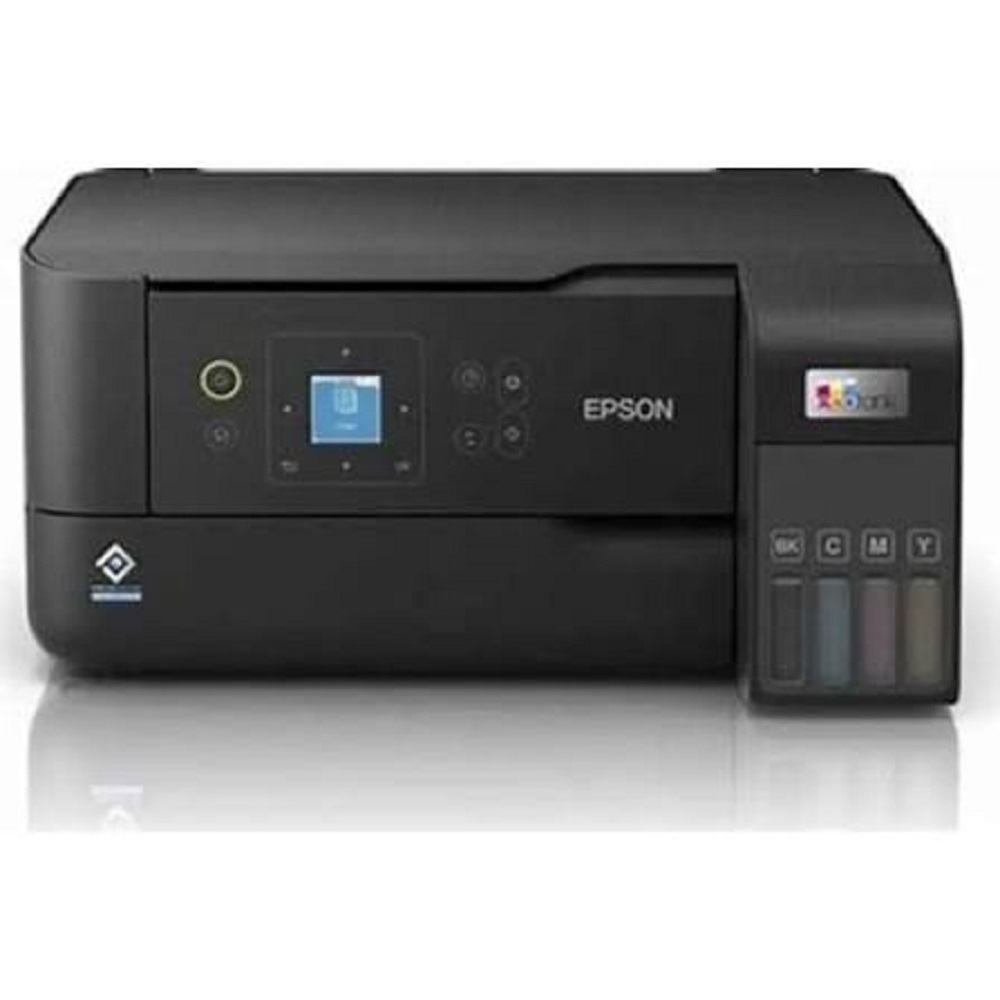
A: The EcoTank L3350 uses Epson 003 Series Ink Bottles, available in black, cyan, magenta, and yellow. These high-capacity bottles ensure efficient, mess-free refills and long-lasting performance for extensive home or office use.
Q: When should I refill the ink tanks?
A: Refill the ink tanks when your printer's LED indicator alerts you to low ink levels, or if print quality begins to deteriorate. The transparent tank design lets you visually monitor ink levels for timely maintenance.
Q: Where can I purchase replacement ink bottles for the L3350?
A: Genuine Epson 003 Series Ink Bottles are available through authorized dealers, distributors, exporters, service providers, suppliers, and traders across India, as well as through official Epson retail partners and online stores.
Q: What paper sizes and media can the EcoTank L3350 handle?
A: This model supports sizes including A4, A5, A6, B5, Letter, Legal, and Envelopes. It accommodates various media types such as plain, premium glossy, matte paper, and envelopes, offering flexibility for numerous printing applications.
Q: How does manual duplex printing work on this printer?
A: Manual duplex printing requires you to print one side of your documents first. Afterward, flip the pages and reinsert them into the input tray to print on the reverse side, as the model does not support automatic duplexing.
Q: What are the main benefits of choosing the EcoTank L3350?
A: The L3350 delivers ultra-low printing costs, high productivity due to large ink reservoirs, versatile wireless and mobile connectivity, and reliable multifunction capability (print, scan, copy) in a compact, energy-efficient design.







 Send Inquiry


 Send Inquiry