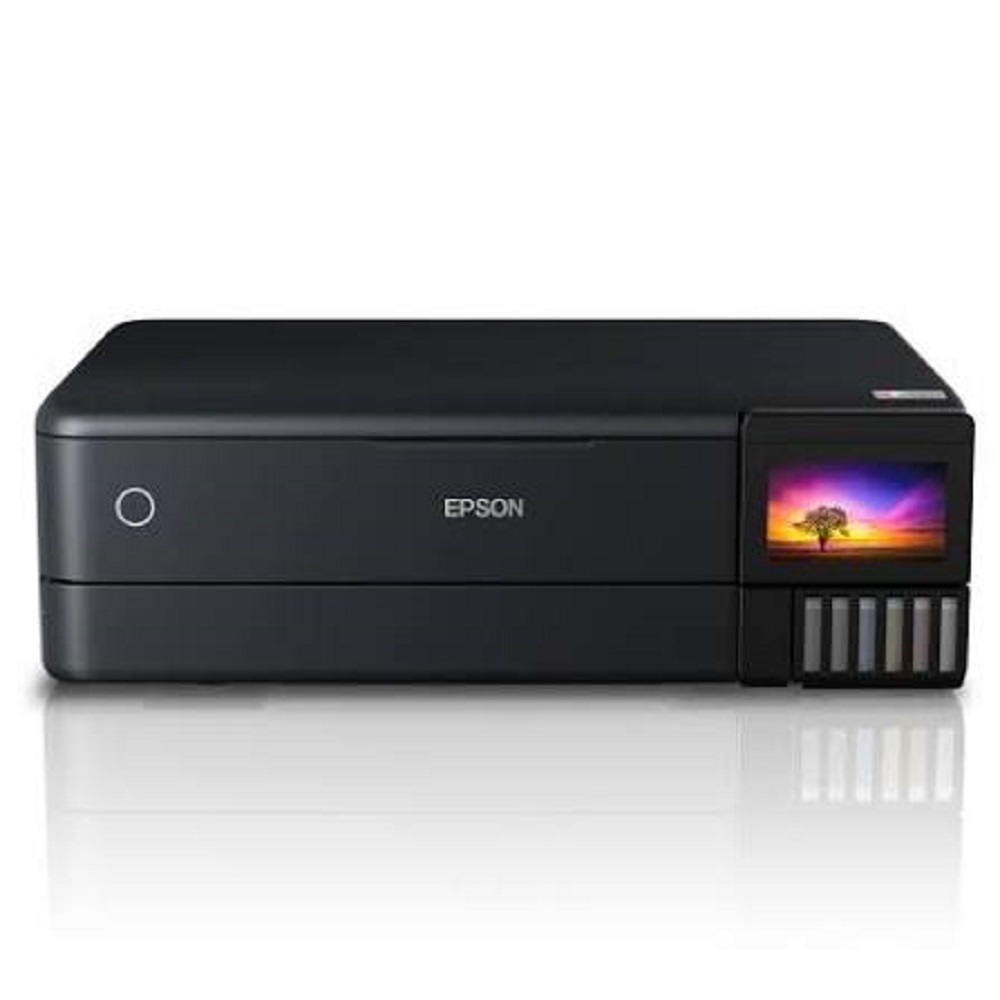
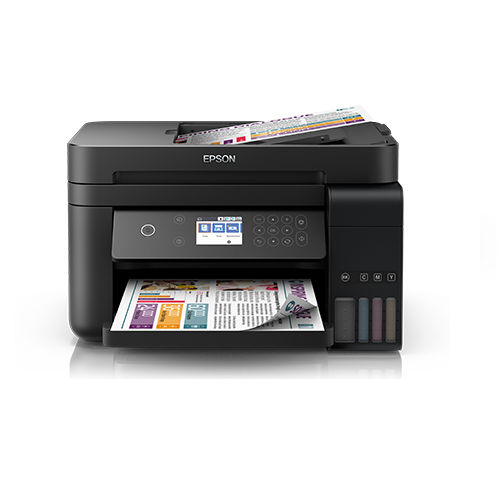
Epson EcoTank L8180 Multifunction A3+ About
Key Features:
Functions: Print / Scan / Copy / Duplex
Print Size: Up to A3+
6-Colour Epson Claria ET Premium Ink System
Print Resolution: Up to 5760 1440 dpi
A3+ Borderless Photo Printing
High-quality professional photo output
Automatic Duplex Printing
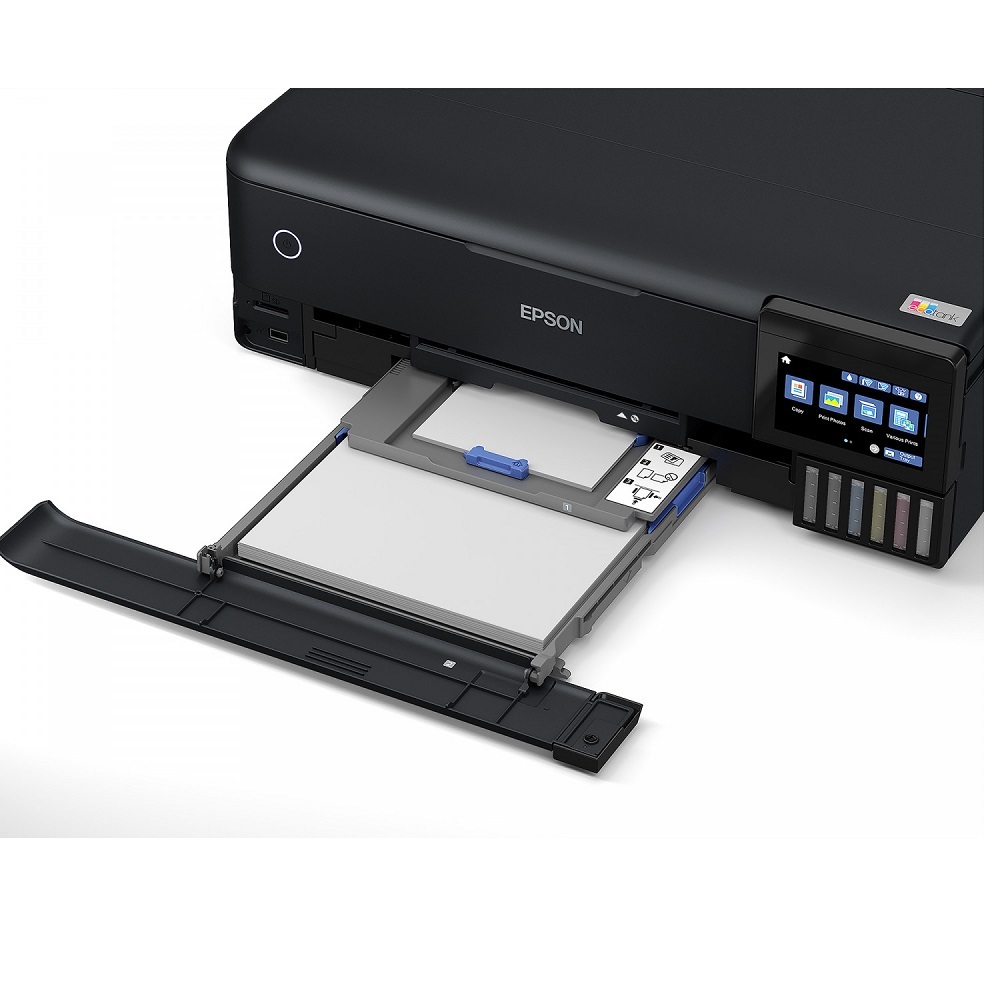
10.9 cm Colour Touchscreen
Flatbed Colour Scanner with up to 1200 2400 dpi optical resolution
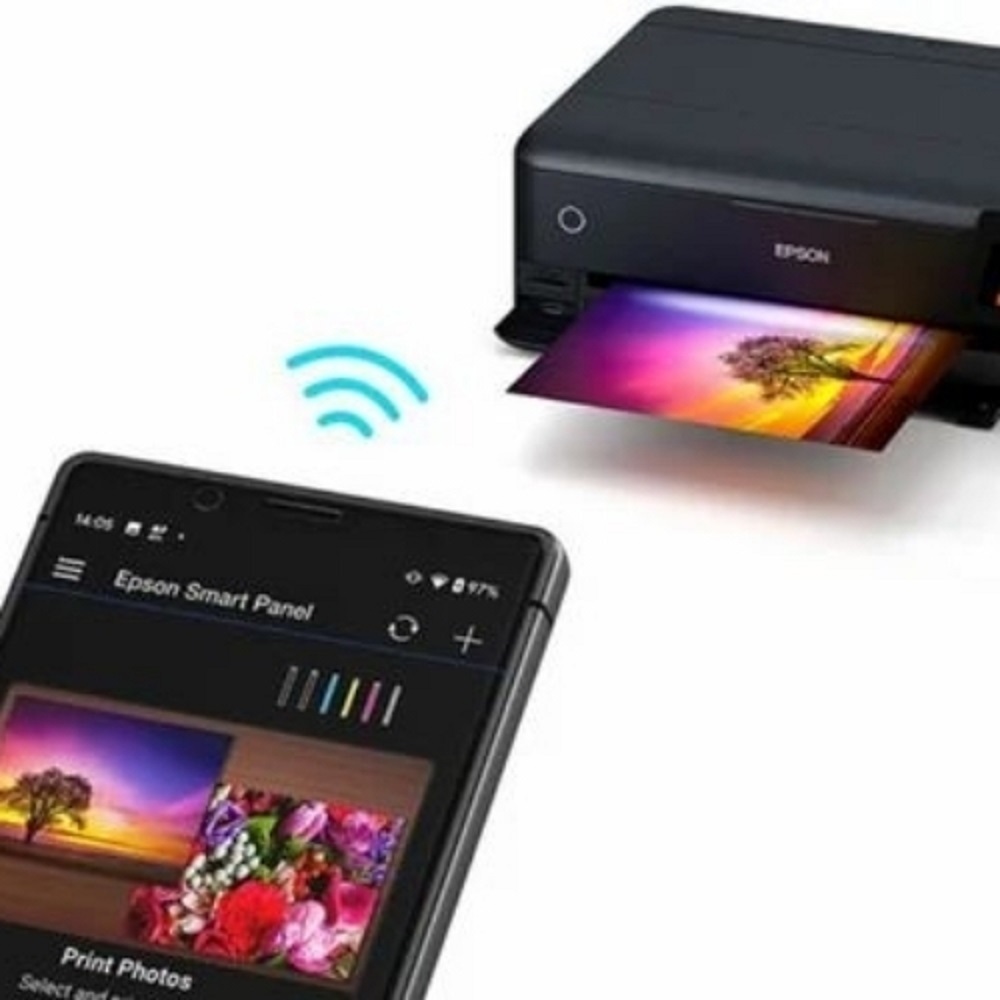
Wi-Fi & Wi-Fi Direct connectivity
Ethernet / LAN connectivity
USB & SD Card direct printing
Epson Smart Panel App support
Apple AirPrint & Scan to Cloud support
Supports glossy, matte, fine-art and specialty media
Suitable for photo paper, cards and creative media
Direct CD/DVD printing support
Low running cost with high-capacity integrated ink tanks
Heat-Free Micro Piezo Technology
Ideal For:
Professional Photo Studios | Photographers | Photo Labs | Graphic Designers | Advertising Agencies | Architects | Designers | Creative Professionals | Home & Office Printing
Why Choose Epson L8180?
Get stunning, detailed and long-lasting A3+ photographs with the convenience of an integrated EcoTank system. The 6-colour ink technology delivers excellent colour reproduction along with high-quality black-and-white photographs.
Available From All Tech Solutions Mumbai
Sales | Installation | Service | Genuine Epson Consumables
Contact: All Tech Solutions
9152696962
Jogeshwari East, Mumbai
Versatile A3+ Printing CapabilityThe Epson EcoTank L8180 stands out for its ability to handle a wide range of paper sizes, including A3+, making it ideal for everything from everyday documents to detailed graphic designs and oversized photos. Its six-color ink system, including gray and photo black, ensures stunning photo fidelity, while multiple paper trays and rear feeders enhance productivity for home, office, or studio settings.
Enhanced Connectivity and Mobile PrintingWith support for USB, Wi-Fi, Wi-Fi Direct, and Ethernet, the L8180 ensures seamless integration into any workspace. Users can print directly from a variety of devices using mobile printing solutions such as Epson Smart Panel, Apple AirPrint, Mopria, and Google Cloud Print. Direct printing from memory cards and USB hosts adds further convenience, while the intuitive touchscreen makes operation hassle-free.
Professional-Quality Scanning and CopyingEquipped with a high-resolution flatbed color scanner (1200 x 4800 dpi), the L8180 delivers sharp, true-to-life scans. Its multifunction capability allows users to effortlessly scan, copy, and print documents or photos with vivid depth and clarity. The fast scan speed (up to 12 seconds per A4 page) and broad media support ensure efficient workflow for professionals and creatives.
FAQ's of Epson EcoTank L8180 Multifunction A3+:
Q: How does the Epson EcoTank L8180 support mobile printing?
A: The EcoTank L8180 is compatible with major mobile printing solutions, including Epson Smart Panel, Apple AirPrint, Mopria, and Google Cloud Print. This enables users to print wirelessly from smartphones and tablets, making the device flexible for home and professional use.
Q: What is the process for refilling the ink bottles in the Epson L8180?
A: Refilling the ink is straightforward thanks to the EcoTank's spill-free bottle design. Simply open the ink compartment, insert the corresponding 003 series ink bottle, and let it auto-fill until complete. This easy process helps save time and reduces ink wastage.
Q: Where can I use the Epson L8180 printer for optimal results?
A: The L8180 is designed for various environments, including homes, offices, photo studios, and professional printing businesses. Its support for large-format (A3+), photo-quality prints, and versatile connectivity makes it suitable for diverse applications.
Q: What are the main benefits of using the six-color ink system in this printer?
A: The six-color ink system (including cyan, magenta, yellow, black, gray, and photo black) produces richer color gradation, deeper blacks, and more nuanced grayscale images. This results in superior photo prints and precise color reproduction for professional applications.
Q: How do I print directly onto CDs or DVDs with the Epson L8180?
A: To print on CDs or DVDs, simply use the printer's dedicated CD/DVD tray and select the appropriate print mode from the touchscreen. Insert the printable disc and follow the guided process for high-quality, personalized disc labels.
Q: What is the recommended monthly duty cycle for this printer, and what does it mean?
A: The recommended monthly duty cycle for the Epson L8180 is up to 1,500 pages. This figure indicates the volume of printing that ensures optimal performance and longevity for the printer when used regularly.
Q: Which operating systems are supported by the Epson EcoTank L8180?
A: The EcoTank L8180 is compatible with Windows and macOS systems, ensuring broad support for most computers and laptops used in homes and businesses.







 Send Inquiry


 Send Inquiry