Epson EcoTank L3560 Wi-Fi All-in-One Ink Tank Printer About
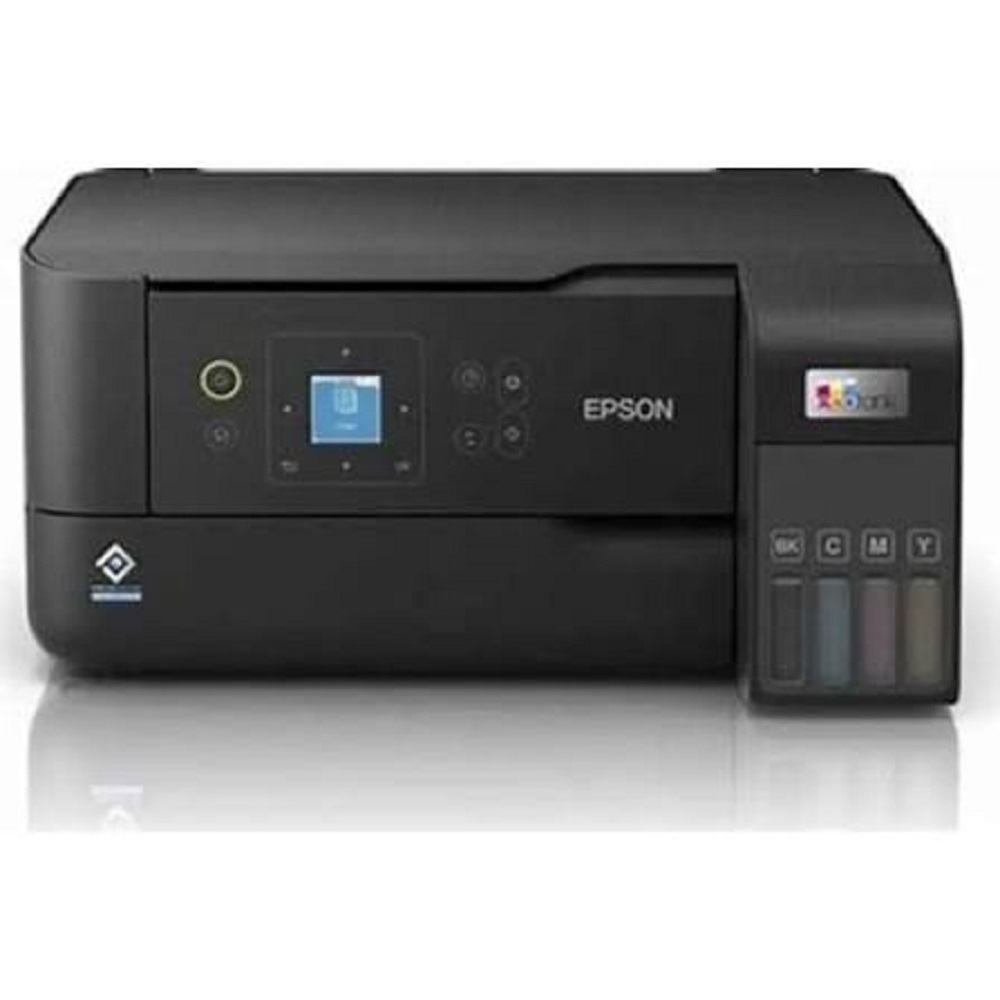
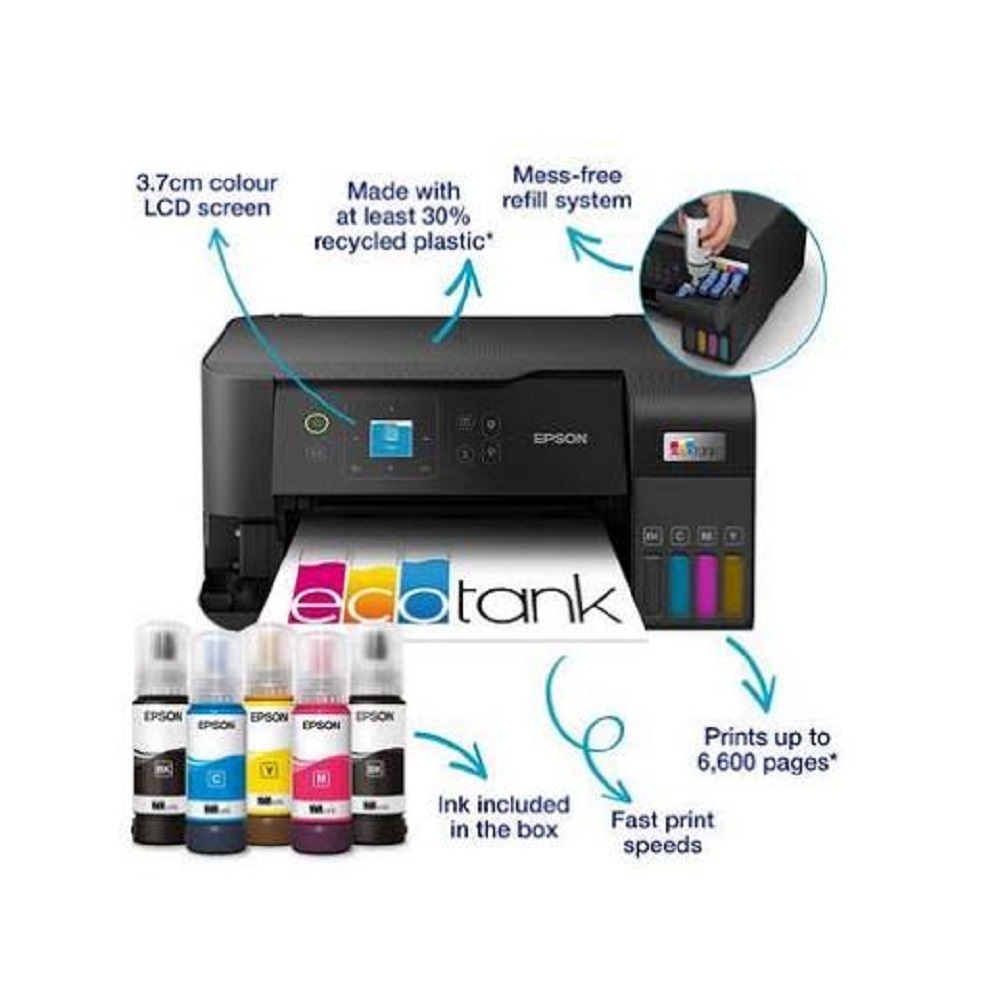
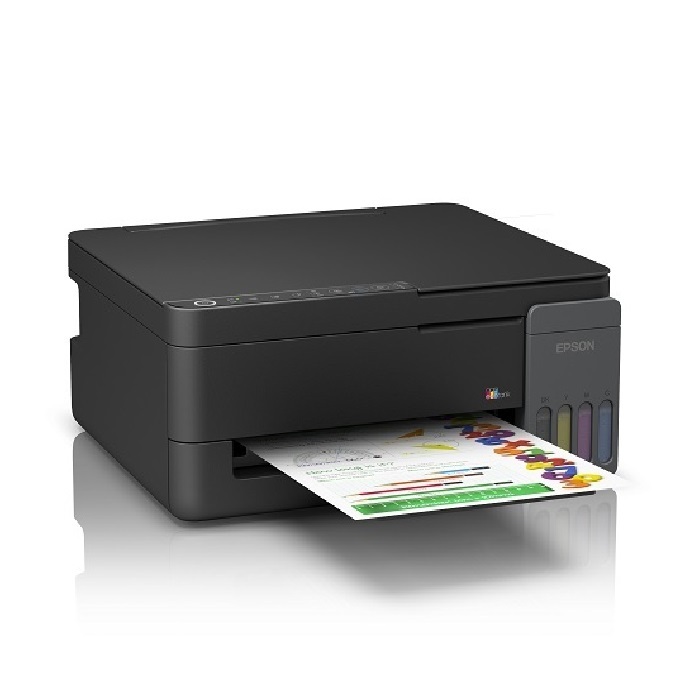
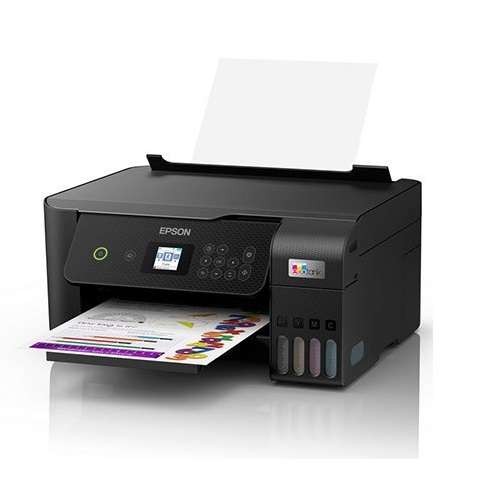
The Epson EcoTank L3560 is a high-performance All-in-One Ink Tank Printer designed for homes, small businesses, educational institutions, and offices. It offers Print, Scan, and Copy functionality with Wi-Fi connectivity, delivering exceptional print quality, fast performance, and ultra-low printing costs. Featuring Epson's advanced Heat-Free PrecisionCore Technology, the L3560 provides reliable operation, sharp text, vibrant colour prints, and energy-efficient performance. Its front-facing refillable ink tank system ensures easy, mess-free ink refilling, making it the ideal solution for high-volume printing.Key Features
- Print, Scan & Copy (All-in-One)
- Epson PrecisionCore Print Head Technology
- Print Speed: Up to 33 ppm (Black) & 20 ppm (Colour) (Maximum)
- ISO Print Speed: 15 ipm (Black) & 8 ipm (Colour)
- Print Resolution: Up to 4800 1200 dpi
- Wi-Fi, Wi-Fi Direct & USB Connectivity
- Epson Smart Panel App Support
- 1.44-inch LCD Display
- Optical Scan Resolution: 1200 2400 dpi
- Borderless Photo Printing (Up to 4" 6")
- 100-Sheet Paper Input Capacity
- Compact & Space-Saving Design
- Spill-Free Front Ink Tank Refilling System
- Compatible with Windows & macOS Operating Systems
Applications
- Home & Home Office
- Small & Medium Businesses
- Schools & Colleges
- Retail Shops
- CA & Consultancy Firms
- Hospitals & Clinics
- Billing, Reports & Office Documentation
- Everyday Colour & Black-and-White Printing
Why Choose Epson EcoTank L3560?
- Ultra-Low Cost Per Print
- High-Yield Refillable Ink Tank System
- Fast & Reliable Performance
- Wireless Printing from Mobile Devices
- Excellent Print Quality
- Energy-Efficient Heat-Free Technology
- Easy Setup & Maintenance
Available From
ALL TECH SOLUTIONS
Official Epson Partner
Sales | Service | Installation | AMCKey Features
- Print, Scan & Copy (All-in-One)
- Epson PrecisionCore Print Head Technology
- Print Speed: Up to 33 ppm (Black) & 20 ppm (Colour) (Maximum)
- ISO Print Speed: 15 ipm (Black) & 8 ipm (Colour)
- Print Resolution: Up to 4800 1200 dpi
- Wi-Fi, Wi-Fi Direct & USB Connectivity
- Epson Smart Panel App Support
- 1.44-inch LCD Display
- Optical Scan Resolution: 1200 2400 dpi
- Borderless Photo Printing (Up to 4" 6")
- 100-Sheet Paper Input Capacity
- Compact & Space-Saving Design
- Spill-Free Front Ink Tank Refilling System
- Compatible with Windows & macOS Operating Systems
Applications
- Home & Home Office
- Small & Medium Businesses
- Schools & Colleges
- Retail Shops
- CA & Consultancy Firms
- Hospitals & Clinics
- Billing, Reports & Office Documentation
- Everyday Colour & Black-and-White Printing
Why Choose Epson EcoTank L3560?
- Ultra-Low Cost Per Print
- High-Yield Refillable Ink Tank System
- Fast & Reliable Performance
- Wireless Printing from Mobile Devices
- Excellent Print Quality
- Energy-Efficient Heat-Free Technology
- Easy Setup & Maintenance
Available From
ALL TECH SOLUTIONS
Official Epson Partner
Sales | Service | Installation | AMC
Print, Copy, and Scan with EaseThe EcoTank L3560 streamlines productivity by combining printing, scanning, and copying in one space-saving device. Whether you're working on documents, scanning important records, or copying handouts, its user-friendly interface, including a 1.44-inch color LCD screen, ensures effortless operation. Ideal for homes, offices, and small businesses, this all-in-one solution easily accommodates a range of everyday tasks.
Exceptional Print Quality and Cost EfficiencyExperience vibrant, precise prints with resolutions up to 5760 x 1440 dpi, thanks to Epson's Micro Piezo Printhead technology. The EcoTank system's refillable ink bottles help reduce printing costs, allowing you to produce more pages at a lower cost per print, making it an eco-friendly and economical choice for frequent users.
Flexible Connectivity and Media SupportConnect with ease via USB 2.0, Wi-Fi, or Wi-Fi Direct, and print from virtually anywhere using mobile apps like Epson Smart Panel, Apple AirPrint, and Mopria Print Service. The printer's input tray holds up to 100 sheets, accepting various media types from plain to photo papers and envelopes, supporting all your creative or business needs.
FAQ's of Epson EcoTank L3560 Wi-Fi All-in-One Ink Tank Printer:
Q: How do I set up the Epson EcoTank L3560 for the first time?
A: Begin by unboxing the printer, connecting the power cord, and filling the ink tanks with Epson 003 Series bottles. Follow the step-by-step instructions on the included setup guide and install the necessary drivers using the provided CD-ROM or from Epson's website. You can complete wireless setup through the control panel or the Epson Smart Panel mobile app.
Q: What types of media can the EcoTank L3560 print on, and what is the maximum paper size it supports?
A: The EcoTank L3560 accommodates various media types, including plain paper, photo paper, and envelopes. It supports a range of paper sizes such as A4, A5, A6, B5, C6, and DL, with A4 being the largest paper size compatible with this printer.
Q: When should I refill the ink tanks and how do I know when it's time?
A: Refill the ink tanks when the ink level indicators on the front panel show low, or when prompted by the printer's LCD display. Always use genuine Epson 003 Series ink bottles for optimal performance and to prevent damage.
Q: Where can I use the EcoTank L3560 and what types of tasks is it best suited for?
A: This printer is ideal for home, office, and small business settings. It's well-suited for tasks such as printing black-and-color documents, business reports, photos, and even scanning or copying important documents.
Q: What is the process for mobile printing with the Epson EcoTank L3560?
A: For mobile printing, connect your smartphone or tablet to the same Wi-Fi network as the printer. Then, use apps like Epson Smart Panel, Apple AirPrint, or Mopria Print Service to send documents or photos for printing directly from your device.
Q: What are the main benefits of using an all-in-one ink tank printer like the EcoTank L3560?
A: The all-in-one design saves space and combines essential functions-printing, copying, and scanning-into a single compact unit. The ink tank system offers significant cost savings over time by reducing the frequency and expense of cartridge replacements, making it an efficient and convenient option.







 Send Inquiry


 Send Inquiry