Canon PIXMA G3780 About
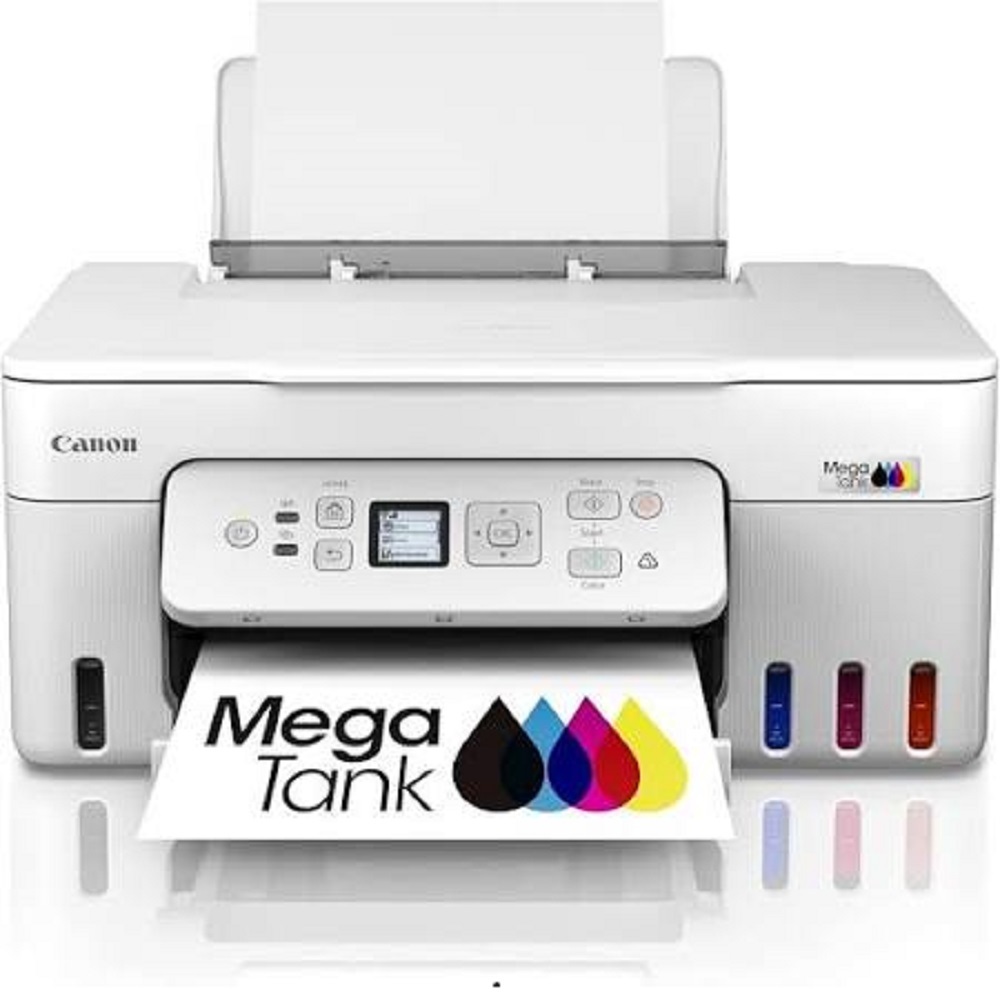
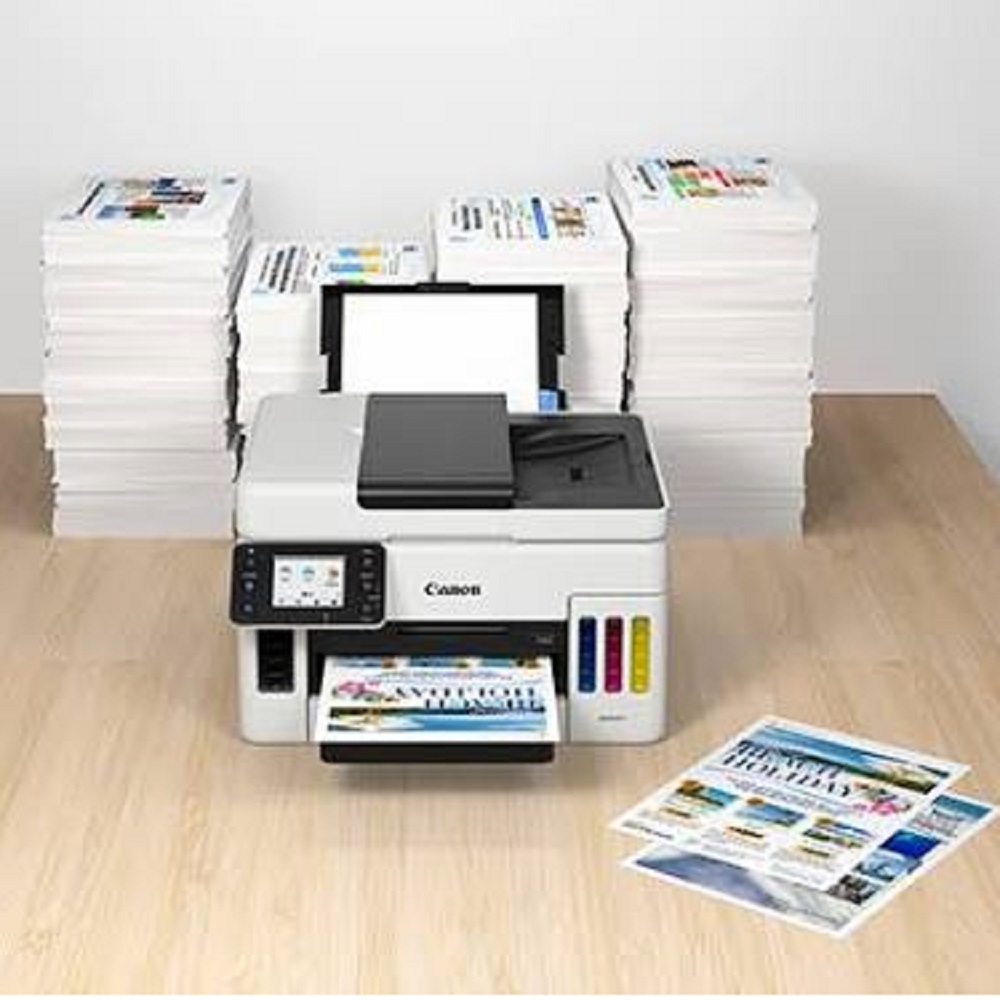
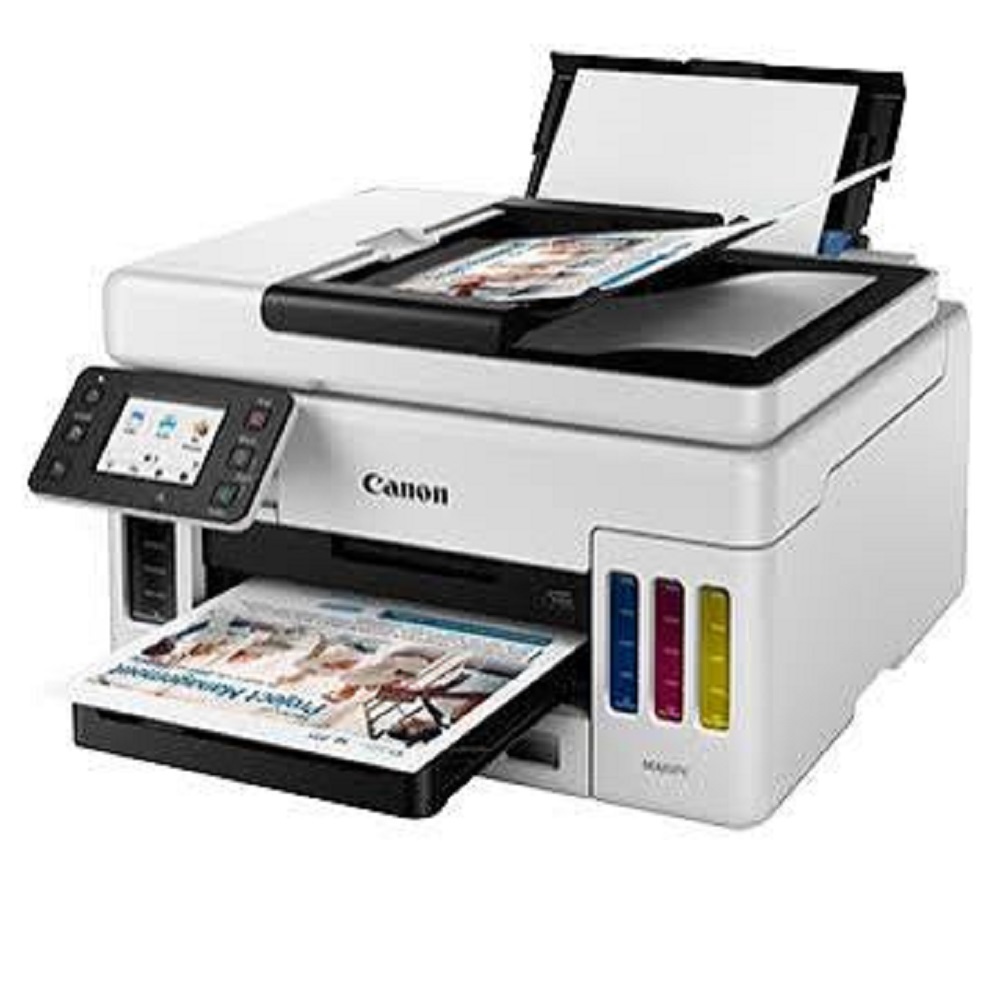
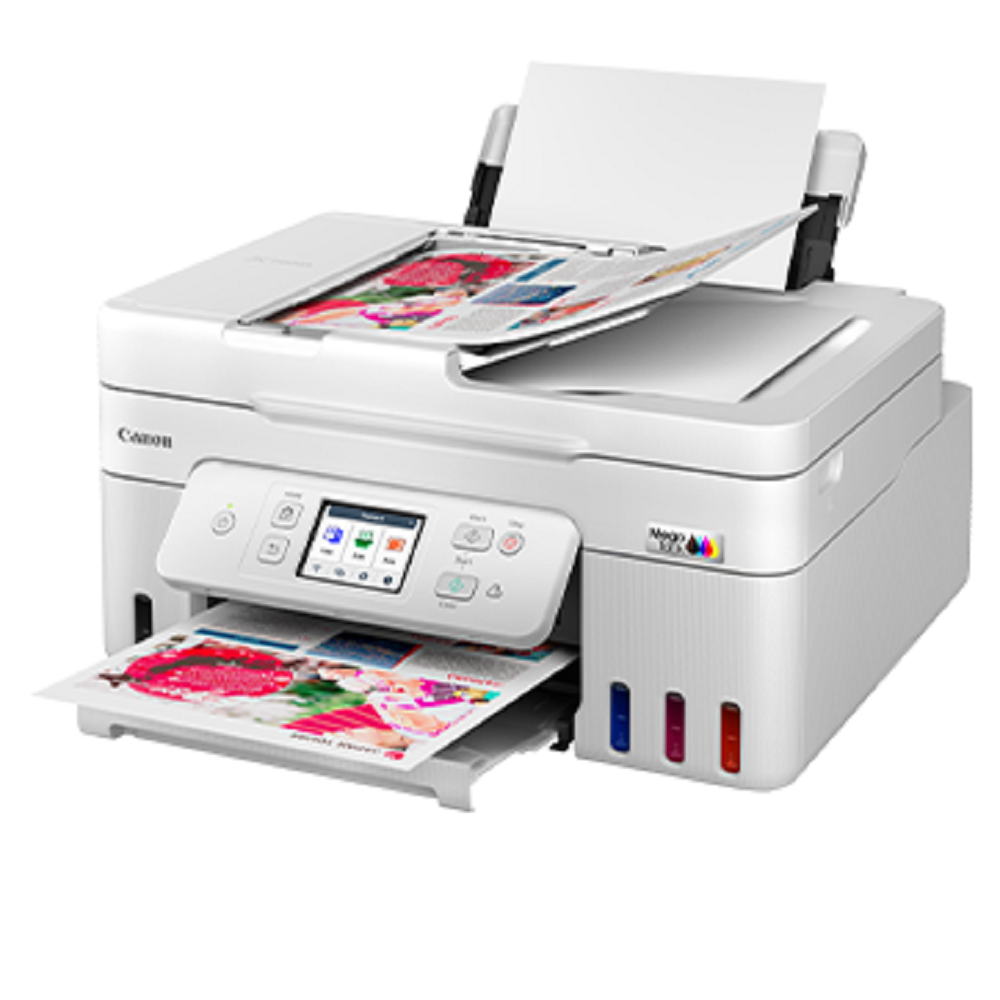
The Canon PIXMA G3780 is a premium Wireless Ink Tank All-in-One Printer designed for homes, small offices, and businesses requiring high-quality, low-cost printing. This multifunction printer offers Print, Scan, and Copy capabilities with automatic duplex printing, Wi-Fi connectivity, and mobile printing support. Featuring Canon's MegaTank technology, it delivers exceptional page yields, vibrant colour prints, and sharp black text while keeping printing costs remarkably low. The compact design, user-friendly LCD display, and spill-resistant refill system make it an ideal choice for everyday productivity
Key Features
- Print, Scan & Copy (All-in-One)
- Print Speed: Up to 11 ipm (Black) & 6 ipm (Colour)
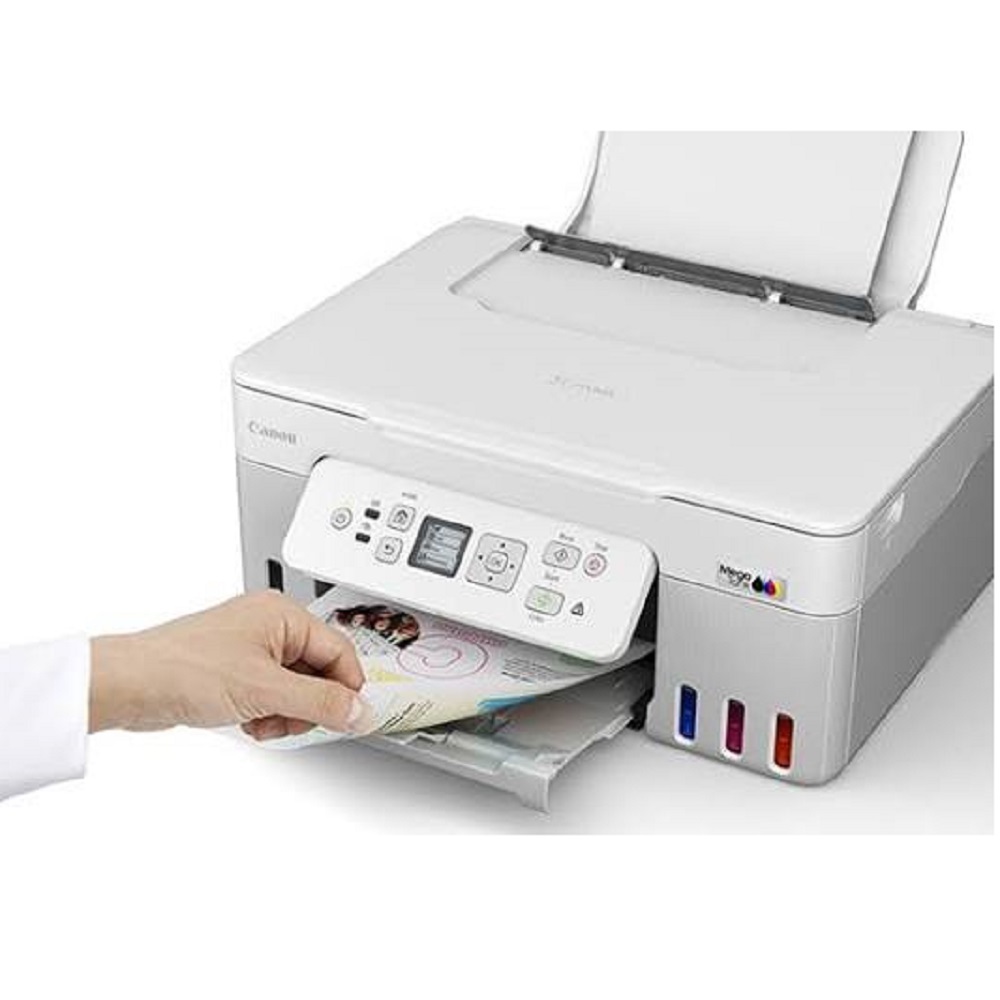
- Automatic Duplex (Two-Sided) Printing
- Print Resolution: Up to 4800 1200 dpi
- Wireless Wi-Fi & USB 2.0 Connectivity
- Mobile Printing with Canon PRINT, AirPrint, Mopria & Wireless Direct
- Flatbed CIS Scanner
- Scanner Resolution: 600 1200 dpi
- 100-Sheet Rear Paper Tray
- 1.35-inch Monochrome LCD Display
- Borderless Photo Printing up to A4 Size
- High Page Yield: Up to 7,600 Black & 8,100 Colour Pages (Economy Mode)
- Duty Cycle: Up to 3,000 Pages/Month
- Compatible with Windows, macOS & ChromeOS
Applications
- Home & Home Office
- Small & Medium Businesses
- Schools & Colleges
- Retail Shops
- CA & Consultancy Firms
- Hospitals & Clinics
- Billing & Office Documentation
- Colour Brochures, Reports & Photo Printing
Why Choose Canon PIXMA G3780?
- Ultra-Low Cost Per Print
- Automatic Duplex Printing
- Wireless & Mobile Printing
- High-Yield MegaTank Ink System
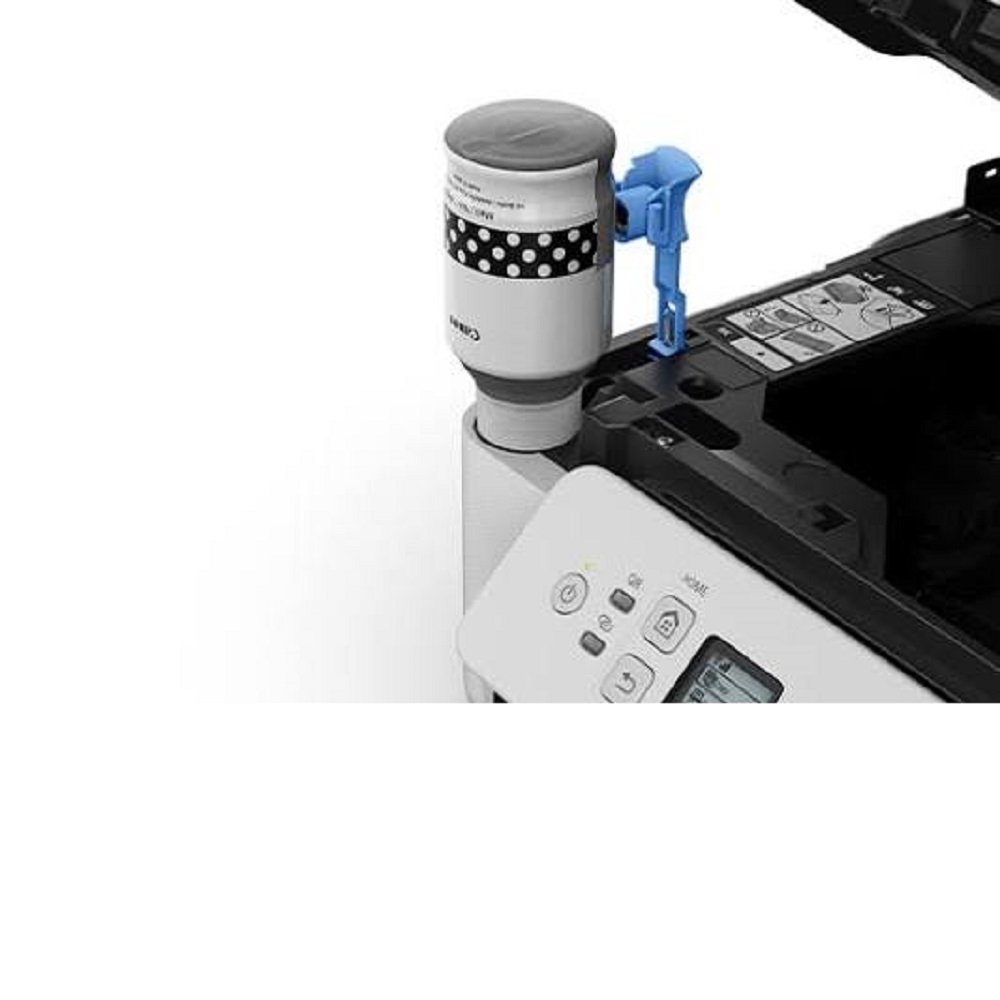
- Easy Spill-Free Ink Refilling
- Excellent Colour and Document Print Quality
- Compact, Energy-Efficient & Reliable Design
Available From
ALL TECH SOLUTIONS
Authorized Dealer of Canon Printers & Office Automation Products
Sales | Service | Installation | AMC
High-Quality Printing with Cost EfficiencyThe Canon PIXMA G3780 leverages cutting-edge MegaTank thermal inkjet technology and high-yield ink bottles to deliver impressive print quality while keeping running costs low. With up to 4800 x 1200 dpi resolution and borderless photo printing, you can count on vivid color and sharp black text for both personal and professional documents. Its large-capacity ink tanks help minimize refills, making it an economical choice for frequent users.
Seamless Connectivity and Versatile FunctionsEquipped with USB 2.0 and Wi-Fi (802.11 b/g/n), the PIXMA G3780 supports mobile printing options such as Canon PRINT Inkjet/SELPHY, Apple AirPrint, and Mopria for effortless wireless operations. Whether you're printing from a computer or mobile device, or scanning and copying documents, the all-in-one design provides robust functionality for daily office and home requirements.
Designed for Productivity and Ease of UseThe G3780 features a user-friendly interface with a 1.35-inch LCD display, a compact footprint (416 x 337 x 177 mm), and a 100-sheet rear tray for uninterrupted workflows. With manual duplex printing, quick first output, and an energy-efficient standby mode, users enjoy both convenience and eco-friendly performance, suited for ambitious print volumes up to 1,500 pages per month.
FAQ's of Canon PIXMA G3780:
Q: How do I set up the Canon PIXMA G3780 printer for wireless printing?
A: To set up wireless printing, connect the printer to your Wi-Fi network using the built-in settings accessible through the 1.35-inch LCD display. Install the Canon PRINT Inkjet/SELPHY app on your mobile device or use the official software for desktops, then follow the on-screen instructions to complete setup for seamless mobile and computer printing.
Q: What types of documents and media can the PIXMA G3780 handle?
A: The PIXMA G3780 accommodates a wide array of sizes, including A4, Letter, Legal, A5, B5, Executive, and envelopes. It's well-suited for printing, scanning, and copying documents, reports, photographs (including borderless), and more, making it versatile for both office and home applications.
Q: When should I replace the GI-71 ink bottles, and how do I do it?
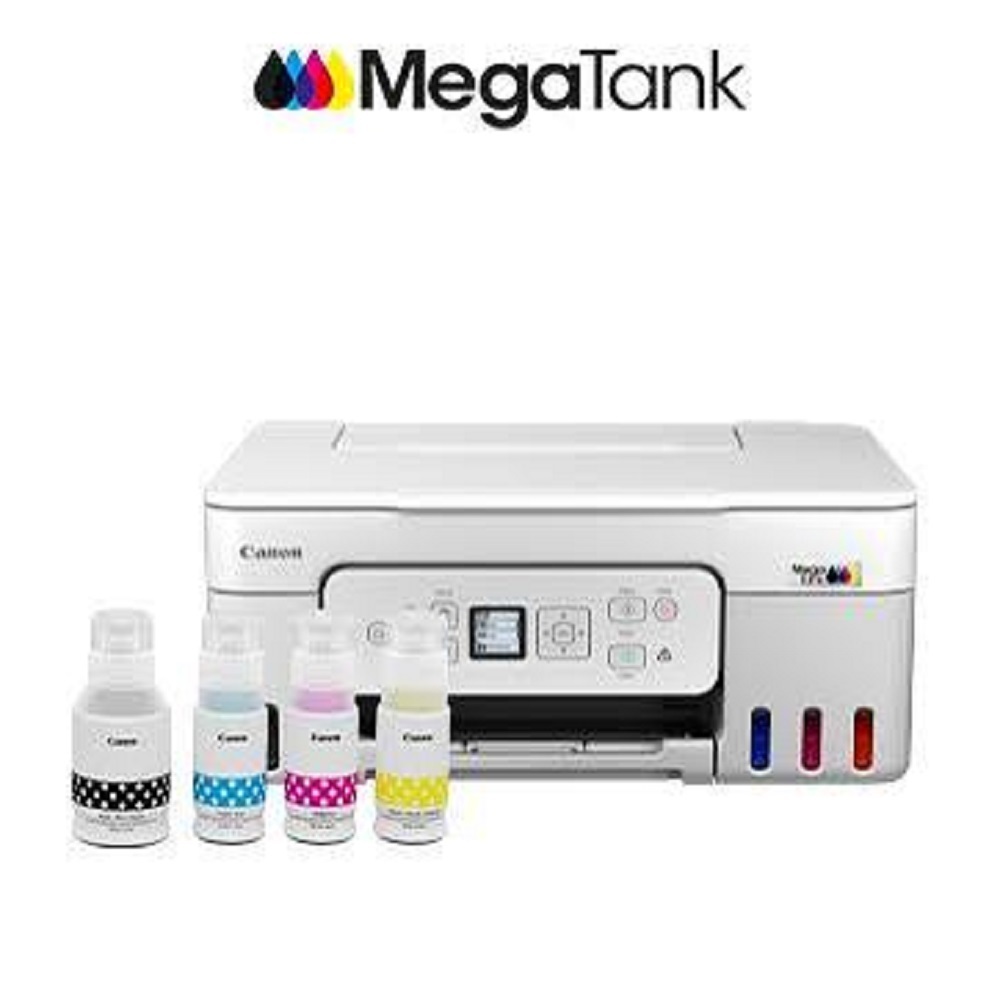
A: Replace GI-71 ink bottles when the corresponding ink level indicator on the printer or display shows low or empty. The refill process is straightforward: open the ink tank covers, remove the empty bottle, and carefully insert the new ink bottle, following the user manual instructions for minimal spillage and accurate refilling.
Q: Where can I find compatible accessories and support for the Canon PIXMA G3780 in India?
A: Genuine accessories such as GI-71 ink bottles, power cords, and technical support are available through Canon dealers, authorized distributors, exporters, service providers, suppliers, and traders throughout India. Refer to the user manual or visit Canon's official website for a list of authorized service centers.
Q: What operating systems and devices does the PIXMA G3780 support?
A: This printer supports both Windows and macOS platforms. For mobile printing, it is compatible with iOS and Android devices via Apple AirPrint, Canon PRINT Inkjet/SELPHY, and Mopria. This allows flexible printing from laptops, PCs, tablets, and smartphones.
Q: How can I benefit from the Economy Mode and high-yield ink tanks of the G3780?
A: Economy Mode helps reduce ink consumption during everyday printing, extending the time between ink refills. The MegaTank high-yield ink bottles allow you to print more pages at a lower cost per page compared to traditional cartridges, making this printer ideal for users with moderate to high print demands.







 Send Inquiry


 Send Inquiry