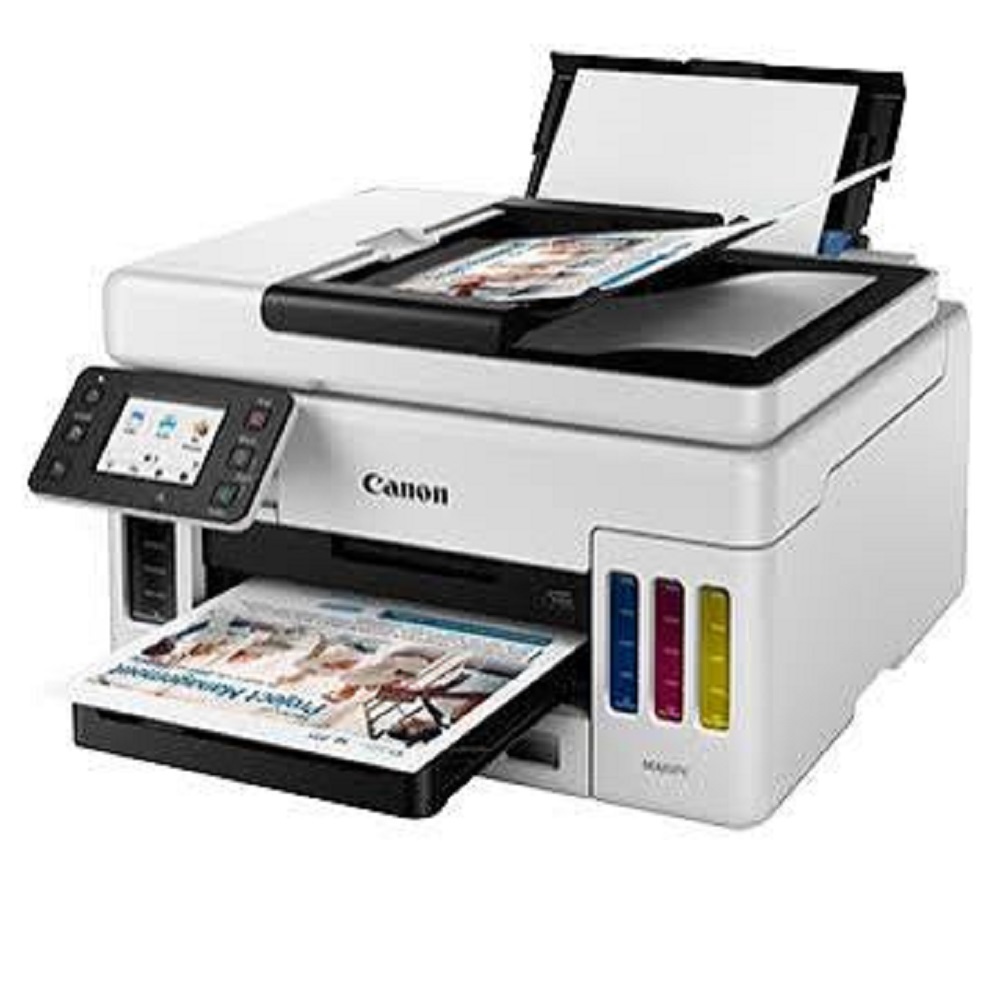
Canon MAXIFY GX6170 Business Ink Tank Wi-Fi All-in-One Printer About
Key Features:
- Print, Scan & Copy
- MegaTank Refillable Ink System
- Print Speed: Up to 24 ipm (Black) & 15.5 ipm (Colour)
- Automatic Duplex Printing
- 50-Sheet Automatic Document Feeder (ADF)
- 350-Sheet Paper Capacity
- Wi-Fi, Wi-Fi Direct, Ethernet (LAN), USB Connectivity
- Mobile Printing Support (AirPrint & Mopria)
- High-Resolution CIS Scanner (1200 1200 dpi)
- Designed for Monthly Print Volumes of 3002,500 Pages
- Low Running Cost with Ultra-High Ink Yield
- Compact Design for Business Use
Applications:
- Corporate Offices
- Educational Institutions
- Hospitals & Clinics
- CA & Legal Firms
- Retail Stores
- Government Offices
- Small & Medium Businesses
Why Choose Canon MAXIFY GX6170?
The Canon MAXIFY GX6170 delivers fast, reliable, and professional-quality printing with pigment inks that produce sharp, water-resistant documents. Its high-capacity ink tank system minimizes operating costs while automatic duplex printing and advanced networking features improve office productivity.
Available From: All Tech Solutions, Mumbai
Sales | Installation | Service | Genuine Consumables | AMC Support
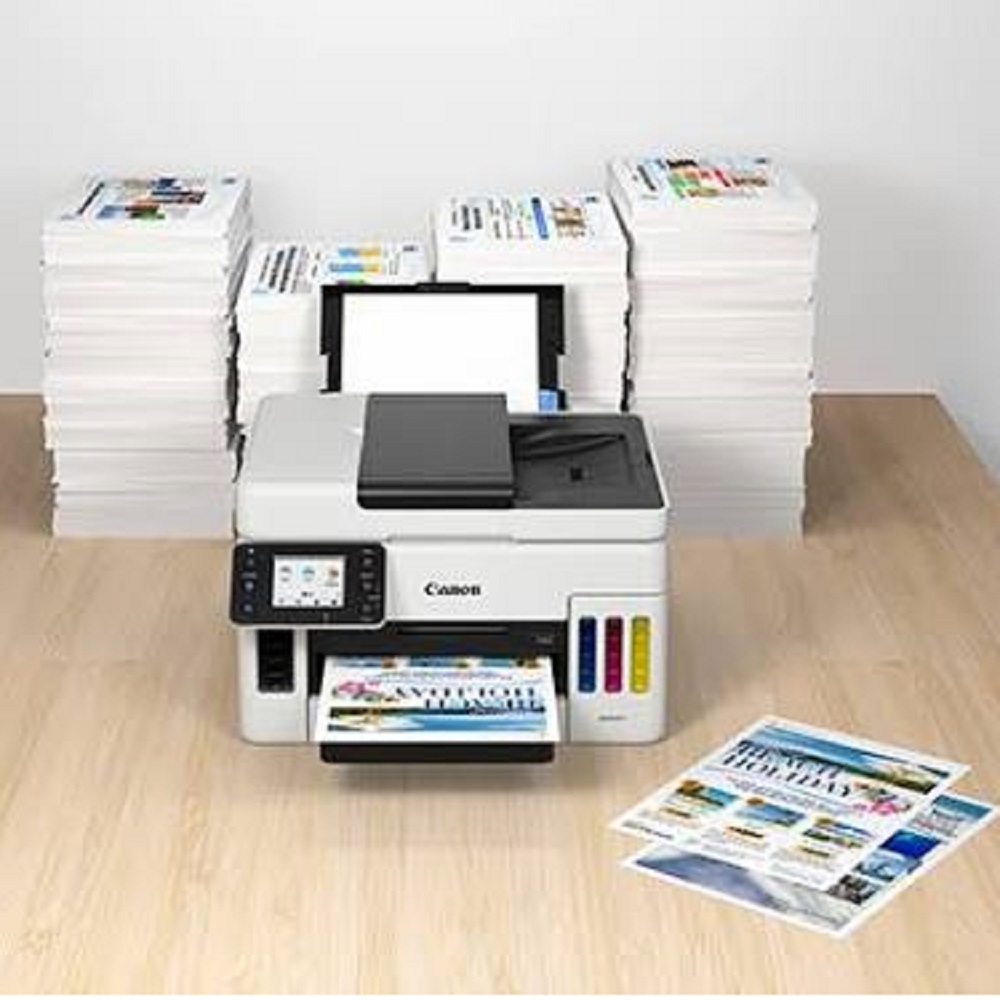
Reliable High-Volume PrintingThe MAXIFY GX6170 is engineered to handle demanding office tasks with its impressive monthly duty cycle of up to 45,000 pages. Its refillable ink tank system supports yields of up to 9,000 black and 21,000 color pages, significantly reducing your running costs and minimizing refill interruptions. The robust paper handling and non-stop workflows allow businesses to maximize productivity with minimal downtime.
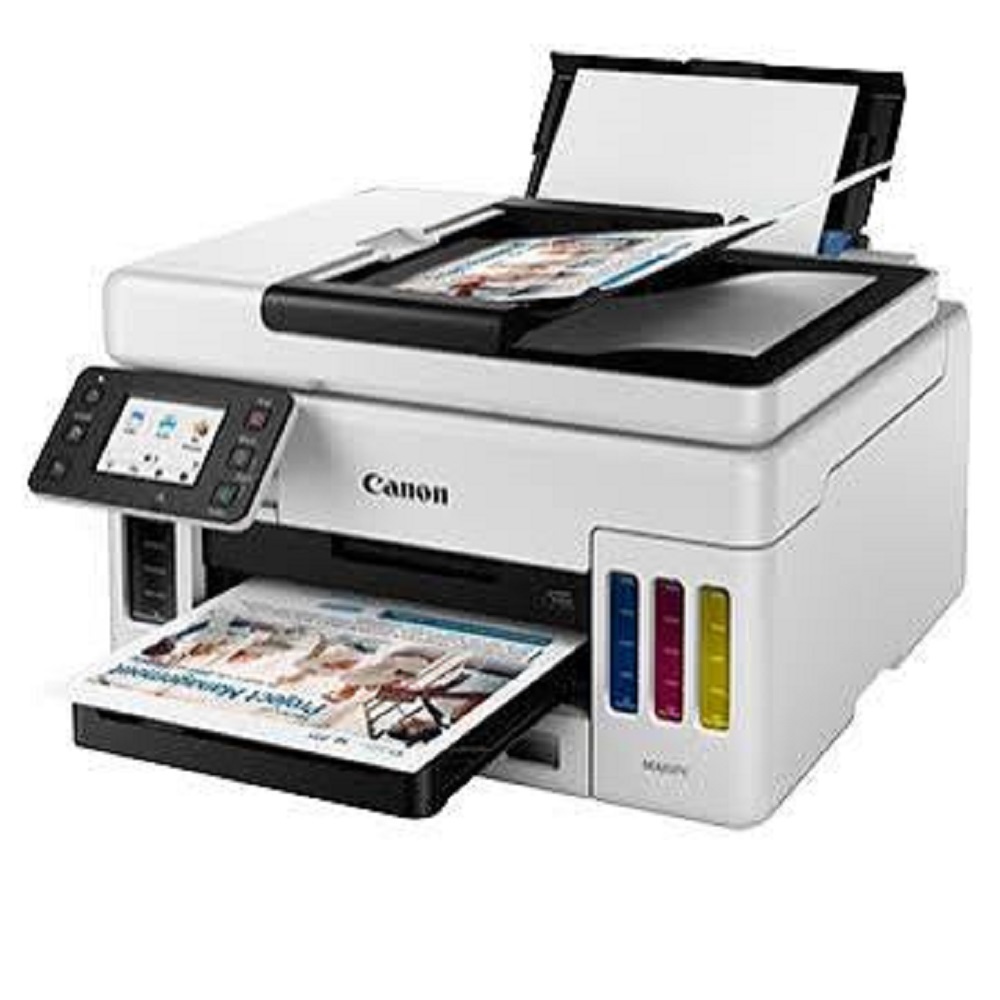
Seamless Connectivity & Mobile PrintingThis all-in-one printer provides multiple connectivity options including Wi-Fi, Ethernet, and USB, giving businesses flexibility in network environments. With extensive mobile printing support-through the Canon PRINT app, Apple AirPrint, and Mopria-users can print easily from smartphones, tablets, and laptops. The 2.7-inch color touchscreen enhances usability and control across all operations.
Exceptional All-in-One FunctionalityBeyond high-quality printing, the Canon MAXIFY GX6170 offers scanning, copying, and faxing functionalities, including a fast ADF for multi-page documents and borderless printing up to A4. Auto-duplex printing and a large combined paper capacity (up to 350 sheets) support uninterrupted workflows, making it suitable for various applications in business, service centers, and more.
FAQ's of Canon MAXIFY GX6170 Business Ink Tank Wi-Fi All-in-One Printer:
Q: How does the Canon MAXIFY GX6170 benefit businesses in handling high-volume tasks?
A: With a maximum monthly duty cycle of up to 45,000 pages and high-yield refillable ink tanks, the GX6170 delivers reliable and cost-effective performance for offices with substantial printing needs. Its large paper capacity and non-stop copy/scan via the 50-sheet ADF streamline high-volume document management.
Q: What are the steps to set up Wi-Fi and mobile printing on the GX6170?
A: To set up Wi-Fi, use the 2.7-inch touchscreen to access network settings and connect to your wireless network. Once connected, download the Canon PRINT app or use Apple AirPrint/Mopria on your device to locate and print from the GX6170, allowing for straightforward remote printing from phones or tablets.
Q: When is it necessary to refill the integrated ink tanks, and how is it done?
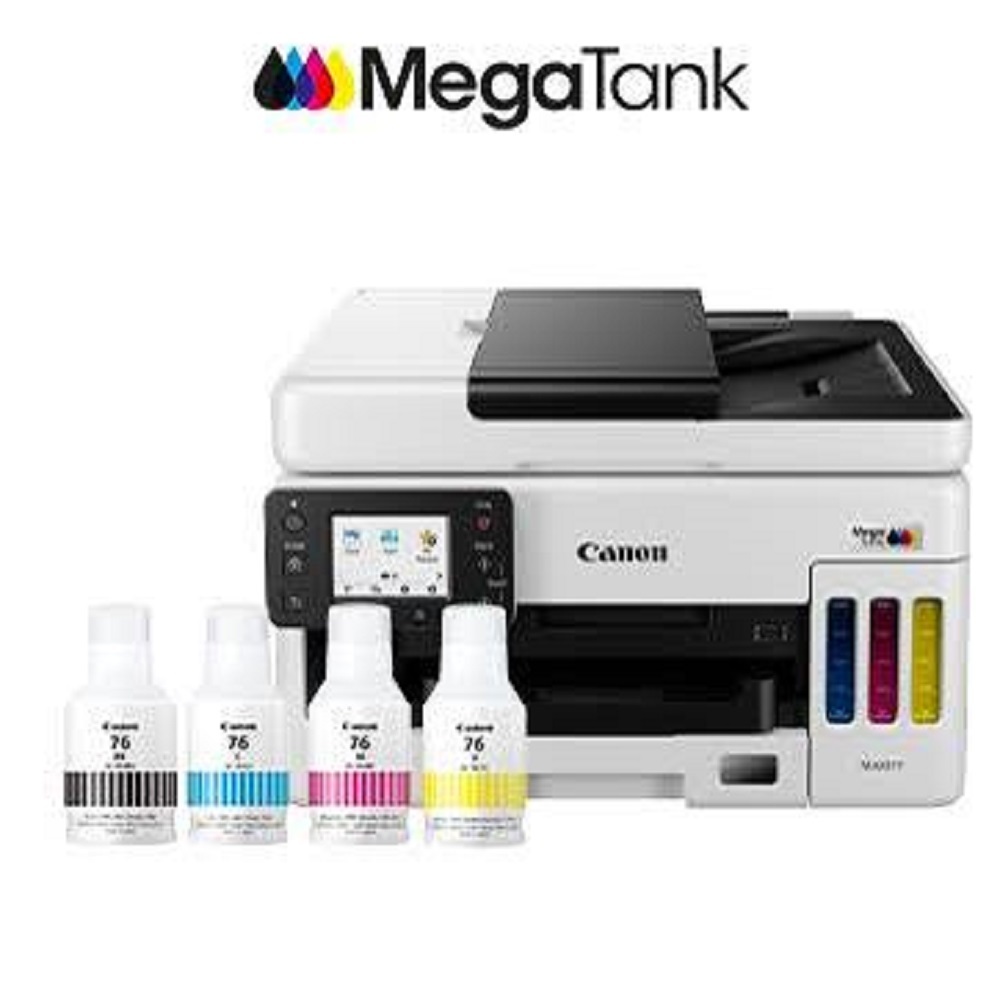
A: You should refill the ink tanks when prompted by the printer or when print quality diminishes. Refilling is simple-open the respective tank cover, insert the compatible Canon ink bottle, and allow it to fill until full, minimizing spillage and downtime.
Q: Where can the MAXIFY GX6170 be installed for optimal usage?
A: This printer's compact footprint (399 x 410 x 254 mm) enables it to fit comfortably on office desks or dedicated printer stations. Its desktop installation ensures convenient access for teams in offices, service centers, dealerships, or trading environments.
Q: What types of documents and media sizes are compatible with the GX6170?
A: The printer supports various paper sizes, including A4, Letter, Legal, Executive, and Foolscap. It also offers borderless printing up to A4, making it versatile for reports, flyers, and other business documents.
Q: How does auto-duplex printing improve office workflow with the GX6170?
A: Auto-duplex printing allows for automatic double-sided printing, saving time and reducing paper consumption. This feature is ideal for producing professional-looking reports and documents efficiently, directly benefiting office productivity.







 Send Inquiry


 Send Inquiry