Canon MAXIFY GX6070 Wireless Ink Tank About
Key Features:
- Print, Scan & Copy
- High-Speed Printing: Up to 24 ipm (Black) / 15.5 ipm (Colour)
- Automatic Duplex Printing
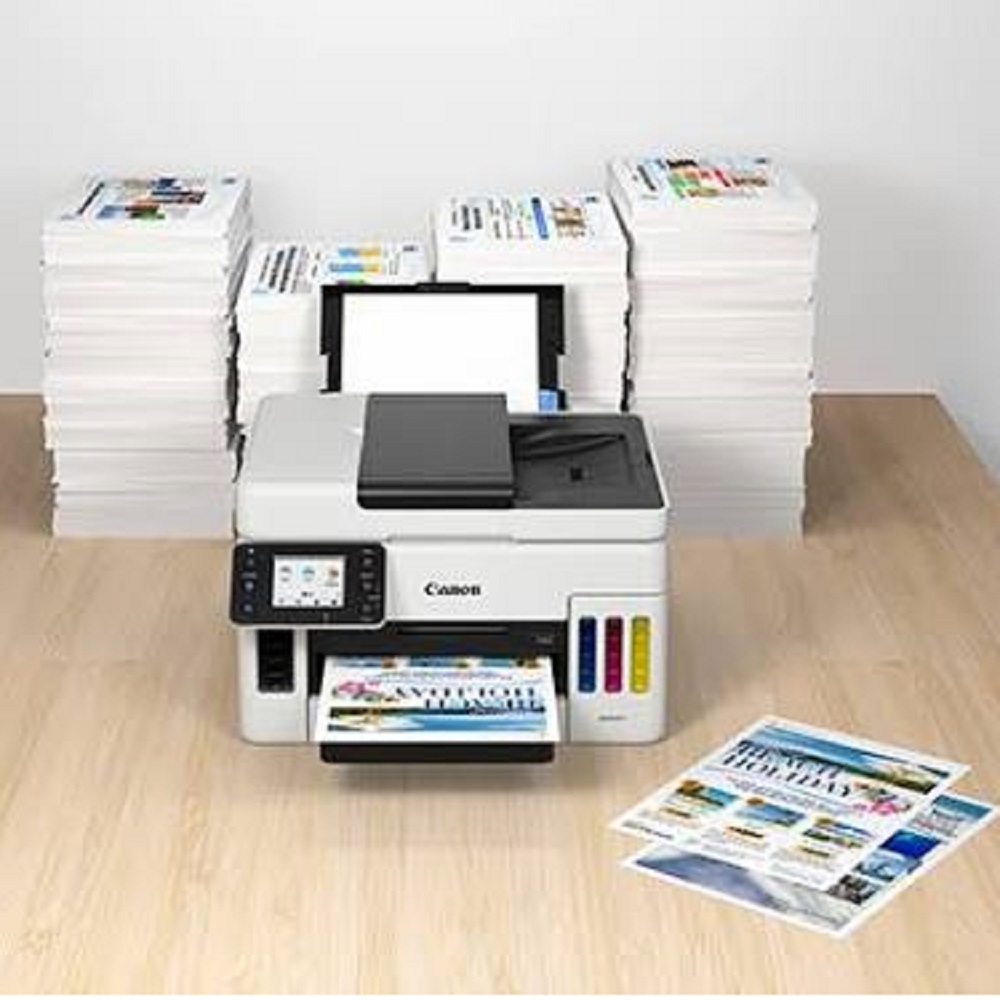
- 50-Sheet Automatic Document Feeder (ADF)
- Wireless Wi-Fi, Ethernet & USB Connectivity
- AirPrint, Mopria & Mobile Printing Support
- Refillable Ink Tank System for Ultra-Low Printing Cost
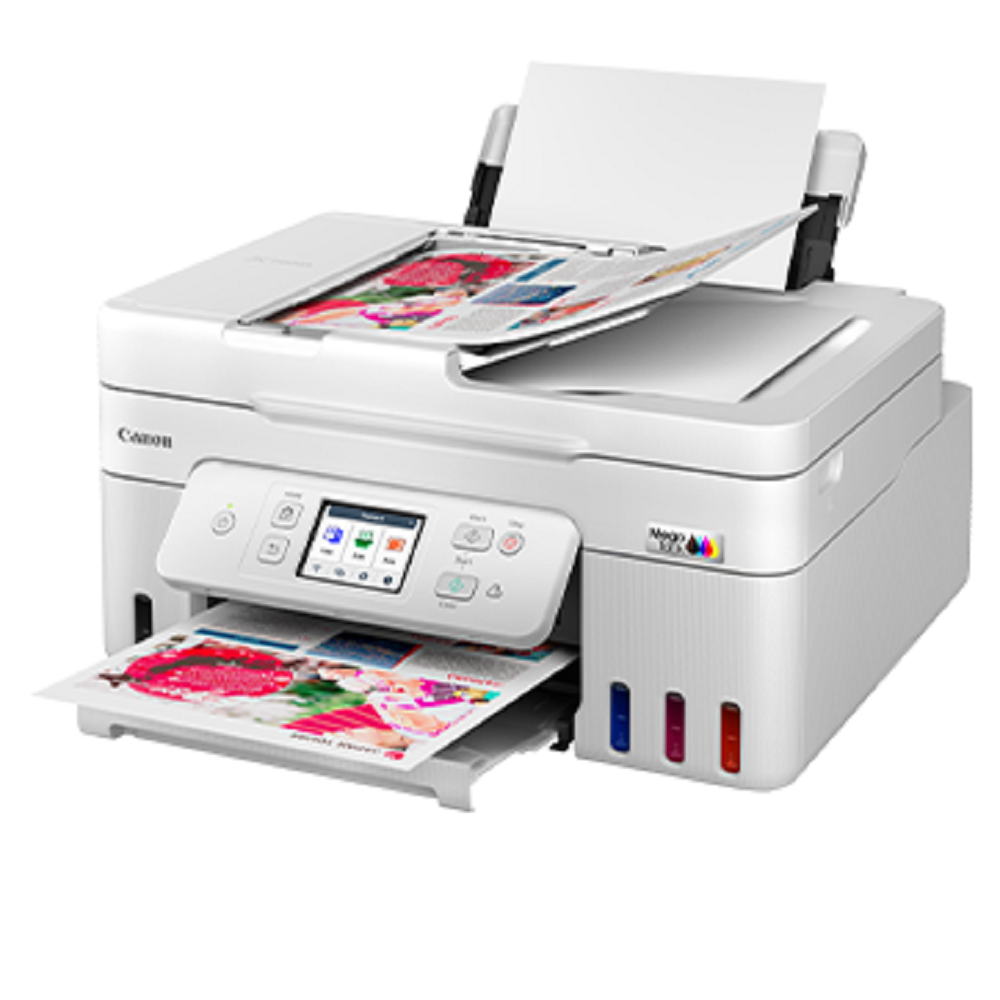
- 2.7-inch Colour Touchscreen Display
- 600 1200 dpi Print Resolution
- Monthly Duty Cycle: Up to 45,000 Pages
- Ideal for Offices, Schools, Hospitals, Banks & Businesses
Applications:
- Corporate Offices
- Educational Institutions
- Government Departments
- Healthcare & Hospitals
- Banking & Financial Institutions
- Retail & Service Businesses
- Small & Medium Enterprises (SMEs)
All Tech Solutions Mumbai
Authorized Supplier of Canon Office Automation Products
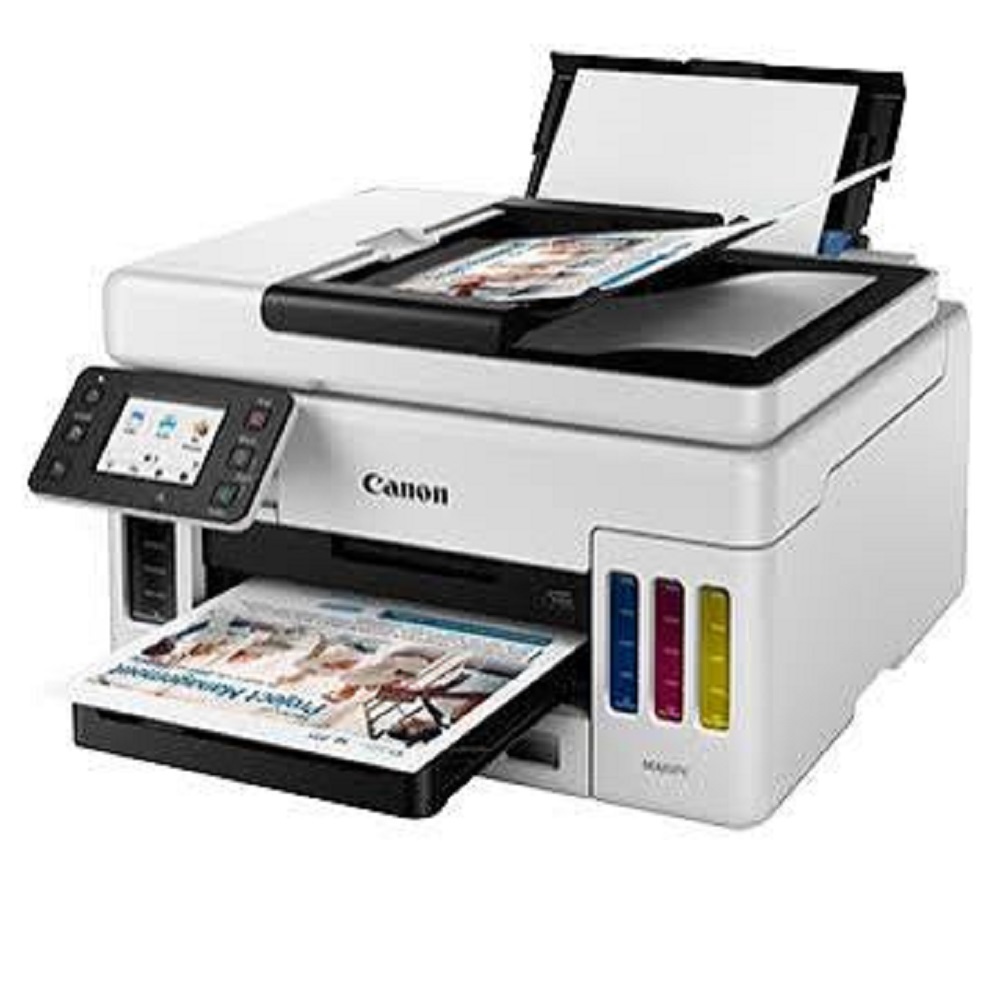
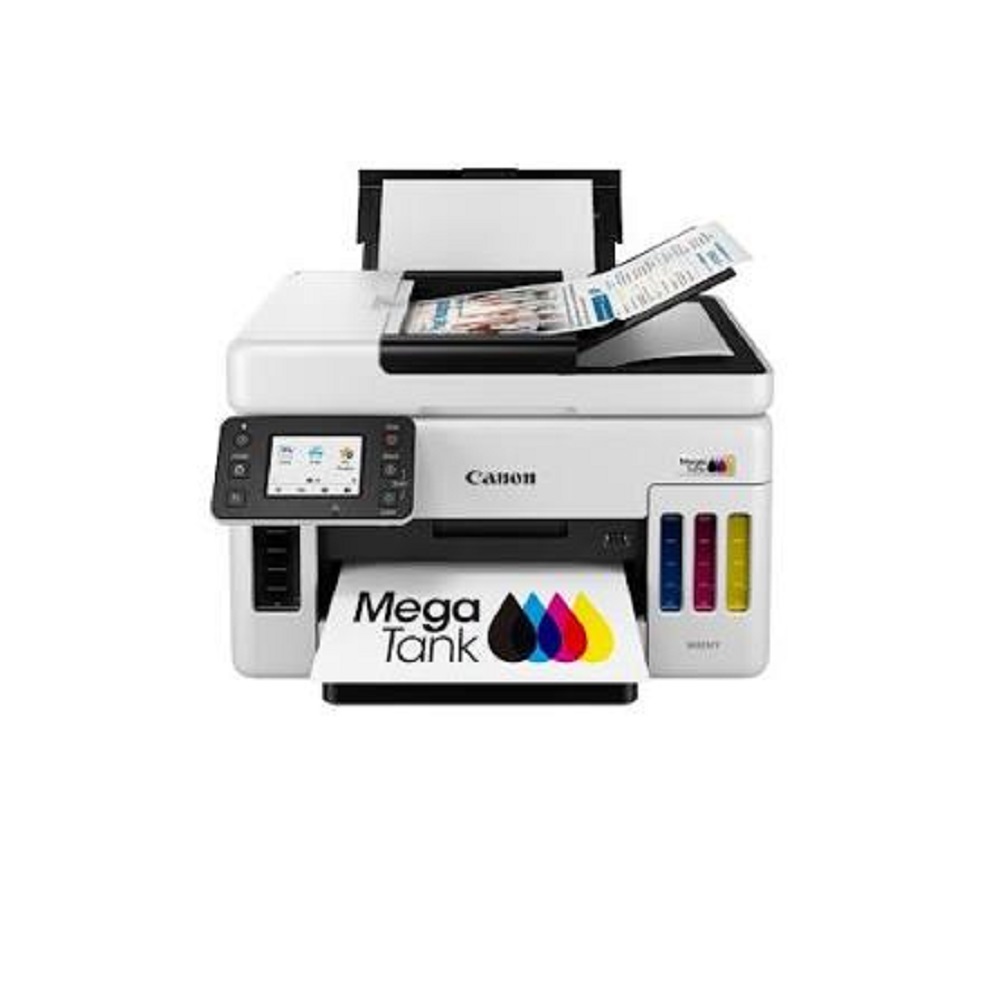
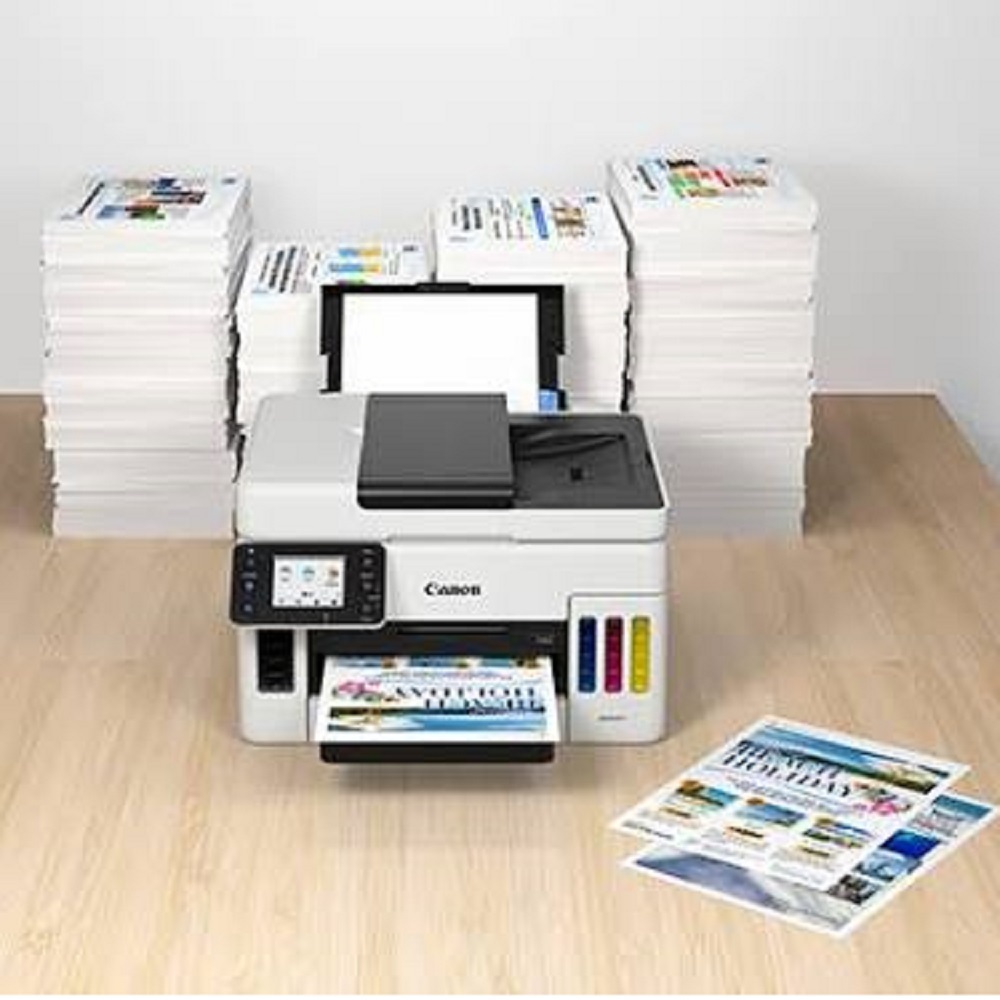
Large Capacity and High EfficiencyDesigned for demanding environments, the Canon MAXIFY GX6070 can manage substantial print loads with its refillable ink system, high-capacity paper trays, and ADF that holds up to 50 sheets. Experience up to 24 ipm mono and 15.5 ipm color print speeds, making it a dependable choice for frequent, high-volume printing tasks.
Versatile Connectivity and CompatibilityEnjoy seamless integration in any workspace with multiple connectivity options, including Wi-Fi, Ethernet, and USB. The GX6070 supports Windows, macOS, Linux, and mobile platforms such as Apple AirPrint, Mopria, and the Canon PRINT app. With automatic duplex printing, mobile printing, and cloud print features, your printing workflow remains fast and flexible.
User-Friendly and Secure OperationsManage tasks effortlessly with the 2.7-inch color LCD touchscreen, advanced network security protocols, and straightforward ink refilling. Whether for office, home, or business, the GX6070 is engineered to boost productivity while upholding security and user convenience.
FAQ's of Canon MAXIFY GX6070 Wireless Ink Tank:
Q: How do I refill the ink in the Canon MAXIFY GX6070?
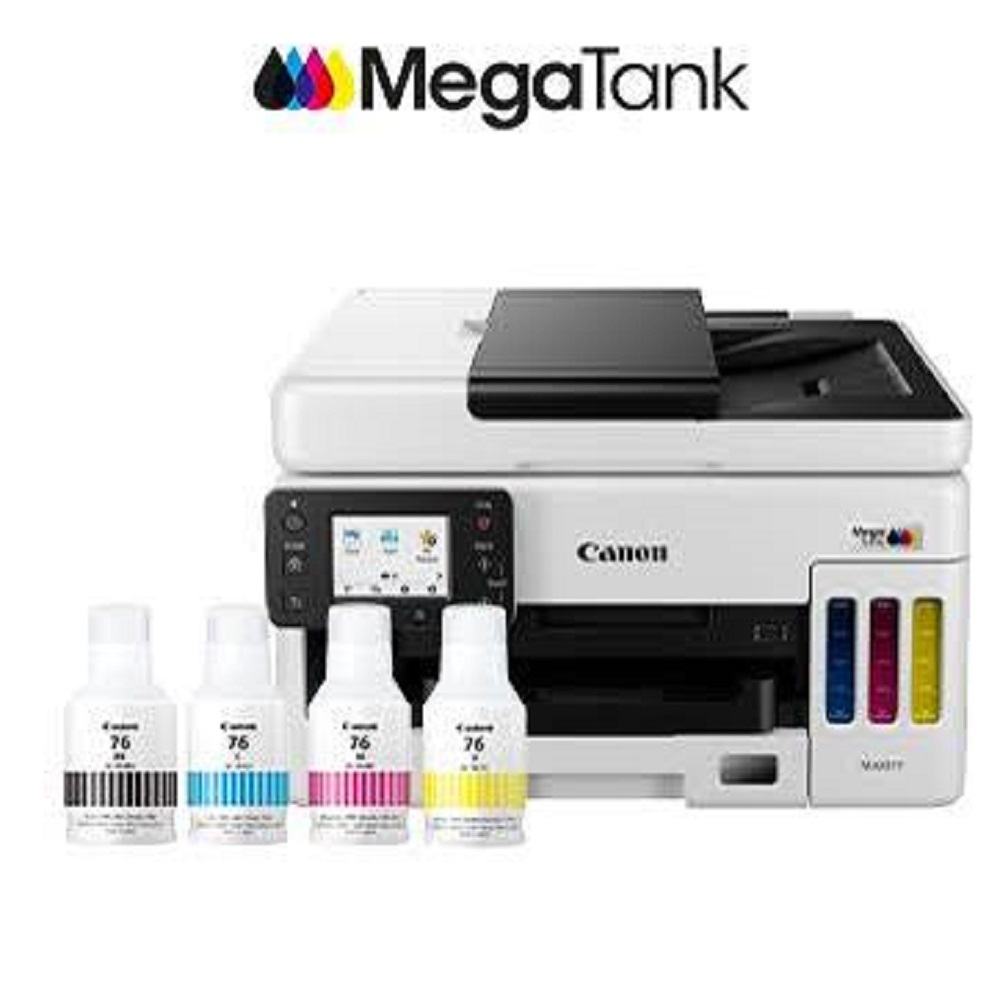
A: Refilling the ink is simple and mess-free. Open the ink tank cover, align the included GI-76 ink bottles with their respective tanks (Black, Cyan, Magenta, Yellow), and let the bottle dispense ink automatically. The tanks are designed to prevent mixing or overfilling.
Q: What are the benefits of using refillable ink bottles for this printer?
A: Refillable ink bottles significantly lower printing costs compared to traditional cartridges and offer high page yields, up to 6,000 pages (B/W) and 14,000 pages (color). This minimizes downtime and reduces the frequency of ink replacements, perfect for high-volume users.
Q: When should I use the Automatic Document Feeder (ADF)?
A: The ADF, with a 50-sheet capacity, is ideal for scanning, copying, or faxing multi-page documents efficiently-saving you time compared to feeding each page manually.
Q: Where can I use the Canon MAXIFY GX6070 for optimal results?
A: This printer is suited for offices, small businesses, and home environments in need of reliable, high-volume color or mono printing. Its compact design fits standard desktops, and its robust features support varied workspaces across India.
Q: What printing speeds can I expect from the GX6070?
A: You can achieve print speeds up to 24.0 images per minute (mono) and 15.5 images per minute (color). The first print comes out quickly-about 7 seconds for black & white and 8 seconds for color documents.
Q: How does the GX6070 handle network security?
A: The Canon MAXIFY GX6070 supports advanced security protocols, including WPA-PSK, WPA2-PSK, and WEP, ensuring that your wireless connections and sensitive data remain protected during use.
Q: What process should I follow to print from my mobile device?
A: Simply connect your smartphone or tablet via Wi-Fi and use Apple AirPrint, Mopria, or the Canon PRINT app to send documents or photos to the printer. This works seamlessly without the need for a traditional computer.







 Send Inquiry


 Send Inquiry