Scanner Epson WorkForce DS-790WN Wireless Network About
Key Features
- High-Speed Scanning up to 45 Pages Per Minute (90 Images Per Minute)
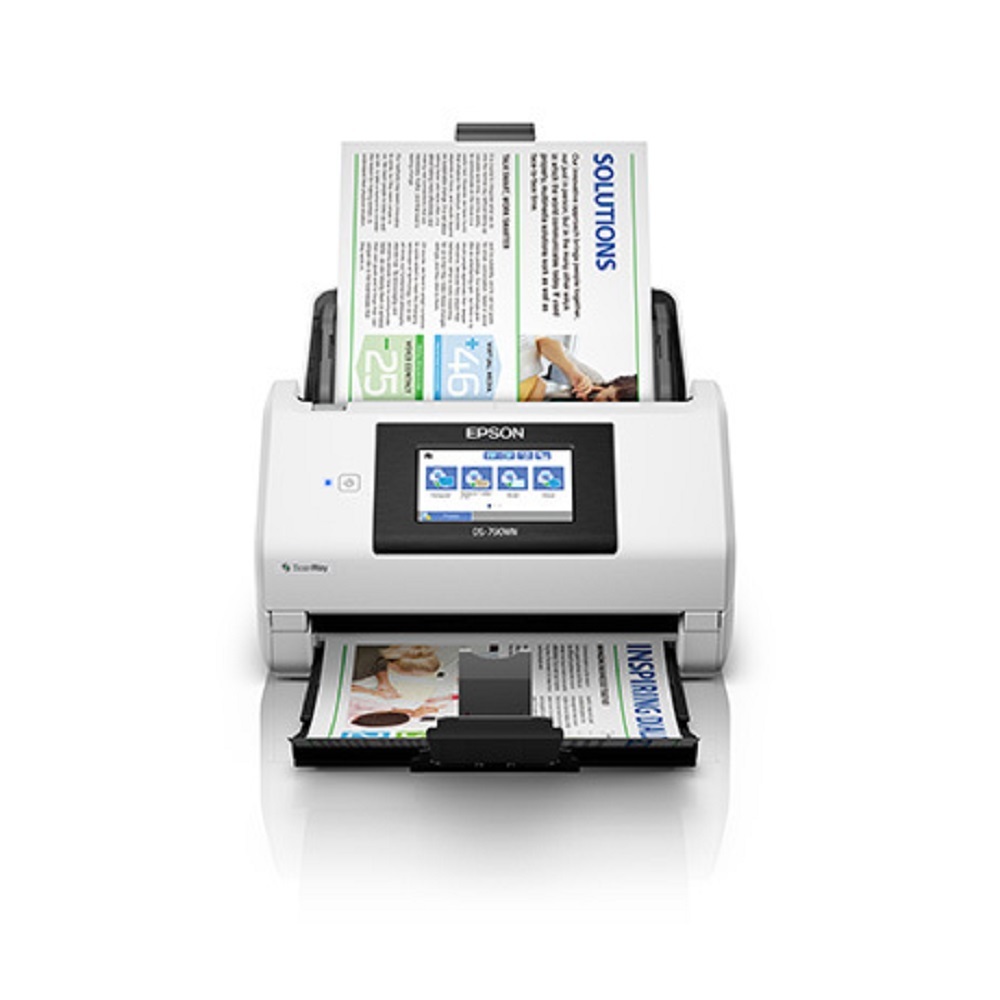
- One-Pass Duplex Colour Scanning
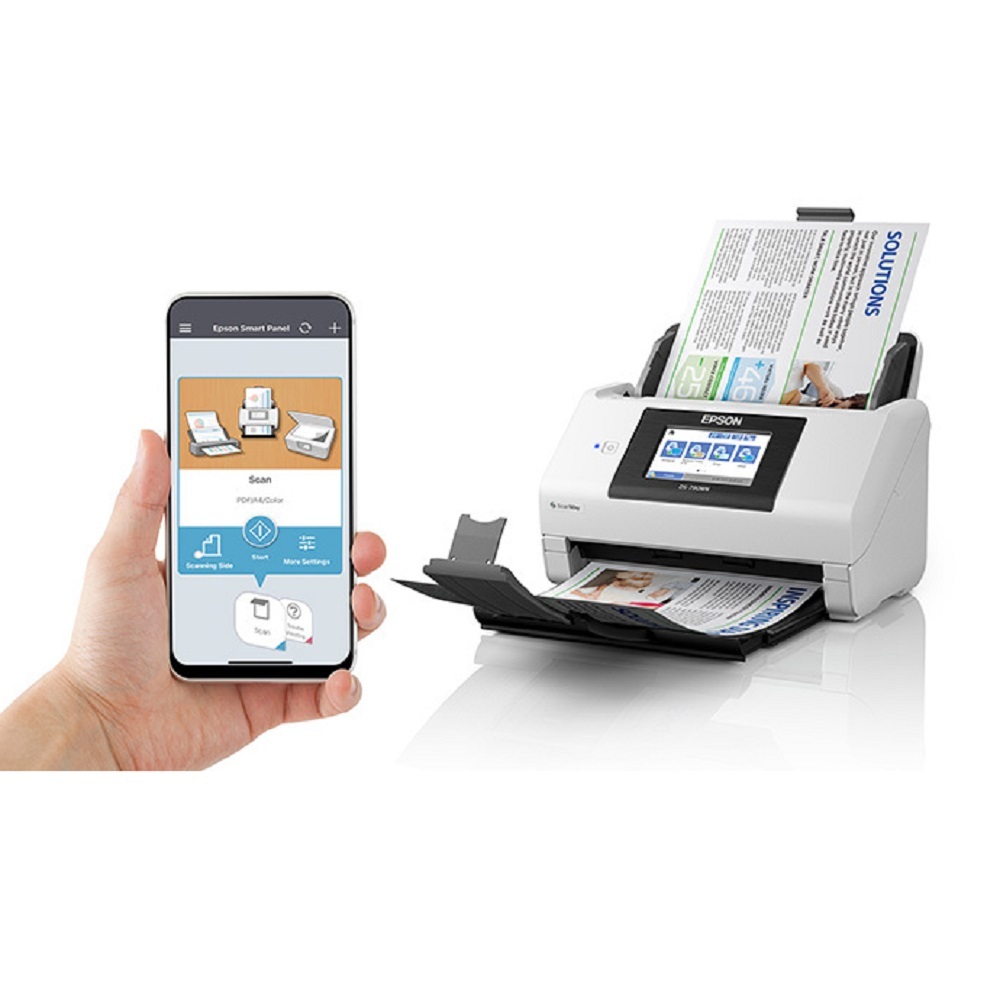
- Built-in Wi-Fi, Wi-Fi Direct & Gigabit Ethernet
- USB 3.0 Connectivity
- PC-Free Scan to Network, Email, USB & Cloud
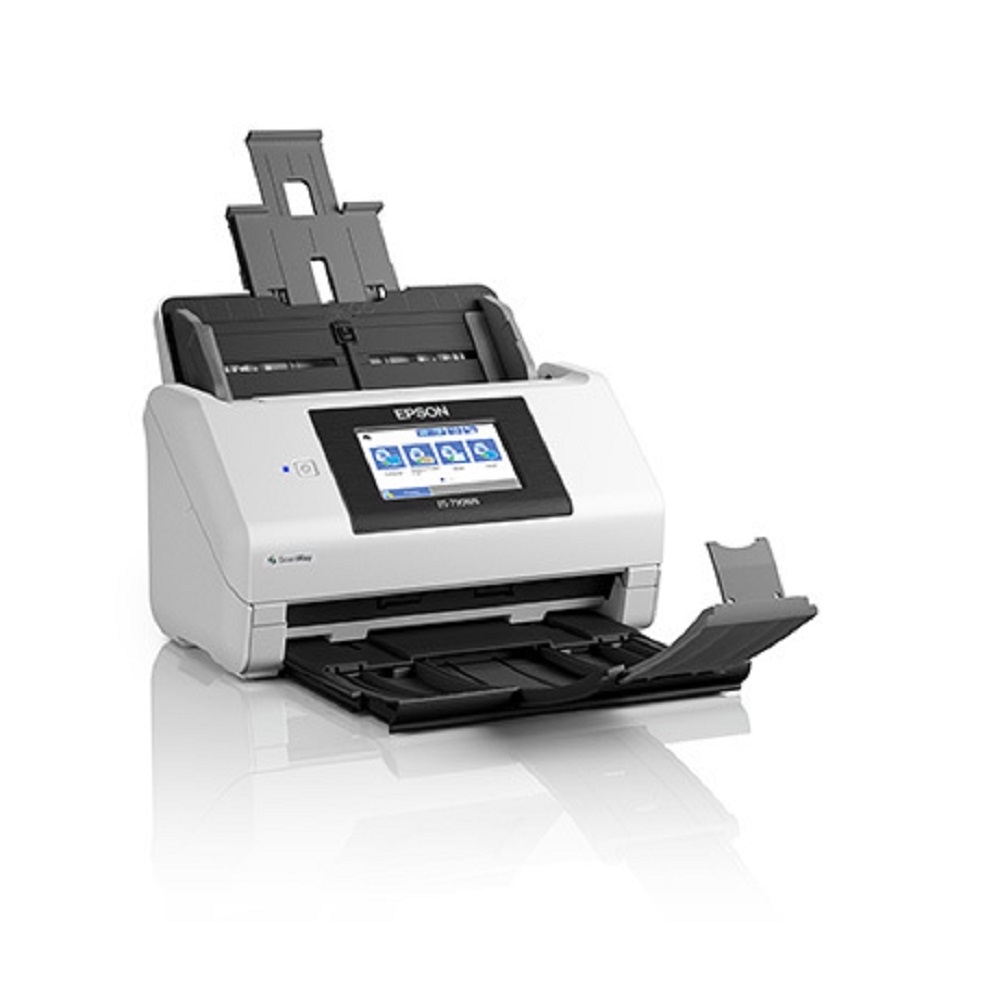
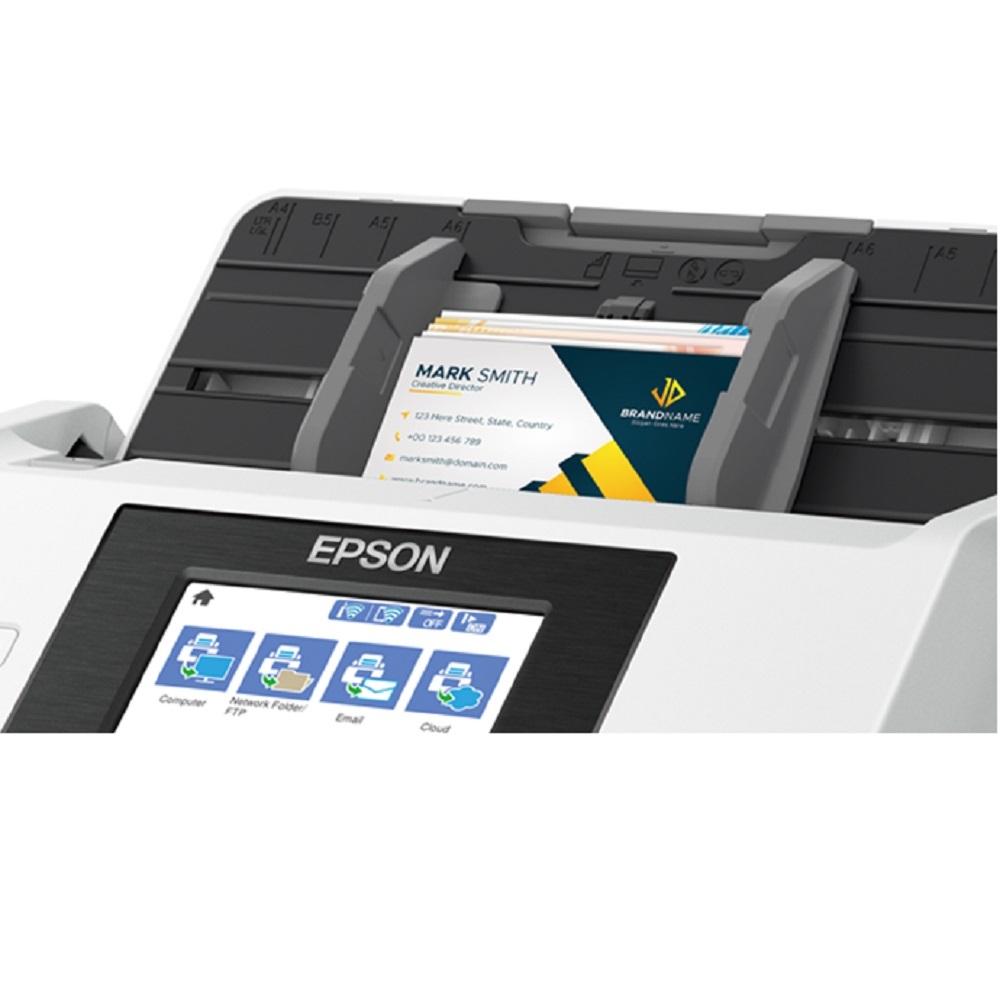
- 4.3-inch Colour LCD Touchscreen
- 100-Sheet Automatic Document Feeder (ADF)
- Optical Resolution: 600 600 dpi
- Scan to Searchable PDF, Word, Excel & PowerPoint (OCR)
- TWAIN & ISIS Driver Support
- Supports Windows, macOS, iOS & Android
- Daily Duty Cycle up to 7,000 Sheets
- Secure User Authentication & Network Security Features
Applications
- Corporate Offices
- Government Departments
- Banks & Financial Institutions
- Hospitals & Healthcare
- Schools, Colleges & Universities
- Legal & CA Firms
- Insurance Companies
- Logistics & Warehousing
- Document Management & Archiving
Benefits
- Fast and accurate document digitization
- Wireless and network-enabled workflow
- Scan directly without a computer
- Reliable high-volume performance
- Low maintenance and easy operation
- Ideal for professional document management
Why Buy From All Tech Solutions?
- Epson Official Partner
- Genuine Epson Products
- Best Market Prices
- Professional Installation & Demo
- Warranty Support
- PAN India Delivery
- Sales, Service & AMC Available
Seamless Wireless and Network IntegrationThe Epson WorkForce DS-790WN offers versatile connectivity options including USB 3.0, Ethernet (RJ-45), and wireless networking. Designed for easy integration into diverse office environments, it enables scanning directly to email, network folders, cloud services, or USB drives, fostering an efficient document workflow. Its embedded web server and multiple network protocols such as TCP/IP, DHCP, and SNMP ensure smooth operation in secure and dynamic network infrastructures.
Advanced Document Handling and ProductivityThis scanner's 100-sheet ADF supports rapid batch scanning for documents of varying sizes, from business cards to legal forms and custom dimensions. Engineered for productivity, it processes up to 7,000 sheets daily and achieves high-speed scanning at 45 ppm/90 ipm. Duplex functionality and multi-page PDF creation streamline daily office documentation, while the 600 x 600 dpi CIS sensor guarantees precise, high-resolution results.
Enhanced Security and User ControlThe WorkForce DS-790WN places security at the forefront with user authentication, pin code access, and an embedded web server for robust management. Administrators can easily regulate access rights and monitor usage, protecting sensitive business data. This is essential for organizations prioritizing compliance and confidentiality in shared networked settings.
FAQ's of Scanner Epson WorkForce DS-790WN Wireless Network:
Q: How do I connect the Epson WorkForce DS-790WN scanner to my office network?
A: You can connect the DS-790WN using Ethernet (RJ-45), Wi-Fi, or USB 3.0. Network setup is made simple with support for various protocols such as TCP/IP, DHCP, and DNS. Follow the on-screen instructions on the 4.3-inch touchscreen or use the embedded web server for configuration.
Q: What types of documents and file formats can the scanner handle?
A: The scanner accommodates various sizes including A4, A5, A6, B5, legal, letter, business cards, and custom sizes. It outputs digital files in formats like PDF, multi-page PDF, JPEG, TIFF, and BMP, allowing flexibility for different business needs.
Q: When should I use the duplex scanning feature?
A: Duplex scanning is ideal when you need to scan both sides of double-sided documents quickly, saving time and reducing paper handling. It's perfect for digitizing contracts, forms, and multi-page reports.
Q: Where can my scanned documents be sent or saved?
A: Scanned documents can be directed to multiple destinations, including email, network folders, cloud storage services, and USB drives. This makes it easy to distribute and access documents wherever you need them.
Q: What security measures are available for document protection?
A: The DS-790WN features user authentication and PIN code access, helping restrict scanner usage and ensure only authorized personnel can operate it. The embedded web server aids in managing security settings and monitoring device activity.
Q: How is the scanner beneficial for high-volume business environments?
A: With a 100-sheet ADF, scanning speeds up to 45 ppm/90 ipm, and a daily duty cycle of 7,000 sheets, the scanner is well-suited for busy offices. It automates batch scanning and minimizes manual intervention, increasing productivity.
Q: What is the process for scanning different paper sizes or types?
A: Simply load your documents-ranging from business cards to legal size-into the ADF. The scanner automatically detects paper size and adjusts settings, ensuring accurate, efficient digital capture for a range of document types.







 Send Inquiry


 Send Inquiry