Refurbished Xerox Machines canon IR DX 4551 About
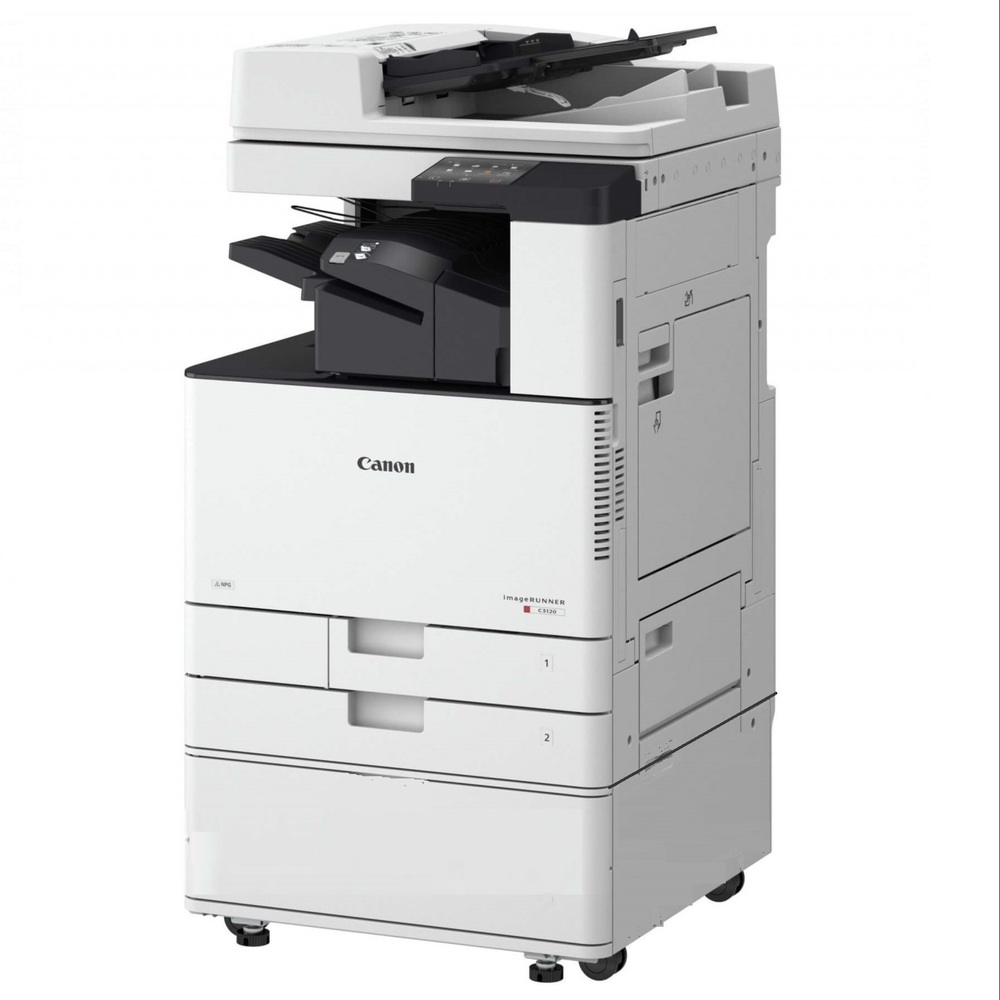
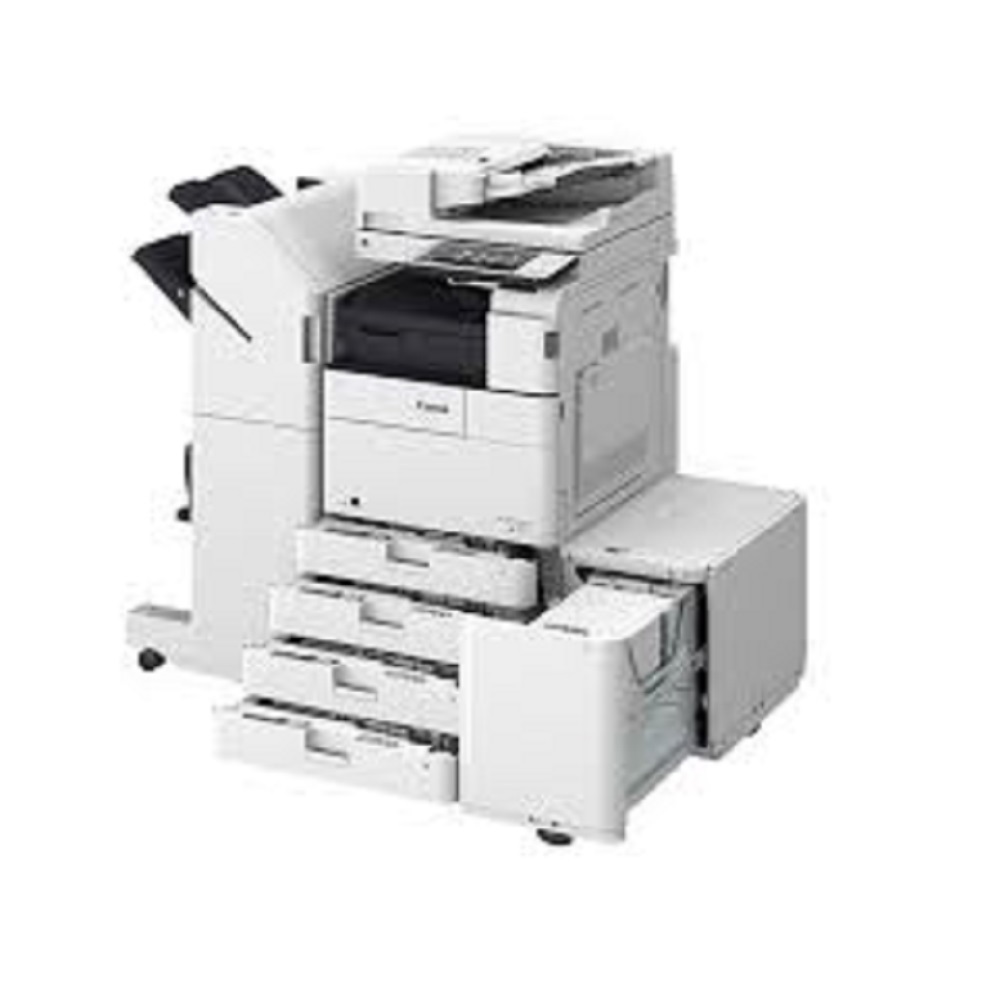
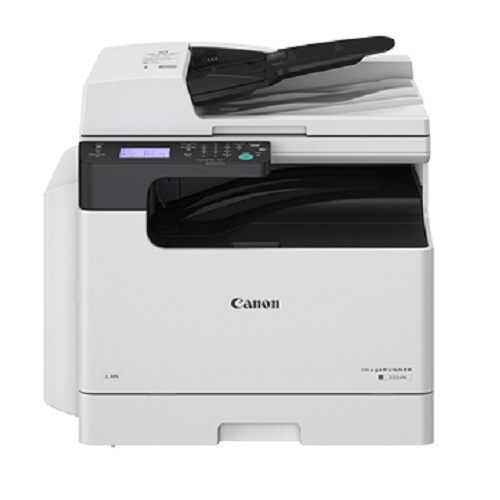
Heres a summary of the Ci / DX 4551 multifunction printer (mono/B&W). If you meant a slightly different version, many of the specs are similar across the i / II / III variants. I can also pull up the differences if you want.
Key Features & Specs | Feature | Details |
| Type | Monochrome (black & white) multifunction printer (print / copy / scan / send / store); fax optional. |
| Print / Copy Speed | Up to 51 pages per minute (ppm) on A4 / Letter. |
| First Copy Time | Approx. 3.7 seconds (A4). |
| Resolution | Printing: up to 1200 1200 dpi. Scanning: resolutions vary (e.g. 600 600, etc.). |
| Scan Speed | Up to 160 images per minute (IPM) via single-pass duplex document feeder. |
| Paper Handling | Standard: ~1,180 sheets. Max (with optional trays etc.): up to about 6,330 sheets. |
| Output / Finishing | Standard collate/group; with finishers options for staple, hole-punch, booklet, staple-free stapling, offset etc. |
| Memory & Storage | Standard ~3.0 GB RAM; HDD: standard 250 GB; upgradable (to 1 TB). |
| Interface / Connectivity | Ethernet (100/1000 Base-T), optional wireless LAN. USB host ports etc. |
| Power & Size | Approx weight ~ 73-86 kg depending on attachments, power draw max ~1500 W, sleep mode very low. |
| Other Notables | Security features, user authentication, optional mirroring, cloud / mobile printing support, customizable UI. |
#CanonIRDX4551#RefurbishedXeroxMachine#XeroxMachine#CanonPhotocopier#DigitalCopier#OfficePrinterVersatile Printing SolutionsThe Canon IR DX 4551 delivers impressive multifunctionality, catering to printing, copying, and scanning needs with ease. Its fast output and robust connectivity options ensure smooth workflows, making it a preferred choice for offices with demanding document management requirements. Optional finishing features further enhance document presentation.
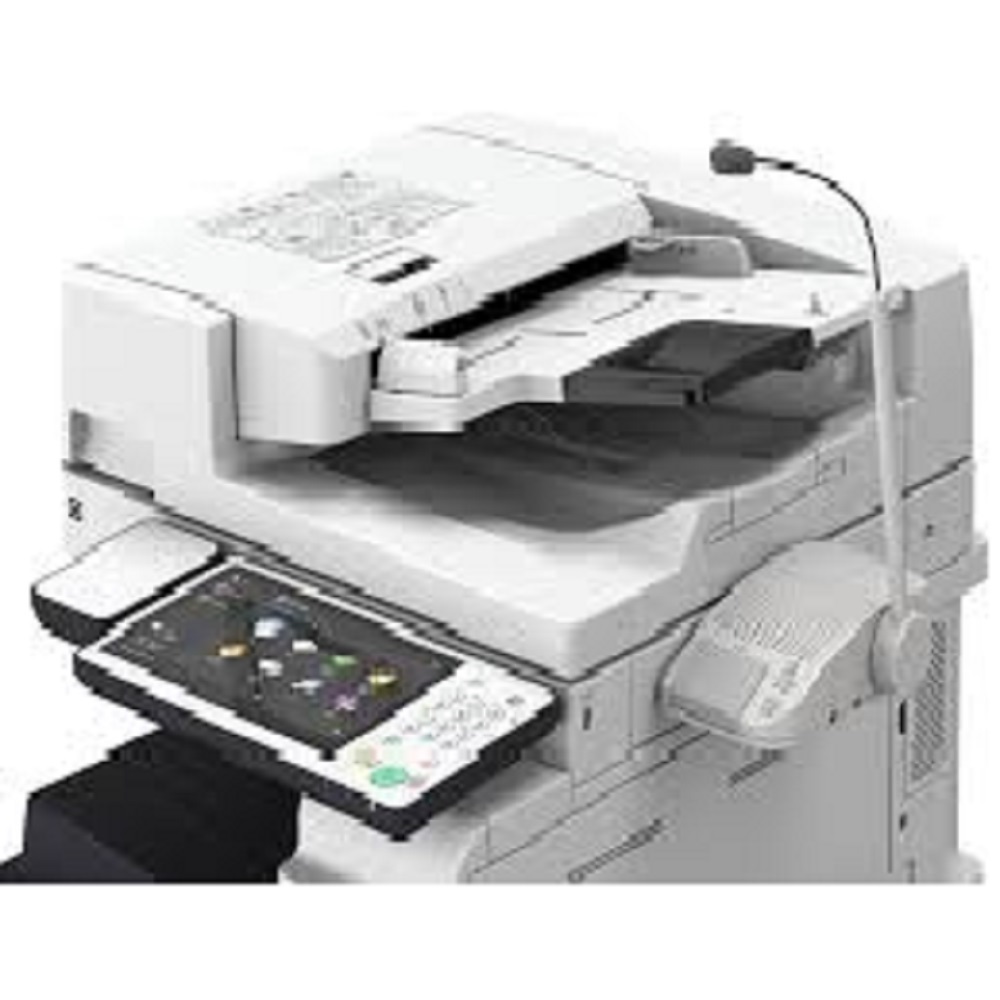
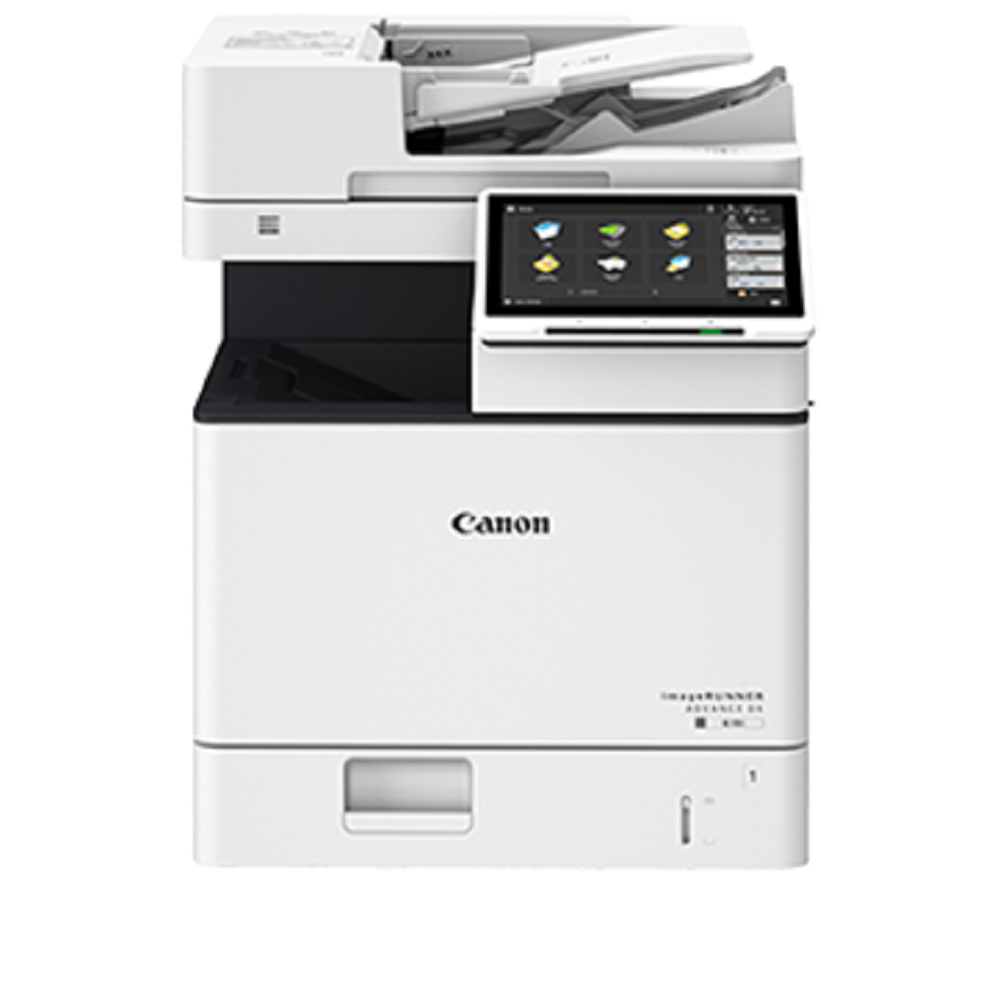
Efficient and User-Friendly DesignFeaturing a 7-inch color touch panel, the copier offers intuitive navigation for all users. Its quick warm-up and fast first copy time boost productivity, while its high paper capacity accommodates large tasks without frequent reloads. The compact, sturdy design ensures reliable operation even in busy workspaces.
FAQ's of Refurbished Xerox Machines canon IR DX 4551:
Q: How does the duplex printing feature of the Canon IR DX 4551 improve office productivity?
A: The automatic duplex printing capability allows you to print on both sides of the page without manual intervention, significantly reducing paper usage and minimizing the time spent on large document runs, which enhances overall workplace efficiency.
Q: What is the process for setting up network connectivity on this copier in an office environment?
A: To connect the Canon IR DX 4551 to your network, simply plug in the provided Ethernet cable to the 10Base-T/100Base-TX/1000Base-T port, configure network settings via the 7-inch touch panel, and install the required drivers on your devices. Compatible with Windows, Mac OS, and Linux systems, the setup process is straightforward and user-friendly.
Q: When should I consider using the optional finishing features like stapling and hole punching?
A: Optional finishing options such as stapling and hole punching are ideal when preparing professional documents like reports, booklets, or presentations. They help organize multi-page documents effectively and save time on post-printing manual tasks.
Q: Where can I purchase or service this refurbished Canon IR DX 4551 in India?
A: You can acquire and service this machine through authorized dealers, distributors, exporters, suppliers, or service providers specializing in refurbished office equipment across India. Verify credentials and support offerings before purchase.
Q: What are the benefits of choosing a refurbished Canon IR DX 4551 over a brand-new model?
A: Opting for a refurbished unit offers significant cost savings while maintaining high performance and reliability. Each machine is restored to optimal working condition, ensuring comparable functionality to new models and environmentally responsible consumption.
Q: How do I maximize the toner yield and reduce operating costs with this copier?
A: To achieve optimal toner yield of approximately 42,100 pages (at 5% coverage), use genuine toner cartridges, follow recommended maintenance schedules, and utilize print settings such as duplex printing and grayscale mode to minimize toner consumption without compromising quality.







 Send Inquiry


 Send Inquiry