Kyocera TASKalfa 2554ci Colour Multifunction Printer About
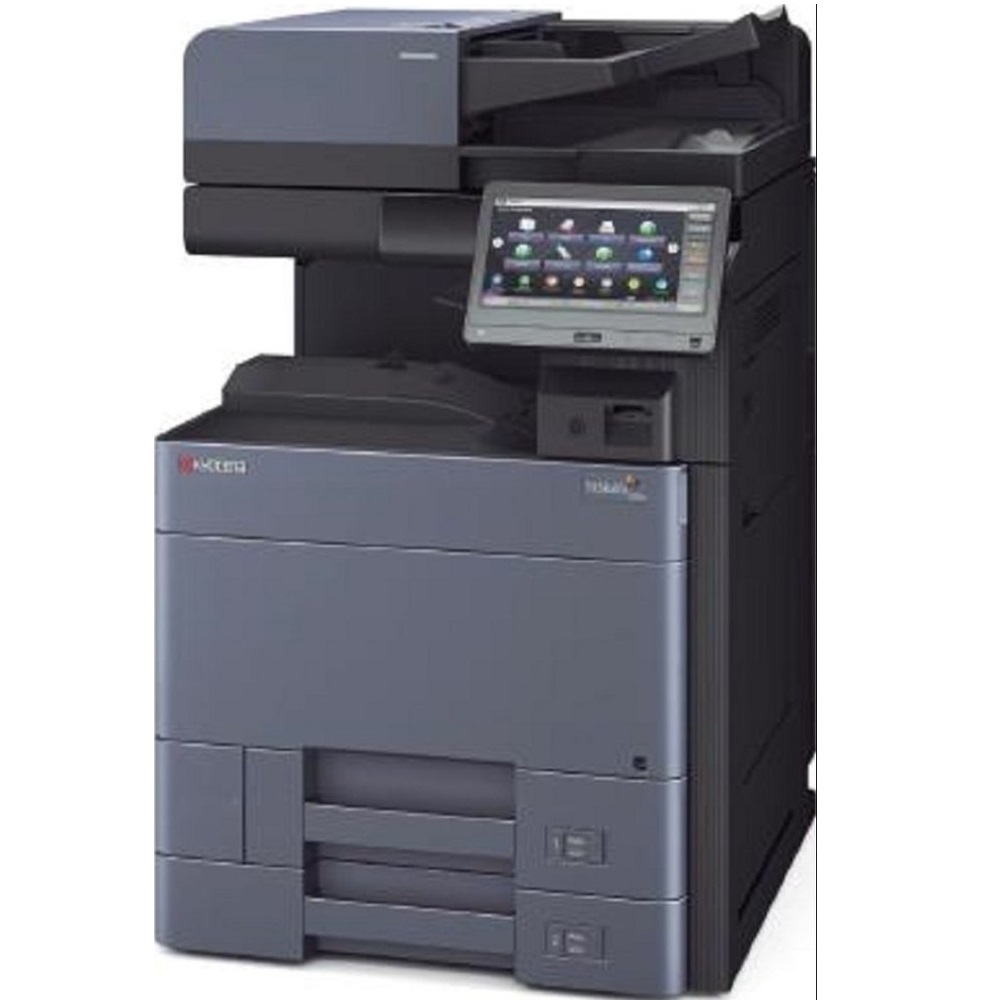
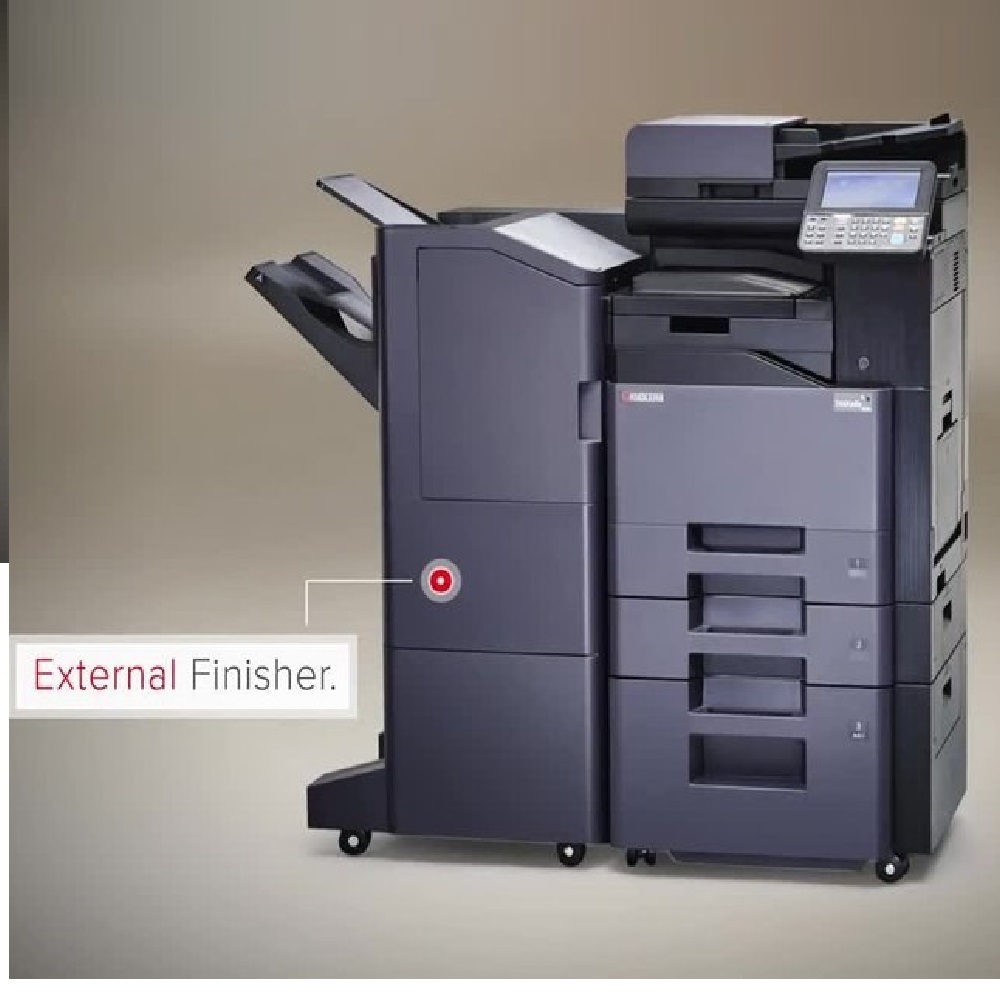
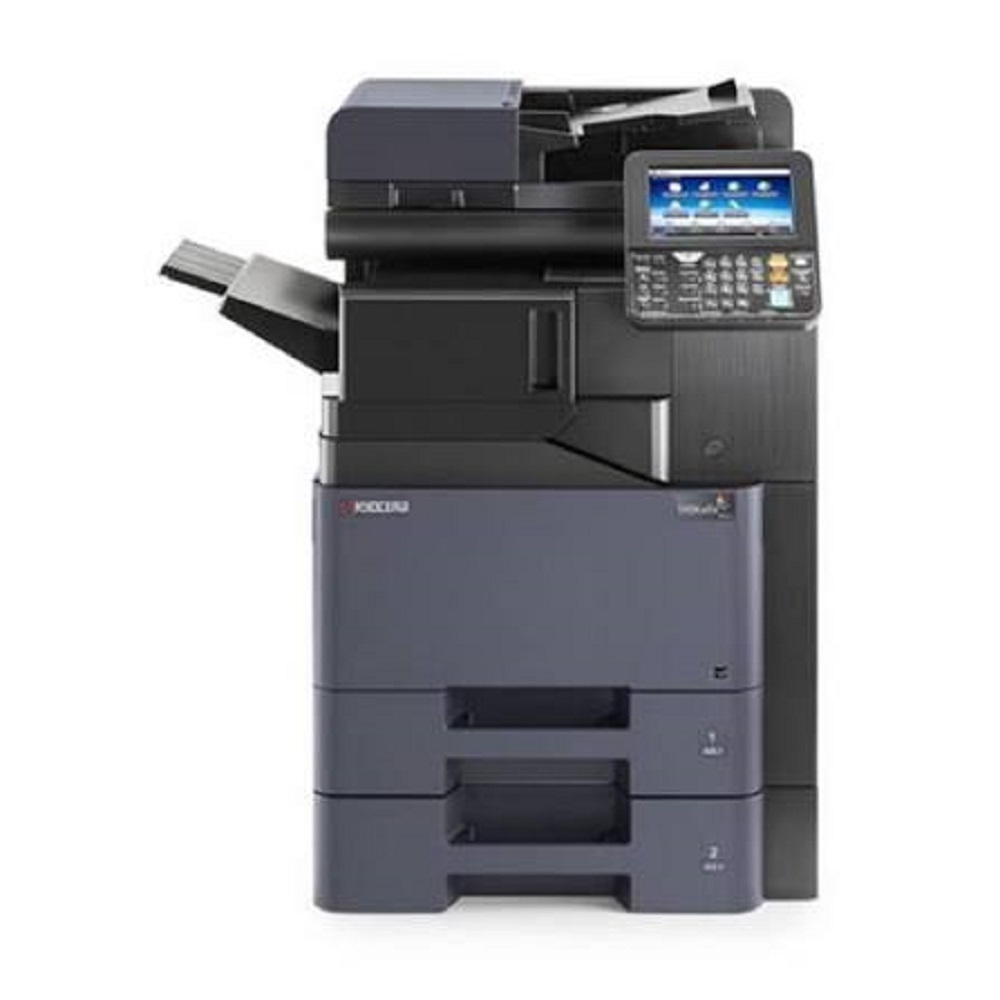
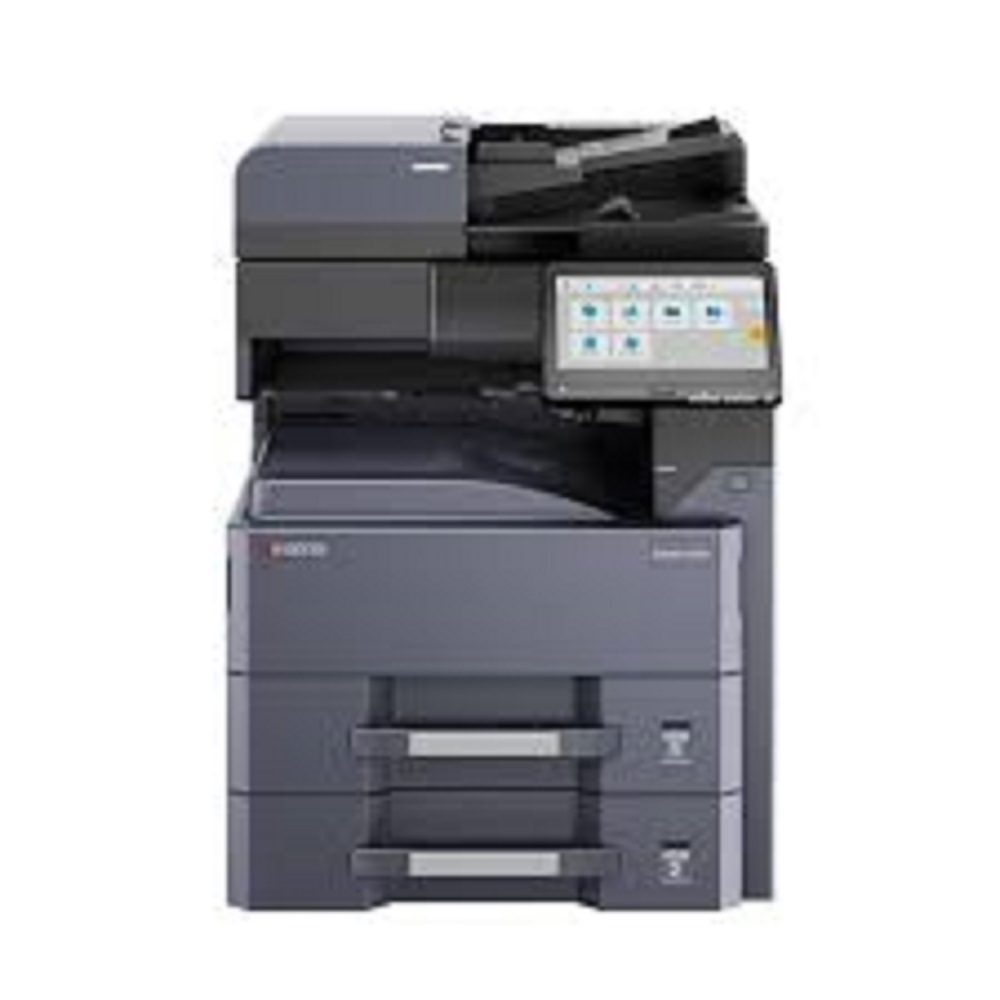
The Kyocera TASKalfa 2554ci is a high-performance A3 color multifunction printer (MFP) designed for medium to large office environments. It offers robust printing, scanning, and copying capabilities, ensuring efficiency and reliability for demanding workflows.
Key Specifications
-
Functions: Print, Copy, Scan; Fax (optional)
-
Print Speed: Up to 25 pages per minute (ppm) in both color and black & white
-
Print Resolution: 1200 x 1200 dpi; up to 4800 x 1200 dpi equivalent for enhanced quality
-
Scan Speed: Up to 100 images per minute (ipm) simplex; up to 200 ipm duplex with optional document processor
-
Paper Capacity: Standard 1,150 sheets (2 x 500-sheet trays + 150-sheet multipurpose tray); expandable up to 7,150 sheets
-
Paper Sizes Supported: A6R to A3; banner printing up to 1,900 mm
-
Paper Weight Supported: 52 to 300 gsm
-
Memory: 4 GB RAM; 32 GB SSD; optional 320 GB HDD
-
Control Panel: 10.1-inch color touchscreen
-
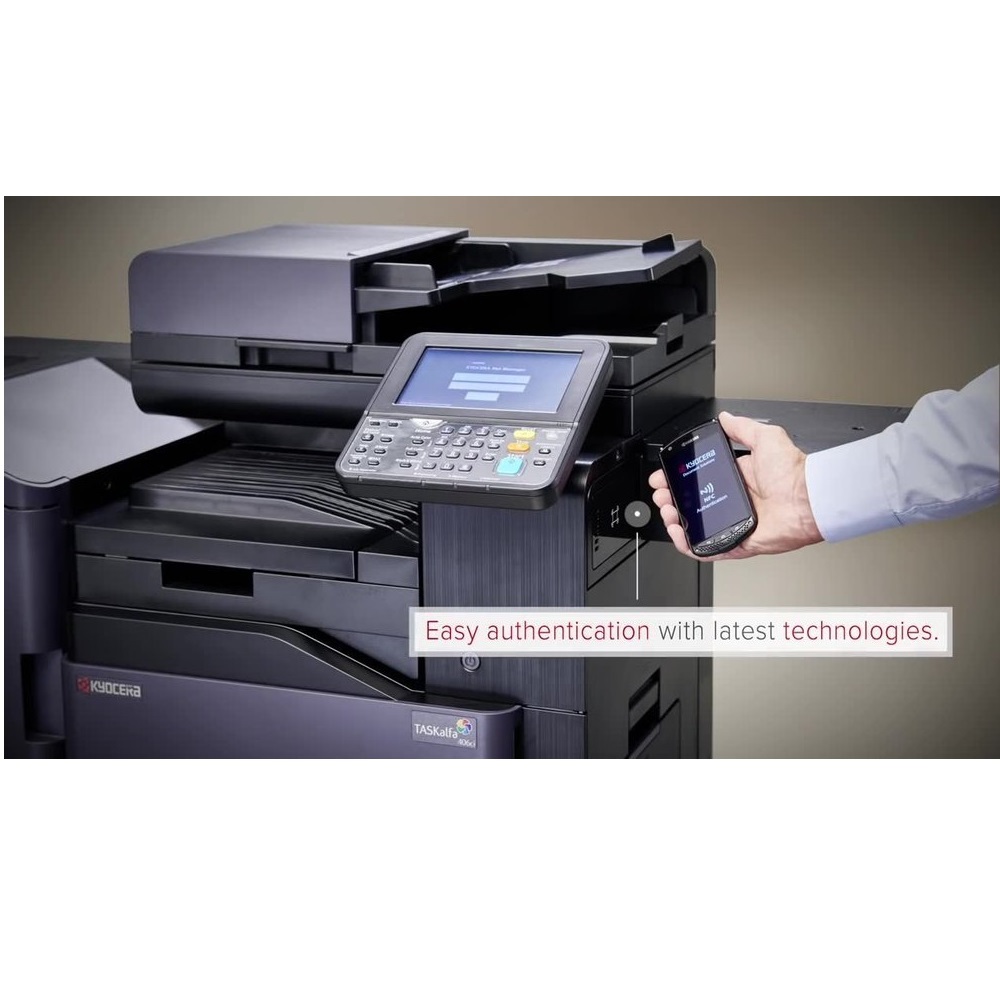
Connectivity: USB 3.0, Gigabit Ethernet, optional Wi-Fi and NFC
-
Dimensions (W x D x H): Approximately 602 x 665 x 790 mm
-
Weight: Approximately 90 kg
Enhanced Usability with Advanced TouchscreenNavigate tasks easily with the 10.1-inch color touch screen control panel. Its intuitive interface streamlines complex processes, making daily print, scan, and copy jobs straightforward for all users in an office environment.
High-Performance Print TechnologyExperience precise, vibrant prints every time with up to 1,200 x 1,200 dpi resolution and quick first print times. The quad-core 1.6 GHz processor ensures fast document processing, while automatic duplex printing boosts efficiency.
Flexible Media and Network OptionsThe TASKalfa 2554ci accommodates a wide range of paper sizes, weights, and custom media, including banners. Integrated interfaces like USB, Gigabit Ethernet, and optional Wi-Fi facilitate seamless connectivity across various workspaces.
FAQ's of Kyocera TASKalfa 2554ci Colour Multifunction Printer:
Q: How do I connect the Kyocera TASKalfa 2554ci to my office network?
A: You can connect the printer via the standard USB 2.0 or Gigabit Ethernet ports included. For wireless environments, optional Wi-Fi connectivity is available, allowing you to set up the printer seamlessly on your local network.
Q: What operating systems are supported by the TASKalfa 2554ci?
A: This printer is compatible with Windows, Mac OS, and Linux operating systems, offering flexible integration into a variety of IT setups commonly used in Indian businesses.
Q: When should I replace the toner cartridges, and how often is this needed?
A: Replace toner cartridges when print quality declines or when alerted by the printer's touch screen panel. Toner yields are up to 20,000 pages for black and 12,000 pages each for cyan, magenta, and yellow, so replacement frequency depends on your usage volume.
Q: Where can I use custom-sized or banner paper with this printer?
A: The multi-purpose tray supports custom paper sizes and banner prints up to 305 x 1,219 mm. Standard trays accommodate paper weights between 60-256 g/m2, while the multi-purpose tray handles 52-300 g/m2.
Q: What is the process to perform automatic duplex printing?
A: Automatic duplex printing is a standard feature on the TASKalfa 2554ci. Simply select duplex printing from your print settings; the printer will automatically print on both sides of the paper, saving time and reducing paper waste.
Q: How does the control panel enhance user experience?
A: The large 10.1-inch color touch screen offers an intuitive interface, making it easy to access features, monitor jobs, and adjust settings, allowing for efficient operation without technical expertise.
Q: What benefits does the high monthly duty cycle provide?
A: With a monthly duty cycle of up to 100,000 pages, this printer is well-suited for demanding office environments, ensuring dependable performance, reduced downtime, and cost-effective productivity.







 Send Inquiry


 Send Inquiry