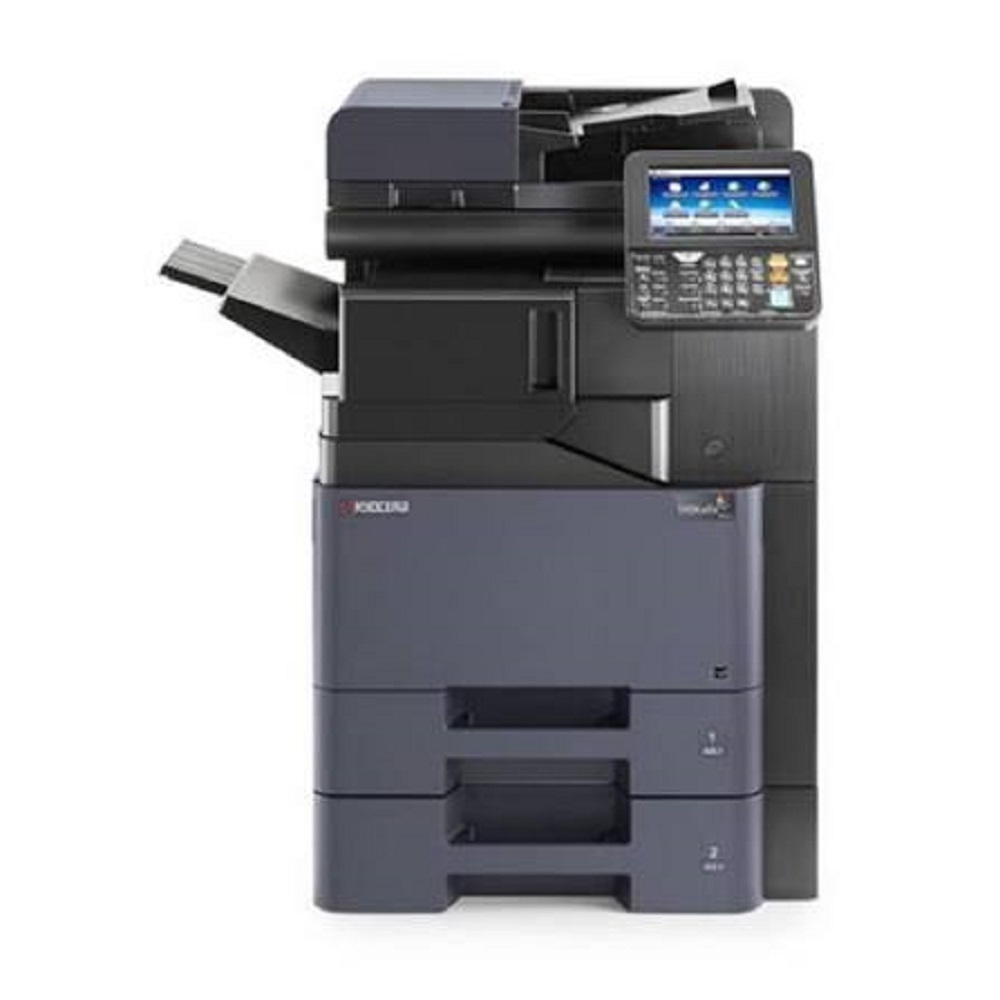
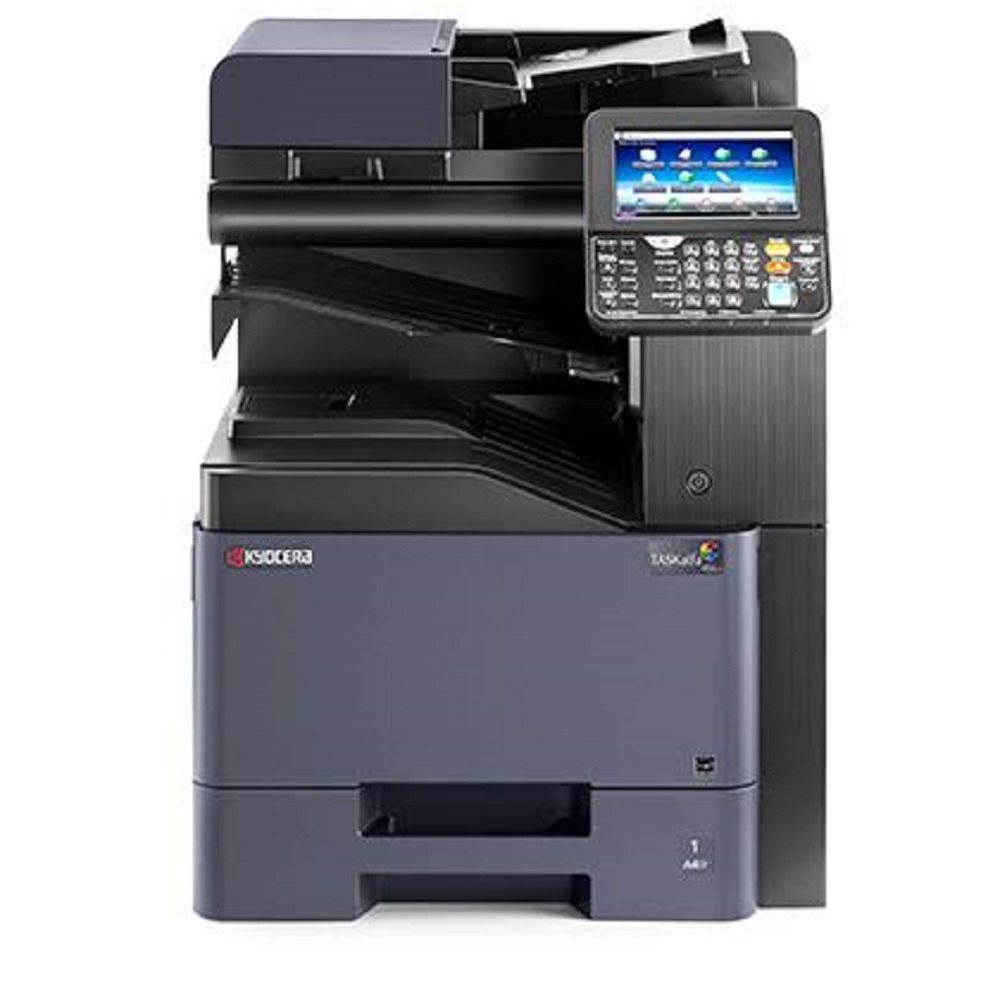
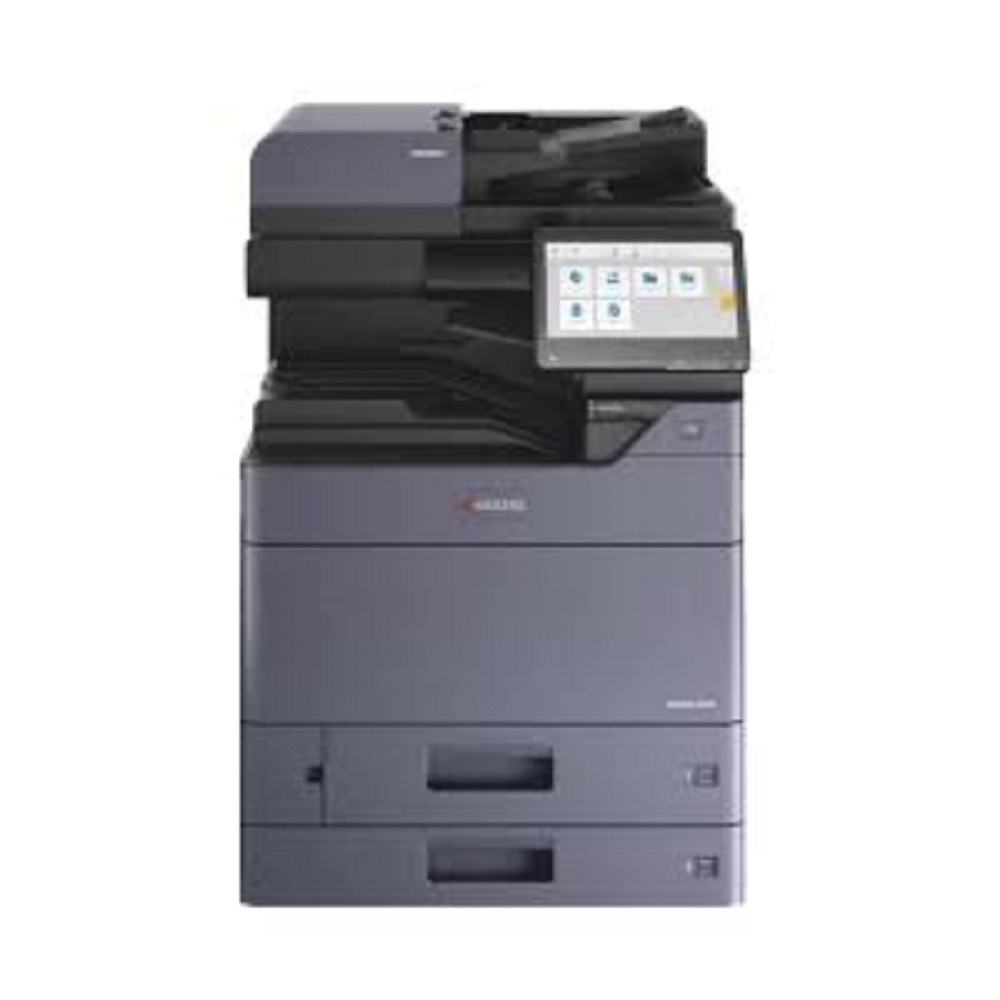
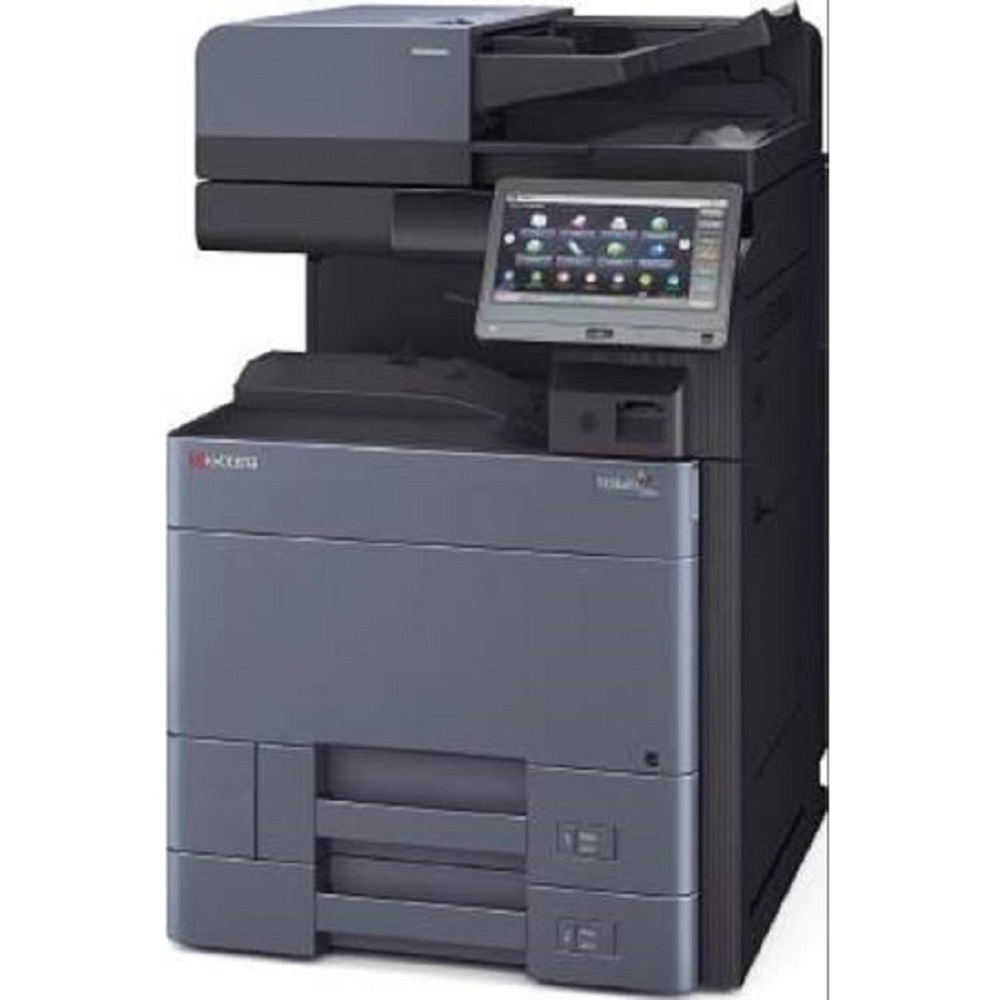
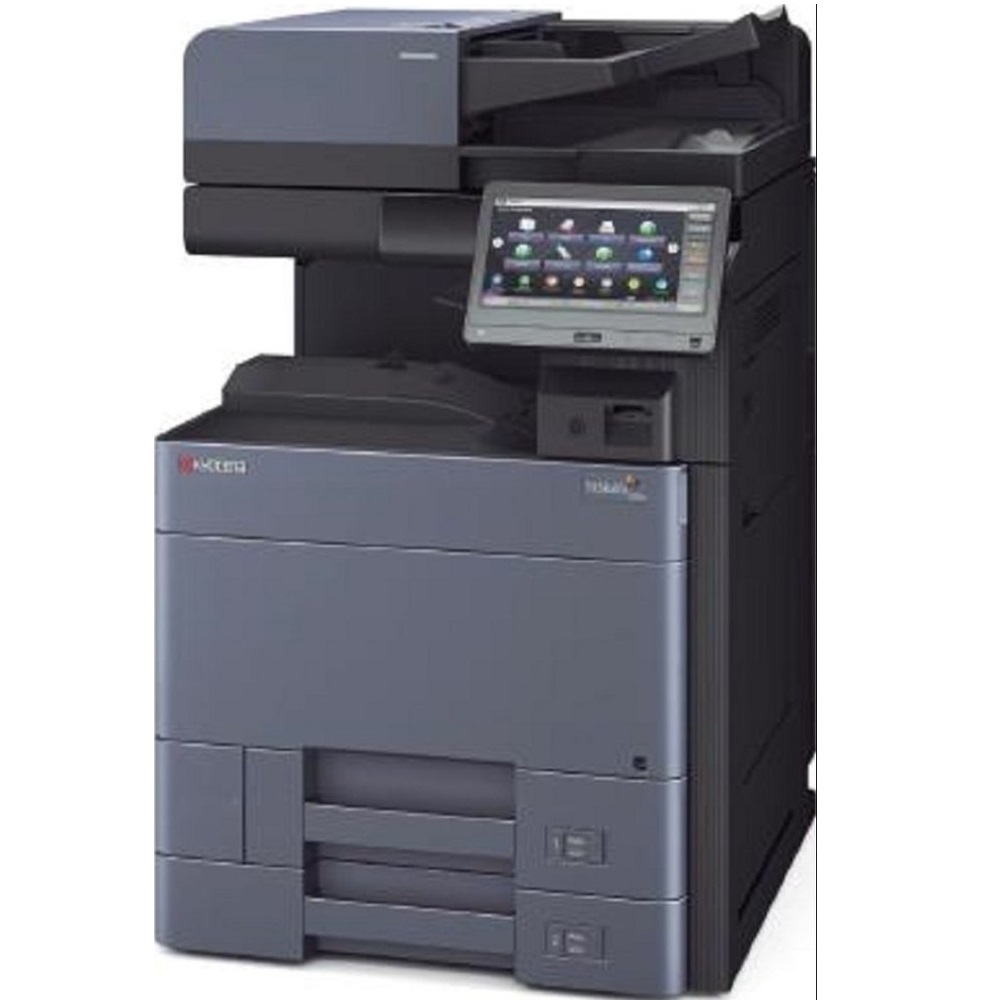
Kyocera TASKalfa 2554ci About
Key Features
- Print, Copy, Colour Scan & Optional Fax
- Print Speed: Up to 25 Pages Per Minute (A4)
- Print Resolution: Up to 4800 1200 dpi
- Standard Automatic Duplex Printing
- 10.1-inch Colour Touchscreen Control Panel
- Standard 4 GB RAM & 32 GB SSD
- Gigabit Ethernet & USB 3.0 Connectivity
- Optional Wi-Fi Support
- Mobile Printing with AirPrint, Mopria & KYOCERA Mobile Print
- Scan to Email, USB, Network Folder & Cloud
- Supports Paper Sizes from A6 to SRA3
- High Paper Capacity (Expandable)
- Advanced Data Security & User Authentication
- Designed for Heavy Office Workloads and Low Cost of Ownership
Applications
Perfect for:
- Corporate Offices
- Government Departments
- Educational Institutions
- Hospitals
- Banks
- Architects & Engineering Firms
- Print & Copy Centres
- Commercial Businesses
Available From
ALL TECH SOLUTIONS
Office Automation & IT Solutions Provider
Sales | Service | Rental | AMC
Exceptional Performance and EfficiencyWith advanced processing power and large memory, the TASKalfa 2554ci delivers fast print and copy speeds of up to 25 pages per minute, both in colour and black-and-white. Its quick warm-up time and first-copy speeds reduce waiting periods, thus maximizing productivity in busy office settings. The robust monthly duty cycle supports volumes up to 100,000 pages, making it highly reliable for continuous usage.
User-Friendly Operation and ConnectivityA large 9-inch colour touch screen simplifies navigation and daily tasks. The device is equipped with versatile network connectivity, including fast Ethernet and USB 2.0 interfaces. Mobile workers can print directly from their devices using Apple AirPrint, Google Cloud Print, and KYOCERA Mobile Print, ensuring seamless workflow integration across all popular platforms.
FAQ's of Kyocera TASKalfa 2554ci:
Q: How does the Kyocera TASKalfa 2554ci support mobile printing?
A: The TASKalfa 2554ci offers built-in support for Apple AirPrint, Google Cloud Print, and KYOCERA Mobile Print, enabling users to print documents directly from smartphones and tablets without needing a desktop connection.
Q: What types and sizes of paper can be used with this copier?
A: This device accommodates a wide range of paper sizes, from A6R up to SRA3, including custom sizes as small as 89 x 140 mm. Supported paper weights range from 60 to 300 g/m2, allowing for flexible printing options.
Q: When is the best time to choose the Kyocera TASKalfa 2554ci for my business?
A: The TASKalfa 2554ci is ideal for businesses requiring consistent, high-volume colour copying and printing, especially when productivity, durability, and mobile printing support are essential. Its robust duty cycle and scalable paper capacity suit both growing offices and established enterprises.
Q: Where can the Kyocera TASKalfa 2554ci be installed within an office?
A: With its compact footprint (602 x 665 x 790 mm) and mobile connectivity options, it can be easily integrated into central workgroup environments, print rooms, or near high-traffic areas where frequent document handling is needed.
Q: What is the process for expanding paper capacity on this model?
A: The standard input holds 1,150 sheets, but users can expand capacity up to 7,150 sheets by adding optional paper trays or feeders. This allows for longer uninterrupted operation and greater versatility for different media types.
Q: How does the duplex printing feature benefit daily usage?
A: Standard duplex printing helps conserve paper, reduces manual intervention, and streamlines double-sided document production, which is especially beneficial for large reports, handouts, or presentations.
Q: What operating systems are compatible with the Kyocera TASKalfa 2554ci?
A: The device is compatible with all major platforms, supporting Windows, Mac OS, and Linux environments for flexible deployment across diverse office IT infrastructures.







 Send Inquiry


 Send Inquiry