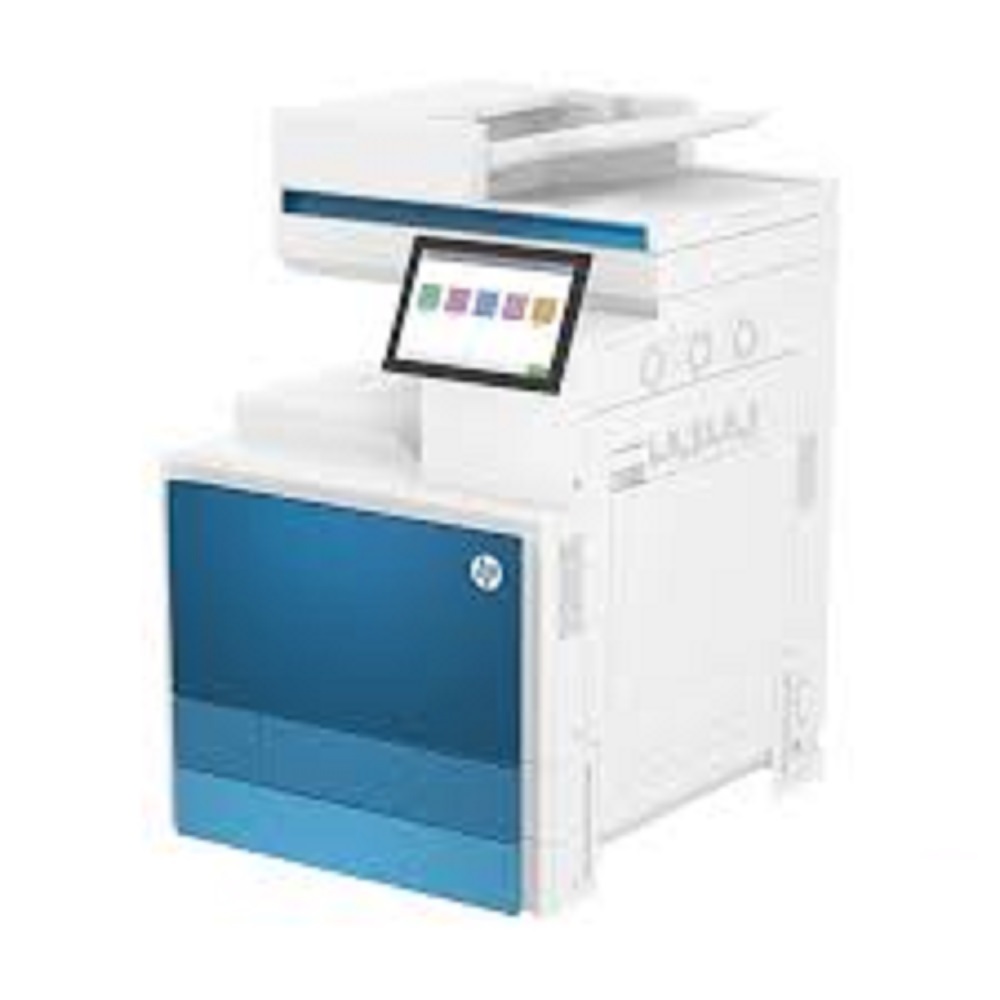
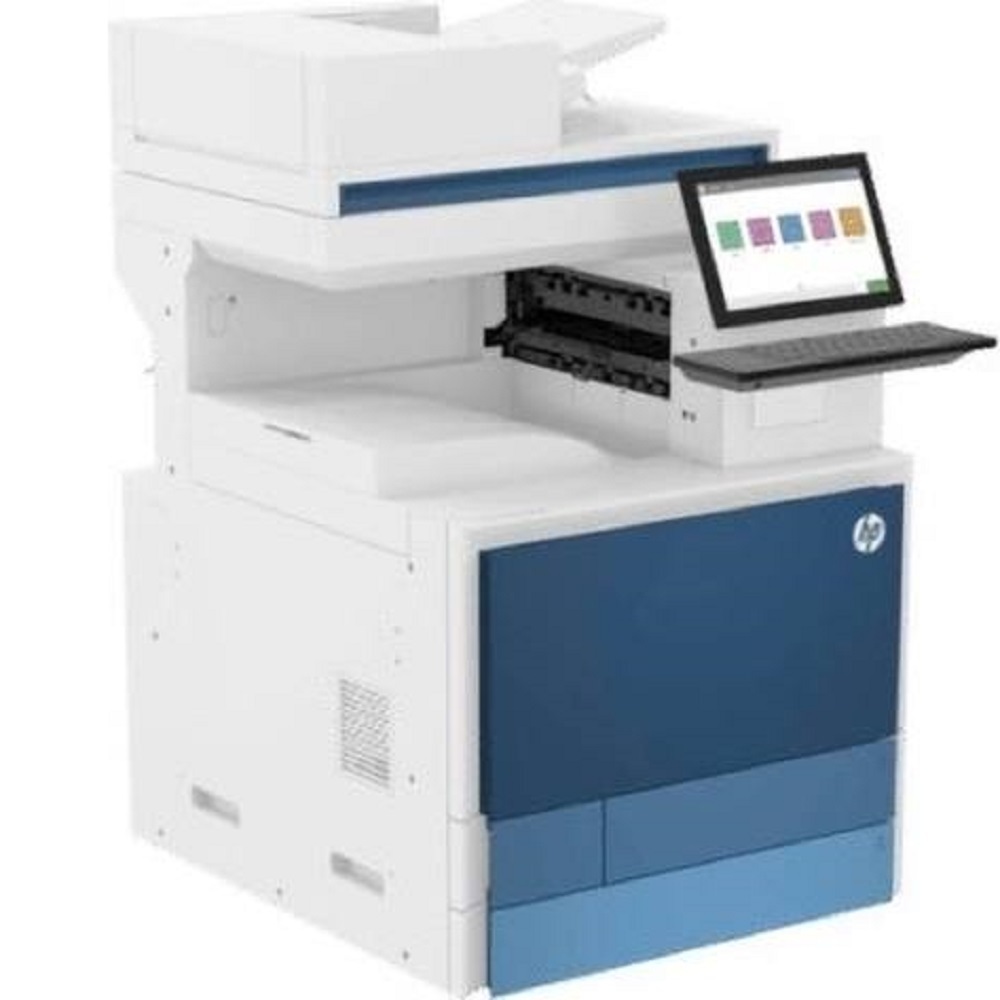
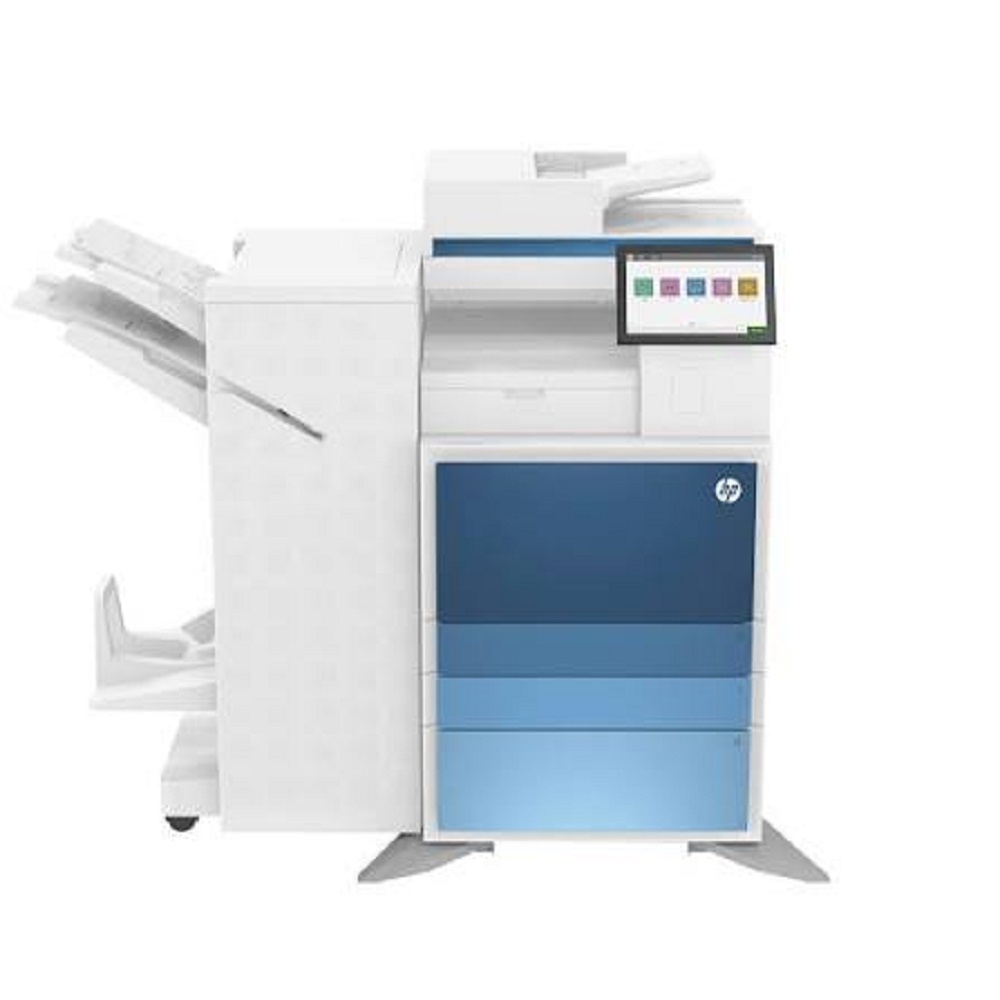
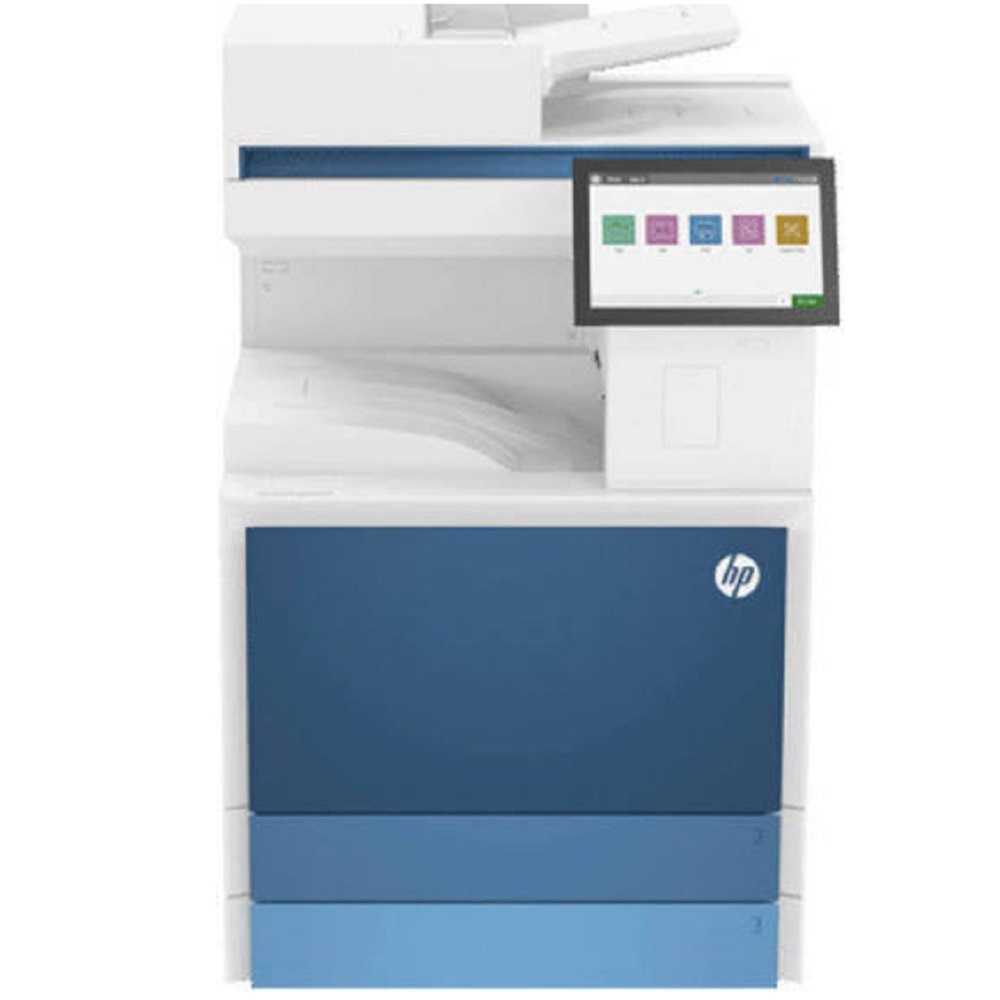
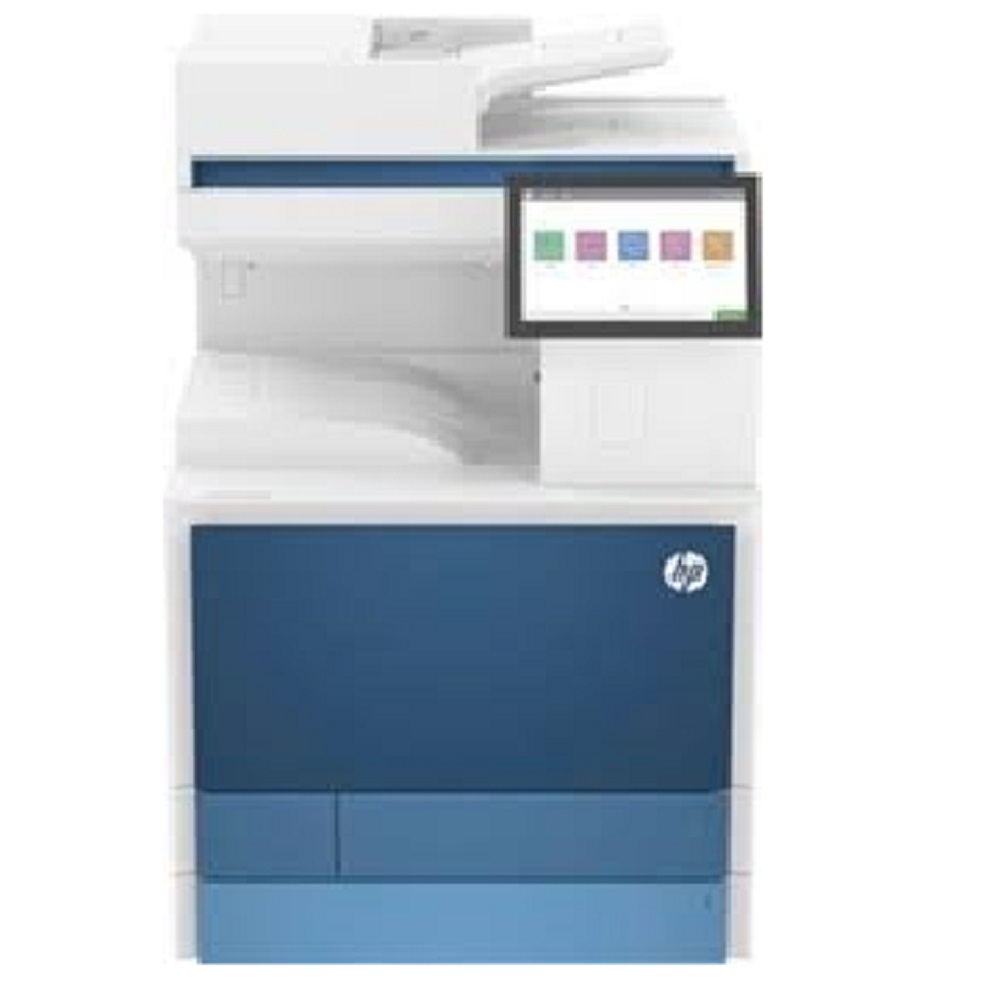
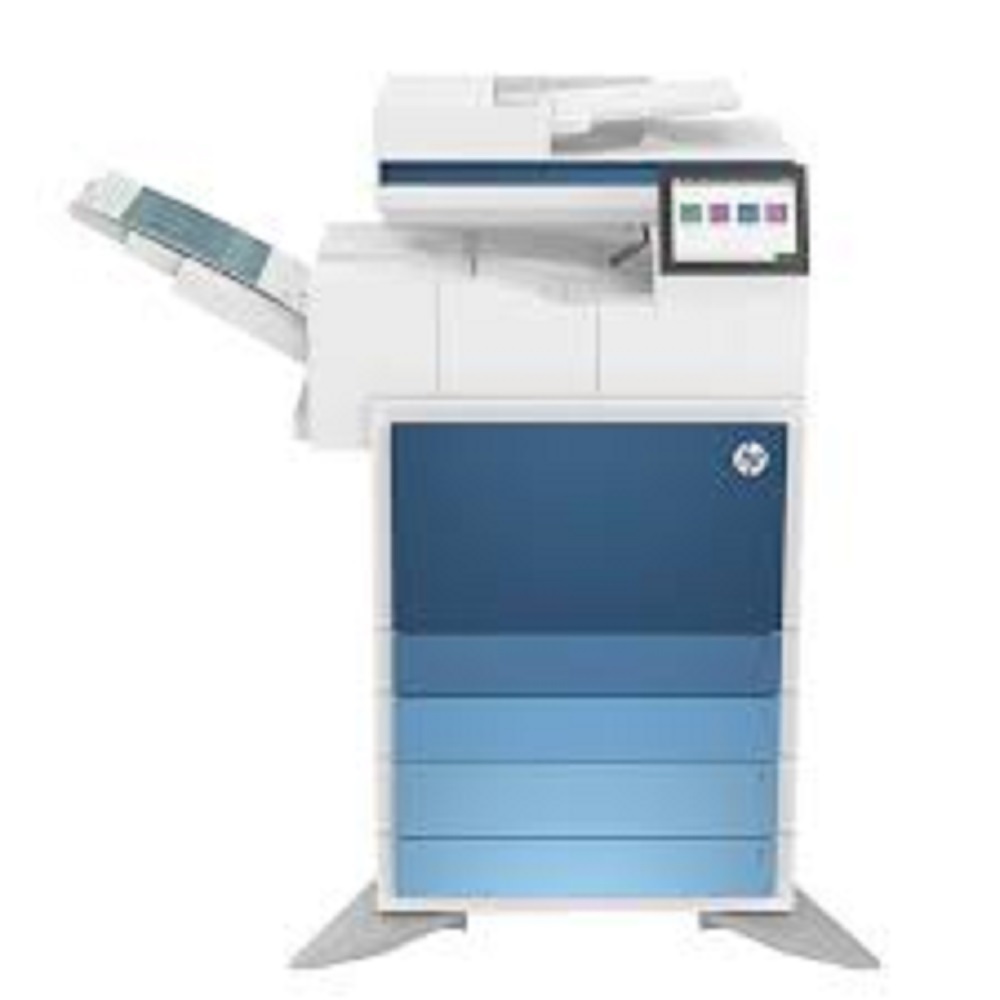
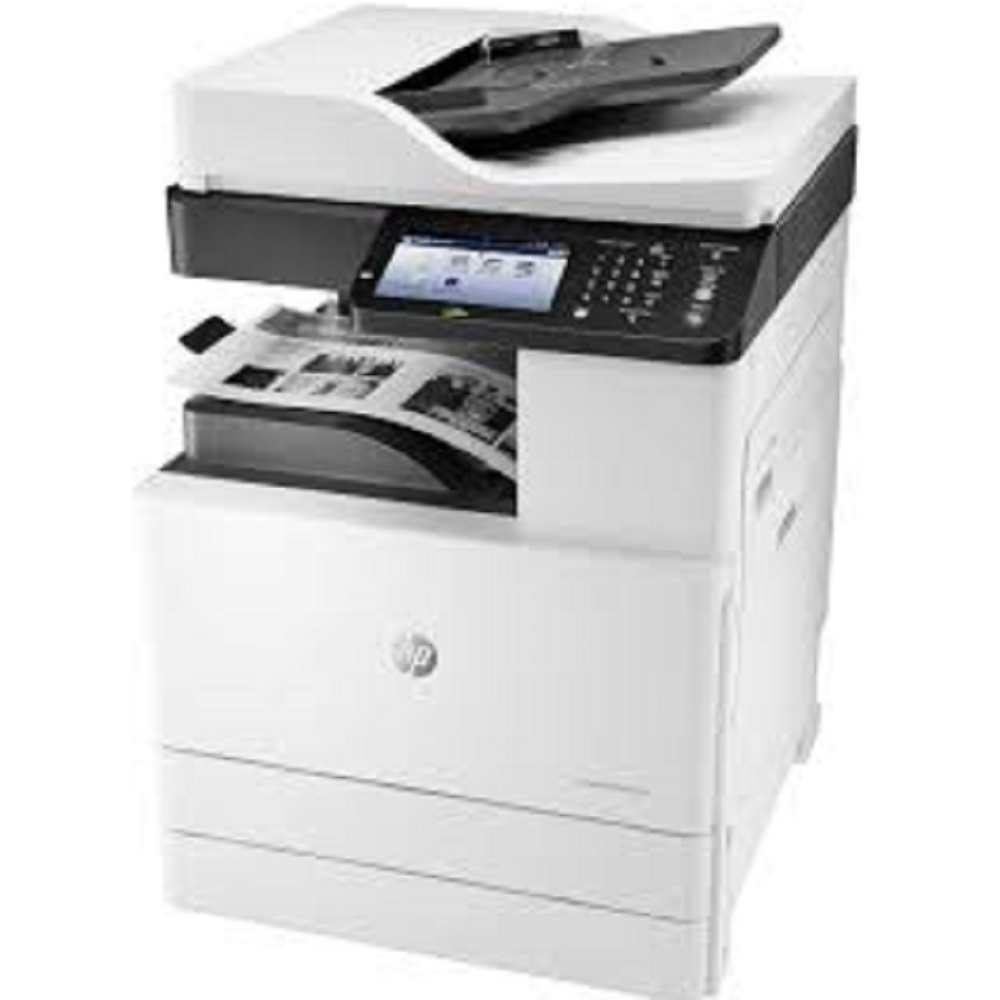
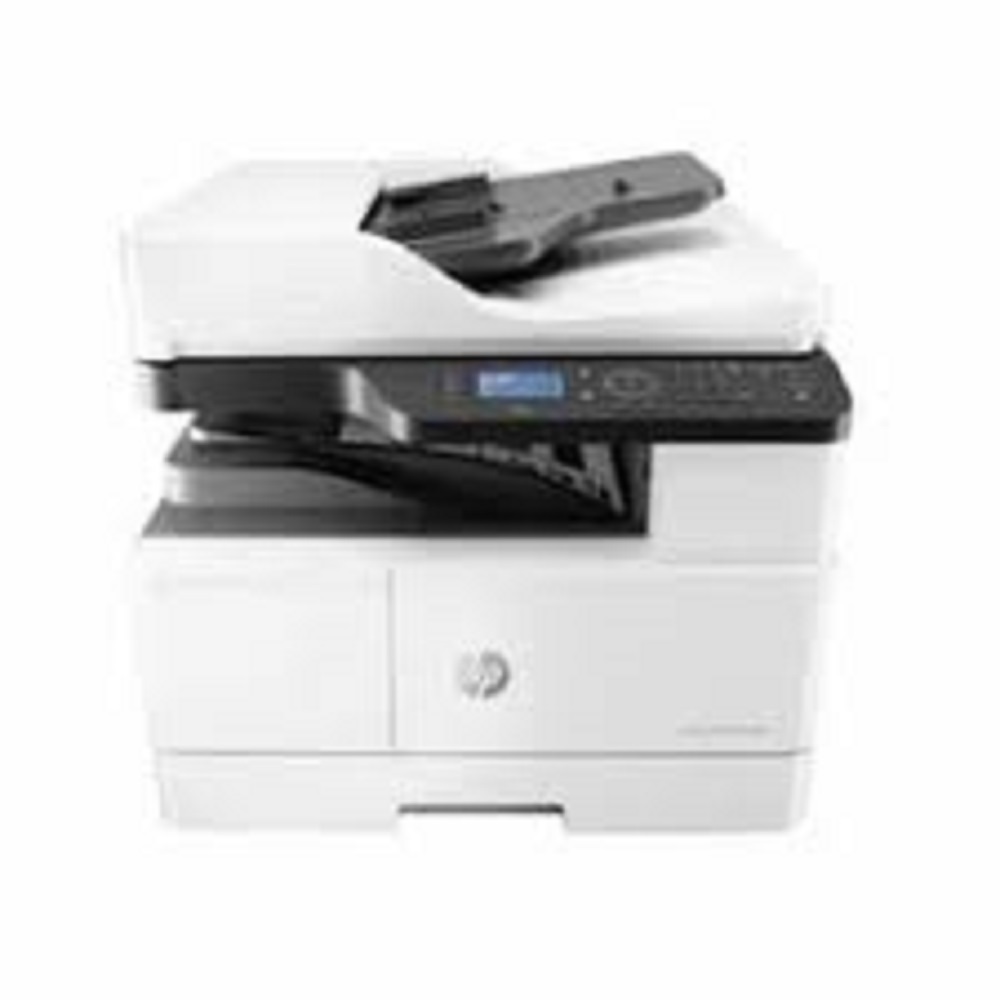
HP Color LaserJet Managed MFP E87740dn About
Key Features:
- Print, Copy, Scan (Optional Fax)
- Print Speed: 40 Pages Per Minute (A4)
- Automatic Duplex Printing
- Single-Pass Duplex Scanner with 200-Sheet ADF
- A3 & A4 Printing Support
- 10.1-inch Color Touchscreen Display
- Print Resolution up to 1200 1200 dpi
- Scan Resolution up to 600 600 dpi
- Standard 6 GB Memory
- 500 GB Encrypted Hard Disk
- Gigabit Ethernet & USB Connectivity
- Optional Wireless Printing
- Supports AirPrint, Mopria & HP Smart Printing
- Recommended Monthly Volume: Up to 60,000 Pages
- High-Capacity Paper Handling with Expandable Input Trays
- Advanced HP Wolf Enterprise Security
Ideal For:
- Corporate Offices
- Government Departments
- Educational Institutions
- Hospitals
- Print & Copy Centers
- Large Business Workgroups
All Tech Solutions Mumbai
Contact: 9152696962
Versatile Multifunction CapabilitiesThe HP Color LaserJet Managed MFP E87740dn goes beyond basic printing. It combines high-speed color and mono printing, scanning with up to 600 x 600 dpi resolution, and optional fax functionality, enabling streamlined workflows for modern offices. Duplexing and mobile printing support add further convenience and flexibility to your document handling.
Intuitive Operation and ConnectivityEquipped with an 8-inch color touchscreen, the E87740dn delivers simple navigation and job management right at your fingertips. Multiple connectivity options, including Gigabit Ethernet, optional wireless, and Hi-Speed USB 2.0, ensure seamless integration within diverse office environments and allow easy access for users from various devices.
Engineered for Heavy WorkloadsDesigned for durability, this device's monthly duty cycle reaches up to 200,000 pages, with a recommended monthly print volume between 5,000 and 30,000 pages. The system supports a wide array of paper sizes and weights, making it an excellent choice for businesses that demand performance and efficiency.
FAQ's of HP Color LaserJet Managed MFP E87740dn:
Q: How can I enable wireless printing on the HP Color LaserJet Managed MFP E87740dn?
A: Wireless printing can be enabled by installing the optional wireless accessory. Once installed, configure the printer through the settings menu, and then connect your devices using HP ePrint, Apple AirPrint, Mopria-certified, or Google Cloud Print protocols for seamless wireless operations.
Q: What paper sizes and weights does the E87740dn support for printing and copying?
A: The printer supports a wide variety of paper sizes, including A3, A4, A5, B4, B5, Legal, Letter, Executive, and various envelopes. It accommodates paper weights from 60 up to 220 g/m2, making it versatile for everyday office needs and specialized documents.
Q: When is it recommended to perform routine maintenance on this printer?
A: Routine maintenance is typically suggested after reaching the recommended monthly print volume of 5,000 to 30,000 pages, or if performance issues arise. Scheduled maintenance ensures optimal output quality, reliable operation, and maximizes the device's lifespan.
Q: Where should the MFP be installed for optimal performance and longevity?
A: Install the printer on a stable, level surface in a well-ventilated office area, ensuring easy access for users and adequate clearance for loading media and performing maintenance. Keep it away from direct sunlight, dust, excessive heat, and moisture to maintain optimal performance.
Q: What is the process for scanning documents using the E87740dn?
A: To scan a document, place your original on the scanner bed or feeder, use the 8-inch color touchscreen to select 'Scan' options, choose your preferred destination (email, network folder, or USB), set the required resolution (up to 600 x 600 dpi), and follow on-screen prompts to complete the procedure.
Q: How does the MFP benefit high-volume offices?
A: With a duty cycle of up to 200,000 pages per month and recommended monthly usage of 5,000 to 30,000 pages, the E87740dn is built for demanding environments. Its rapid print and copy speeds, robust paper handling, and advanced connectivity provide efficient, high-quality output day after day, minimizing downtime.







 Send Inquiry


 Send Inquiry