Epson EcoTank L6360 A4 Wi-Fi All-in-One About
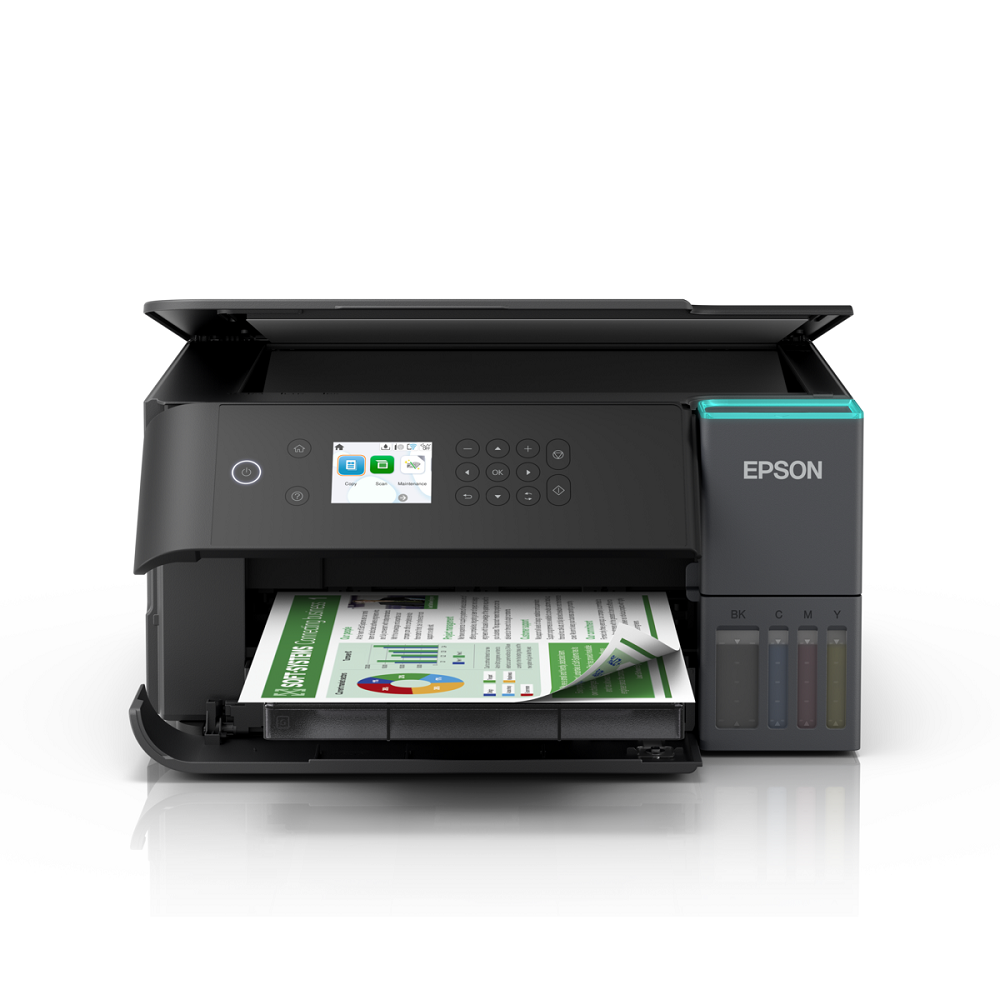
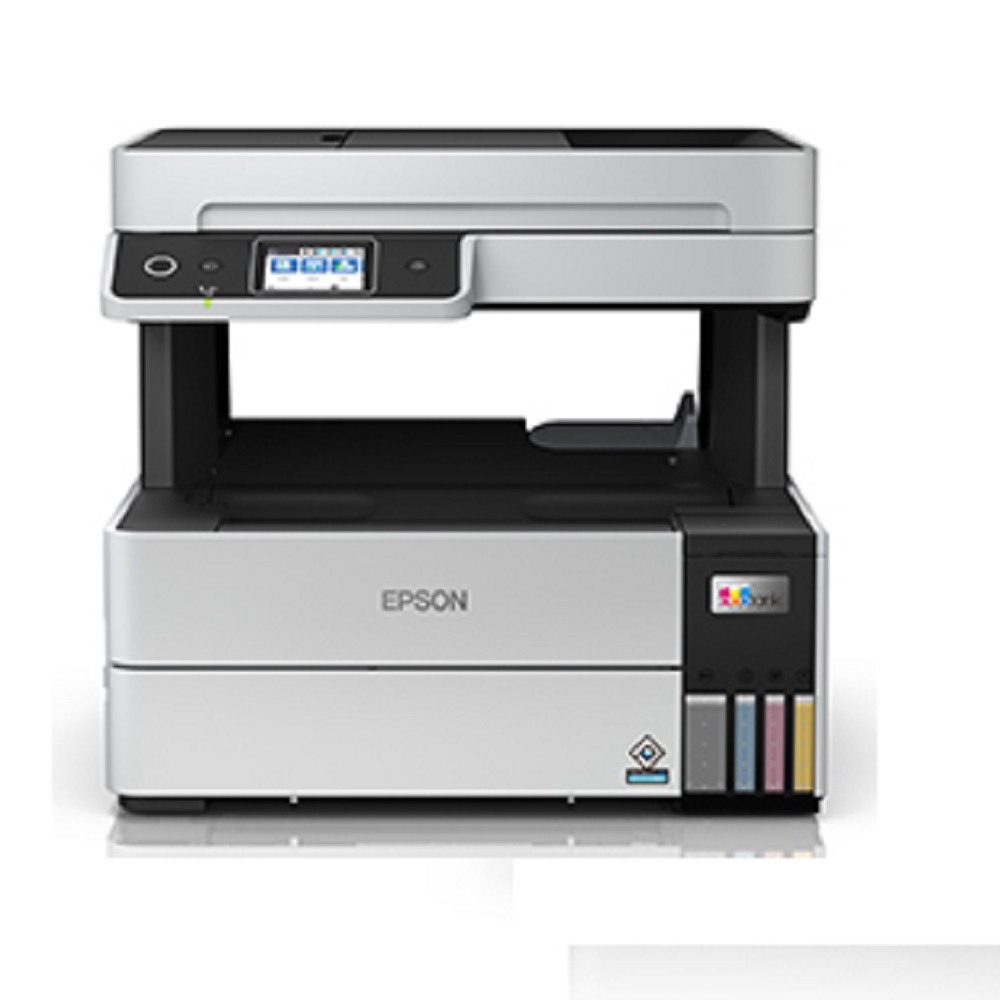
The new all-in-one EcoTank L6360 is designed for home, small and mid-sized businesses' printing needs. This model delivers high-quality, ultra-low-cost printing(9p black*, 33p colour*) with an impressive 8,500*1 high page yield ink bottle and allow you to print remotely from smart devices. Thanks to Heat-Free Technology, users can also print responsibly with lower power consumption.
- Print, Scan, Copy
- Cost Per Print- 9 Paise (black)*; 33 Paise (colour)*
- Compact EcoTank Design with accessible ink tank body
- Print speeds up to 18 ipm for black and 9 ipm for colour
- Auto-Duplex Print
- Borderless Printing up to A4 size
- Ethernet, Wi-Fi & Wi-Fi Direct
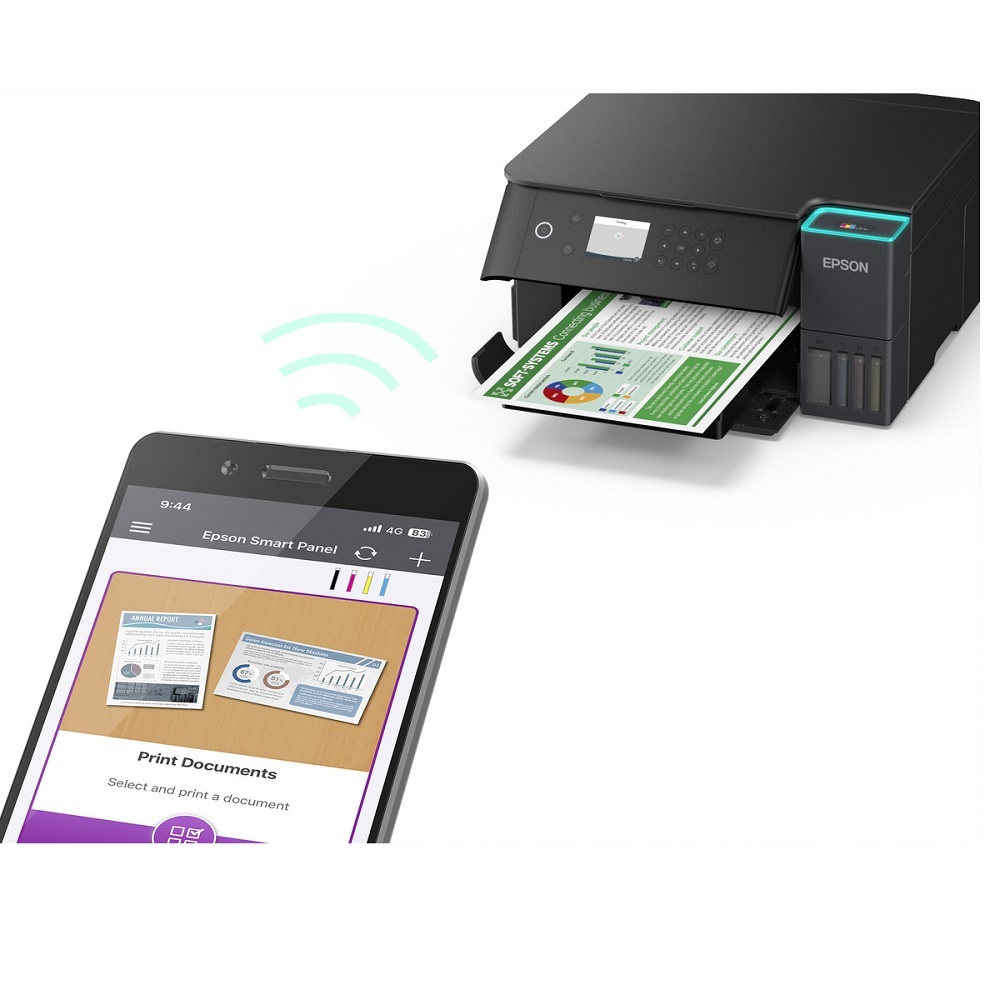
- Seamless setup via Epson Smart Panel
- High Yield Ink Bottles
- User Replaceable Maintenance Box
- Powered by Epson Heat-Free Technology
- Designed with durability in mind, you can print up to 100,000 pages*8
Automatic and Efficient Document HandlingEquipped with a 30-sheet Automatic Document Feeder and auto-duplex printing, the Epson EcoTank L6360 streamlines tasks for home and office users. This functionality saves time on multi-page documents, ensuring both scanning and printing are convenient and hands-free. Coupled with a high monthly duty cycle, the printer is well-suited for intensive business use.
Cartridge-Free Printing with Refillable Ink TanksSay goodbye to frequent cartridge changes with the EcoTank system, utilizing easy-to-refill Epson 003 ink bottles. This results in significantly lower printing costs and high-yield output, making it ideal for users with substantial document needs. The transparent ink tanks also let you monitor levels easily, ensuring you are never caught off guard.
Flexible Connectivity and Mobile PrintingExperience the convenience of multiple connectivity options, including Wi-Fi, Ethernet, and USB. The printer is compatible with leading mobile printing standards like Epson Connect, Apple AirPrint, Mopria, and Google Cloud Print, providing effortless printing from smartphones, tablets, and laptops. The network-ready setup makes it perfect for shared business environments.
FAQ's of Epson EcoTank L6360 A4 Wi-Fi All-in-One:
Q: How do I refill the ink tanks on the Epson EcoTank L6360?
A: Refilling the L6360 is simple: open the designated ink tank cover, remove the ink tank's cap, and gently pour the corresponding Epson 003 ink bottle into the correct tank. The tanks are clearly labeled for each color (Black, Cyan, Magenta, Yellow) to prevent mix-ups. Always use genuine Epson ink bottles for optimal performance and longevity.
Q: What mobile printing options does the EcoTank L6360 support?
A: The EcoTank L6360 supports multiple mobile printing solutions, including Epson Connect, Apple AirPrint, Mopria, and Google Cloud Print. These platforms allow users to print documents and photos directly from their mobile devices, ensuring flexibility and convenience whether you're at home or in the office.
Q: When should I use the Automatic Document Feeder (ADF)?
A: The 30-sheet ADF is ideal when you need to scan, copy, or print multiple pages at once. It's best used for handling multi-page documents, as it automates feeding each sheet, saving you time and reducing manual handling. This feature is especially useful for offices with frequent batch document processing needs.
Q: What types and sizes of paper can the L6360 handle?
A: The printer is compatible with a variety of paper sizes, including A4, Letter, Legal, 4R, 5R, and 6R. It supports borderless printing for select sizes and offers both single and double-sided (duplex) printing, adding to its versatility for everyday and professional tasks.
Q: Where can I install the Epson EcoTank L6360 in my workspace?
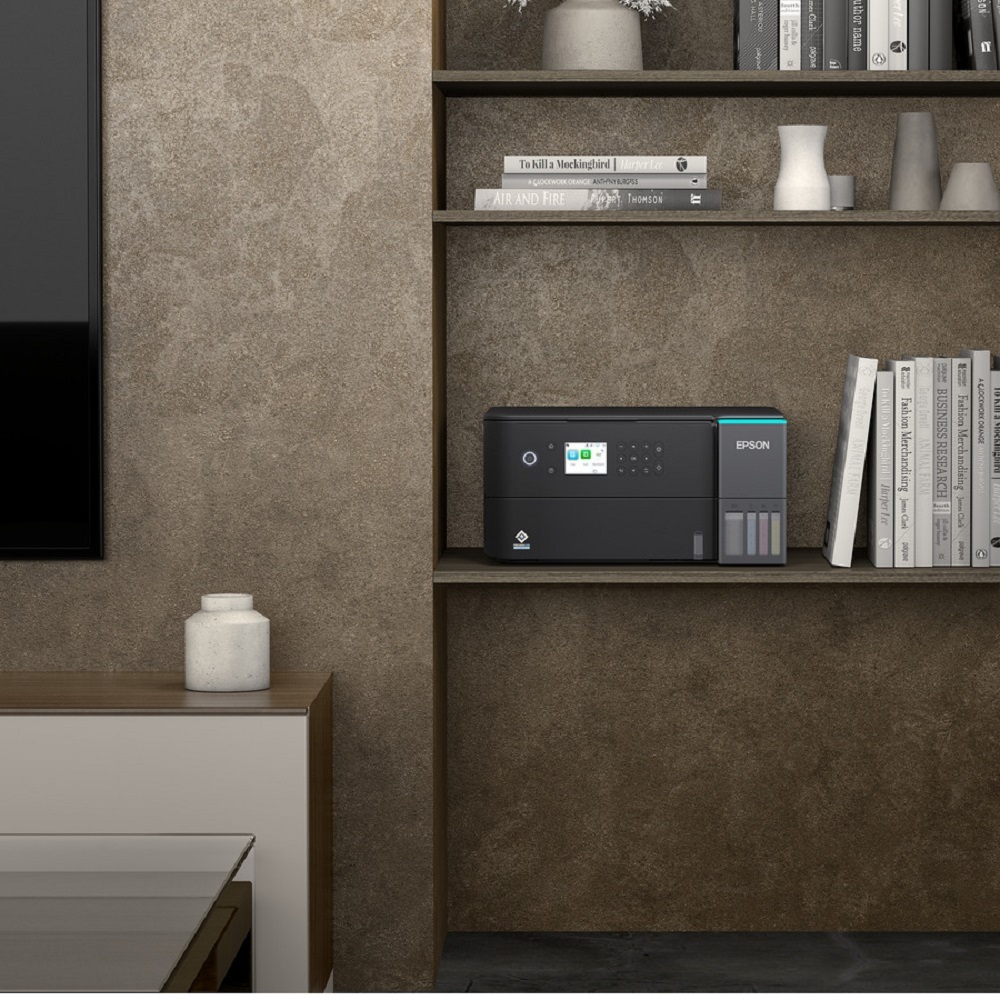
A: With its compact desktop design (375 mm x 347 mm x 231 mm) and lightweight build (7.3 kg), the L6360 fits easily on most desks or workstations. It can connect through USB, Ethernet, or Wi-Fi, allowing for flexible placement in homes, small offices, or shared business environments.
Q: What are the benefits of PrecisionCore Printhead technology in this printer?
A: The PrecisionCore Printhead ensures fast print speeds (up to 37 ppm draft black, 23 ppm draft color) without compromising on quality. It delivers sharp text and vibrant colors, making it suitable for professional documents, high-volume output, and photo printing needs.







 Send Inquiry


 Send Inquiry