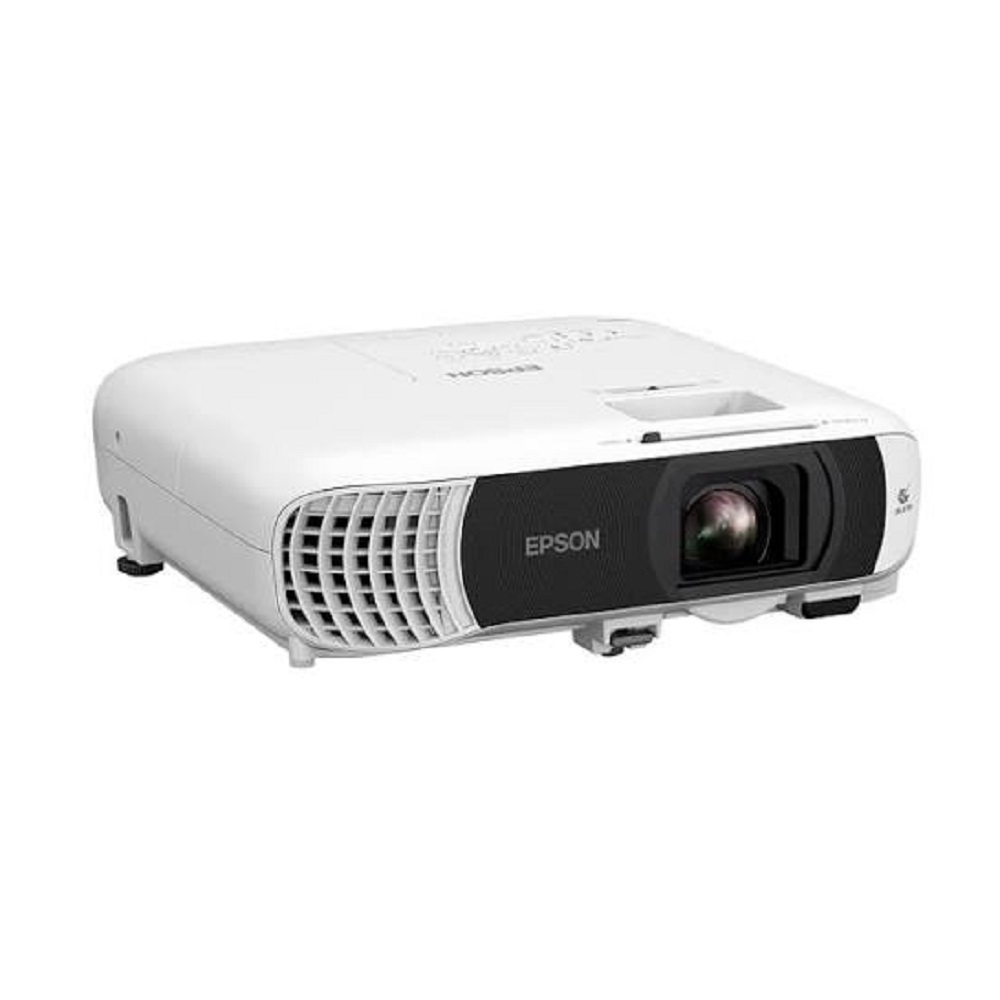
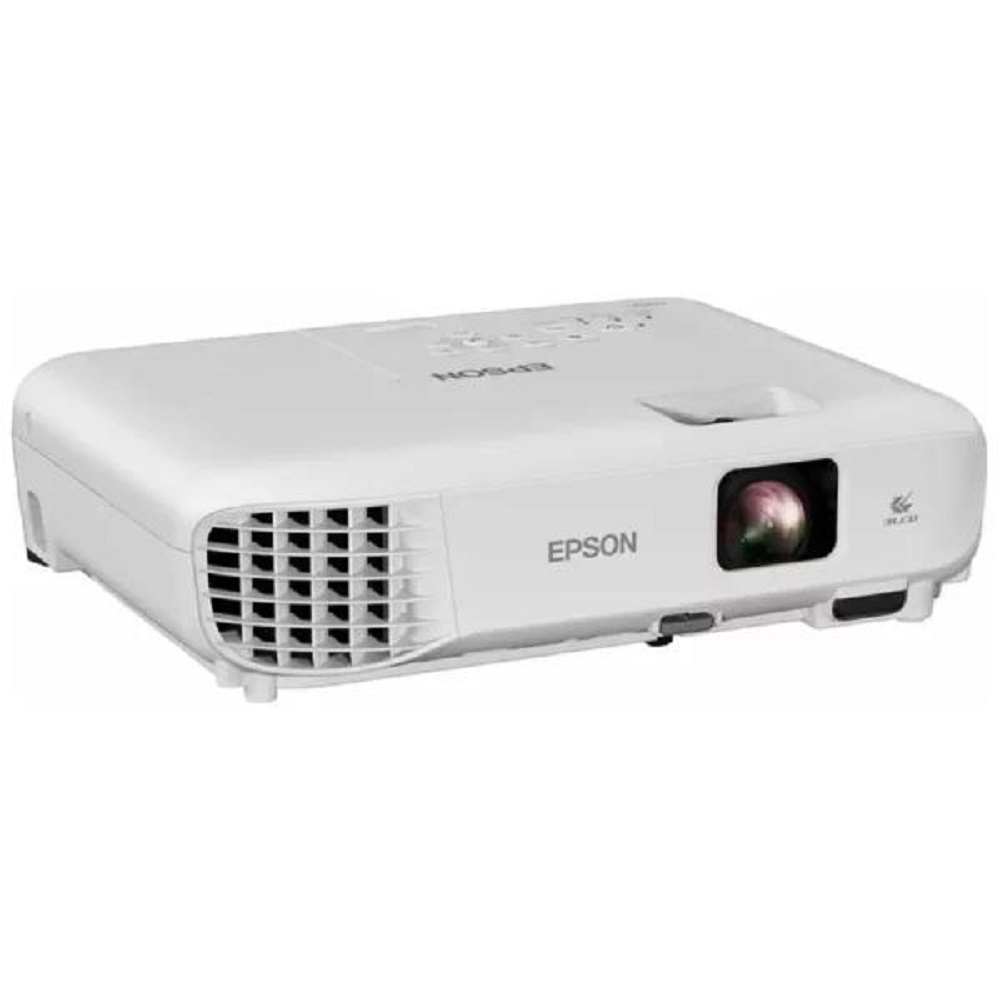
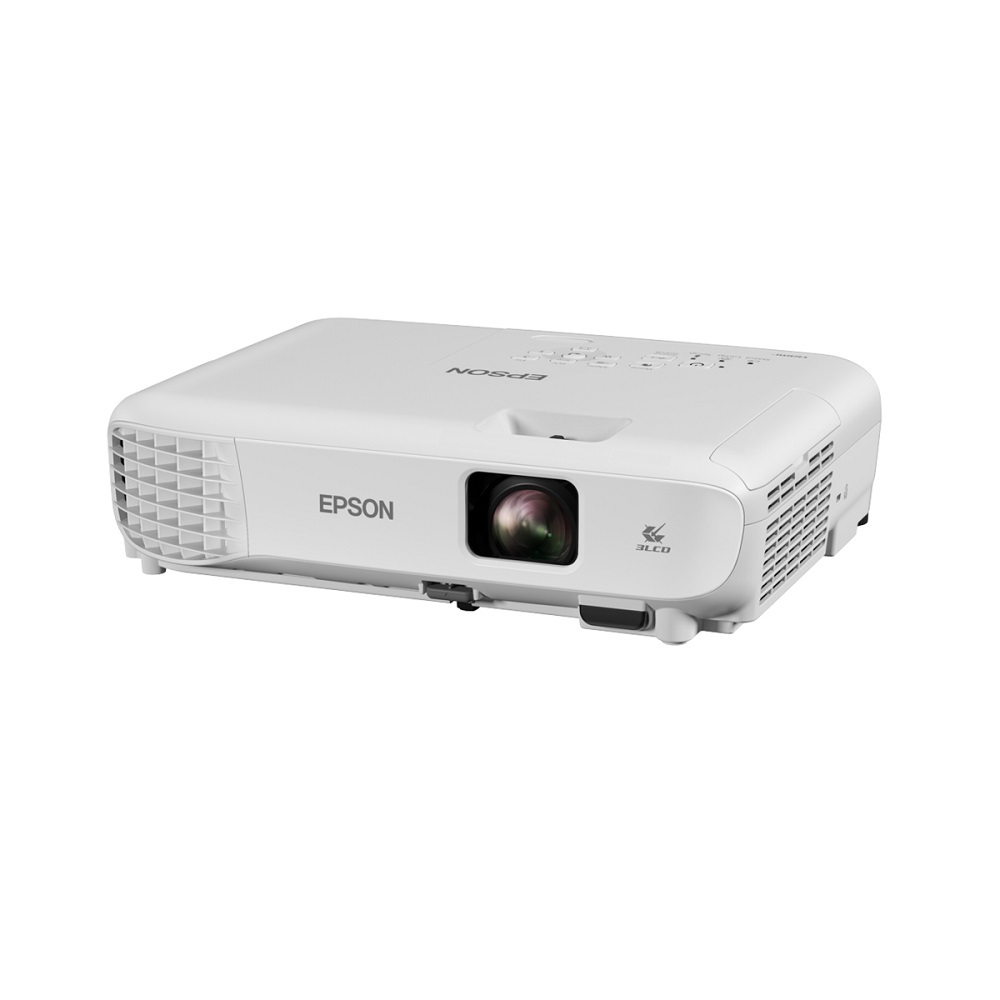
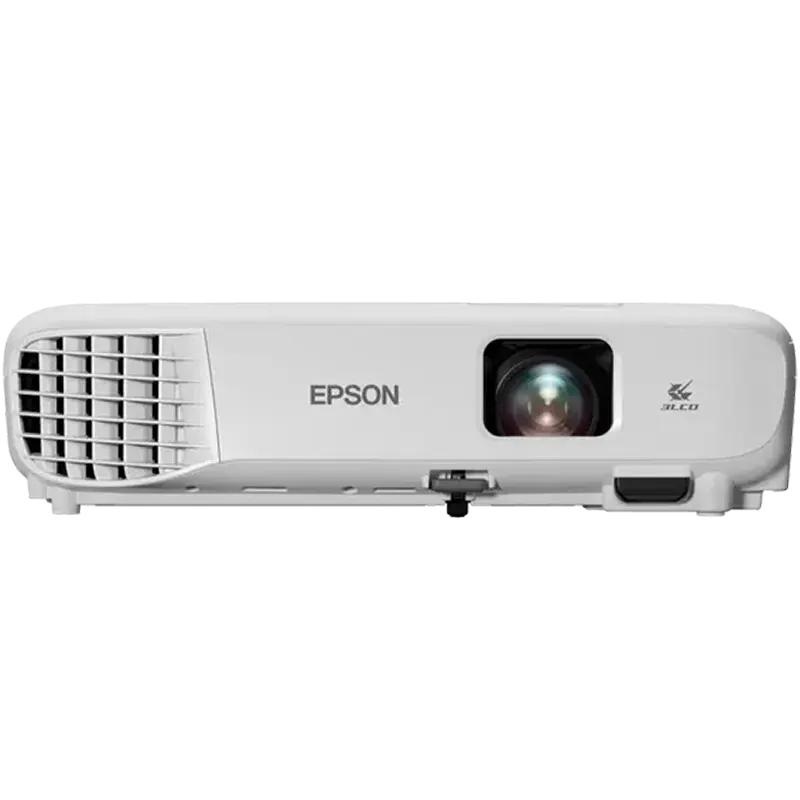
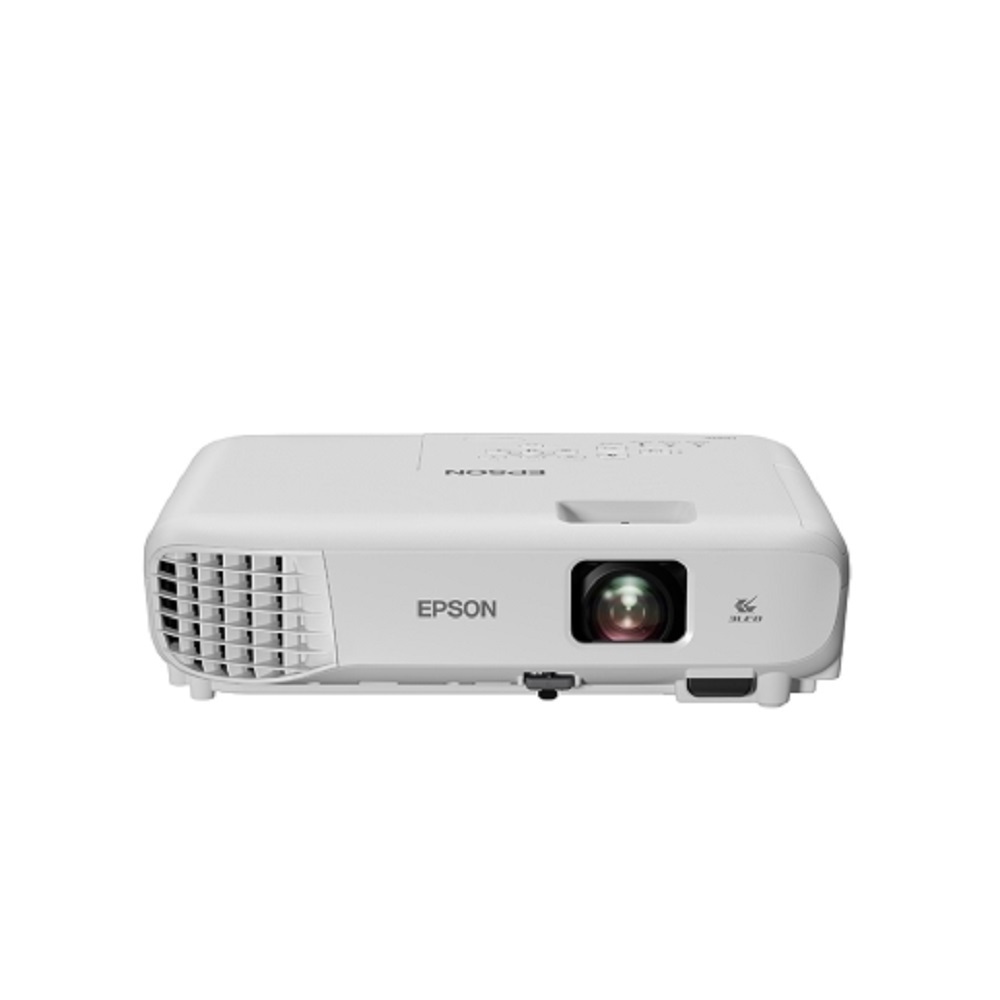
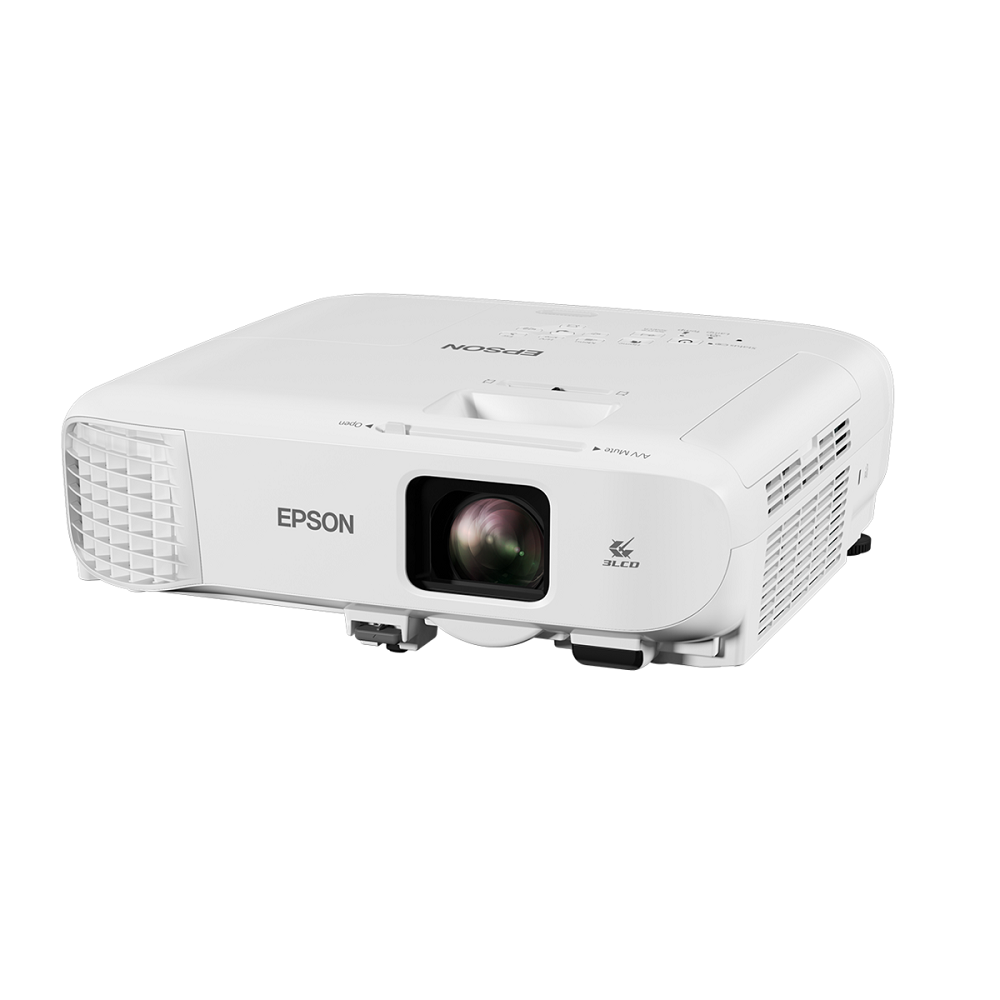
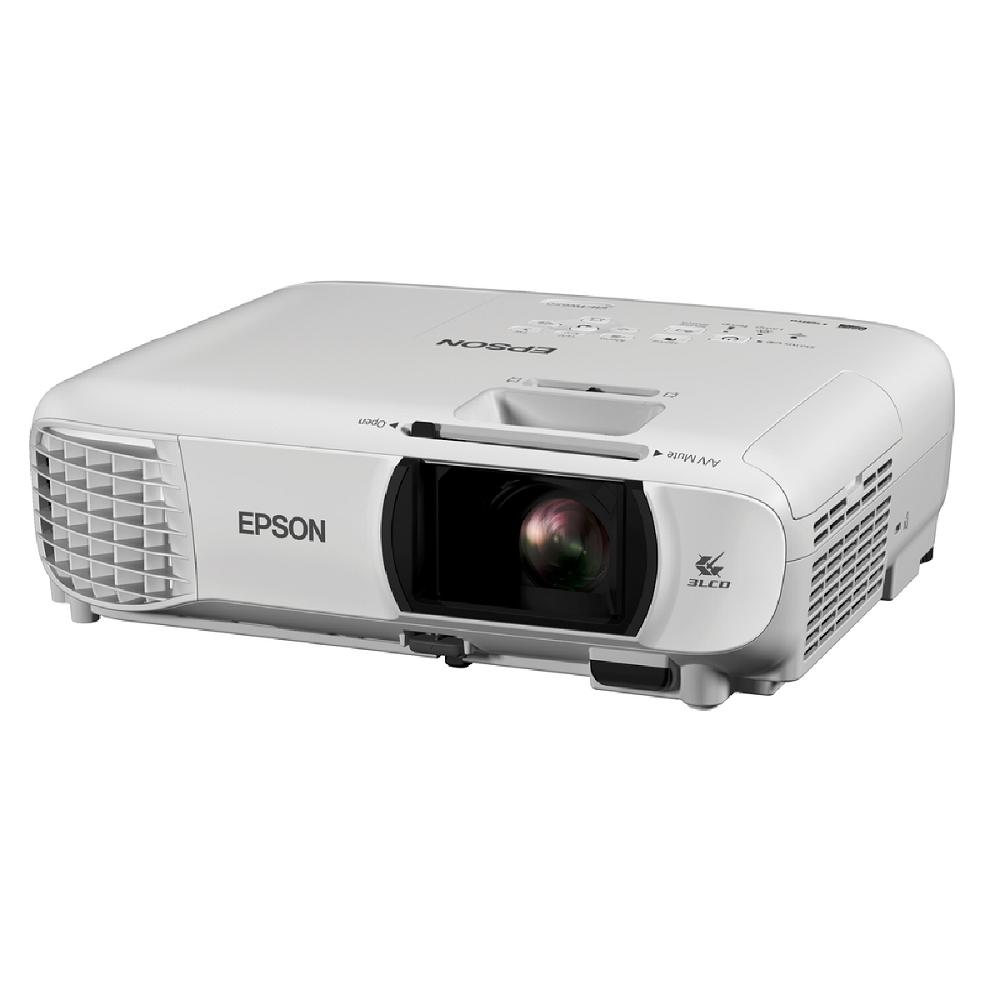
Epson EB-W55 WXGA Business Projector About
Key Features:
- Brightness: 4,000 ANSI Lumens
- Resolution: WXGA (1280 800)
- Epson 3LCD Technology for vibrant colors
- Contrast Ratio: 16,000:1
- Screen Size: 33" to 320"
- 1.2x Optical Zoom
- 2 HDMI Ports & USB Connectivity
- Built-in Wireless & Epson iProjection Support
- Auto Vertical & Horizontal Keystone Correction
- Built-in 2W Speaker
- Lamp Life: Up to 12,000 Hours (Eco Mode)
- Lightweight Design Approx. 2.6 kg
- Ideal for Offices, Schools, Colleges, Training Institutes & Conference Rooms
Available From: All Tech Solutions, Mumbai
Brilliant Performance for Business EnvironmentsWith 3LCD technology and a powerful 3,800 lumens output, the Epson EB-W55 ensures clear, high-contrast images even in well-lit rooms. Its WXGA resolution and vibrant 1.07 billion color reproduction offer lifelike visuals, making every presentation impactful and engaging. Ideal for busy offices and meeting rooms, this projector adapts to varying lighting and screen sizes.
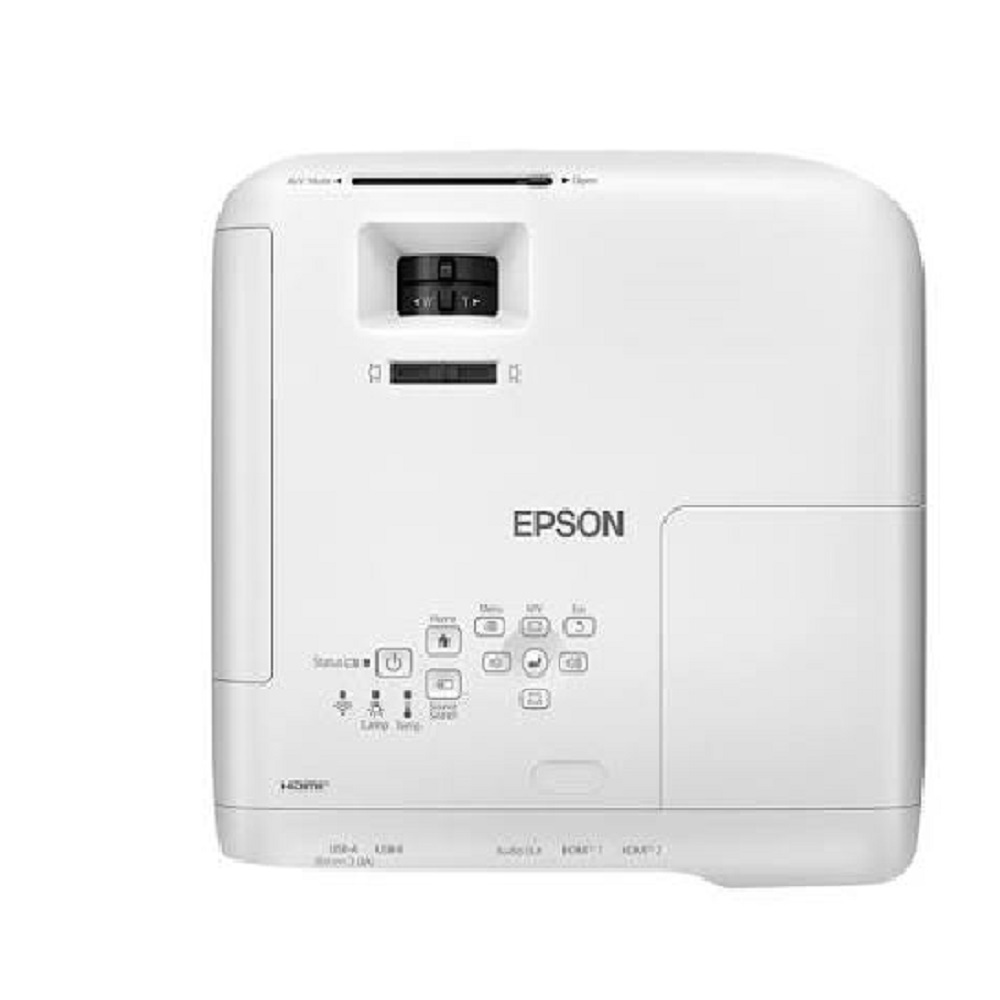
Flexible Installation and Connectivity OptionsThe EB-W55 is engineered for versatility, featuring multiple input options including HDMI, VGA, USB-A/B, RCA, and audio in/out ports. Its manual zoom and wide throw ratio support a range of projection distances, while advanced keystone correction ensures precise image alignment in almost any room setup. Wireless operation is available via an optional LAN adapter.
Reliable and Portable DesignWeighing just 2.7 kg and measuring a compact 302 x 237 x 82 mm, the projector is easy to transport or mount. It runs quietly, ensuring minimal disruption during meetings, and its long-lasting lamp (up to 12,000 hours in Eco mode) reduces maintenance needs. Pre-packed with accessories, it's ready for immediate deployment in your business setting.
FAQ's of Epson EB-W55 WXGA Business Projector:
Q: How do I set up the Epson EB-W55 WXGA Business Projector for the first time?
A: Setting up the EB-W55 is straightforward. Simply connect the projector to your preferred input device using HDMI, VGA, or USB cables. Position the projector at the desired distance (1.68 m - 2.02 m for a 60" screen), use manual zoom/focus to adjust the image, and utilize the vertical and horizontal keystone correction for precise alignment.
Q: What connectivity options does the Epson EB-W55 offer for presentations?
A: The projector is equipped with two HDMI ports, a VGA input, USB-A and USB-B ports, RCA, and an audio in/out terminal. This allows you to connect laptops, desktops, DVD players, USB drives, and audio systems. Wireless networking is also possible via an optional LAN adapter for added flexibility.
Q: When should I use the Eco mode and what are its benefits?
A: Eco mode is ideal when you want to extend lamp life and reduce noise output. In this mode, lamp life increases up to 12,000 hours and noise drops to 28 dB, providing a quieter, more economical operation without significantly compromising brightness.
Q: Where can the Epson EB-W55 be installed or used effectively?
A: This projector is designed for business environments such as offices, meeting rooms, and conference spaces. Its compact, lightweight build allows for easy installation on tables, ceilings, or even on the go as a portable solution wherever presentations are needed.
Q: What is the process for wireless presentation with the EB-W55?
A: To present wirelessly, you'll need the optional wireless LAN adapter. Insert the adapter into the projector's USB port, install the correct software (as per the user manual), and follow onscreen prompts to connect your device to the projector's wireless network for seamless presentations without cables.
Q: How does the projector ensure accurate and high-quality image reproduction?
A: The Epson EB-W55 uses 3LCD, RGB liquid crystal shutter tech for high color accuracy and supports up to 1.07 billion colors. The WXGA resolution, 3,800 lumens brightness, and 16,000:1 contrast ratio together ensure sharp, vibrant, and true-to-life visuals for all types of business content.







 Send Inquiry


 Send Inquiry