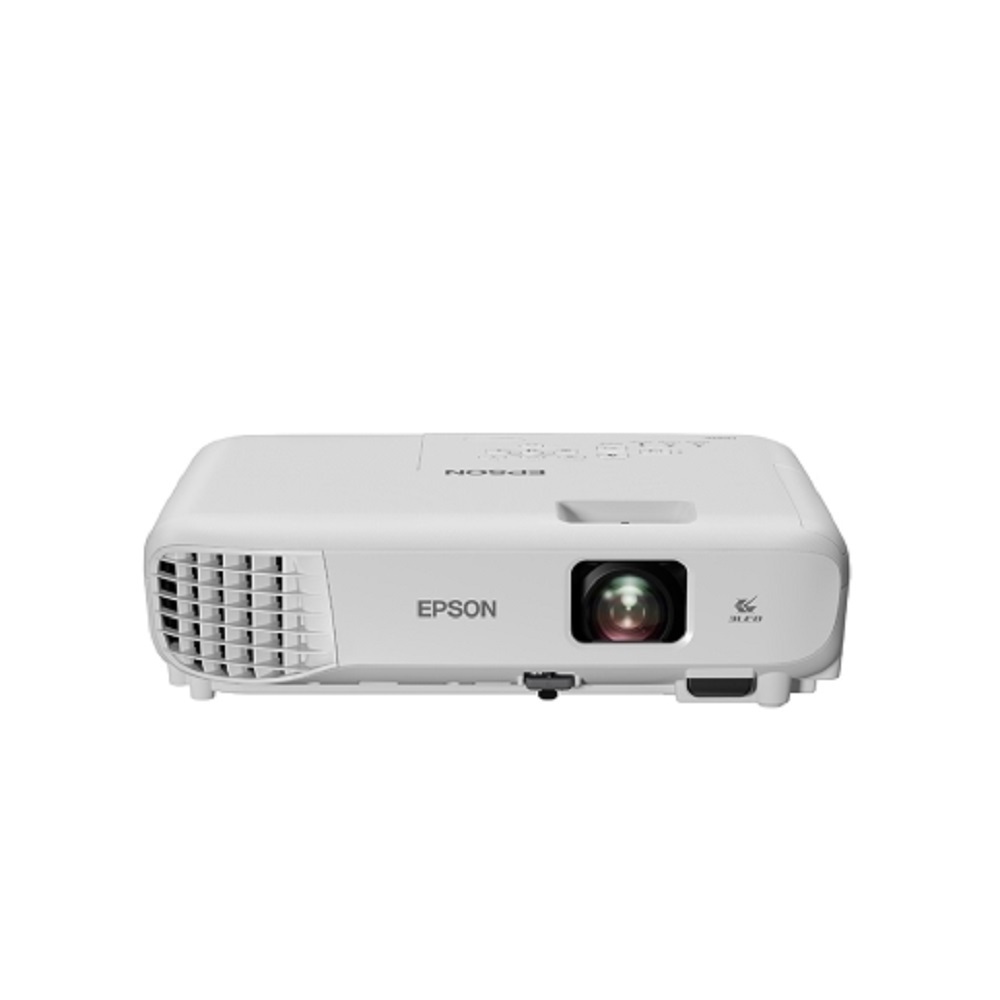
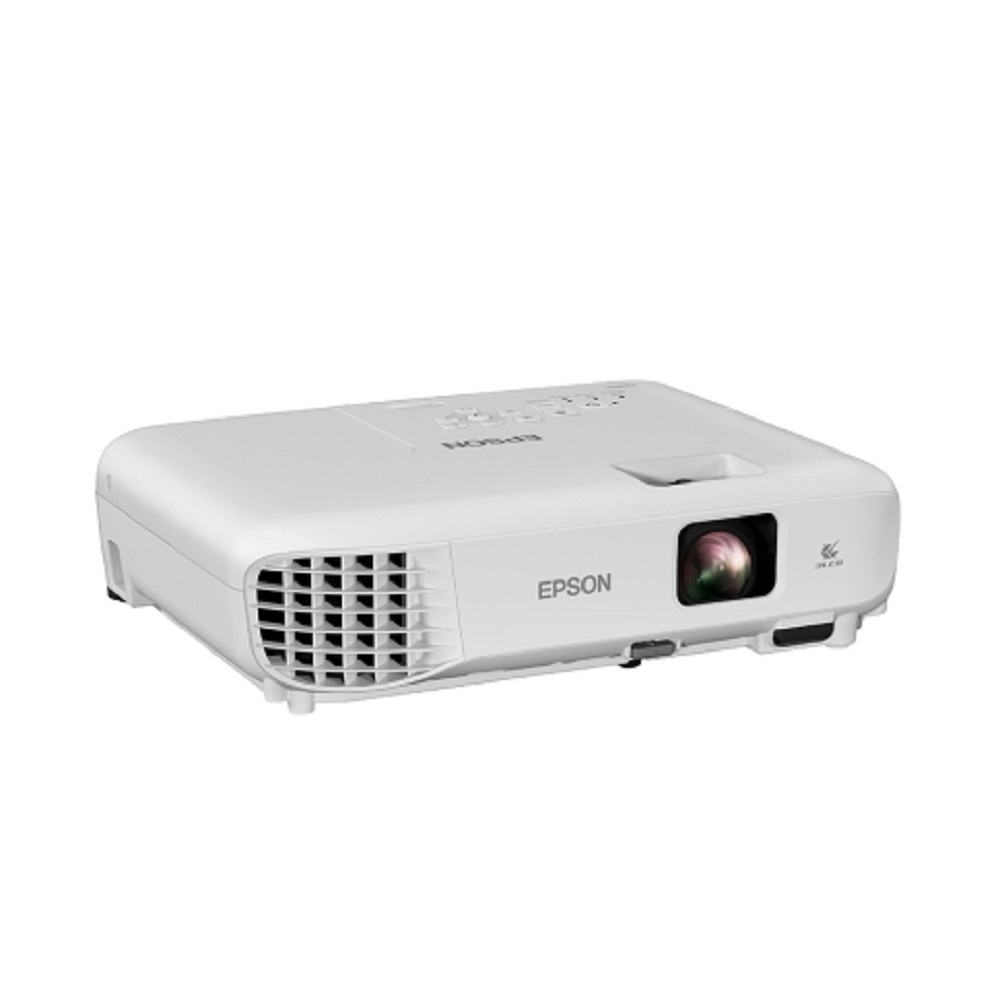
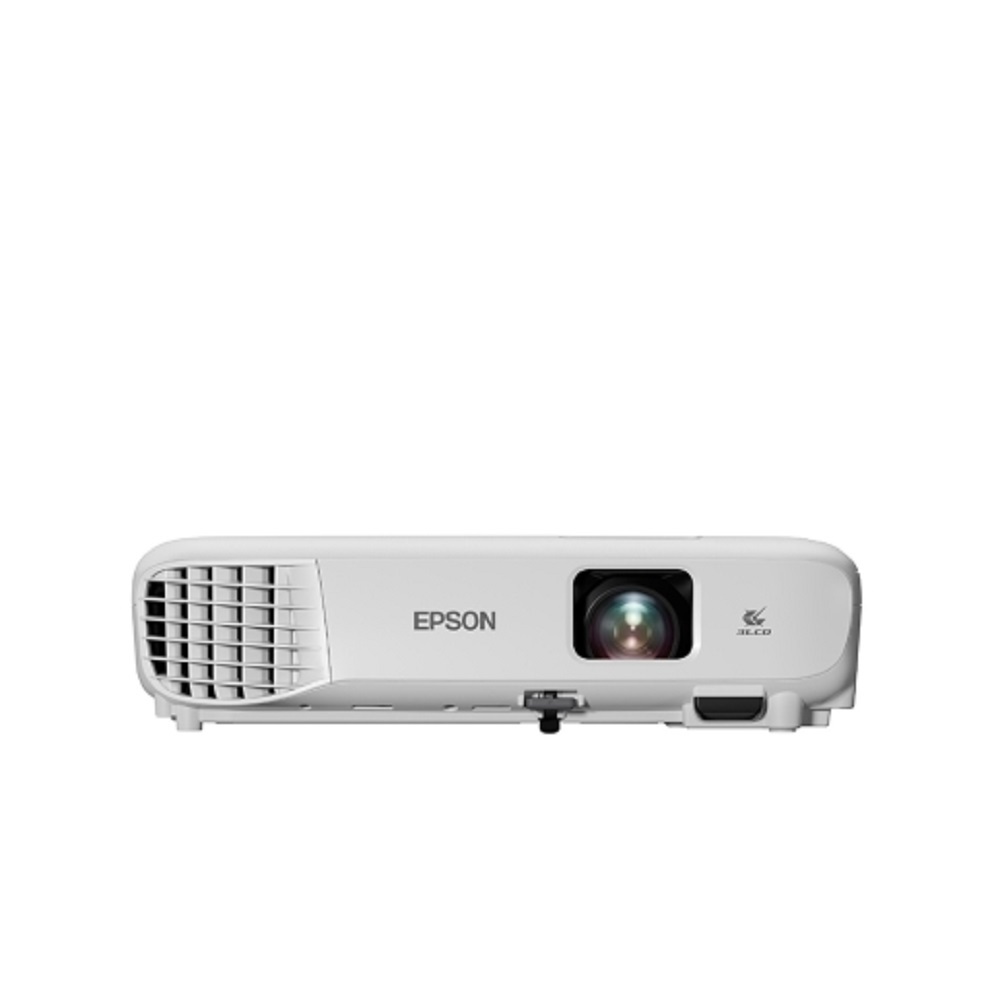
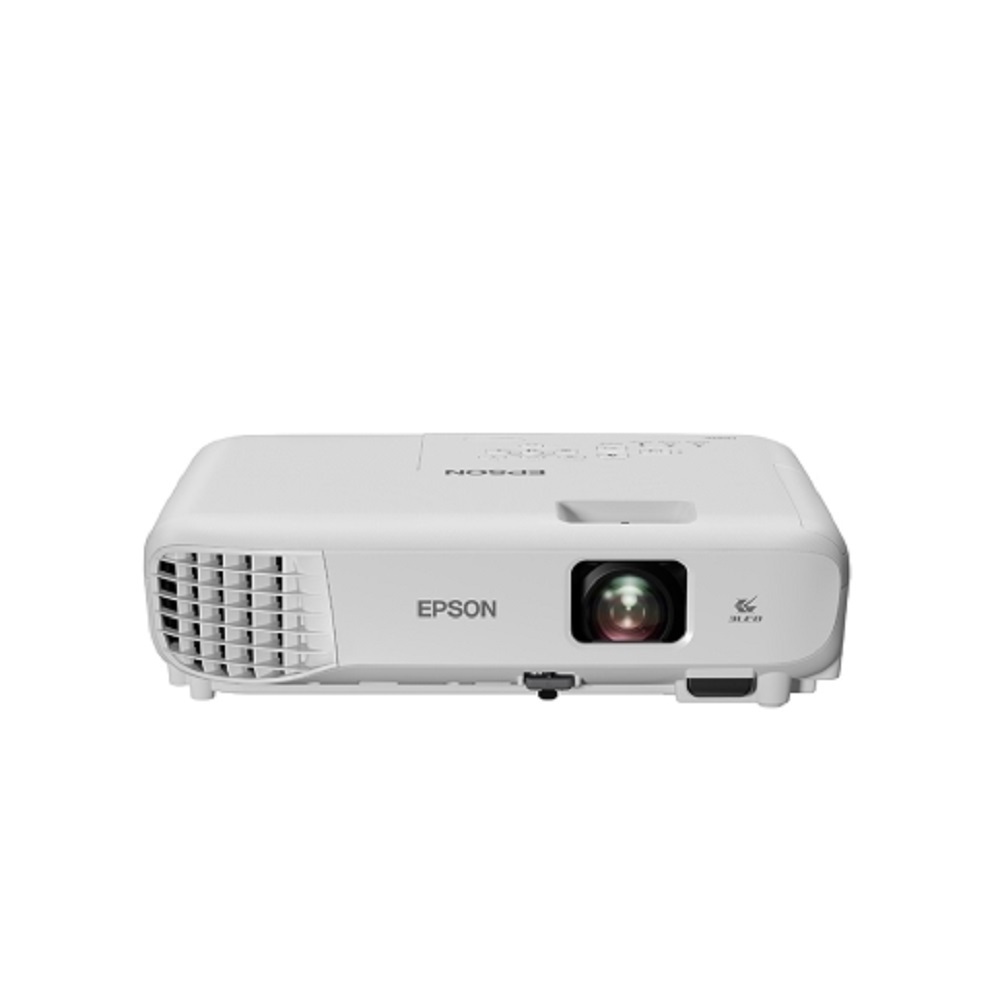
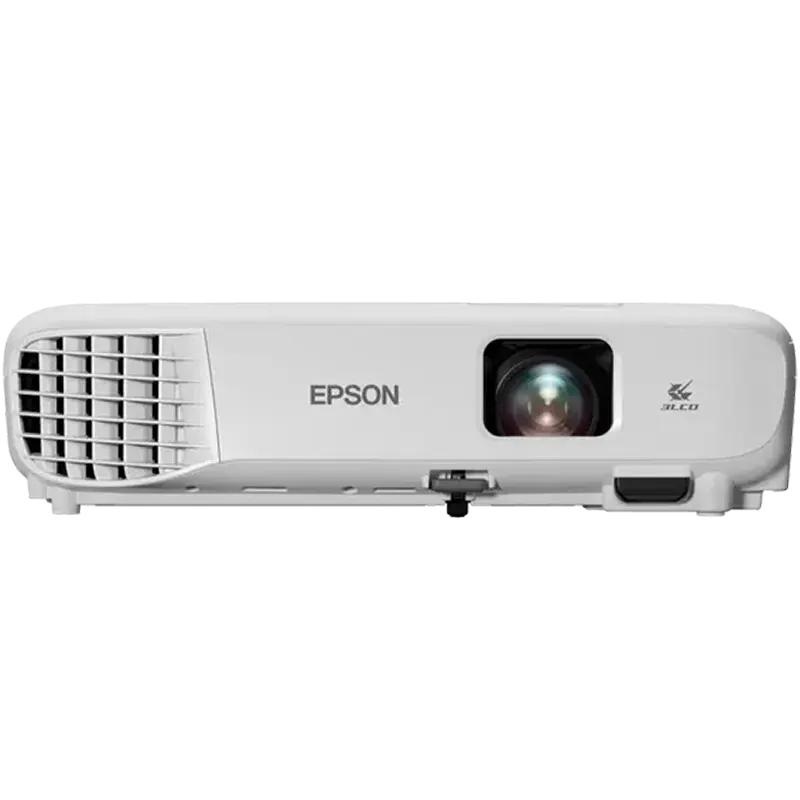
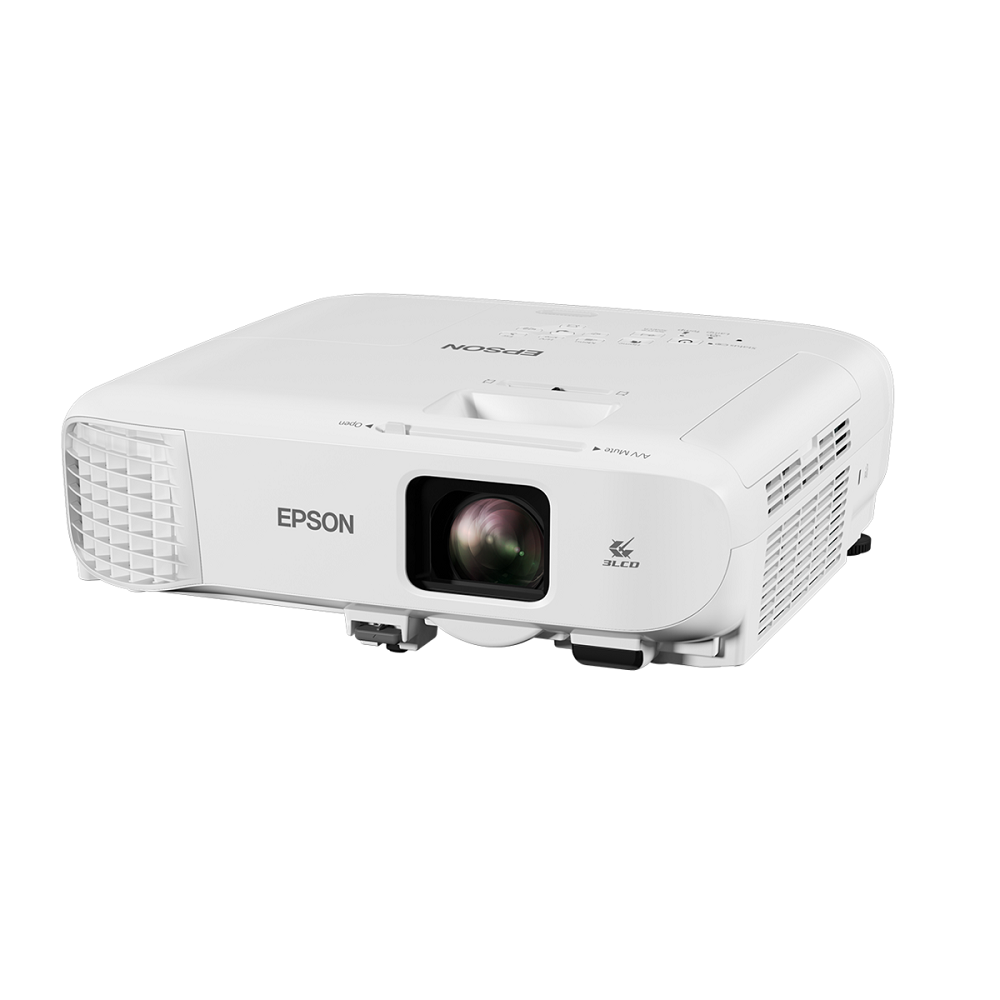
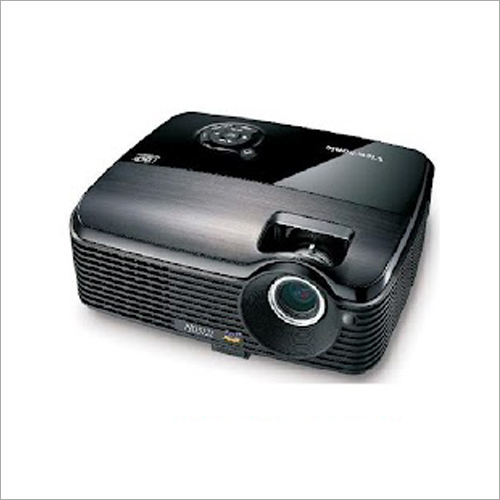
EPSON EB-E01 Business Projector About
| PRODUCT NAME |
EB-E01 Business Projector |
| PRODUCT CODE |
V11H971056 |
| PROPERTIES |
|
| White Brightnes |
3300 Lumens |
| Colour Brightness |
3300 Lumens |
| Auto Keystone Correction |
No |
| LCD Screen |
N/A |
| Projection |
N/A |
| TECHNOLOGY |
|
| Projection System |
3LCD Technology|RGB liquid crystal shutter |
| LCD Panel |
1.4 cm (0.55 inch) with C2 fine |
| OPTICAL |
|
| Screen Size |
76.2 cm (30 inch) - 889 cm (350 inch) |
| Ratio |
15,000 : 1 |
| Projection Lens F Number |
1.44 |
| Projection Lens Focal Length |
16.7 mm |
| Focus Method |
Manual |
| IMAGE |
|
| Light Output |
White Light Output: 3,300 Lumens - 2,200 Lumens (economy) Color Light Output: 3,300 Lumens - 2,200 Lumens (economy) |
| OTHER GENERAL |
|
| Dimensions |
302 x 237 x 82 mm (Width x Depth x Height) |
| Weight (Kgs) |
2.4 kg |
Reviews
Vivid Projection for Business and EducationUnlock clear and engaging presentations with the EPSON EB-E01 Business Projector. Powered by 3LCD technology, this device ensures high brightness (3,300 lumens) and excellent color accuracy, perfect for classrooms and conference rooms. The flexible throw ratio and intuitive manual zoom allow for effortless installation and setup, while the supported picture sizes suit small to large venues alike.
Comprehensive Connectivity OptionsThe EB-E01 comes equipped with HDMI, VGA, USB 2.0 (Type-A and Type-B), and RCA interfaces, making it compatible with a wide array of devices. This versatility ensures smooth integration with laptops, media players, and other peripherals, catering to every presentation or multimedia requirement in professional and educational contexts.
Reliable Operation and Easy MaintenanceDesigned for durability, the EB-E01 features a UHE lamp lasting up to 12,000 hours in eco mode and built-in safety options like Kensington lock and password protection. Its low noise levels ensure minimal distractions during use, and its lightweight design guarantees portability for users who work between locations.
FAQ's of EPSON EB-E01 Business Projector:
Q: How do I set up the EPSON EB-E01 projector for the first time?
A: To set up the EPSON EB-E01, connect your source device using the appropriate input (HDMI, VGA, USB, or RCA). Plug in the projector, turn it on using the included remote control, and use the manual focus and zoom rings to adjust the image. Position the projector 1.77 to 2.4 meters from your screen for a 60-inch display.
Q: What are the benefits of using 3LCD technology in this projector?
A: 3LCD technology ensures vibrant color reproduction and consistently bright images. The EB-E01 can display up to 1.07 billion colors, providing accurate picture fidelity that is ideal for presentations that require precise visuals and text clarity.
Q: When should I replace the projector's lamp?
A: Replace the lamp after approximately 6,000 hours of use in normal mode or up to 12,000 hours in eco mode. The projector will display a warning message when the lamp's lifespan is near its end to help you maintain optimal image quality.
Q: Where can I use the EPSON EB-E01 projector?
A: This projector is suitable for classrooms, conference rooms, training centers, and portable office setups due to its compact dimensions (302 x 237 x 82 mm), light weight (2.4 kg), and robust brightness. Its wide working area supports screen sizes from 30 to 350 inches.
Q: What security features help protect my projector?
A: The EPSON EB-E01 offers password protection and a Kensington lock slot, helping safeguard the device from unauthorized use or theft-particularly useful in shared or public environments.
Q: How do I switch between different input sources?
A: Utilize the remote control to easily switch between HDMI, VGA, USB, and RCA inputs. Access the on-screen menu, navigate to the input section, and select your desired source for a quick and seamless transition during presentations.
Q: What is the process for maintaining the projector to ensure longevity?
A: Clean the projector's air filter regularly and ensure adequate ventilation during operation. Use the eco mode to extend lamp life, and store the unit within the recommended temperature range (5C to 35C). Refer to the user manual for detailed instructions on lamp replacement and periodic maintenance.







 Send Inquiry


 Send Inquiry