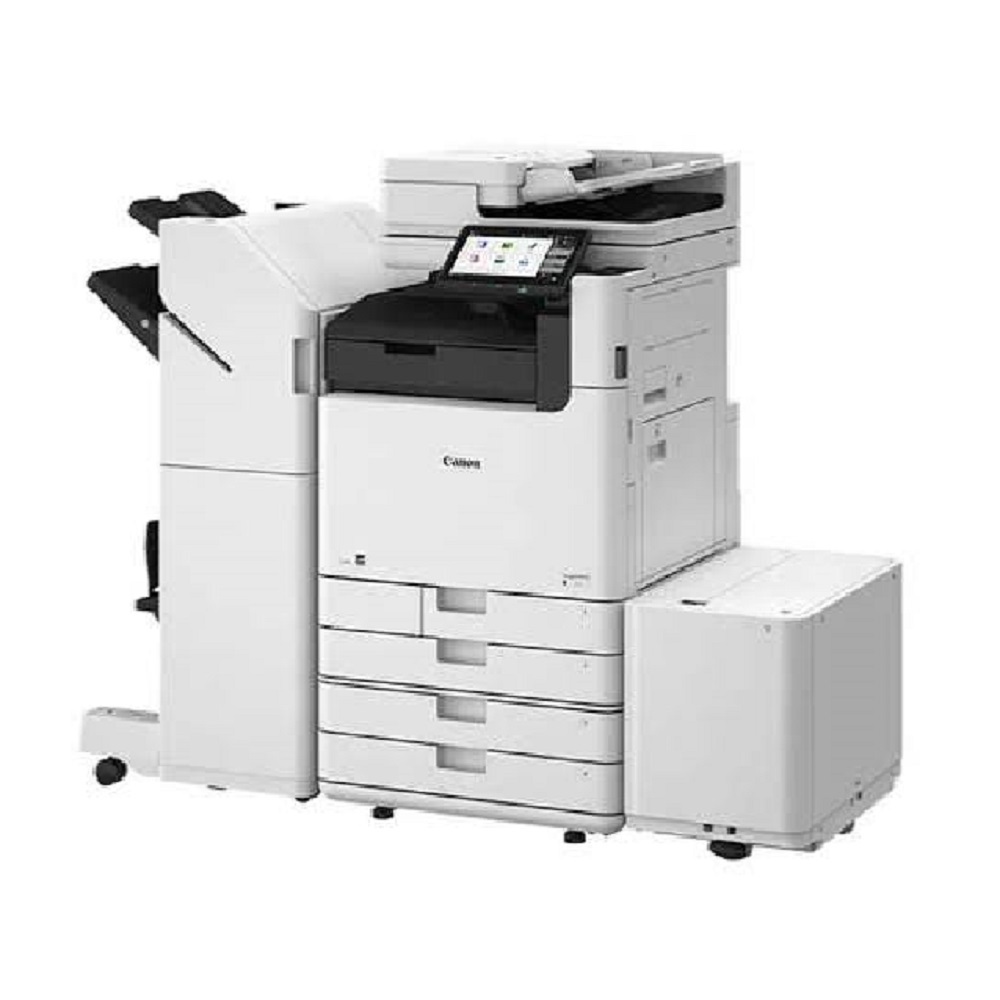
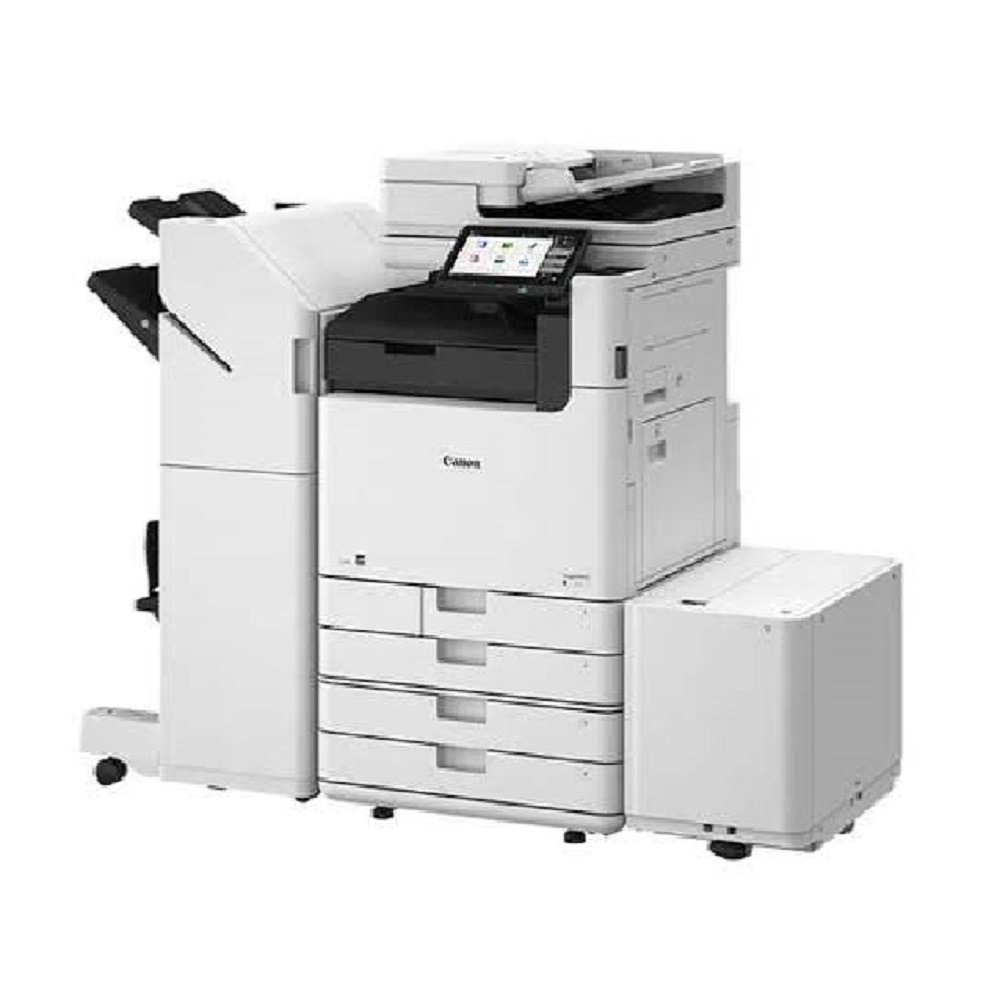
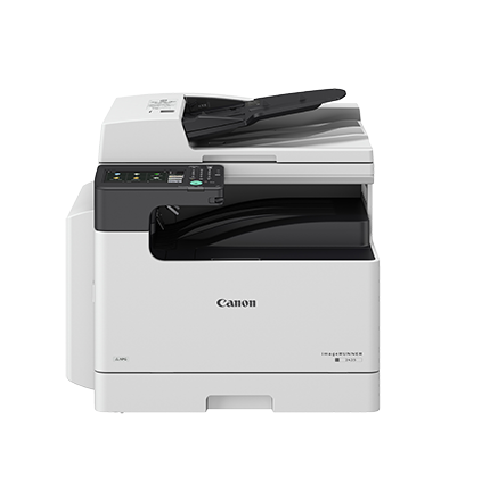
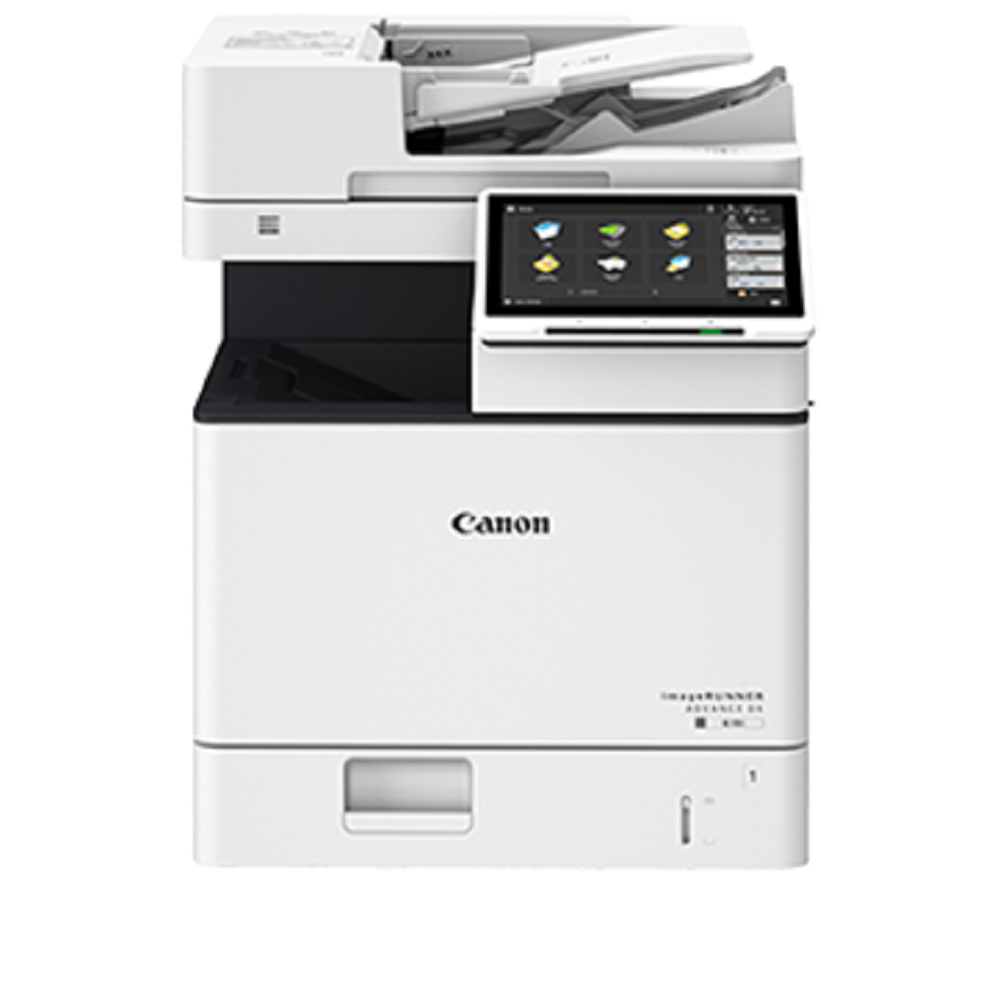
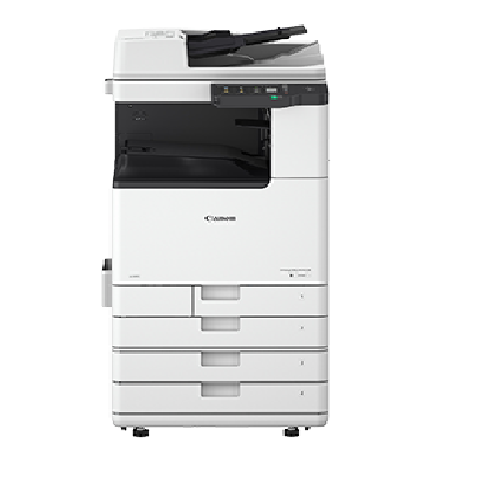
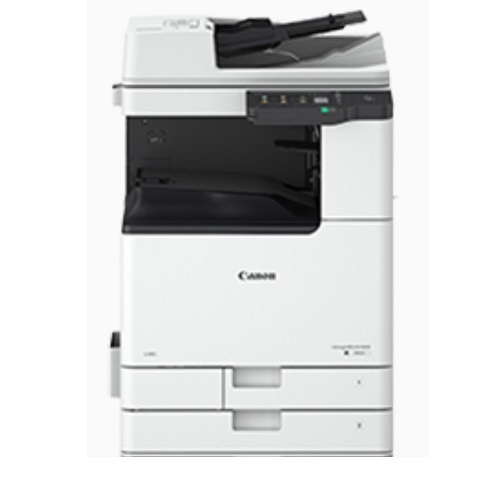
Canon imageFORCE 6155 / 6160 / 6170 About
Key Features
- Print, Copy, Scan & Optional Fax
- A3 Monochrome Multifunction Printer
- Print Speed:
- Canon imageFORCE 6155 Up to 55 PPM
- Canon imageFORCE 6160 Up to 60 PPM
- Canon imageFORCE 6170 Up to 70 PPM
- High Print Resolution up to 4800 2400 dpi
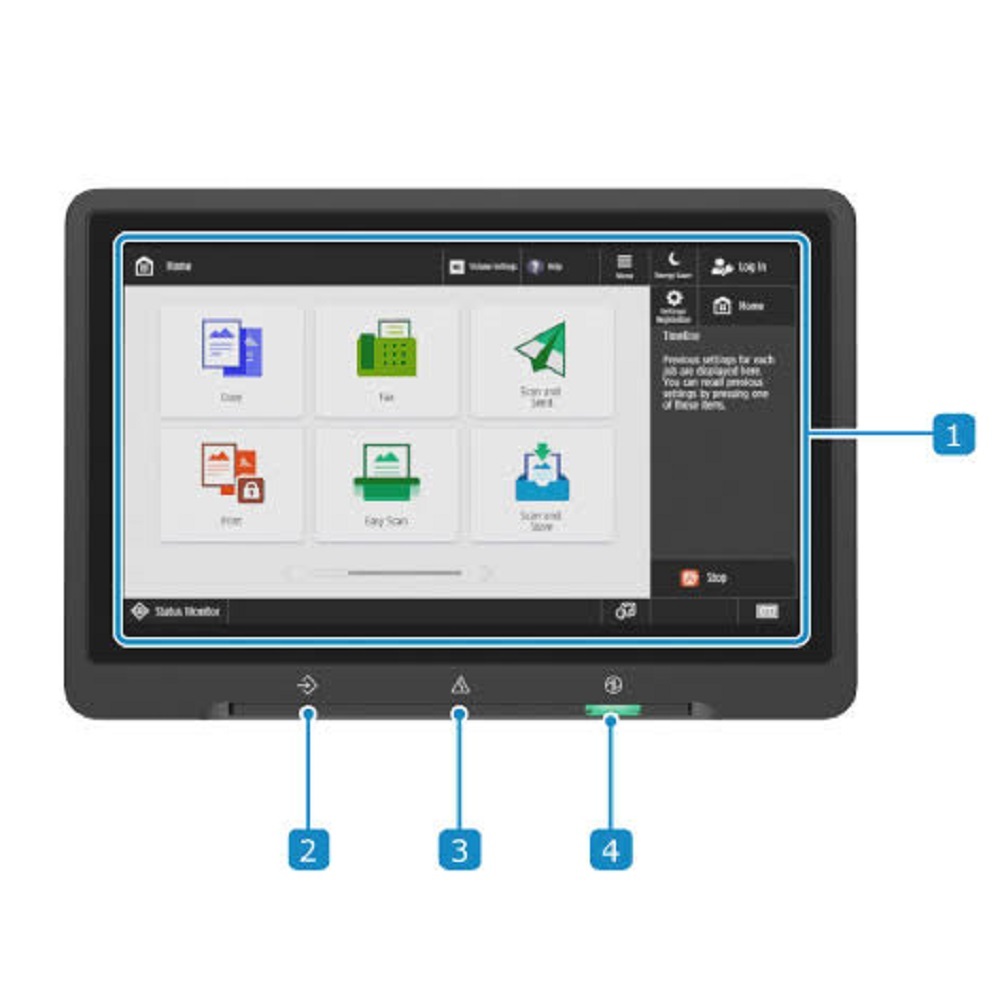
- 10.1-inch Color Touchscreen Display
- Automatic Duplex Printing
- Single-Pass Duplex Document Feeder
- High-Speed Color Network Scanning
- Mobile Printing Support (AirPrint, Mopria, Canon PRINT)
- USB, Ethernet & Optional Wi-Fi Connectivity
- Secure Printing & Advanced Data Protection
- Cloud Connectivity
- Energy Efficient Design
- Low Maintenance & Low Running Cost
- Ideal for Heavy Duty Office Workloads
Applications
- Corporate Offices
- Government Offices
- Schools & Colleges
- Hospitals
- Legal Firms
- Print & Copy Centers
- Banking Sector
- Manufacturing Companies
Product Specifications
| Feature | Details |
| Brand | Canon |
| Series | imageFORCE 6100 |
| Models | 6155 / 6160 / 6170 |
| Functions | Print, Copy, Scan, Optional Fax |
| Paper Size | A5 to A3 |
| Print Technology | Monochrome Laser |
| Print Speed | 55 / 60 / 70 PPM |
| Duplex | Automatic |
| Scan | Color Network Scan |
| Display | 10.1" Color Touch Panel |
| Connectivity | USB, LAN, Optional Wi-Fi |
| Print Resolution | Up to 4800 2400 dpi |
Why Choose This Machine?
- Latest Canon imageFORCE Technology
- Fast & Reliable Performance
- Premium Print Quality
- High Monthly Duty Cycle
- Secure Business Printing
- Smart Workflow Automation
- Low Cost Per Print
- Excellent ROI for Businesses
Supplier: All Tech Solutions, Mumbai
Products: Refurbished & New Photocopier Machines, Rental Services, AMC, Installation & Support
Contact: +91 9152696962
Exceptional Performance and SpeedThe Canon imageFORCE 6155 / 6160 / 6170 series delivers outstanding print and copy speeds of up to 71 pages per minute (A4), making them perfect for high-demand offices. Their advanced hardware, including 4 GB RAM and a 250 GB hard disk, ensures seamless document processing, swift warm-up times, and efficient multitasking within busy work environments.
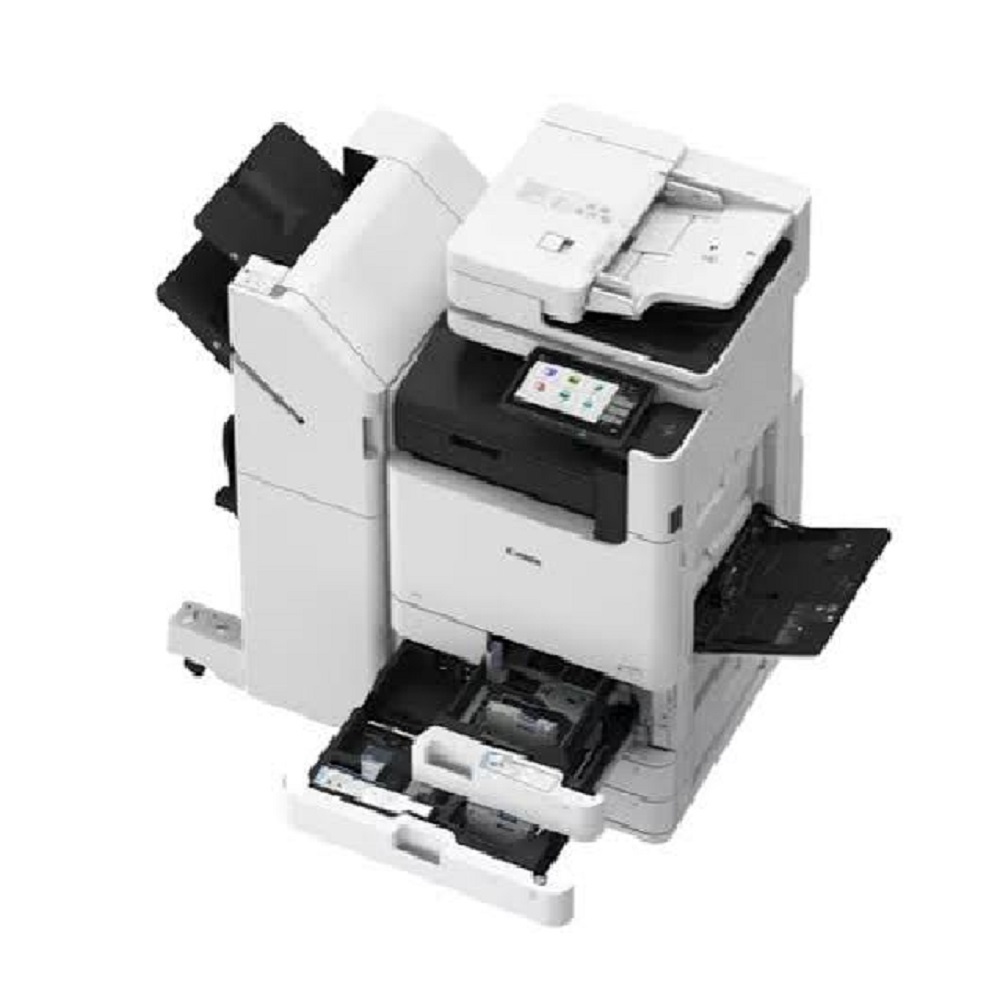
Robust Paper Handling and VersatilitySupporting a standard paper capacity of 2,300 sheets, expandable to 7,700 sheets, these copiers accommodate large print jobs with minimal interruptions. They work with a wide range of paper sizes and weights, from A3 to custom sizes and up to 220 gsm, broadening their usage across various document needs.
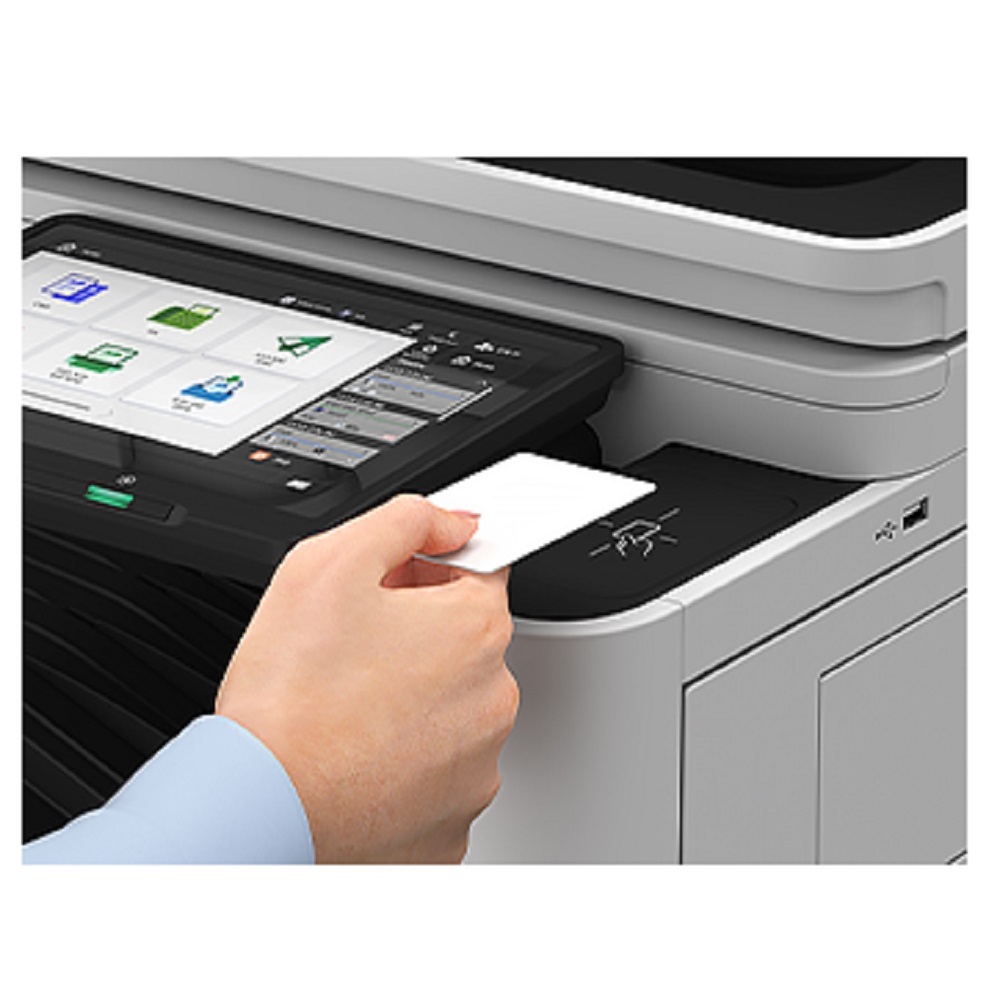
Advanced Security and User ManagementBuilt-in features such as user authentication, secure print, data encryption, and Department ID safeguard sensitive information and allow secure access. This provides peace of mind for businesses dealing with confidential documents while also enabling efficient user tracking and management.
FAQ's of Canon imageFORCE 6155 / 6160 / 6170:
Q: How do I connect the Canon imageFORCE 6155 / 6160 / 6170 to my office network?
A: These models can be connected easily using either the USB 2.0 interface or via Ethernet (supporting 1000Base-T/100Base-TX/10Base-T). Simply link the copier to your office network and configure settings through the 10.1-inch touch panel. They support TCP/IP, SMB, LPD, IPP, and SNMP protocols.
Q: What operating systems are compatible with these Canon copiers?
A: These machines support Windows, Mac OS, and Linux operating systems, making them suitable for a wide range of office environments without additional software compatibility concerns.
Q: When should I consider upgrading the paper capacity of my copier?
A: If your office regularly handles large print or copy volumes, upgrading the standard 2,300-sheet capacity up to 7,700 sheets minimizes refill time and increases productivity, especially during peak work periods.
Q: Where can I use the Canon imageFORCE copiers?
A: These copiers are designed for use in offices, educational institutions, and businesses where high-volume printing, copying, and scanning is required. Their robust build and advanced features suit the needs of dealers, service providers, and traders across India.
Q: What is the process for using the secure print and user authentication features?
A: To use secure print, send a document to the copier and protect it with a PIN or user ID. Only authorized users, after authentication at the touch panel, can release the print job, ensuring confidentiality and document security.
Q: How does this copier benefit my business operations?
A: With high-speed performance, advanced security, flexible connectivity, and scalable paper handling, these Canon copiers streamline workflows, safeguard information, and reduce downtime, contributing to overall operational efficiency and cost-effectiveness.







 Send Inquiry


 Send Inquiry