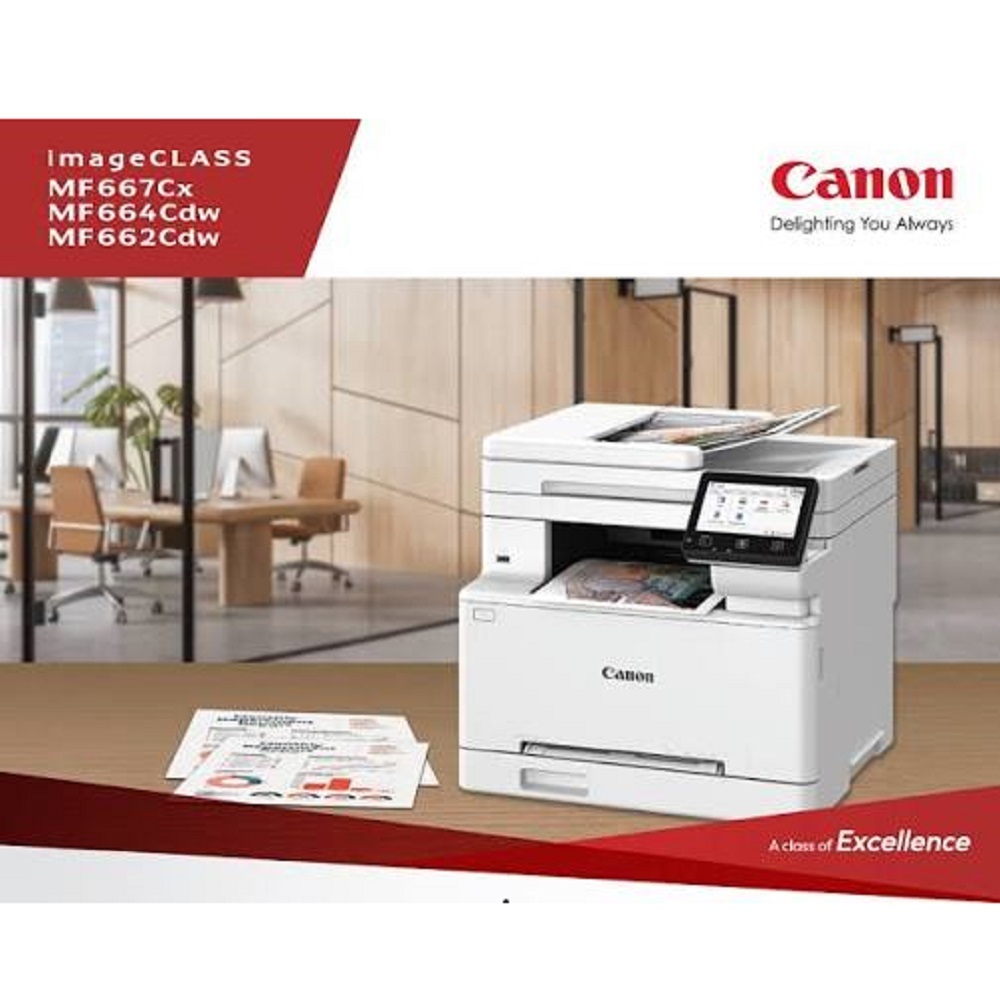
Canon imageCLASS MF667Cx Colour Laser Multifunction Printer About
Key Features:
- Print, Copy, Scan & Fax (4-in-1)
- Colour Laser Multifunction Printer
- Print Speed: Up to 25 Pages Per Minute (Colour & Mono)
- Automatic Duplex Printing
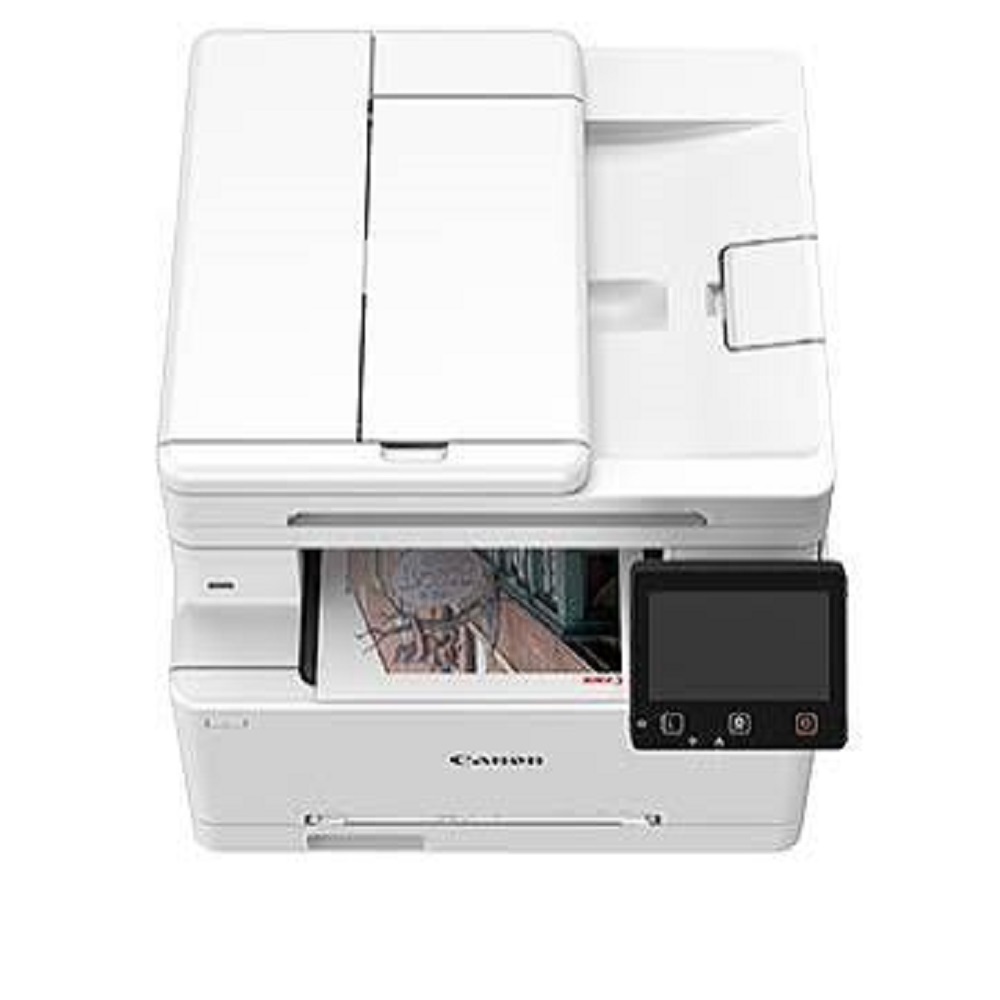
- 50-Sheet Single-Pass Duplex ADF
- Scan Speed: Up to 100 ipm (Mono) / 80 ipm (Colour)
- Print Resolution: Up to 1200 1200 dpi (Equivalent)
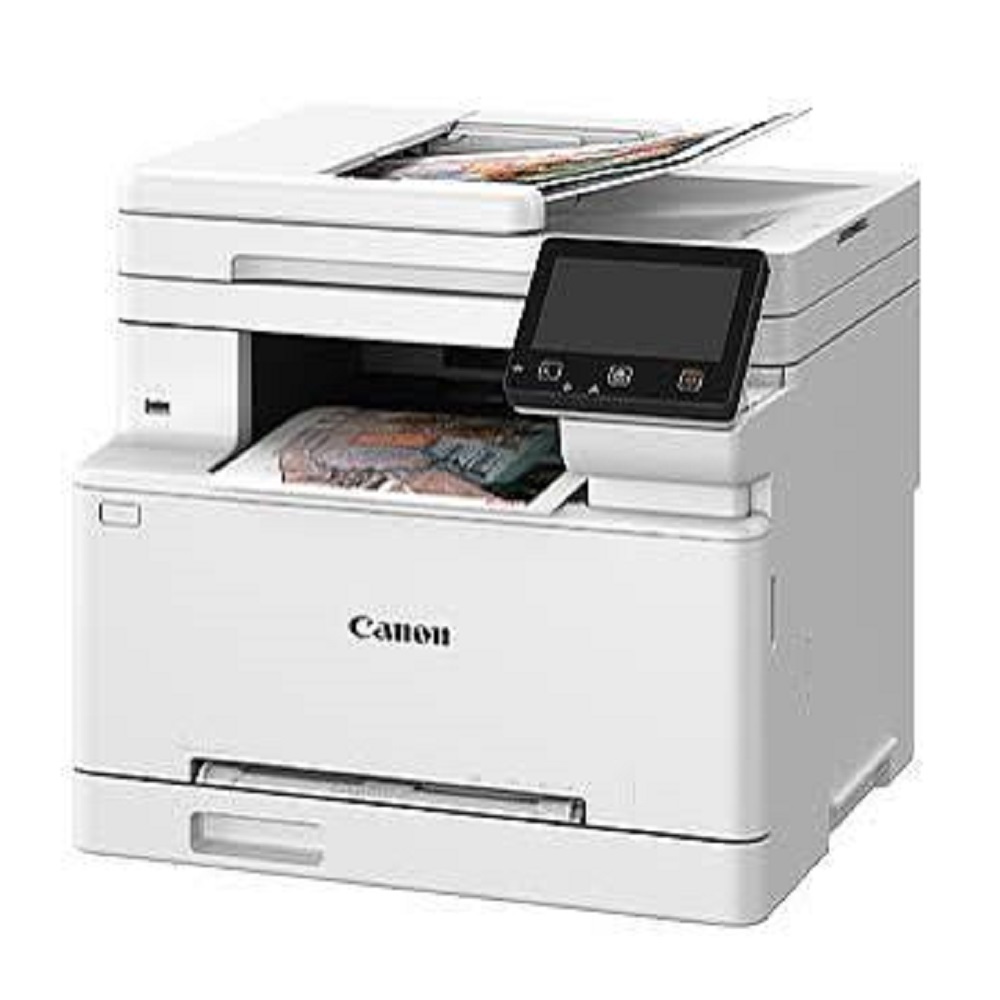
- 5-inch (12.7 cm) Colour Touchscreen Display
- USB, Gigabit Ethernet, Wi-Fi & Wi-Fi Direct Connectivity
- Mobile Printing Support
- PCL6, UFR II & Adobe PostScript 3
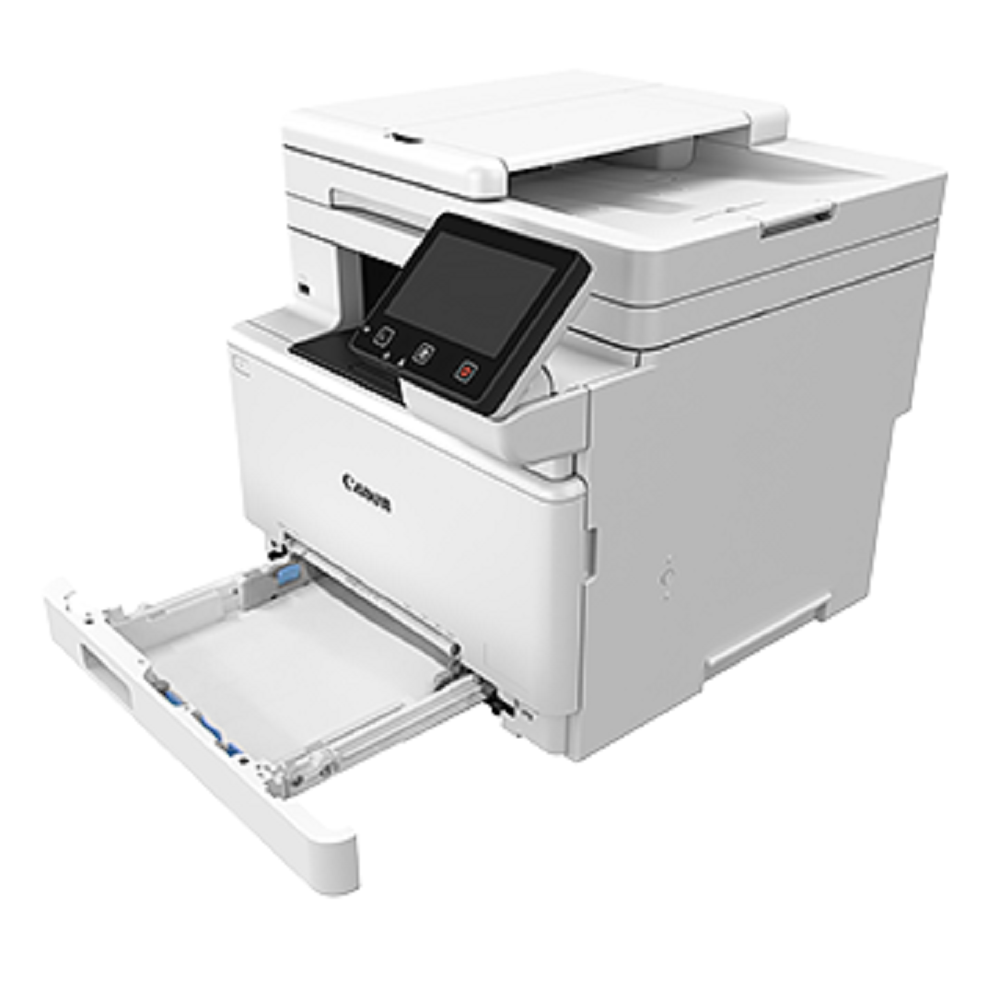
- 251-Sheet Standard Paper Capacity
- Monthly Duty Cycle: Up to 30,000 Pages
- Recommended Monthly Volume: 2502,500 Pages
Ideal For:
- Corporate Offices
- Small & Medium Businesses
- Schools & Colleges
- Hospitals & Clinics
- Chartered Accountant Offices
- Retail Shops
- Government Offices
Why Choose Canon MF667Cx?
- Professional colour output with sharp text
- Fast duplex scanning for improved productivity
- Secure printing and user authentication
- Low maintenance and reliable performance
- Wireless printing from laptops, smartphones and tablets
- Compact design suitable for modern offices
Product Specifications:
- Printing Technology: Colour Laser
- Functions: Print, Scan, Copy, Fax
- Paper Size: A4
- Memory: 1 GB
- Connectivity: USB 2.0, LAN, Wi-Fi, Wi-Fi Direct
- Operating System: Windows, macOS & Linux Compatible
- Warranty: As per Canon India policy
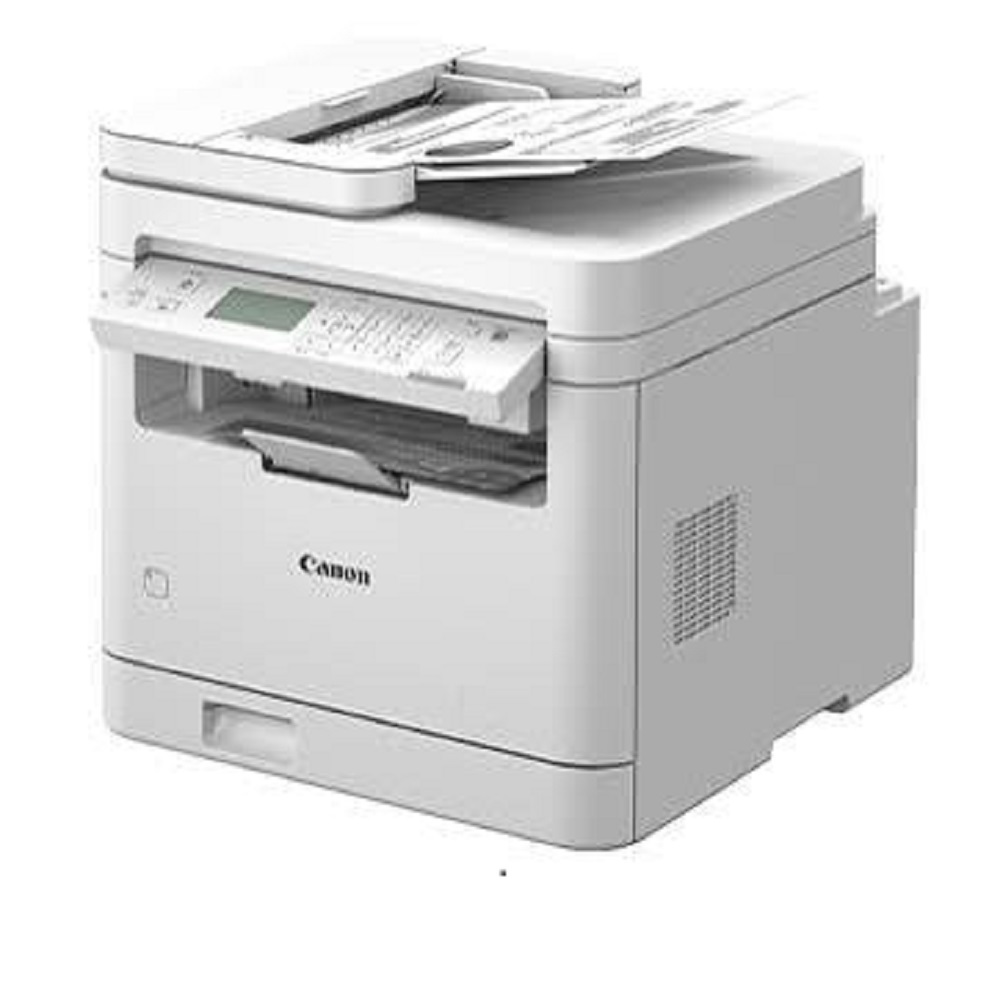
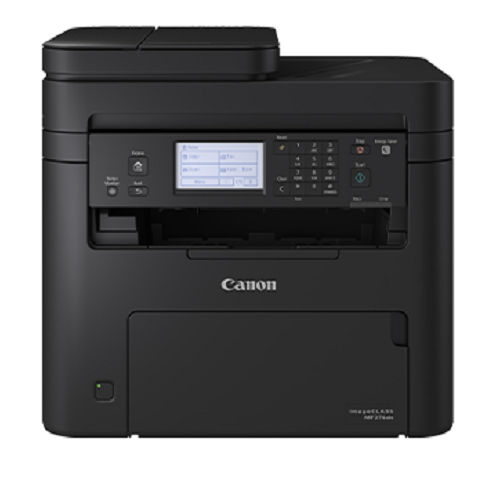
Efficient All-in-One FunctionalityExperience seamless printing, scanning, copying, and fax functionalities in a compact desktop design. With the MF667Cx, your office enjoys high-speed output, automatic duplex printing, and secure print features, all accessible from a user-friendly 12.7 cm colour touchscreen.
Versatile Connectivity and Mobile PrintingStay connected with both wired and wireless options, including USB 2.0, Ethernet, and Wi-Fi. Benefit from mobile print support using AirPrint, Mopria, and Canon PRINT Business, allowing you to print and scan directly from your smartphones and tablets with ease.
Powerful Performance and Quality ResultsWith a rapid first print out time of approximately 7.1 seconds, impressive print resolution up to 1200 x 1200 dpi, and a monthly duty cycle up to 50,000 pages, the MF667Cx delivers consistent, professional-quality results for all your documents.
FAQ's of Canon imageCLASS MF667Cx Colour Laser Multifunction Printer:
Q: How do I set up the Canon imageCLASS MF667Cx for wireless printing?
A: To set up wireless printing, connect the MF667Cx to your Wi-Fi network using the operation panel. Select the wireless setup option on the 12.7 cm touchscreen, follow the prompts to connect to your network, and install the required drivers on your computer or mobile device.
Q: What operating systems are compatible with the MF667Cx printer?
A: The MF667Cx supports Windows, Mac OS, and Linux operating systems. It also offers mobile printing compatibility through Apple AirPrint, Mopria, and Canon PRINT Business for smartphones and tablets.
Q: When should I replace the toner cartridges in this printer?
A: Replace the Canon 067/067H toner cartridges when the printer notifies you of low toner or when print quality visibly deteriorates. Follow on-screen instructions for proper replacement to maintain print quality and device performance.
Q: Where can I use the Canon MF667Cx?
A: The MF667Cx is suitable for office, business, and home office settings. Its desktop-sized footprint and versatile feature set make it easy to integrate into diverse work environments requiring reliable document output and management.
Q: What is the process for scanning documents with the MF667Cx?
A: To scan documents, use either the flatbed or ADF. For multiple pages, load up to 50 sheets into the ADF and select your preferred scan settings on the touchscreen. Scans can be saved directly to a connected computer, network folder, or sent via email.
Q: How does the MF667Cx benefit high-volume printing needs?
A: With a recommended monthly print volume of 750-4,000 pages and a duty cycle up to 50,000 pages, the MF667Cx is built for heavy workloads. Its fast print speed, large input capacities, and robust design ensure reliable output for demanding environments.







 Send Inquiry


 Send Inquiry