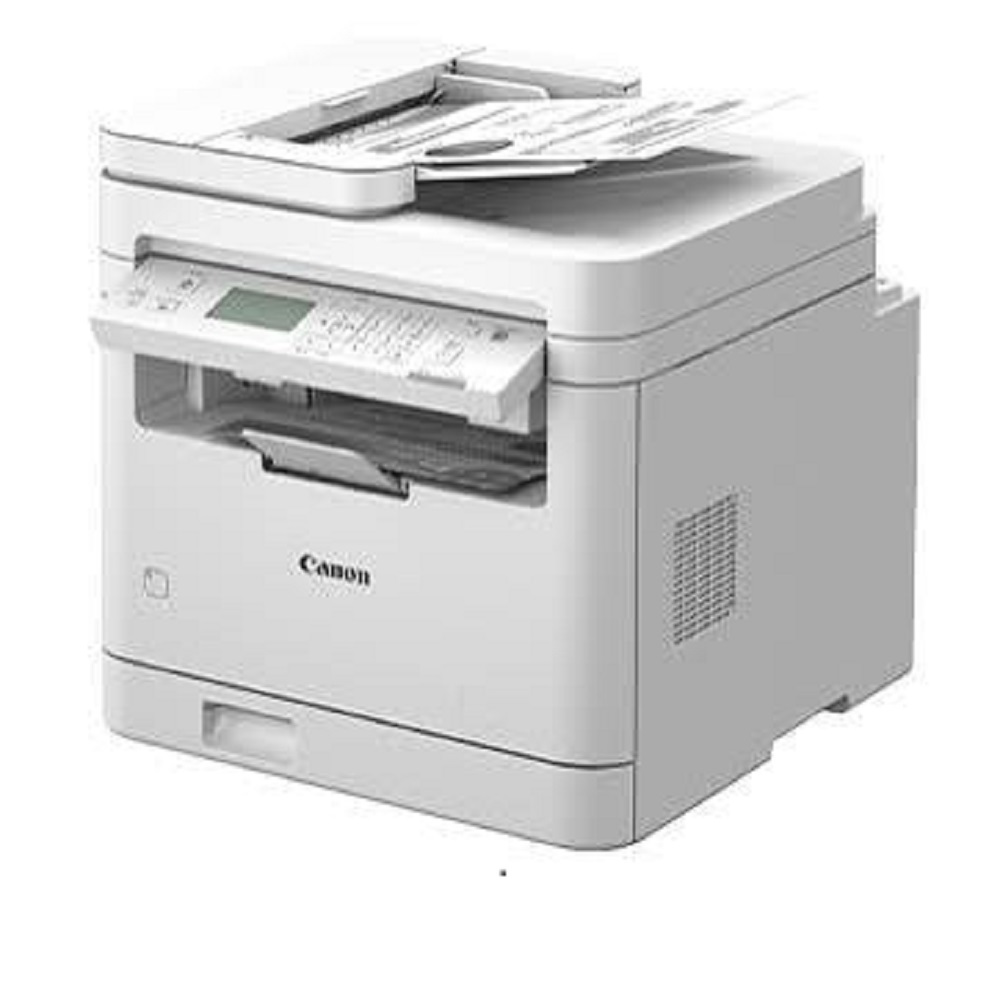
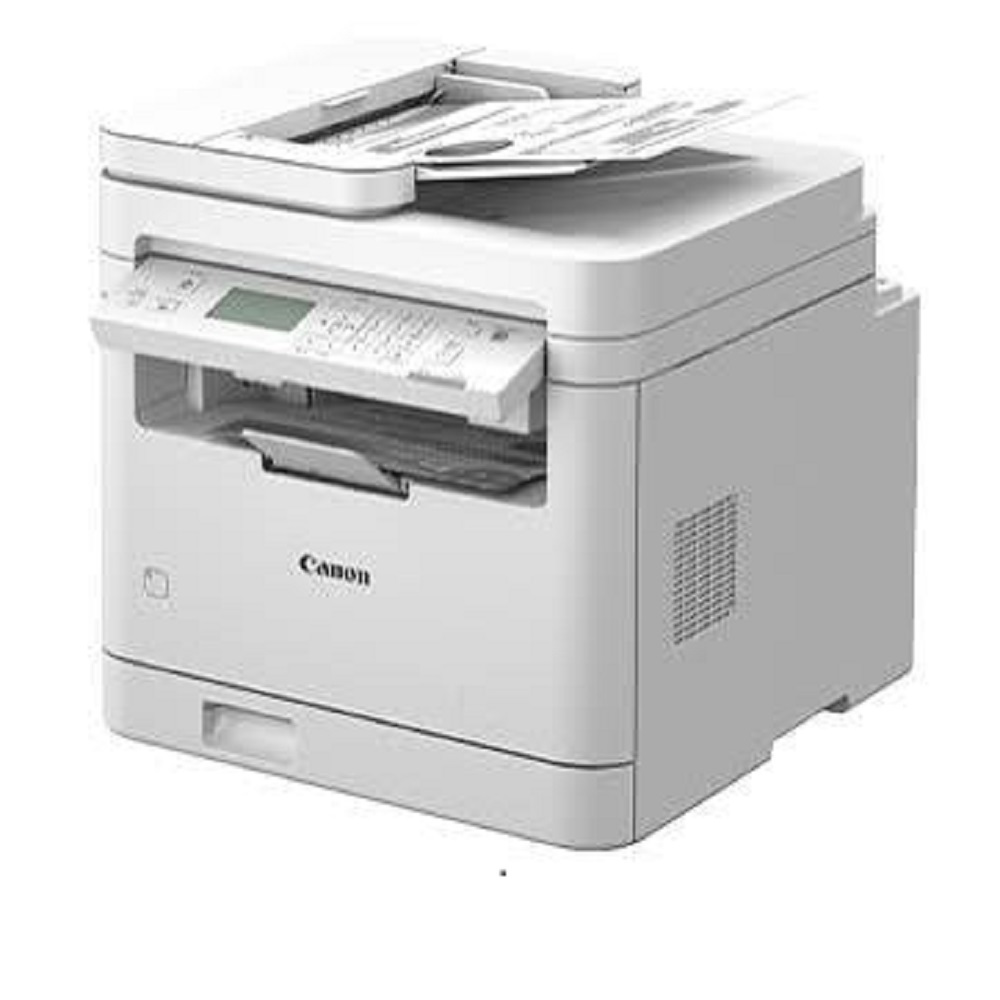
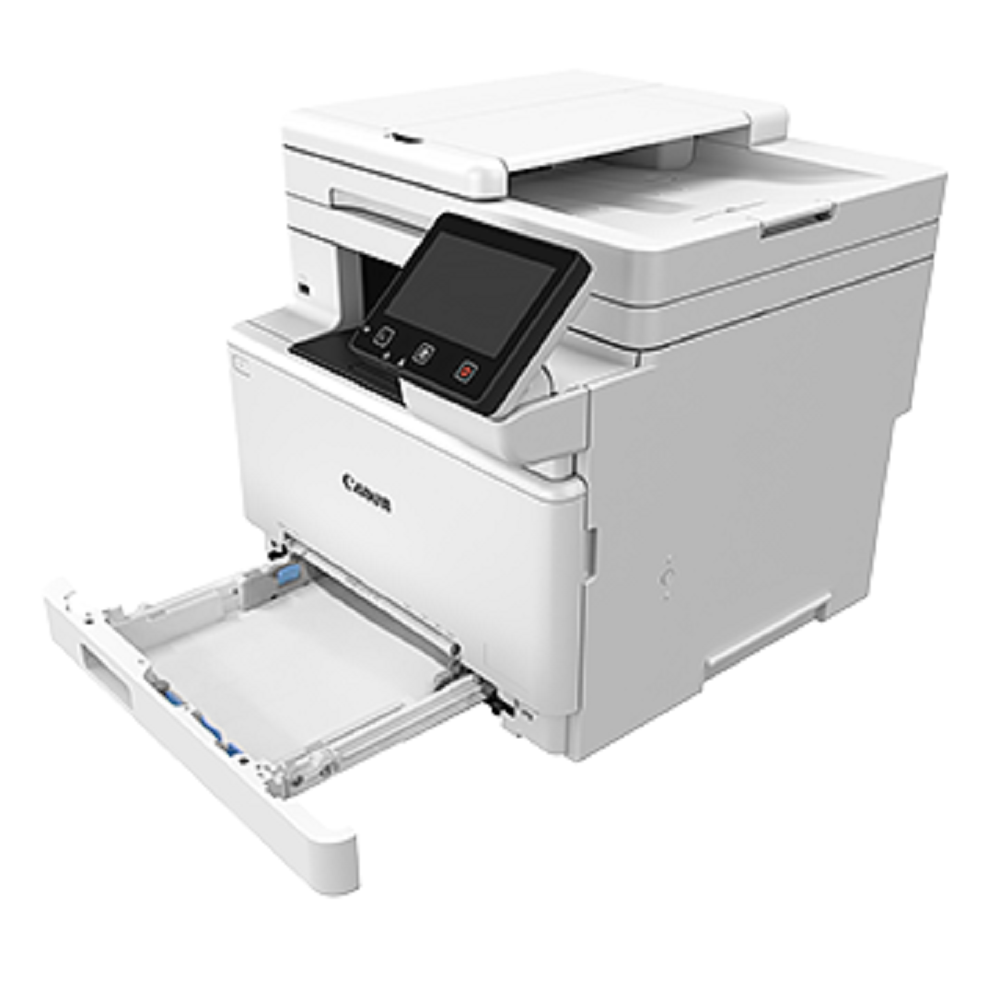
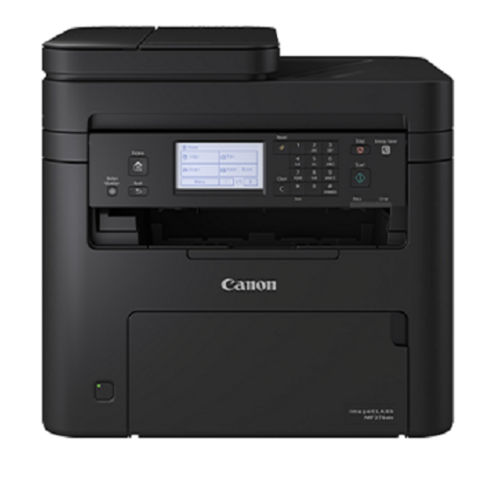
Canon imageCLASS MF284dw About
Key Features
- Print, Copy & Color Scan
- Print Speed: Up to 33 ppm (A4)
- Automatic Duplex Printing
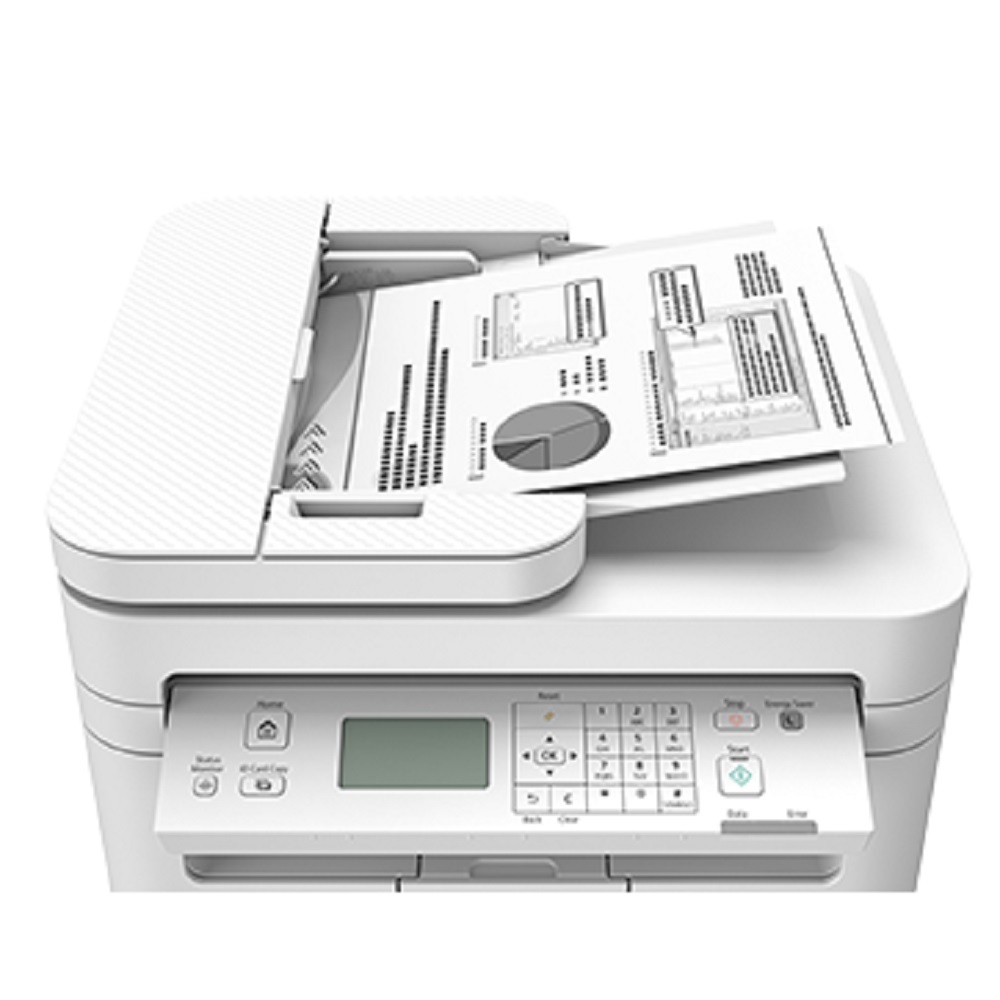
- 35-Sheet Automatic Document Feeder
- 250-Sheet Paper Input Capacity
- 600 600 dpi Print Resolution
- Image Refinement up to 1200 1200 dpi (Equivalent)
- First Print Out in approximately 5 seconds
- Wi-Fi, Ethernet & USB Connectivity
- Mobile Printing Support
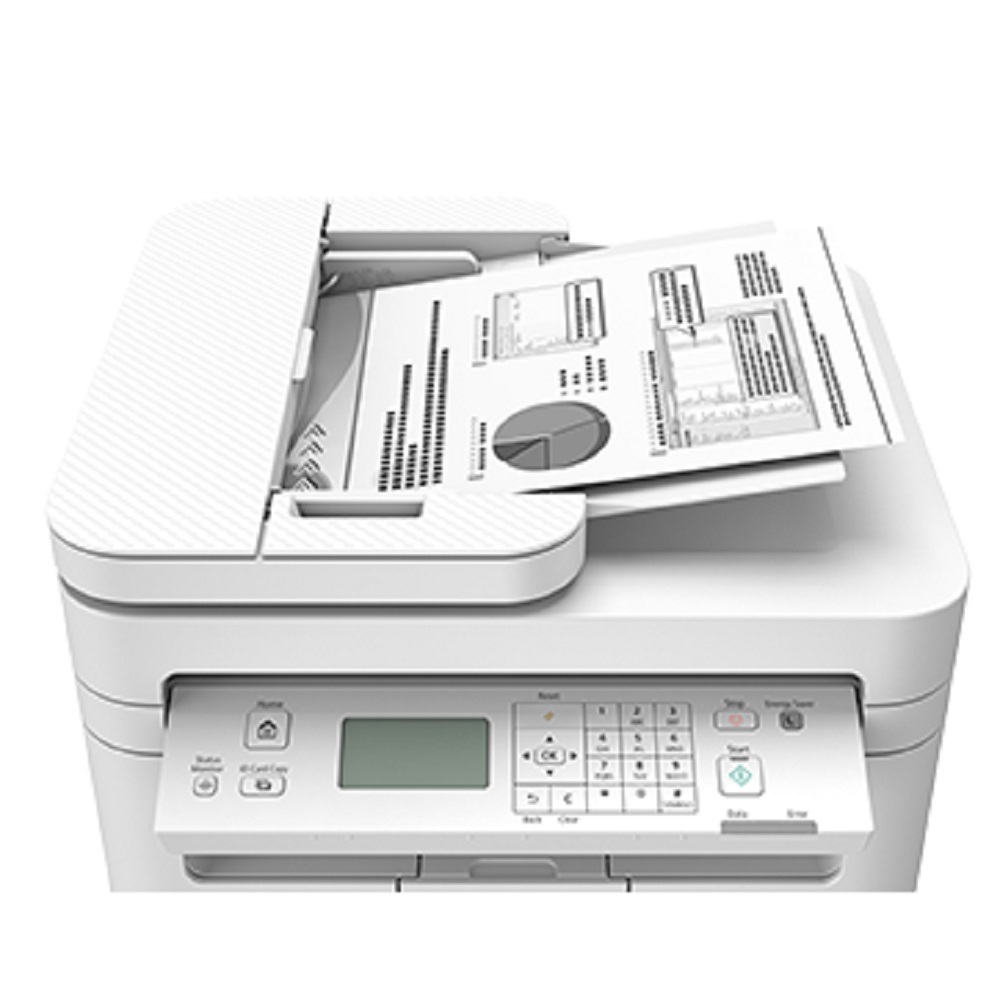
- 5-Line LCD Display
- Compact Office-Friendly Design
- Energy Efficient Operation
- Advanced Network Security Features
Applications
- Corporate Offices
- Small & Medium Businesses
- Schools & Colleges
- Hospitals & Clinics
- Government Offices
- Retail Stores
- Home Offices
Technical Specifications
- Functions: Print, Copy, Scan
- Printing Technology: Monochrome Laser
- Print Speed: Up to 33 ppm (A4)
- Duplex Printing: Automatic
- Paper Capacity: 250 Sheets
- ADF Capacity: 35 Sheets
- Connectivity: Wi-Fi, Ethernet, USB 2.0
- Memory: 256 MB
- Display: 5-Line LCD
- Supported OS: Windows, macOS, ChromeOS, iOS & iPadOS
- Recommended Monthly Print Volume: 2502,500 Pages
Why Choose Canon imageCLASS MF284dw?
- High-speed business printing
- Low maintenance and reliable performance
- Crisp, professional-quality documents
- Easy wireless and network printing
- Space-saving compact design
- Ideal for daily office workloads
- Trusted Canon reliability
Keywords: Canon imageCLASS MF284dw, Canon Laser Printer, Monochrome Multifunction Printer, Wireless Laser Printer, Duplex Printer, Office Printer, Business Printer, A4 Laser Printer, Canon Printer India, Office Printing Solution.
Fast, Reliable Performance for Modern WorkspacesThe Canon imageCLASS MF284dw empowers users with swift print speeds up to 28 pages per minute and rapid first printout in just 6 seconds. Coupled with a monthly duty cycle of up to 15,000 pages, this printer is ideal for dynamic office settings that demand reliability and efficiency. Its advanced auto duplex printing reduces paper waste, while the robust processor and 256 MB memory facilitate seamless multitasking for a productive workspace.
Comprehensive Multifunction CapabilityWith the ability to print, scan, copy, and fax, the MF284dw streamlines office tasks. The 35-sheet automatic document feeder and flatbed scanner offer flexibility for various document types and sizes, up to A4, Letter, and Legal. Scanning at 600 x 600 dpi ensures crisp digital copies, while fax resolution reaches up to 200 x 400 dpi, supporting within-office and remote communications needs.
Flexible Connectivity & Mobile PrintingExperience convenient printing from anywhere in the office with built-in Wi-Fi, Ethernet, and USB 2.0 connectivity. The MF284dw supports mobile printing through Apple AirPrint, Canon PRINT Business, and Mopria, offering compatibility with major smartphone platforms. Whether in-office or on-the-go, document management and printing are simplified for users across different devices and operating systems.
FAQ's of Canon imageCLASS MF284dw:
Q: How do I set up mobile printing with the Canon imageCLASS MF284dw?
A: To enable mobile printing, connect the MF284dw to your Wi-Fi network and install one of the supported apps-Apple AirPrint, Canon PRINT Business, or Mopria-on your mobile device. Follow in-app instructions to detect and print to the printer seamlessly from compatible smartphones or tablets.
Q: What paper weights and sizes can the MF284dw handle?
A: The MF284dw supports paper weights between 60 to 163 gsm and accepts various sizes, including A4, A5, B5, Legal, Letter, and Executive, making it versatile for most office document requirements.
Q: When should I replace the Canon 337 toner cartridge?
A: Replace the Canon 337 toner cartridge when print quality degrades or when the printer displays a low toner warning. The replacement process is straightforward and can be completed by following instructions in the user manual.
Q: Where can I use this printer effectively?
A: This model is well-suited for offices, small businesses, and home offices. Its robust construction and multifunction capability make it an excellent choice for dealers, distributors, exporters, service providers, suppliers, and traders in India.
Q: What is the process for scanning documents using the ADF?
A: To scan using the automatic document feeder, place your documents in the ADF tray (up to 35 sheets), select the scan function on the 5-line LCD, set the scan type (color or mono), and confirm your settings. The MF284dw scans at speeds up to 20 ipm for black & white and 15 ipm for color documents.
Q: How does auto duplex printing benefit my office?
A: Auto duplex printing allows the printer to print on both sides of the paper automatically, reducing paper consumption and operational costs, while boosting document presentation and professionalism.
Q: What operating systems are compatible with the MF284dw?
A: This printer supports Windows, Mac OS, and Linux, ensuring flexibility for various IT environments.







 Send Inquiry


 Send Inquiry