Brother MFC-T4500DW A3 About
Functions
Fax, Print, Scan, Copy
Printer Type
Inkjet Printer
Product Dimensions (Width X Depth X Height)
575 mm 477 mm 310 mm
Weight
19.14 kg
Print Speed
22/20 ipm
Paper Type
Plain, Inkjet, Glossy (cast/resin), Recycled
Paper Size
A4, Letter, Executive, B5A3, Ledger, B4, Legal, Folio, A5, B6, A6, Photo-4"x6", Indexcard-5"x8", Photo-3.5"x5", Photo-5"x7", C5 Envelope, Com-10 Envelppe, DL Envelope, Monarch Envelope, Mexico Legal, India Legal
Maximum Paper Capacity
Up to 250 sheets (80 gsm)
Print
up to 1200x4800 dpi
Borderless
A4, Letter, A6, Photo (10 cm x 15 cm), Photo L (89 mm 127 mm), Photo 2L (13 cm 18 cm), Index Card (127 mm 203 mm), A3, Ledger
2-Sided (Duplex) - Paper Size
A3, Ledger, JIS B4, Legal, Folio, A4, Letter, Executive, A5,JIS B5, JIS B6, Mexico Legal, India Legal
Paper handling
Tray #1 - Paper Type
Plain paper, Inkjet paper, Glossy paper(cast/resin), Recycled paper
Tray #1 - Maximum Paper Capacity
Max. 250 sheets of 80 gsm plain paper
Multi-purpose Tray - Paper Type
Plain paper, Inkjet paper, Glossy paper(cast/resin), Recycled paper
Multi-purpose Tray - Maximum Paper Capacity
Max. 100 sheets, 80 gsm
Automatic Document Feeder (ADF) Maximum Paper Capacity
Max. 50 pages, 80 gsm
Paper Output
Up to A4/Letter: Max. 100 sheets, 80 gsm
Over A4/Letter: Max. 50 sheets, 80 gsm
Copy
Colour / Monochrome
Yes
Yes
Multiple Copies
Stacks/sorts up to 999 pages
Enlarge/ Reduce
25% to 400% (in increments of 1%)
Resolution
Print: Max. 1200x4800 dpi
Scan: Max. 600x600 dpi (FB)
Max. 300x600 dpi (ADF)
2-Sided (Duplex) - Copying Paper Type
Plain paper, Recycled paper
2-Sided (Duplex) - Paper Size
Ledger, Legal, Folio, Letter, A3, A4, A5, A6, Photo-4"x6", Mexico Legal, India Legal
Scan
Resolution - Interpolated
Max. 19,200 dpi x 19,200 dpi
Resolution - Scanner Glass
Max. 1,200 dpi 2,400 dpi (optical)
Resolution - Automatic Document Feeder (ADF)
Max. 600 dpi 600 dpi (optical)
Fax
Modem Speed
ITU-T Super Group 3
Memory Transmission
Max. 180 pages
Out of Paper Reception
Max. 180 pages
Connectivity
Connectivity
Hi-SpeedUSB2.0, LAN, Wireless LAN IEEE 802.11b/g/n (Infrastructure Mode), IEEE 802.11g/n (Wi-Fi Direct)
Network
Wireless Network Security
WEP 64/128 bit, WPA-PSK (TKIP/AES), WPA2-PSK (AES)
Wireless Setup Support Utility - WPS
Yes
Display & Memory
Display Type
2.7 TFT Colour LCD
Memory Capacity
128 MB
Operation
Power Source
AC 220 V to 240 V 50/60Hz
Power Consumption - Ready
Approx. 6.0 W
Power Consumption - Sleep
Approx. 1.5 W
Power Consumption - Power Off
Approx 0.04 W
Noise Level
50dB(A) (Approx.)
Supported Operating Systems
Supported OS
Windows 7 SPI/8/8.1/10 Server 2008/2008 R2/2012/2012 R2/2016
macOS v10.11.6/10.12.x/10.13.x
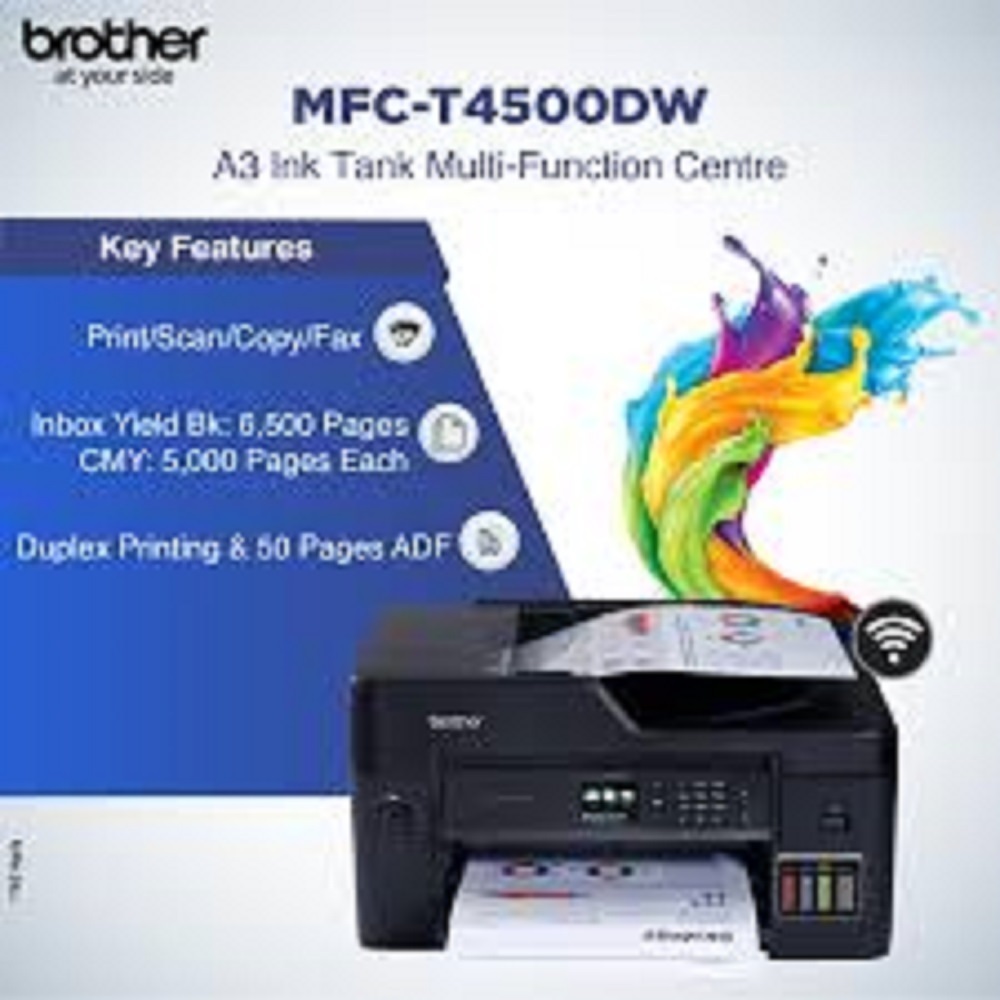
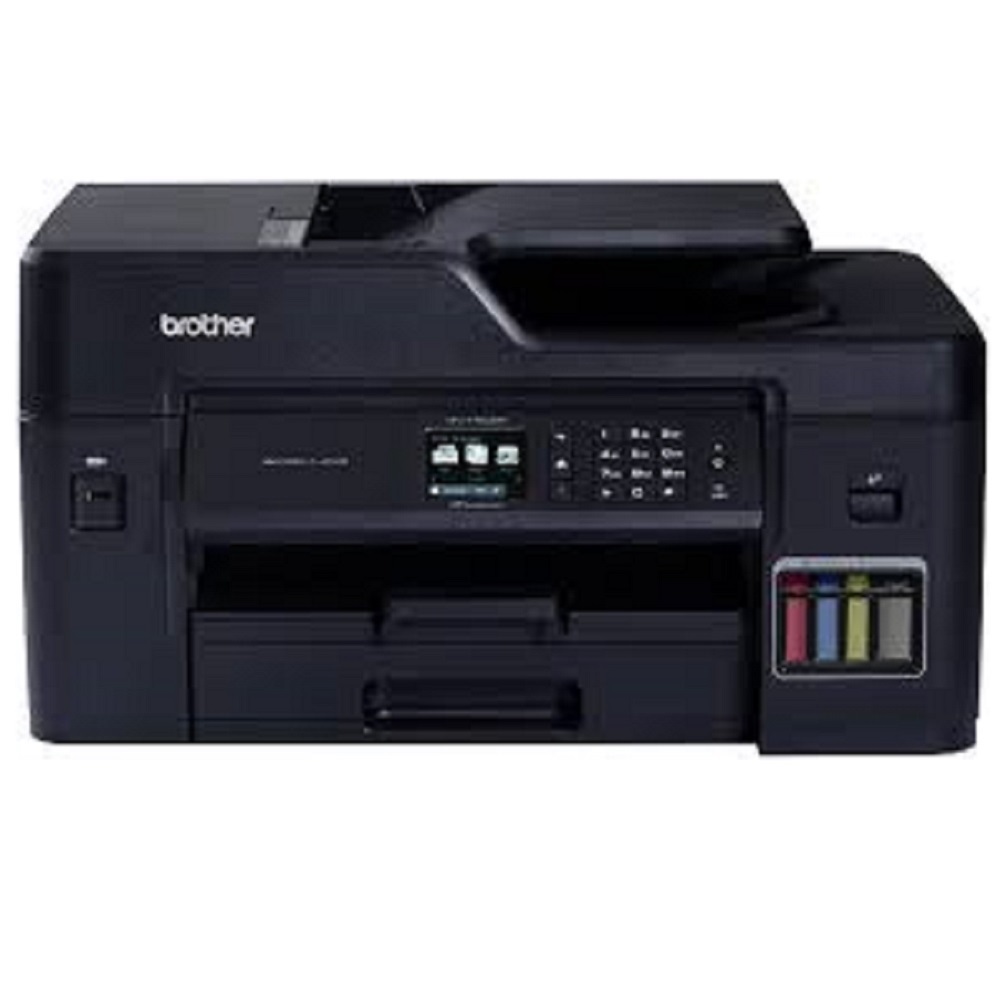
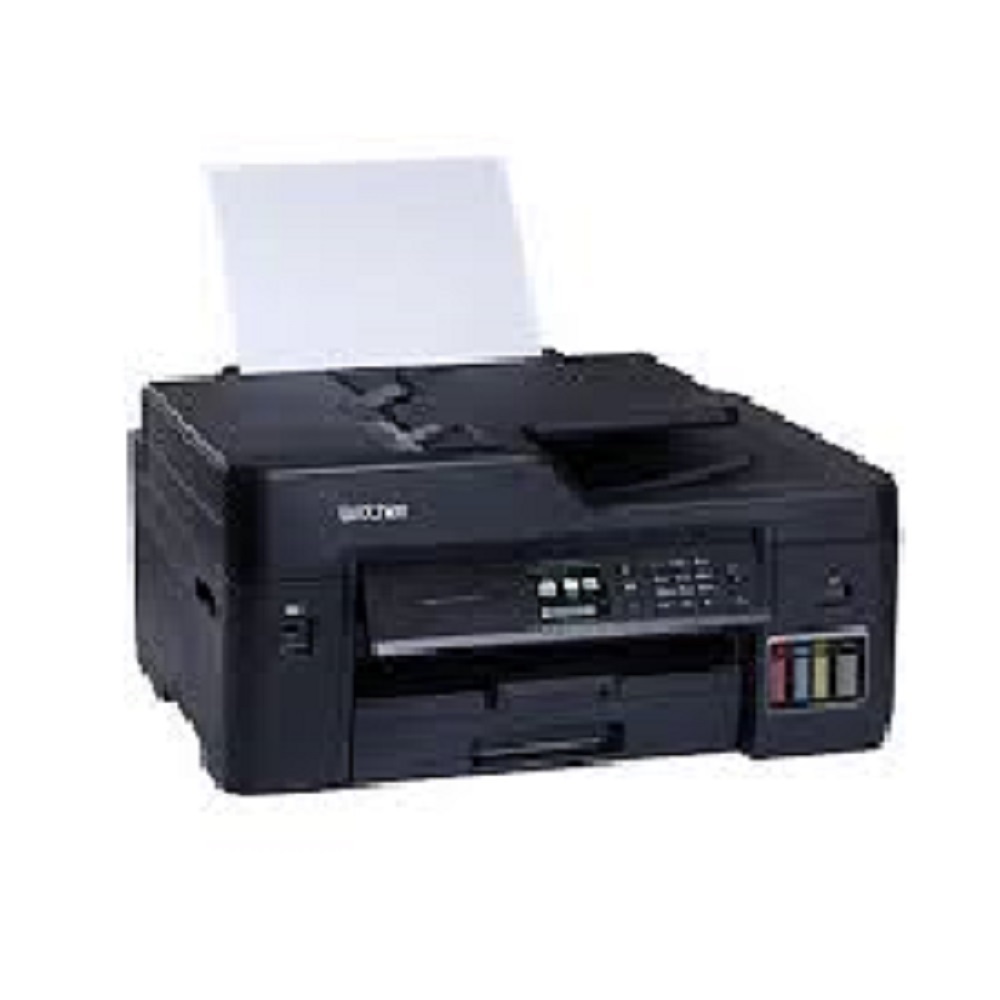
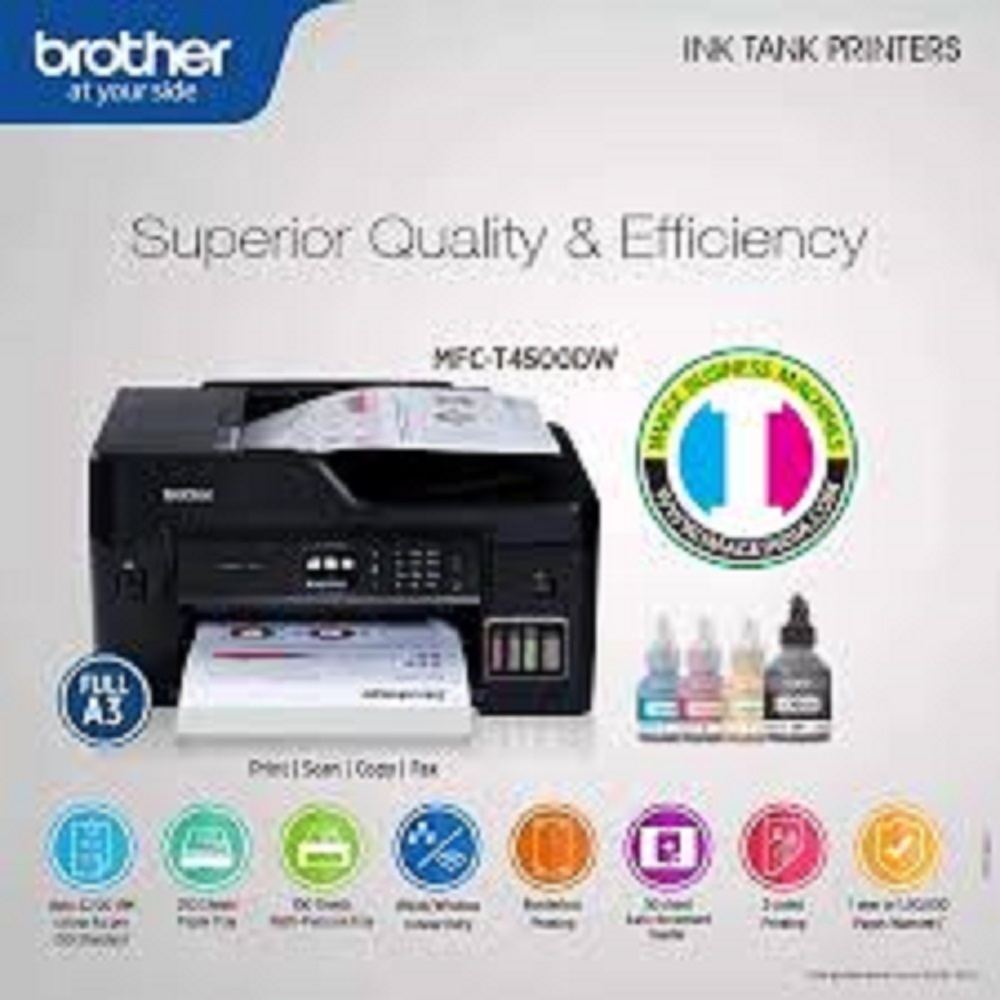
All-in-One High-Volume Printing SolutionPerfect for businesses requiring extensive print, scan, copy, and fax functionality, the Brother MFC-T4500DW offers robust performance with duplex print and scan, high-yield ink tanks, and a stellar print resolution of up to 4800 x 1200 dpi. Its automatic document feeder and borderless A3 printing cater to heavy-duty, professional tasks with ease.
Advanced Connectivity for Modern WorkspacesThis printer features multiple connectivity options, such as USB, LAN, wireless LAN, and Wi-Fi Direct, making it adaptable for dynamic office setups. Seamless mobile printing support across various platforms-Apple AirPrint, Google Cloud Print, Brother iPrint&Scan, and Mopria-empowers users to print and scan flexibly from smartphones and tablets.
Ease of Use and Efficient OperationThe user-friendly 2.7'' colour touchscreen LCD simplifies job setup and device management. With fast copy and scan speeds, large input/output trays, and support for a range of paper sizes (A3 to A6, envelopes), this printer enables smooth, uninterrupted workflow, essential for busy offices and commercial printing environments.
FAQ's of brother MFC-T4500DW A3:
Q: How does the automatic document feeder (ADF) of the Brother MFC-T4500DW enhance productivity?
A: The 50-sheet ADF streamlines scanning, copying, and faxing multi-page documents by automatically feeding pages into the machine, saving time and reducing the need for manual intervention during high-volume tasks.
Q: What mobile printing options are compatible with the MFC-T4500DW?
A: This model supports Apple AirPrint, Google Cloud Print, Brother iPrint&Scan, and Mopria. These features allow users to print directly from their smartphones and tablets, facilitating flexible document management on the go.
Q: When should the ink bottles (BTD60BK, BT5000C/M/Y) be replaced, and how many pages can they print?
A: Replace ink bottles when print quality diminishes or the printer notifies you of low ink. The black ink bottle yields up to 6,500 pages, while each colour bottle produces up to 5,000 pages, depending on usage and print conditions.
Q: What are the benefits of borderless A3 printing?
A: Borderless A3 printing enables users to produce edge-to-edge marketing materials, posters, and presentations without any white margins, enhancing the professional appearance of printed documents.
Q: Where can the Brother MFC-T4500DW be installed, and what operating systems does it support?
A: Suitable for desktop installation in offices, homes, or commercial spaces, this printer is compatible with Windows, Mac OS, and Linux operating systems, ensuring broad accessibility.
Q: How does duplex scanning and printing support efficient workflows?
A: Duplex capabilities allow for automatic double-sided scanning and printing, minimizing paper usage and time spent on manual page turning, which is ideal for handling large document sets efficiently.







 Send Inquiry


 Send Inquiry