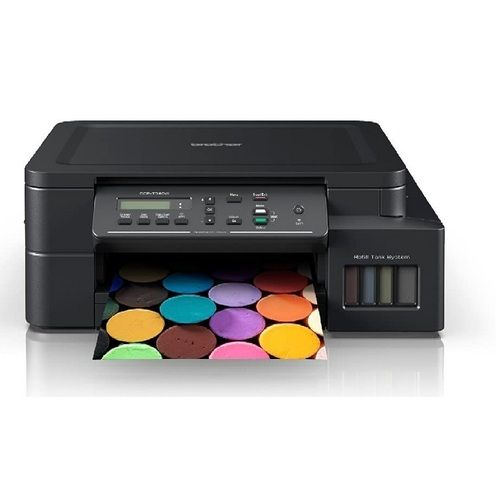
Brother DCP-T230 Ink Tank Multifunction Printer About
Key Features
- Print, Scan & Copy (Multifunction)
- Print Speed: Up to 16 ipm (Black) / 9 ipm (Colour)
- Print Resolution: Up to 1200 6000 dpi
- High-Speed USB 2.0 Connectivity
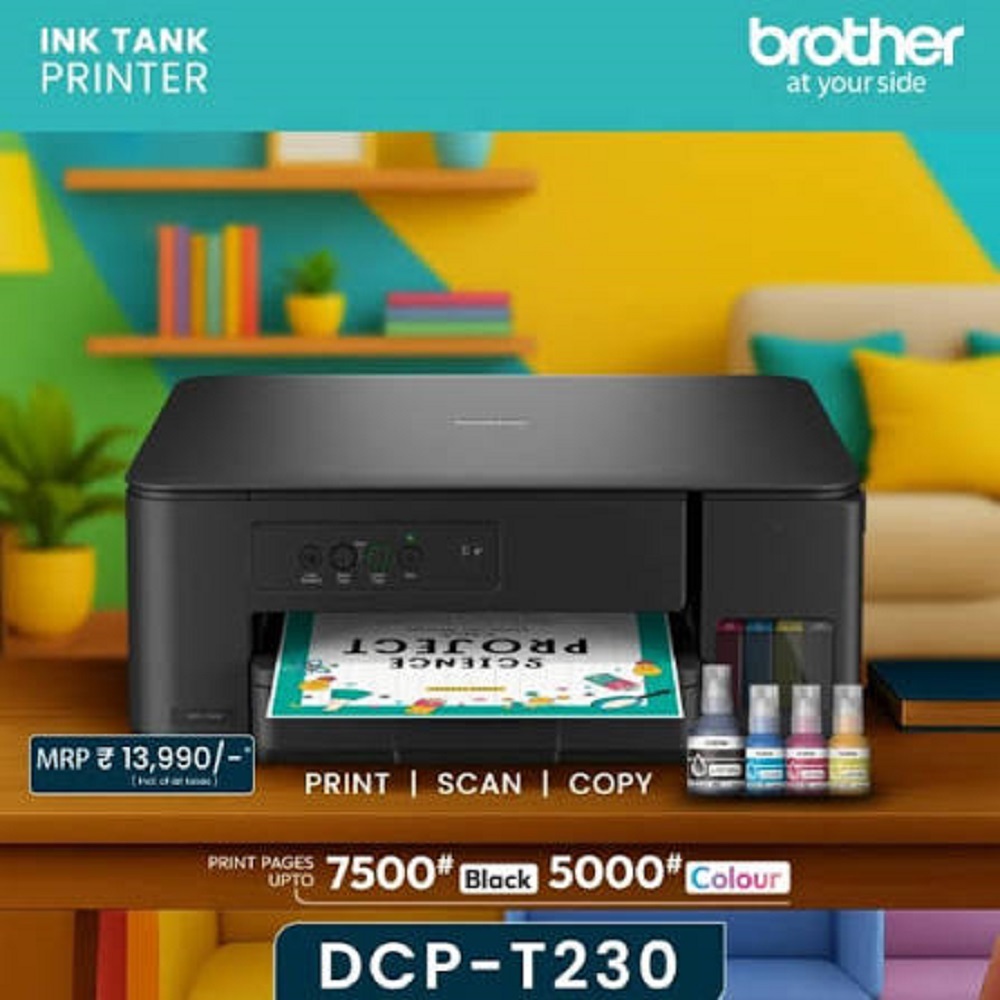
- High Page Yield: Up to 7,500 Black & 5,000 Colour Pages
- 150-Sheet Front Paper Tray
- Flatbed Colour Scanner
- Compact & Space-Saving Design
- Spill-Free Front Ink Tank Refilling
- Compatible with Windows, Linux & Chrome OS
- Ideal for Home, Students, SOHO & Small Businesses
Applications
- Home & Personal Use
- Small Offices (SOHO)
- Schools & Colleges
- Coaching Classes
- Retail Shops
- Billing & Documentation
- Students & Professionals
Why Choose Brother DCP-T230?
- Low Cost Per Print
- High-Quality Colour Printing
- Reliable Performance
- Easy Maintenance
- Genuine Brother Ink Tank Technology
- Compact & User-Friendly Design
Available From
ALL TECH SOLUTIONS
Authorized Dealer of Brother Printers & Office Automation Products
Sales | Service | Installation | AMC
High-Resolution PerformanceThe DCP-T230 boasts impressive print, scan, and copy resolutions, resulting in clear text and vivid images. With print speeds up to 16 ipm (black) and 9 ipm (color), it efficiently handles demanding workflows without compromising quality, making it ideal for business reports, creative projects, and daily office needs.
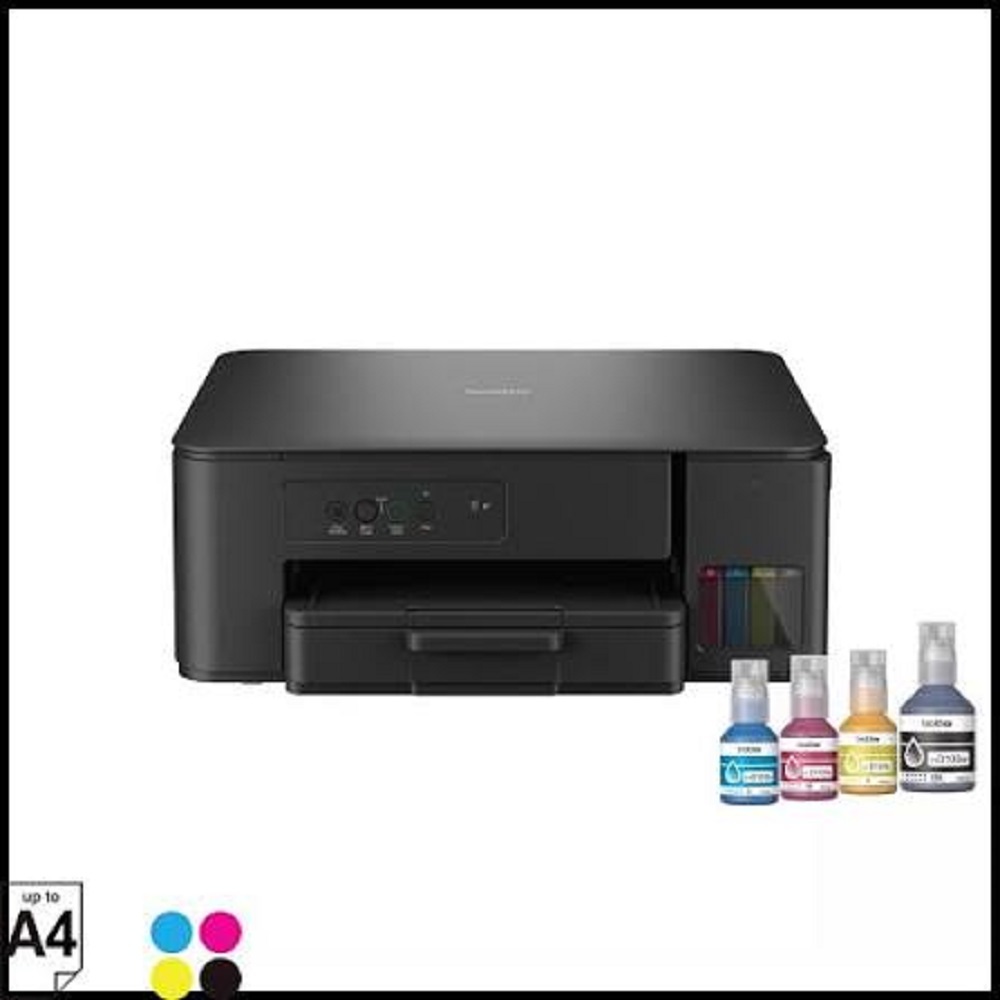
Effortless, Spill-Free RefillingRefilling the ink tank is hassle-free, thanks to Brother's easy, spill-free bottle design. This system minimizes mess and ensures a seamless refill process, reducing downtime and maintenance costs. The supplied ink yields up to 7,500 pages (black) and 5,000 pages (color), maximizing productivity between refills.
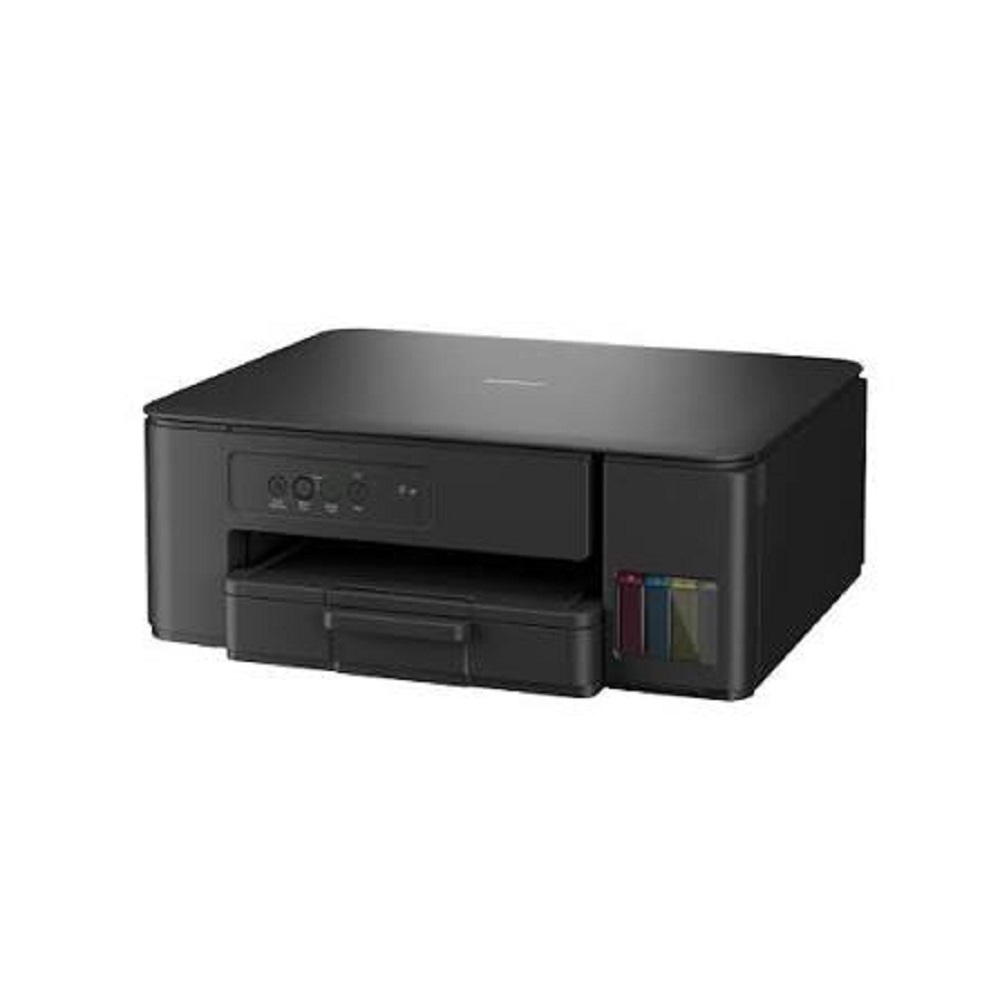
Flexible, User-Friendly FeaturesWith a capacity of up to 150 input and 50 output sheets, the printer accommodates a variety of paper sizes, including A4, Letter, Legal, and Envelopes. The flatbed scanner and LED indicator panel add to user convenience, while the compact desktop design fits seamlessly into any workspace in homes or offices.
FAQ's of Brother DCP-T230 Ink Tank Multifunction Printer:
Q: How do I refill the ink tanks on the Brother DCP-T230 printer?
A: To refill the ink tanks, simply open the ink tank cover, remove the bottle cap, and gently squeeze the compatible ink bottle into the respective tank. The spill-free design prevents leaks and mess, making the process clean and straightforward.
Q: What types of paper can the Brother DCP-T230 print on?
A: This printer supports plain, inkjet, and glossy paper types, as well as various formats such as A4, Letter, Legal, and Envelopes, providing broad flexibility for all your printing tasks.
Q: When should I consider refilling or replacing the ink bottles?
A: Refill or replace ink bottles when you notice print quality drop or receive a low ink alert from the device. With standard use, the initial bottles yield up to 7,500 pages for black and 5,000 pages for color prints.
Q: Where can I use the Brother DCP-T230 printer?
A: The compact desktop size and multifunction capabilities make it suitable for both home and office environments, fitting comfortably in limited spaces and serving various professional or personal needs.
Q: What operating systems are supported by the DCP-T230?
A: The Brother DCP-T230 is compatible with both Windows and macOS, ensuring easy integration into most modern computer systems via USB 2.0 connectivity.
Q: How does the low-cost printing benefit me?
A: With refillable high-yield ink bottles and efficient ink consumption, this printer significantly reduces your per-page print cost, saving money on frequent or large-volume printing over time.







 Send Inquiry


 Send Inquiry