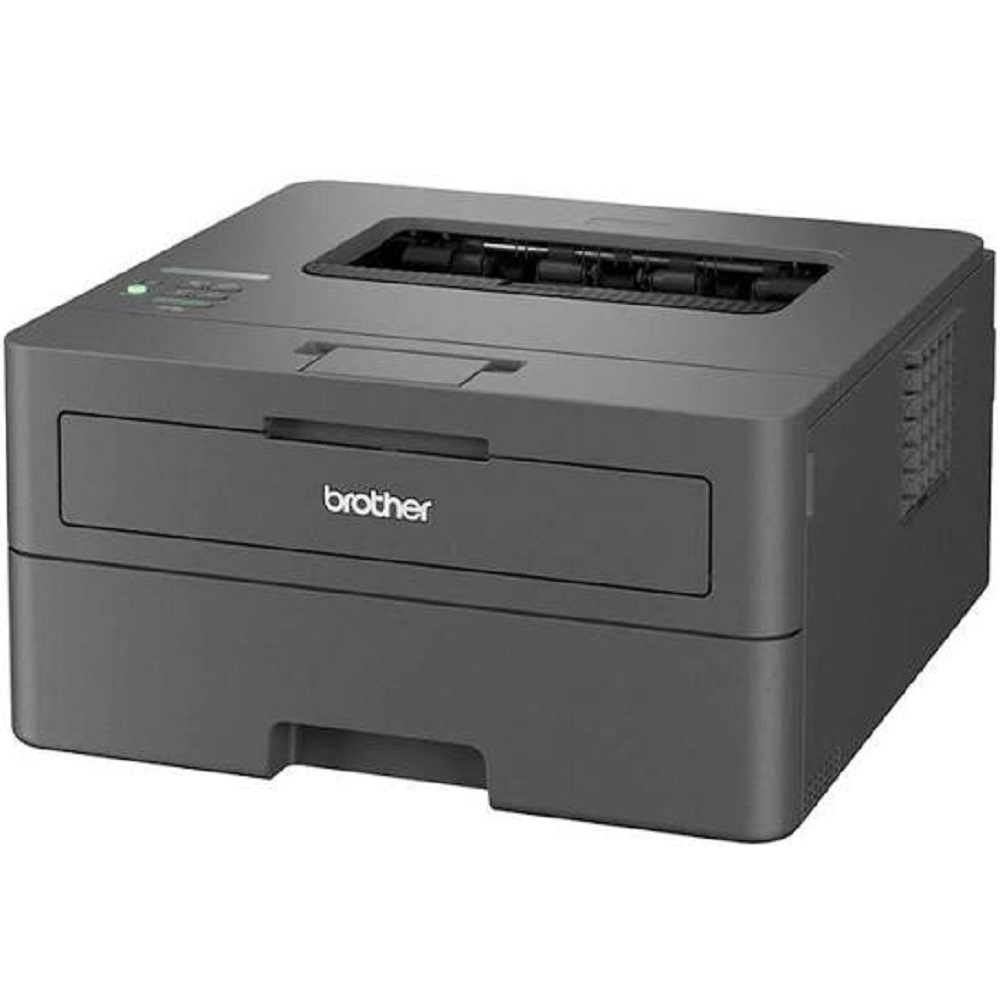
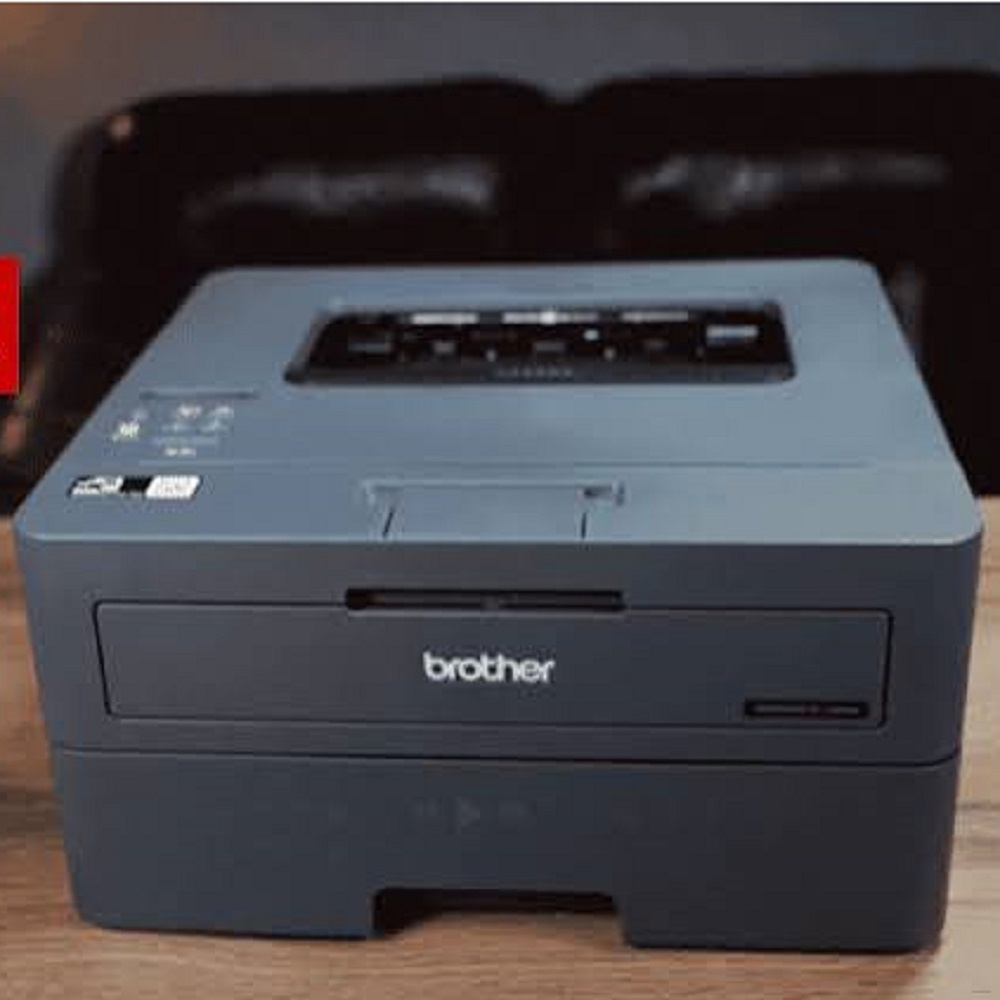
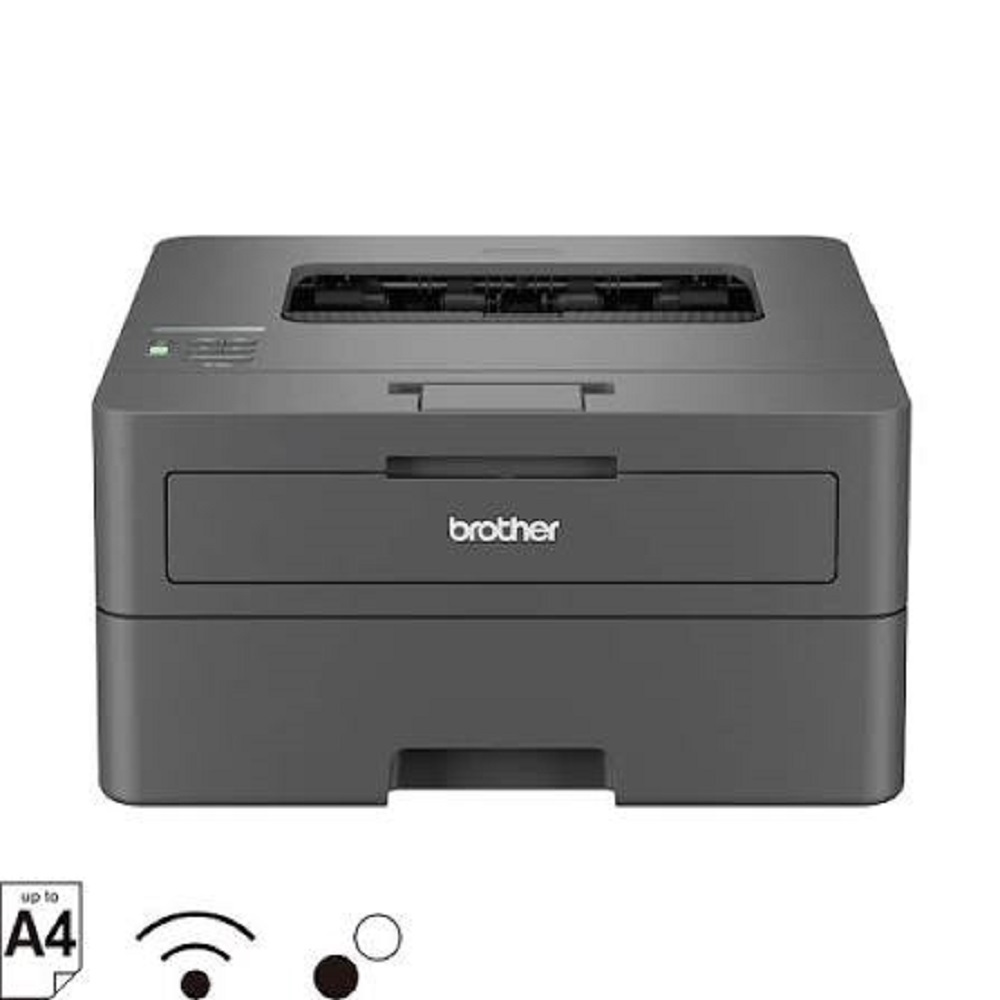
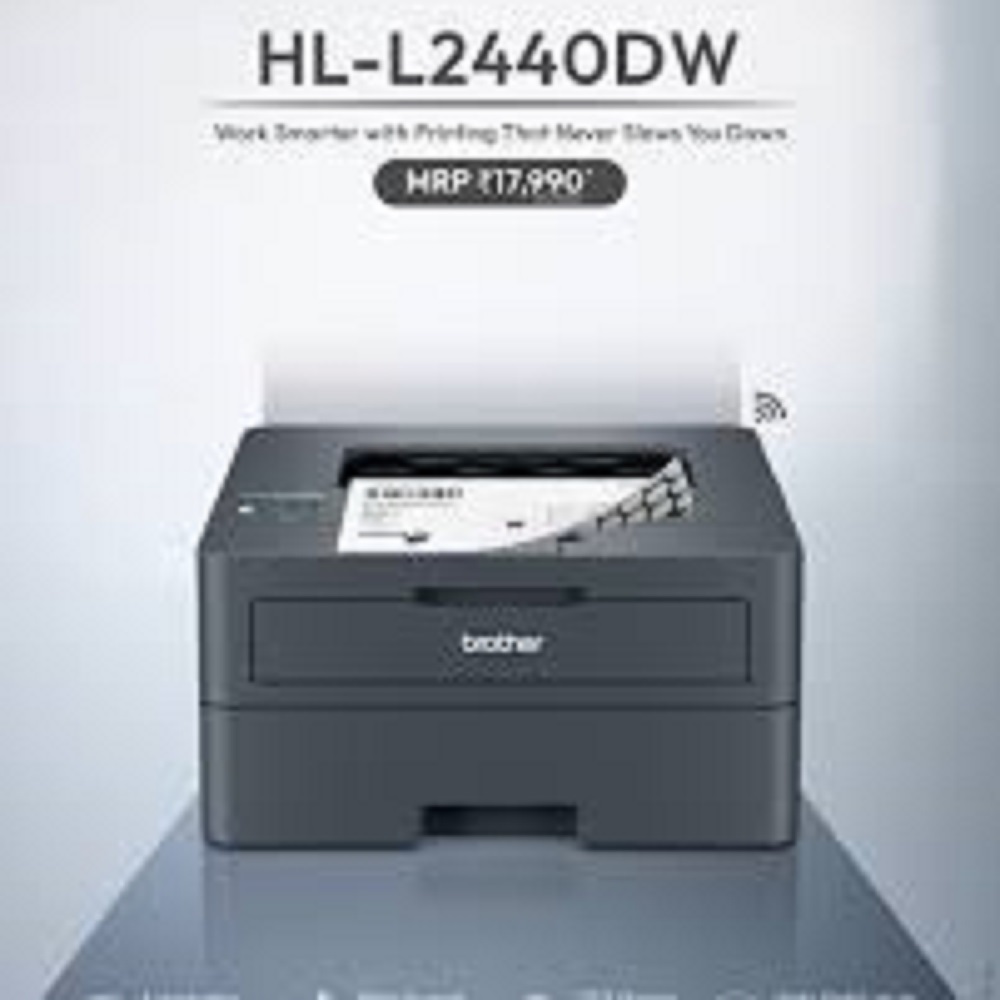
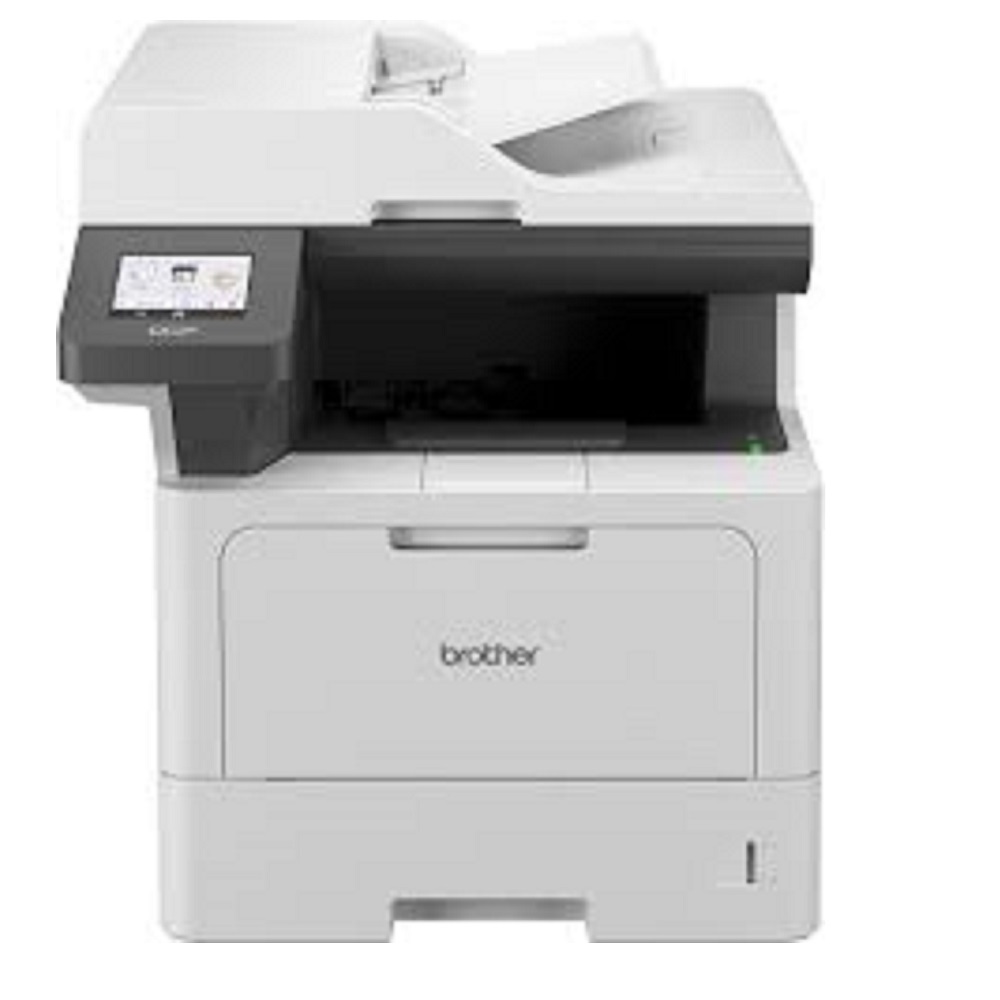
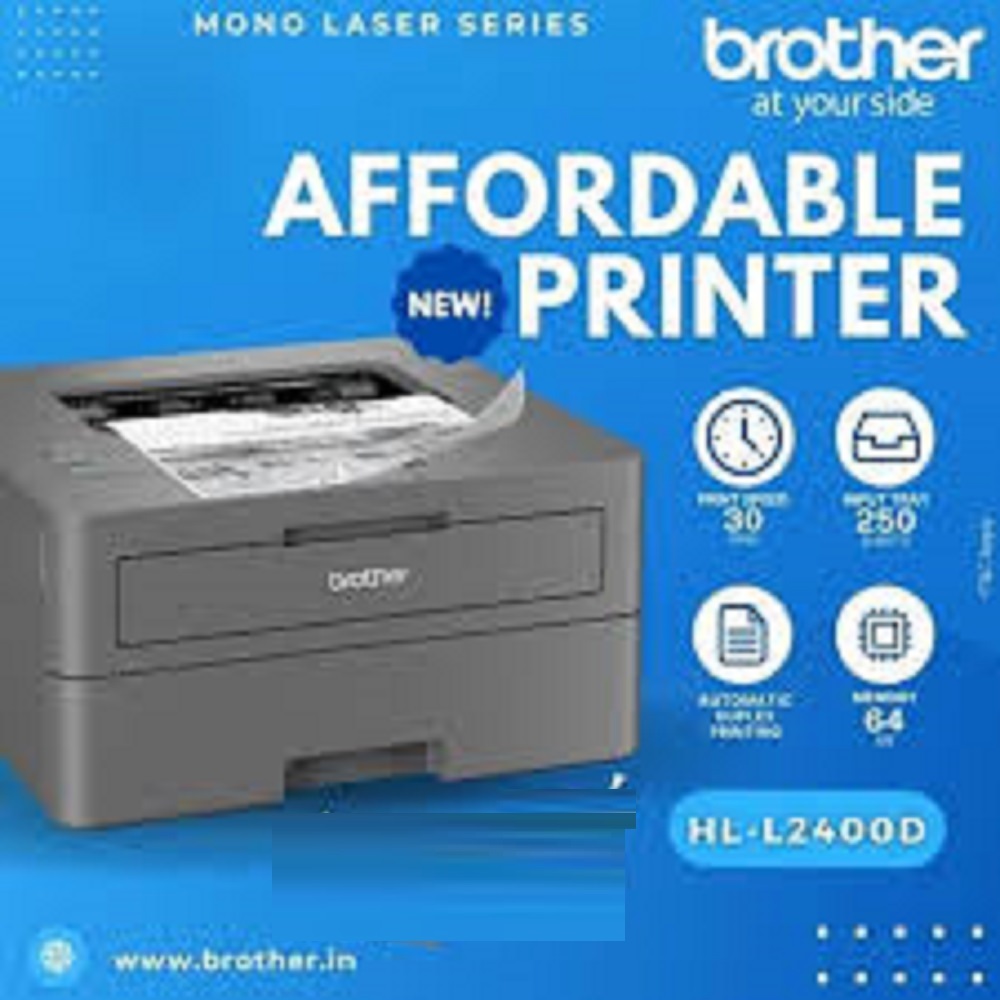
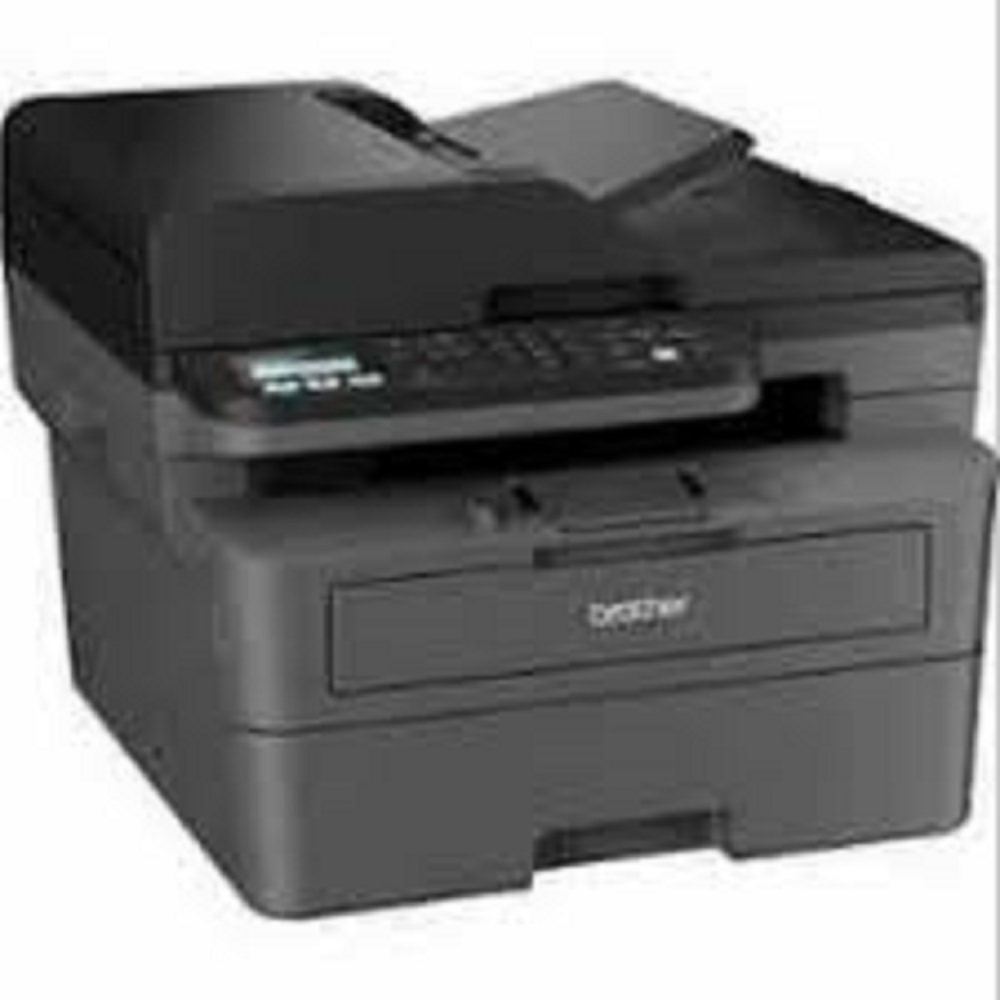
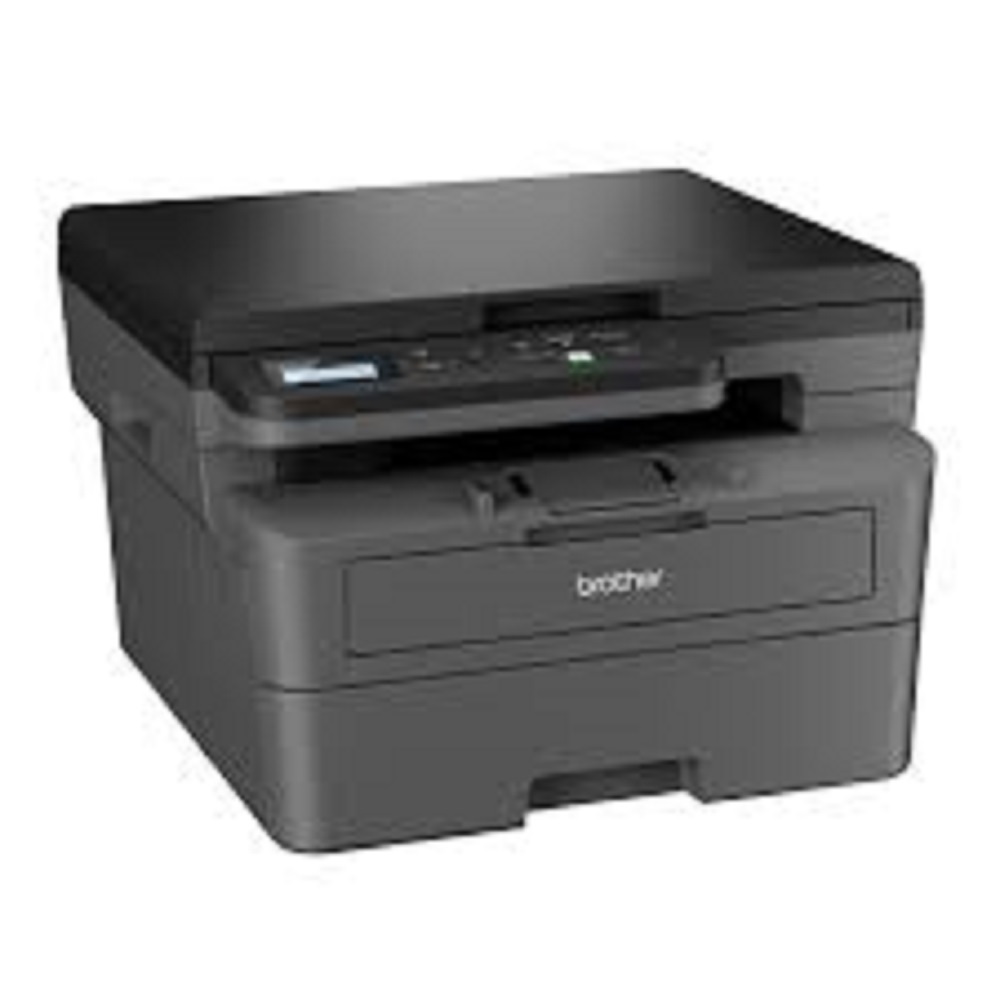
Brother HL-L2440DW Mono Laser Printer About
Key Features
- Print Speed: Up to 30 ppm (A4)
- Print Resolution: Up to 1200 1200 dpi
- Automatic Duplex (Two-Sided) Printing
- Dual-Band Wi-Fi, Wi-Fi Direct & USB 2.0
- Mobile Printing via AirPrint, Mopria & Brother Mobile Connect
- 250-Sheet Input Paper Tray
- 1-Line LCD Display
- 64 MB Memory
- Supports A4, Legal, Letter, Folio & More
- Compact Design for Home & Office
- 1-Year Brother On-Site Warranty
Applications:
Ideal for Offices, SMEs, CA Firms, Schools, Colleges, Banks, Retail Stores, Hospitals, Government Offices, and Educational Institutions requiring fast, reliable, and cost-effective monochrome printing.
Available From:
ALL TECH SOLUTIONS
Dealer & Supplier of Brother Printers, Photocopiers & Office Automation Products
Rapid Monochrome PrintingThe Brother HL-L2440DW delivers impressive printing performance with speeds up to 32 pages per minute and a first page out time of less than 8.5 seconds. This efficiency makes it suitable for busy offices and home setups where quick turnaround is essential. Thanks to duplex printing and a 250-sheet input tray, users can tackle large print jobs with ease.
Flexible Connectivity & Mobile SupportWith support for wired (USB, Ethernet) and wireless (Wi-Fi 802.11b/g/n) connectivity, this printer adapts to various network environments. Whether you prefer desktop connections or wireless setup, installation is made simple. Mobile printing is equally convenient using AirPrint, Google Cloud Print, or Brother's iPrint&Scan, allowing you to print directly from your smartphone or tablet.
Efficient & Secure Office PrintingDesigned for reliability, the HL-L2440DW manages monthly duties up to 15,000 pages and provides strong wireless security through multiple protocols, keeping your data protected. The compact size and low noise levels make it an excellent choice for any workspace, while LED indicators provide clear operational guidance.
FAQ's of Brother HL-L2440DW Mono Laser Printer:
Q: How do I connect the Brother HL-L2440DW printer to my wireless network?
A: To connect the Brother HL-L2440DW to a wireless network, use the printer's setup wizard accessible through the installation CD or Brother's iPrint&Scan app. The process will guide you to select your Wi-Fi network, enter the required credentials, and complete the connection. The printer supports 802.11b/g/n networks and multiple wireless security standards for safe printing.
Q: What types and sizes of paper can this printer handle?
A: The HL-L2440DW can print on a variety of paper sizes, including A4, A5, A6, B5, B6, Executive, Legal, Letter, and Folio. The main tray holds up to 250 sheets, while a manual feed slot accommodates special media such as envelopes or heavier paper.
Q: When should I replace the toner cartridge or drum unit?
A: It's advisable to replace the toner cartridge when print quality declines or when you receive a low toner warning. The standard toner cartridge yields up to 2,600 pages. For the drum unit, follow the printer's maintenance alerts to ensure optimal print quality and avoid interruptions.
Q: Where should I place the HL-L2440DW for best results?
A: As a compact desktop printer (356 x 360 x 183 mm), the HL-L2440DW fits easily on most office tables or shelves. Ensure the location is well-ventilated, near your preferred network connectivity (USB, Ethernet, or Wi-Fi coverage), and accessible for easy refilling and maintenance.
Q: What is the maximum duty cycle and recommended usage for this printer?
A: The maximum monthly duty cycle is up to 15,000 pages, making it suitable for moderate to high-volume printing in offices or busy home setups. For optimal longevity and performance, try not to exceed this monthly usage limit.
Q: How does duplex printing benefit my workflow?
A: Duplex printing enables the automatic printing of both sides of the page, greatly reducing paper usage and saving costs while delivering professional-looking documents. This feature helps streamline workflow by minimizing manual intervention during large print jobs.
Q: What operating systems and mobile apps are supported for printing?
A: The HL-L2440DW is compatible with Windows, macOS, and Linux operating systems. For mobile printing, you can use AirPrint, Google Cloud Print, or Brother iPrint&Scan, allowing you to print easily from smartphones and tablets without additional drivers.







 Send Inquiry


 Send Inquiry