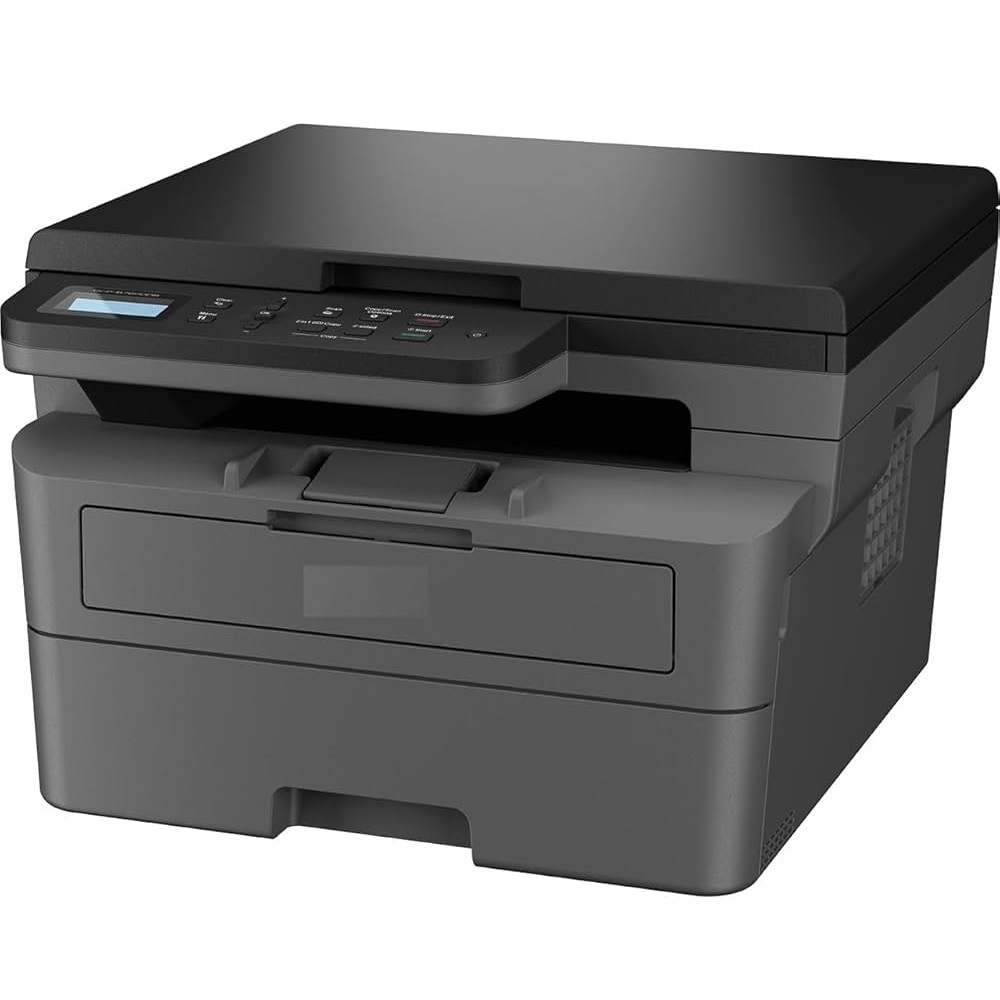
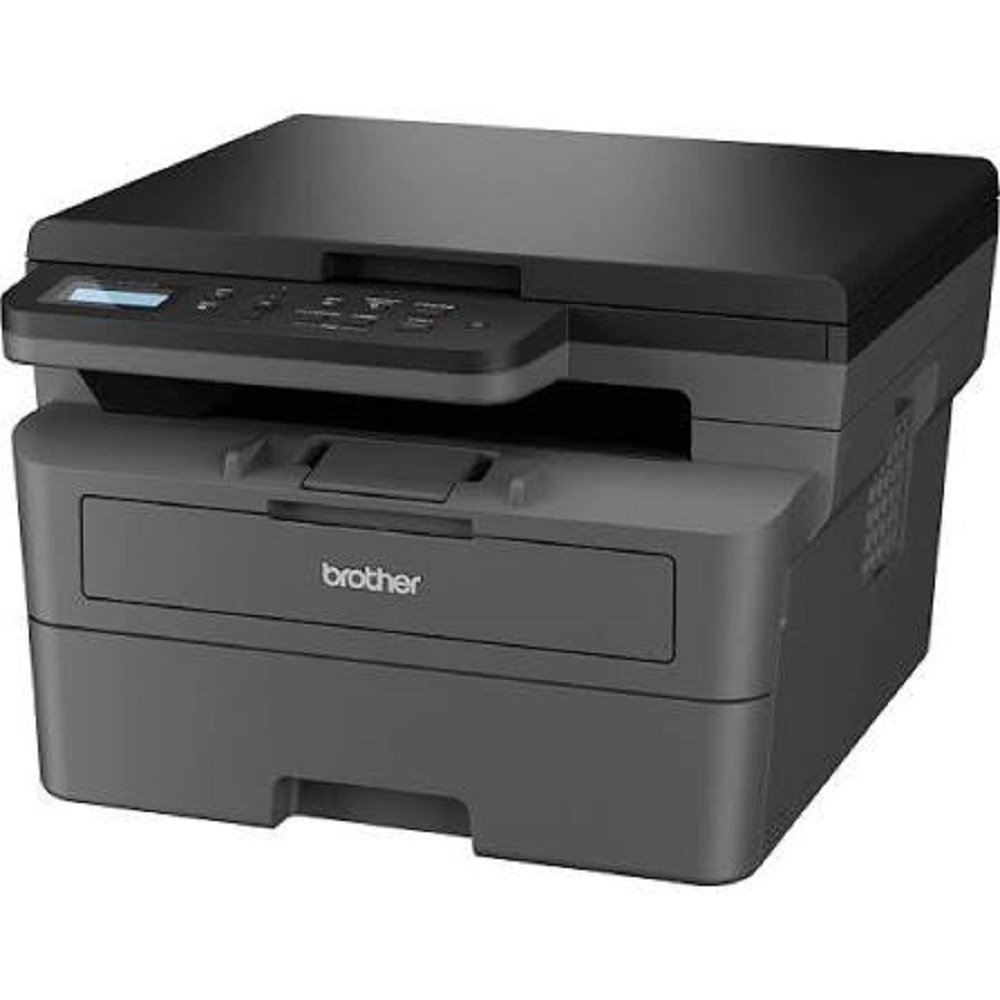
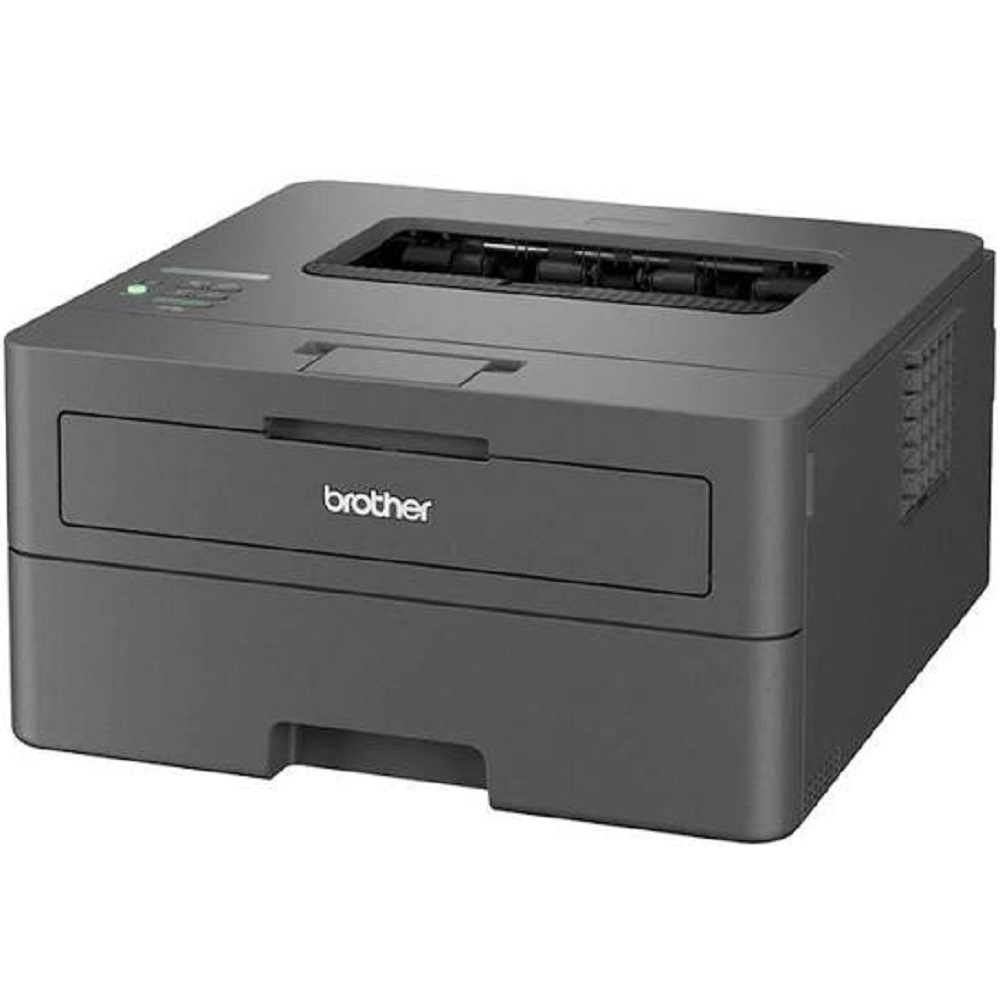
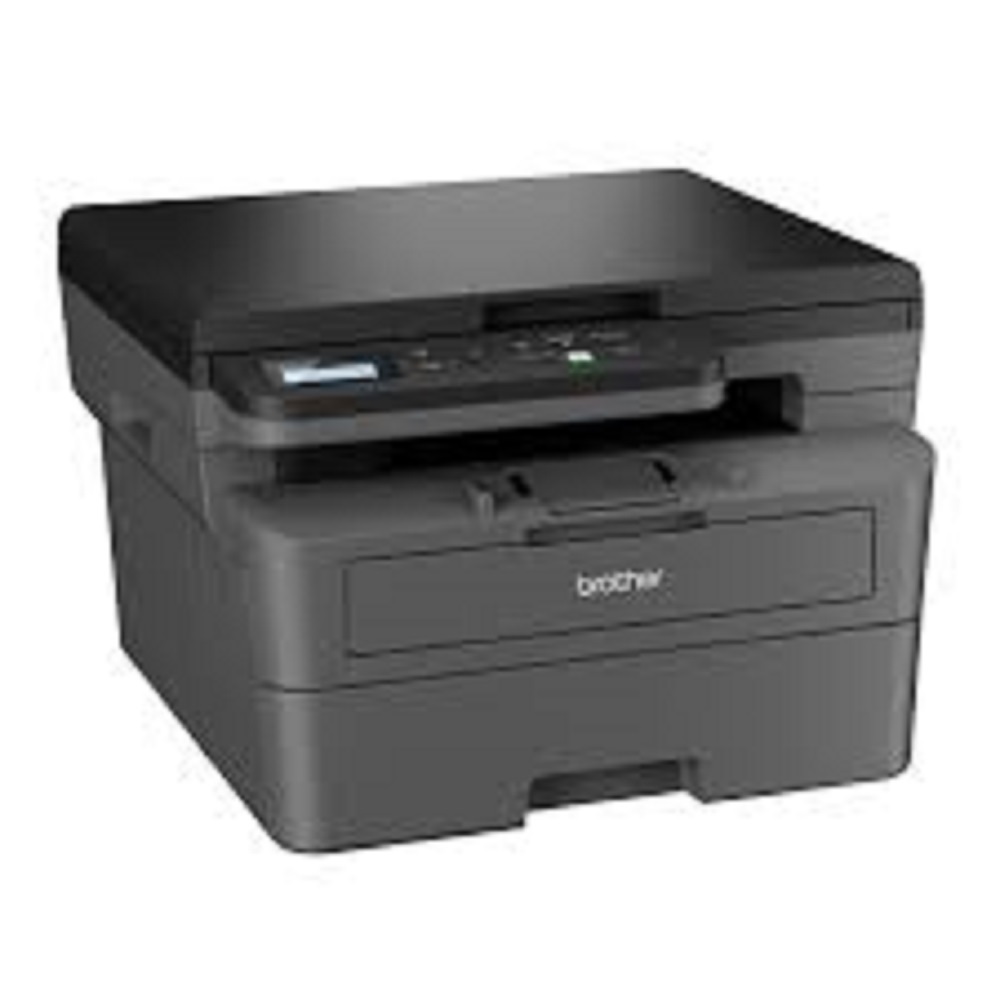
Brother DCP-B7600DB Monochrome Laser Multifunction Printer About
Brand: Brother
Model: DCP-B7600DB
Functions: Print | Scan | Copy
Printer Type: Monochrome Laser Multifunction Printer
Key Features
- Print, Scan & Copy
- Automatic Duplex (2-Sided) Printing
- Print Speed: Up to 34 Pages Per Minute (A4)
- Print Resolution: Up to 1200 1200 dpi
- First Print Out Time: Less than 8.5 Seconds
- USB 2.0 High-Speed Connectivity
- 250-Sheet Input Paper Tray
- 1-Sheet Manual Feed Slot
- 120-Sheet Output Tray
- 256 MB Memory
- 600 MHz Processor
- 2-Line LCD Display
- Monthly Duty Cycle: Up to 35,000 Pages
- Compatible with Windows 10/11 & Linux
Fast, Efficient MultifunctionalityDesigned for speed and reliability, the DCP-B7600DB prints and copies up to 34 pages per minute, with the first page out in less than 8.5 seconds. Automatic duplex printing saves both paper and time, while one-pass copying and scanning make managing documents seamless. Its compact footprint suits home offices, busy workspaces, or small businesses seeking productivity.
Low-Cost, High-Yield PerformanceBenefit from a low overall running cost thanks to high-yield toner cartridges that produce up to 2,600 pages and a durable drum unit lasting up to 12,000 pages. The generous monthly duty cycle-up to 15,000 pages-supports demanding workloads, while automatic duplexing further enhances efficiency and eco-friendliness.
Versatile Paper Handling and ConnectivityWith an input tray holding up to 250 sheets and an output capacity of 100 sheets, this printer supports a variety of paper sizes and types. Whether printing on A4, legal, envelopes, or labels, it adapts effortlessly. High-speed USB 2.0 ensures quick, reliable data transfer, and the printer integrates easily with Windows, Mac OS, and Linux systems.
FAQ's of Brother DCP-B7600DB Monochrome Laser Multifunction Printer:
Q: How do I install the Brother DCP-B7600DB printer on my computer?
A: To install the printer, simply connect it to your computer using the USB 2.0 cable. Download and install the latest drivers from Brother's official website, which supports Windows, Mac OS, and Linux. Follow the on-screen setup instructions to complete the installation process.
Q: What are the benefits of automatic duplex printing on the Brother DCP-B7600DB?
A: Automatic duplex printing allows you to print on both sides of the paper without manual intervention. This feature helps save paper, reduces costs, and is environmentally friendly, making it ideal for high-volume office document production.
Q: When should I replace the toner and drum unit in the DCP-B7600DB?
A: Replace the toner cartridge when print quality diminishes or when the printer signals low toner; standard toner yields up to 2,600 pages. The drum unit should be replaced after approximately 12,000 pages or as indicated by the printer's maintenance alerts to ensure optimal print quality.
Q: Where can I use the DCP-B7600DB printer for best results?
A: This printer is suitable for offices, home workspaces, and small businesses. Its size, paper handling capabilities, and robust monthly duty cycle (up to 15,000 pages) make it a reliable choice for environments with moderate to high print volumes.
Q: What types of paper and media are supported by the DCP-B7600DB?
A: The printer supports a range of media types, including plain paper, recycled paper, envelopes, labels, and cardstock. It can handle maximum paper sizes up to A4, making it versatile for everyday printing needs.
Q: How energy efficient is the Brother DCP-B7600DB?
A: The printer is designed for energy efficiency, consuming approximately 440W while printing and just 48W when in ready mode. Additionally, its low noise profile (less than 50 dB while printing) and quick warm-up time enhance its suitability for quiet office environments.







 Send Inquiry


 Send Inquiry