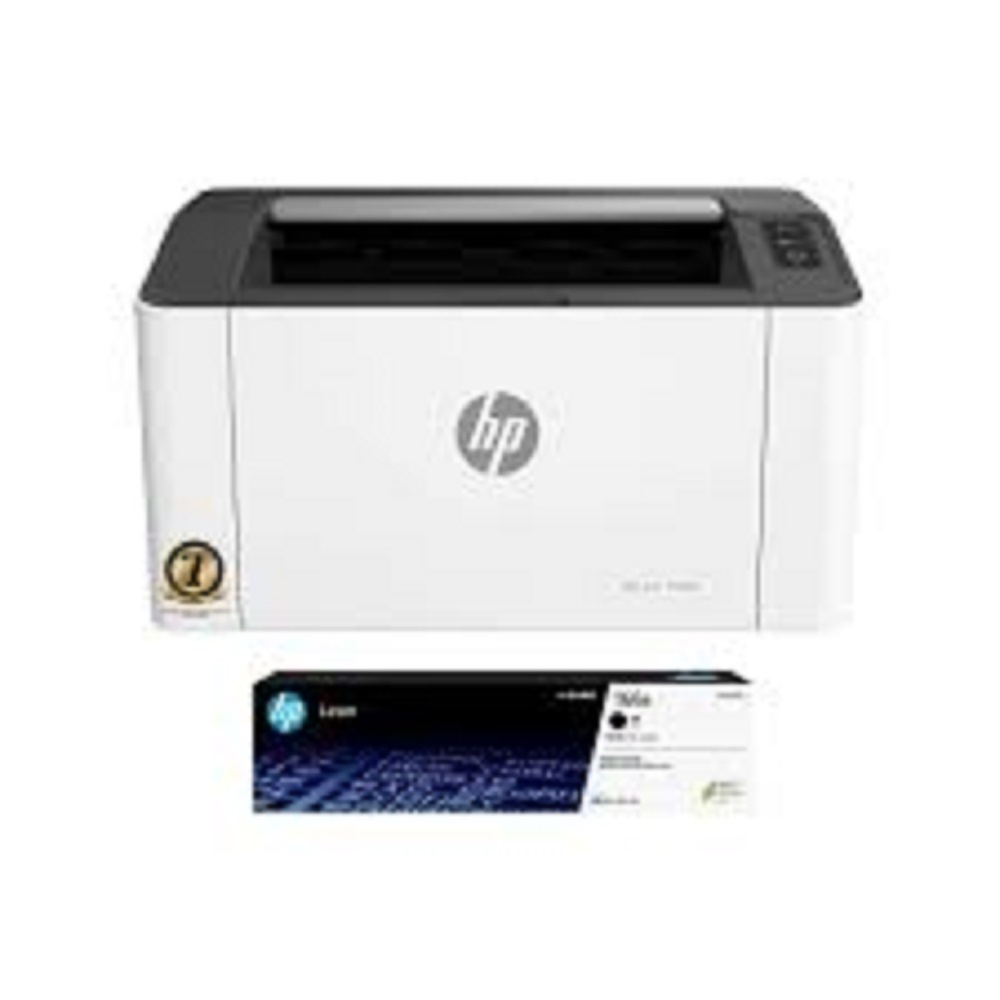
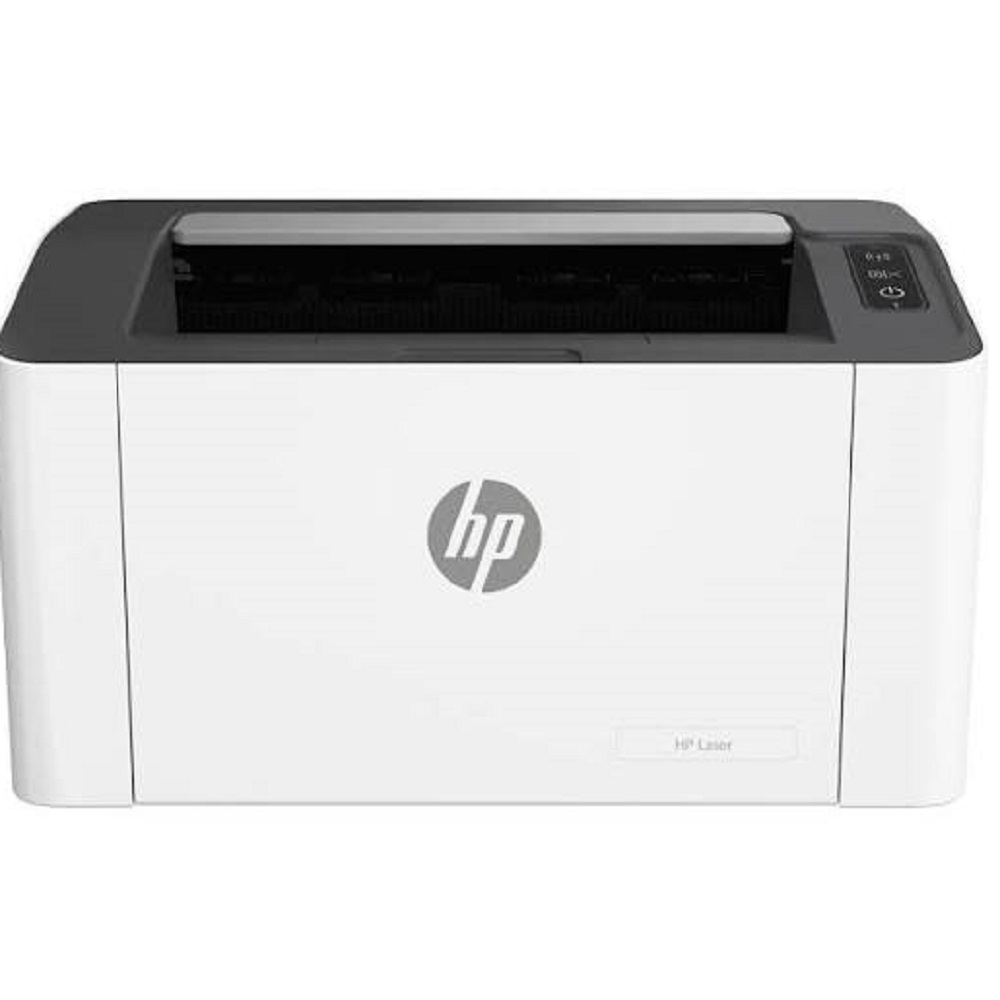
HP Laser 1008w Wireless Monochrome Laser Printer About
Key Features:
- Print Speed: Up to 20 Pages Per Minute (A4)
- Print Resolution: Up to 1200 1200 dpi
- Wireless Wi-Fi & USB 2.0 Connectivity
- Mobile Printing via HP Smart App, Apple AirPrint & Mopria
- 150-Sheet Input Tray & 100-Sheet Output Bin
- Manual Duplex Printing Support
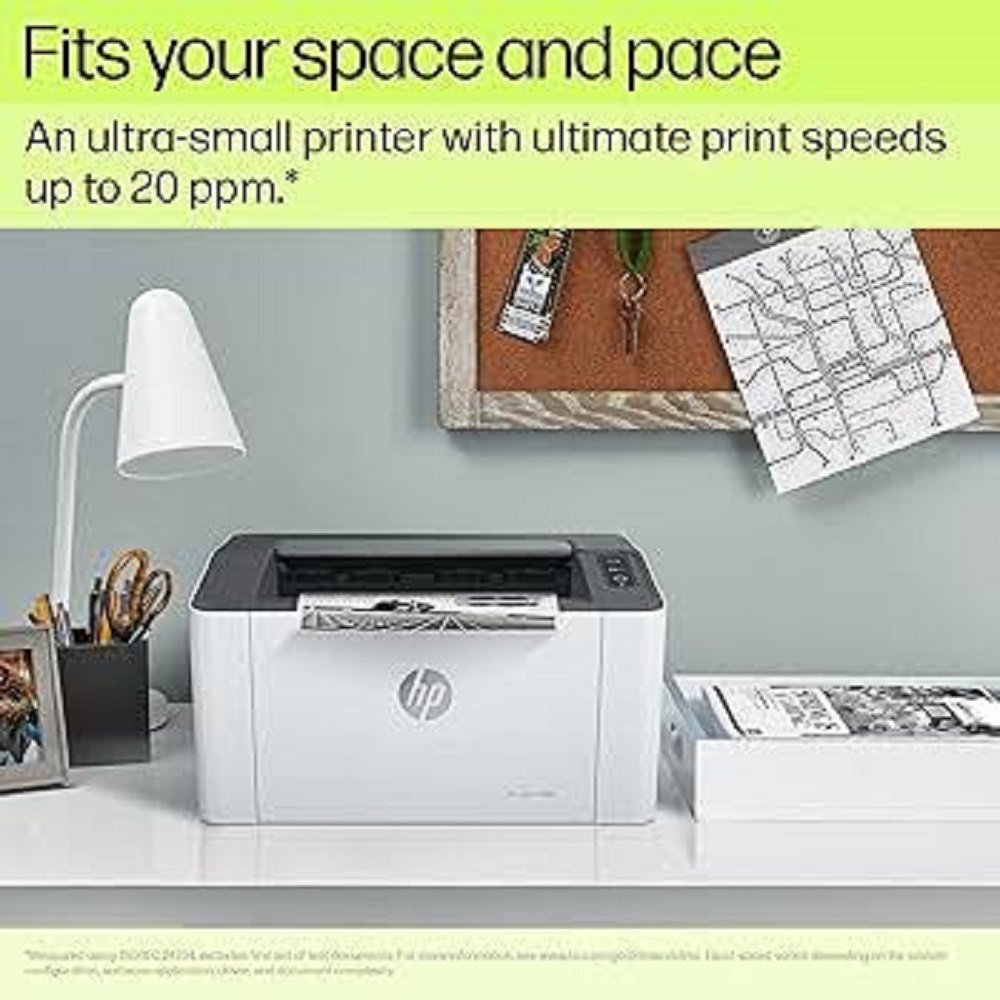
- Compact, Space-Saving Design
- Monthly Duty Cycle: Up to 10,000 Pages
- Recommended Monthly Volume: 1001,500 Pages
- Compatible with Windows, macOS & Linux
- Energy Efficient & Easy Installation
Applications:
- Offices
- Small Businesses
- Retail Shops
- Educational Institutes
- Home Offices
- CA & Legal Firms
- Clinics & Healthcare Centers
Why Choose All Tech Solutions?
- Genuine HP Products
- Competitive Prices
- Fast Delivery Across India
- Installation & Technical Support
- GST Billing Available
- Sales, Service & AMC Support
All Tech Solutions Mumbai
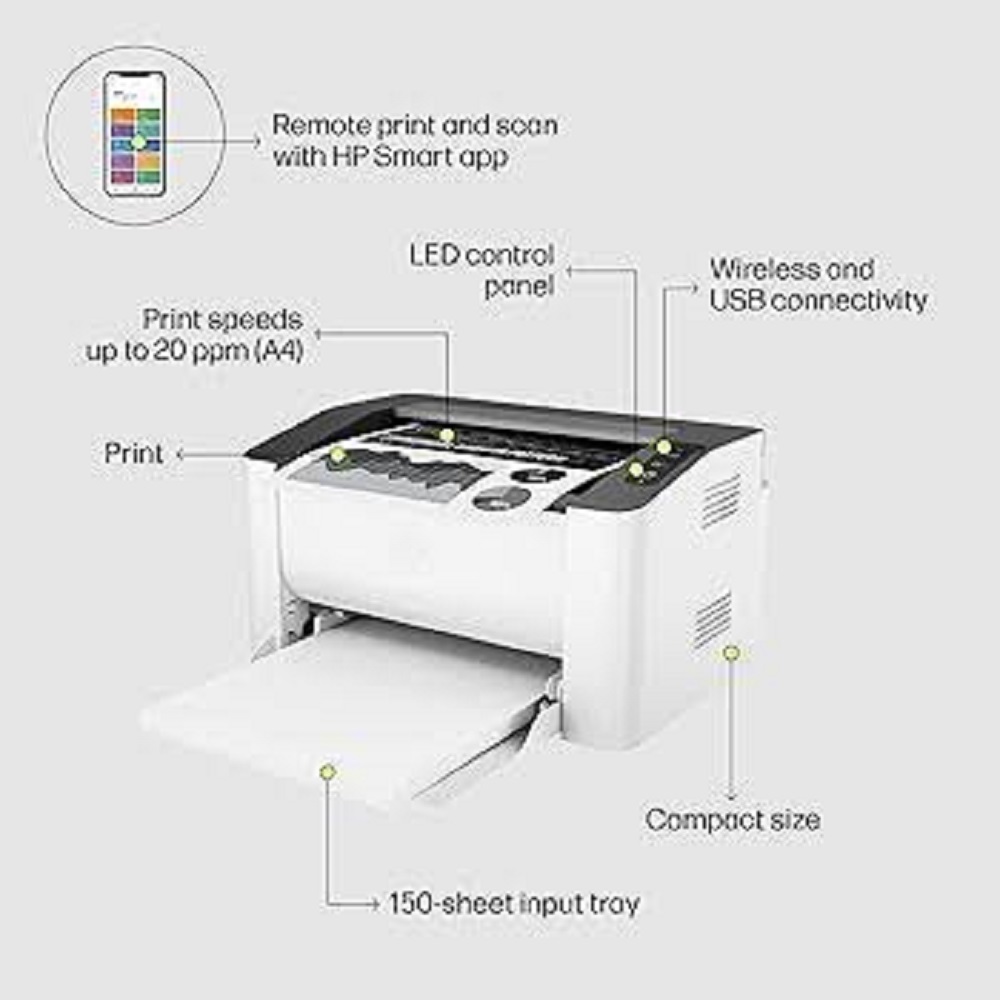
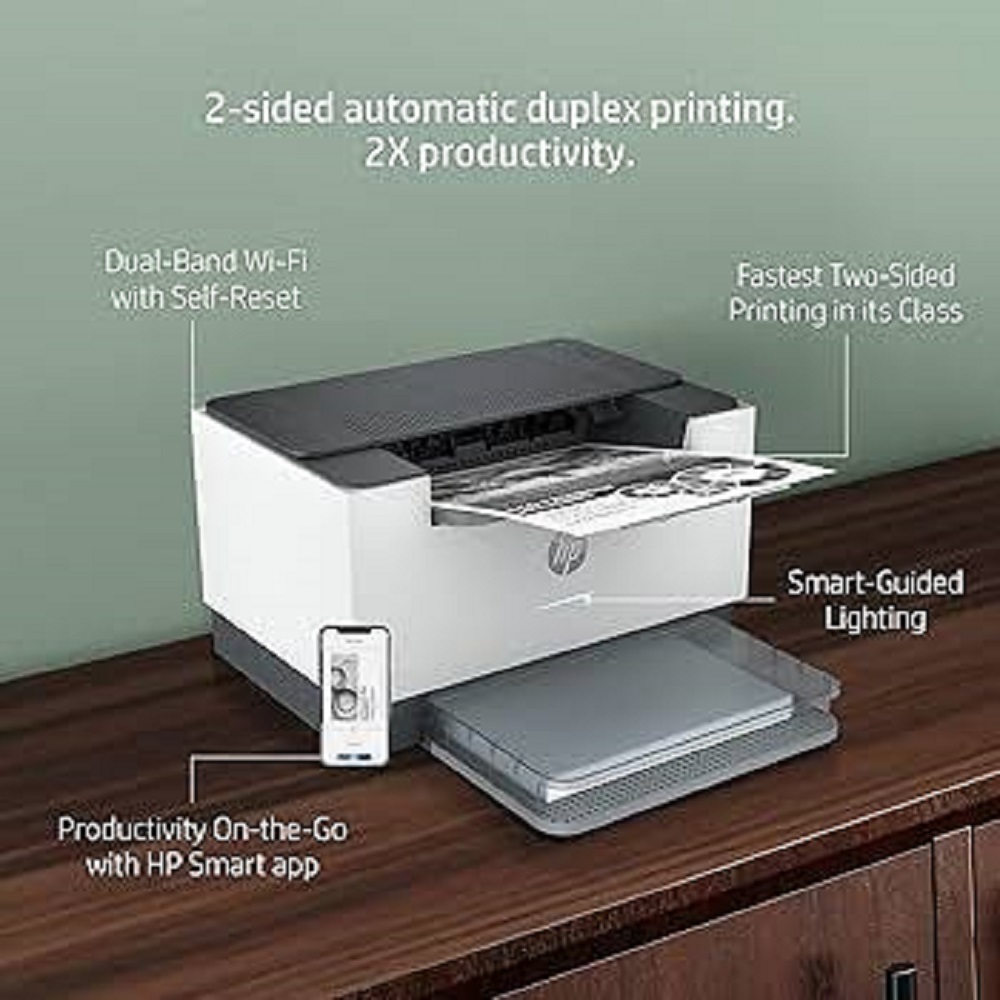
Streamlined Wireless PrintingEnjoy the flexibility of wireless printing with the HP Laser 1008w. Designed for seamless integration, the printer connects easily via Wi-Fi or USB, offering convenient print jobs from your computer or mobile devices using the HP Smart App. Its compact footprint ensures it fits neatly into any workspace, making it perfect for busy offices and home settings.
Efficient Paper Handling and PerformanceThe HP Laser 1008w comes equipped with a spacious 150-sheet input tray and supports A4 paper size, minimizing the need for frequent reloading. With print speeds up to 20 pages per minute, users can tackle everyday tasks quickly and efficiently, ensuring high productivity without sacrificing print quality.
User-Friendly Operation and Mobile SupportA simple LED control panel makes operation straightforward, while the HP Smart App empowers users to print and scan remotely from virtually anywhere. This mobile printing feature is ideal for users who need to manage documents on the go, providing extra flexibility in today's dynamic workflows.
FAQ's of HP Laser 1008w Wireless Monochrome Laser Printer:
Q: How do I set up the HP Laser 1008w Wireless Monochrome Laser Printer for wireless printing?
A: To set up wireless printing, download and install the HP Smart App on your smartphone or computer. Follow the in-app instructions to connect the printer to your Wi-Fi network, ensuring both devices are on the same network. The LED control panel will help guide you through the wireless setup process.
Q: What operating systems are supported by the HP Laser 1008w and HP Smart App?
A: The HP Laser 1008w supports major operating systems, including Windows, macOS, Android, and iOS, via the HP Smart App. Refer to the manufacturer's documentation for detailed compatibility information with specific OS versions.
Q: When should I use the remote print and scan feature with the HP Smart App?
A: The remote print and scan function is valuable when you need to manage printing tasks from outside your home or office. This feature allows you to send documents to the printer or scan files remotely using your mobile device, offering convenience and flexibility for busy professionals.
Q: Where can the HP Laser 1008w be installed for best performance?
A: Due to its compact size and wireless connectivity, the HP Laser 1008w is ideal for desktop installation in both home and office environments. Ensure the printer is placed within Wi-Fi range for optimal wireless performance.
Q: What is the process for printing from a mobile device using this printer?
A: First, ensure the printer and mobile device are connected to the same wireless network. Open the HP Smart App, select the document or photo you wish to print, and follow the on-screen prompts to send the print job to the HP Laser 1008w.
Q: What are the primary benefits of using the HP Laser 1008w for office and home applications?
A: The main advantages include wireless and USB connectivity, a fast print speed of up to 20 ppm, remote functionality via the HP Smart App, and a compact, space-saving design. These features cater to both professional and personal printing needs.







 Send Inquiry


 Send Inquiry