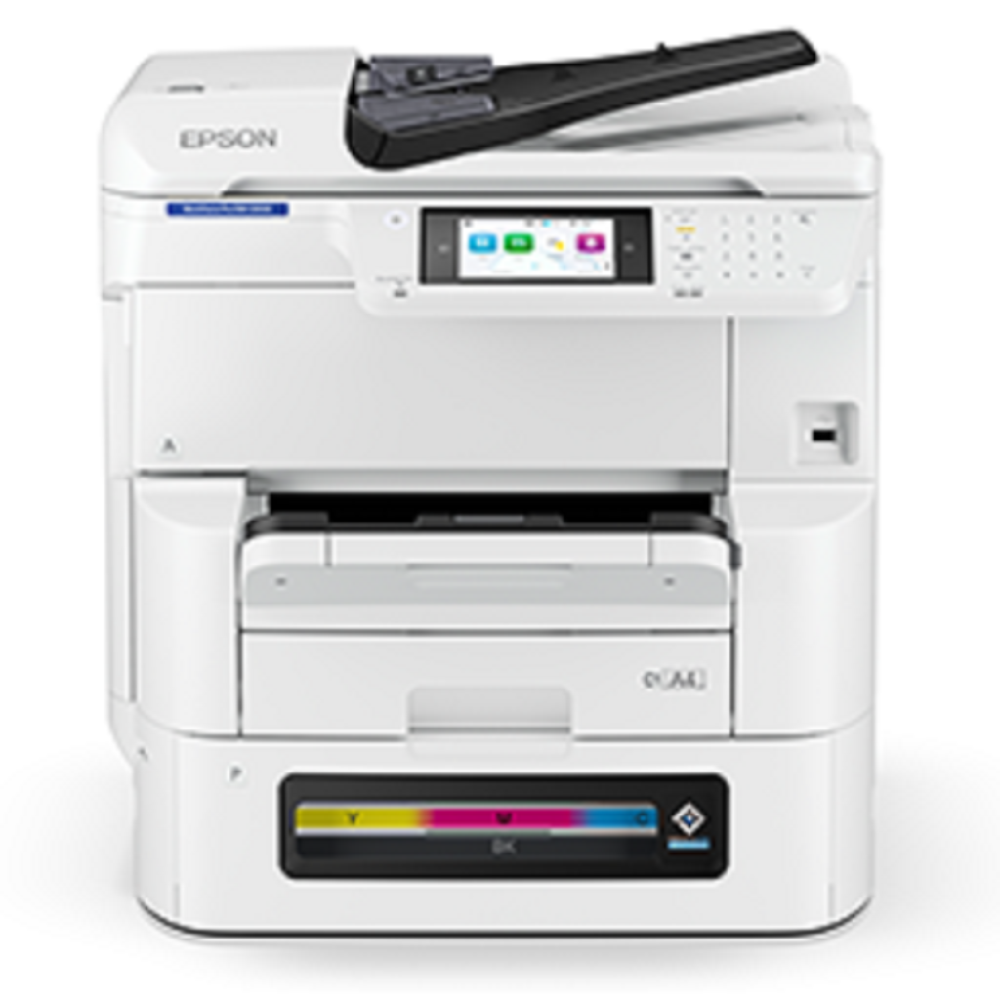
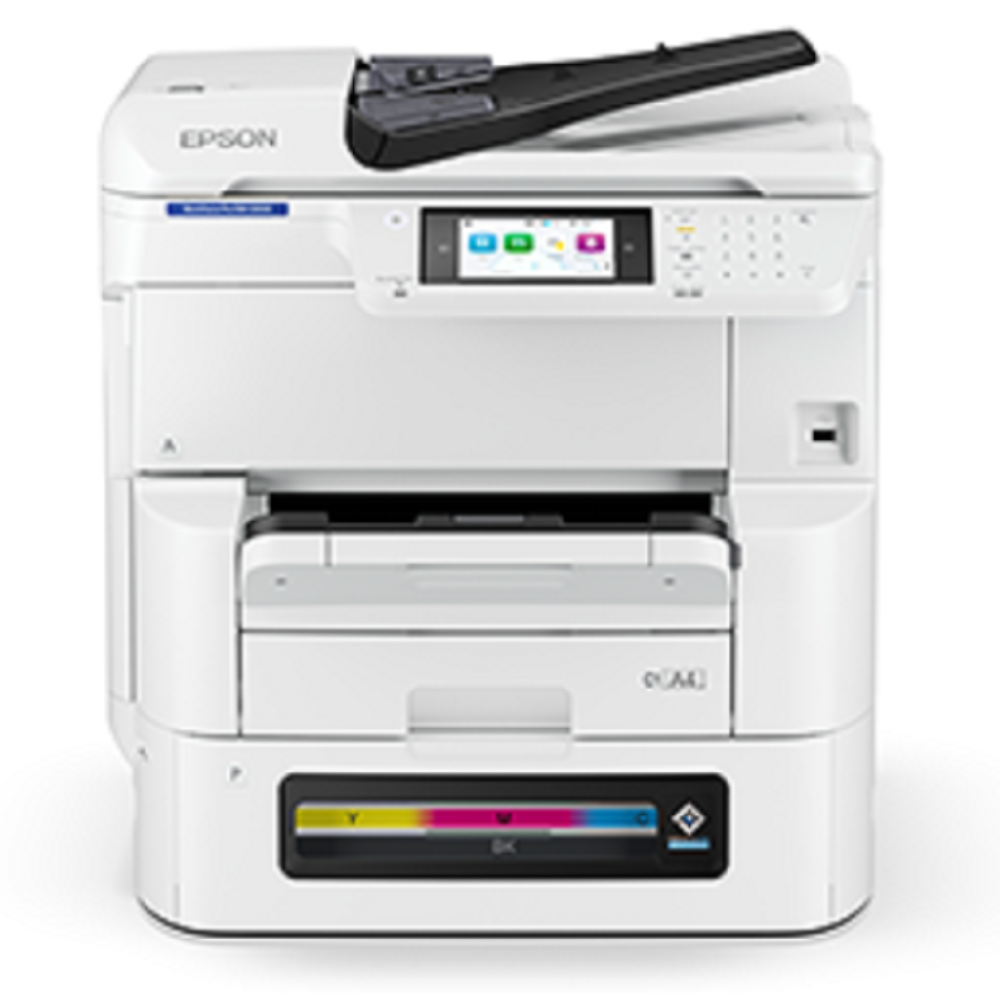
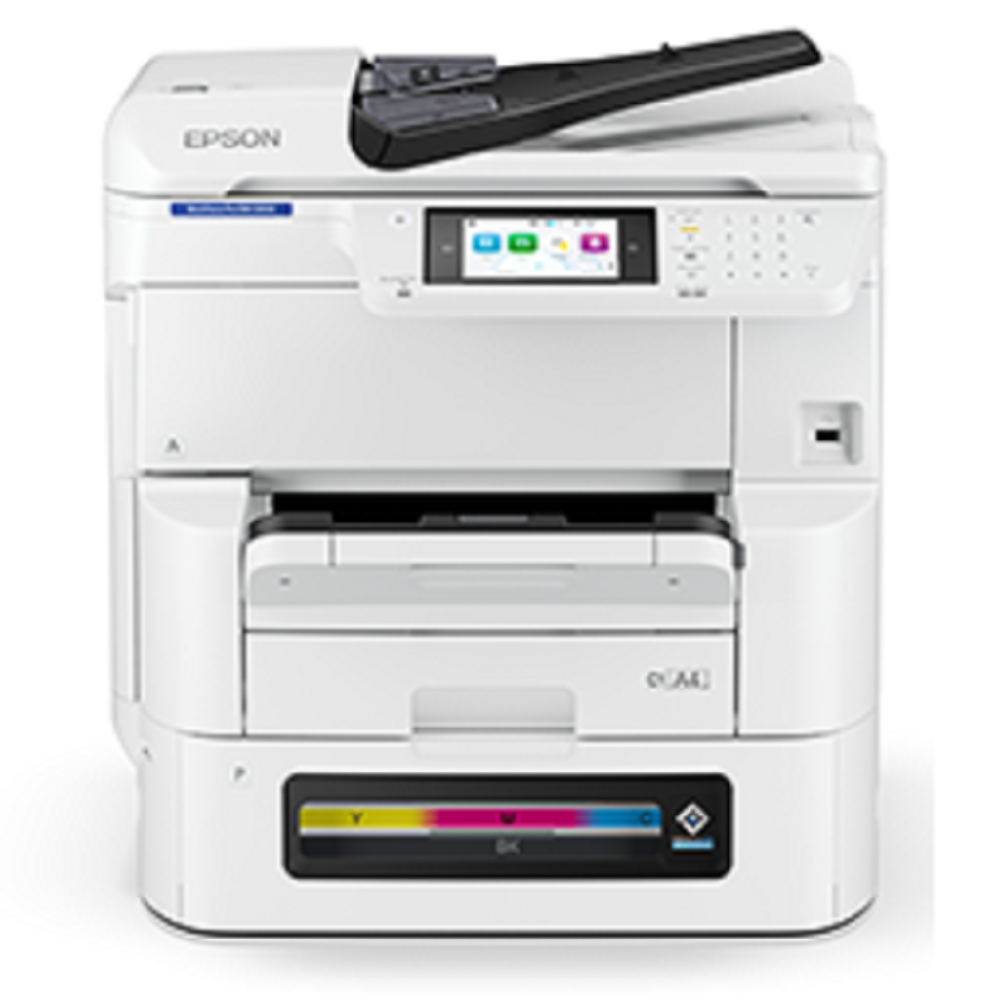
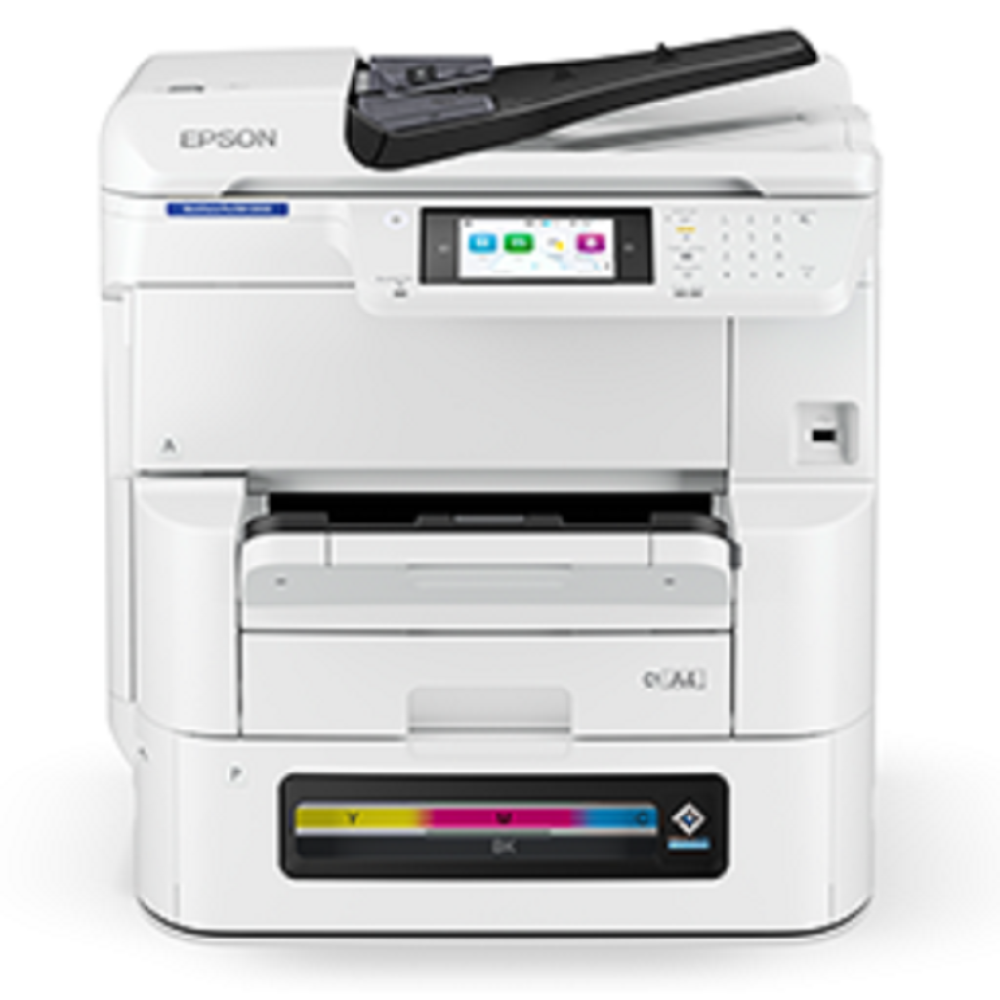
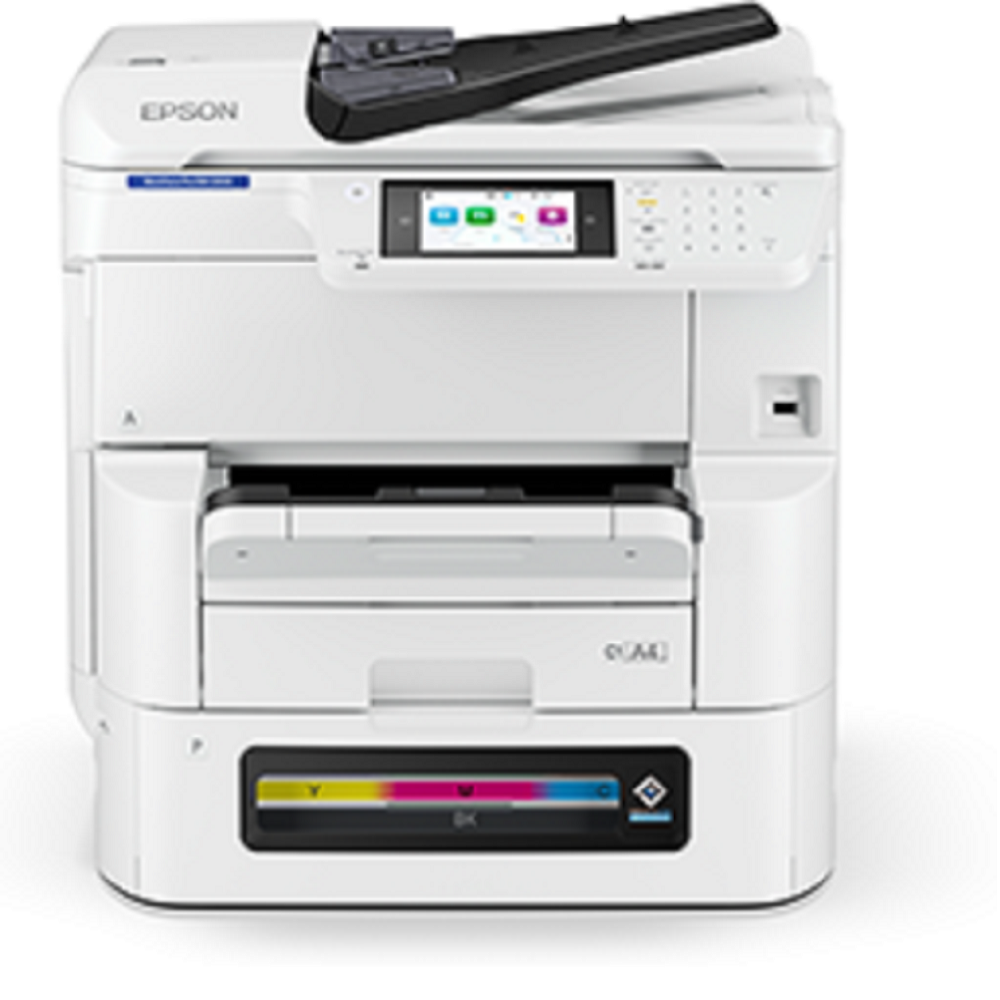
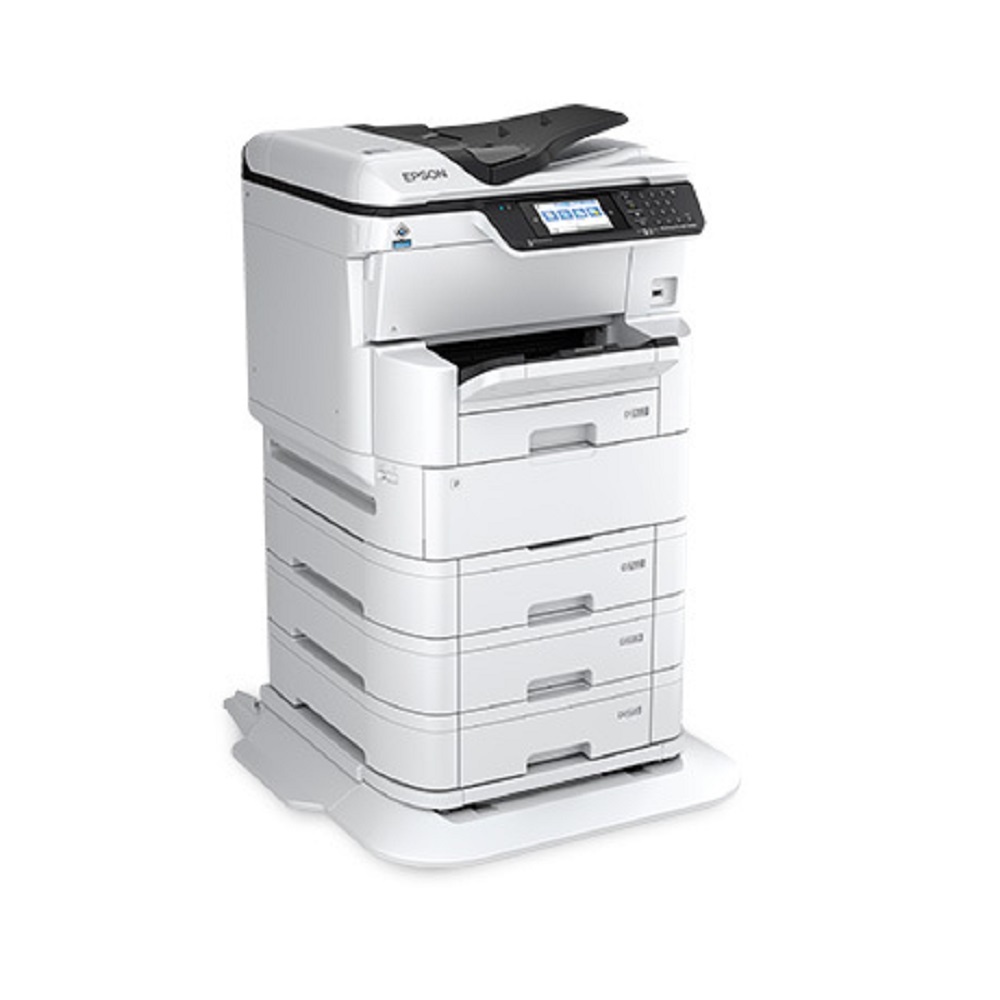
Epson photocopier WorkForce Pro EM-C8100 About
Main Features of Epson WorkForce Pro EM-C8100
-
Functionality: Print, Scan, Copy (MFP)
-
Print Technology: PrecisionCore Heat-Free Inkjet Technology
-
Print Speed: Up to ~2425 pages per minute (ppm) for both black & color
-
First Page Out: Around 67 seconds
-
Resolution: 4800 1200 dpi (optimized)
-
Monthly Duty Cycle: Designed for medium to heavy workloads (up to ~75,000 pages per month recommended)
-
Connectivity: USB, Ethernet, Wi-Fi, Wi-Fi Direct, Mobile Printing (Epson Connect, Apple AirPrint, Mopria)
-
Duplex: Automatic double-sided printing
-
Paper Handling:
-
Standard tray capacity ~250500 sheets (expandable with additional trays)
-
Multi-purpose tray for specialty media
-
Supports A4, A3, and legal sizes
Exceptional Performance and VersatilityDesigned to meet demanding office needs, the WorkForce Pro EM-C8100 provides high-speed copying, instant-on operation, and a range of advanced copy functions. With a maximum input capacity expandable to 1,830 sheets and output tray holding 150 sheets, it suits heavy-duty and frequent use environments, ensuring smooth, uninterrupted workflows.
User-Friendly Interface and ConnectivityThe 4.3-inch color touchscreen ensures navigation is intuitive, while flexible connectivity optionsincluding Wi-Fi, USB, and Ethernetallow seamless integration into varied network setups. The photocopier is compatible with both Windows and Mac platforms, allowing organizations versatility in their IT choices.
Economic, Sustainable PrintingBoasting impressive ink yields (up to 50,000 pages in black and 20,000 pages in color) and low energy consumption around 25 W during operation, the EM-C8100 supports cost-effective and environmentally-conscious office practices. Duplex printing reduces paper use, while inkjet technology ensures reliable print quality.
FAQs of Epson photocopier WorkForce Pro EM-C8100:
Q: How do I connect the Epson WorkForce Pro EM-C8100 to my office network?
A: You can connect the EM-C8100 using USB, Ethernet, or Wi-Fi, allowing it to fit easily into various office setups. Follow the network setup instructions on the 4.3-inch touchscreen or the included installation guide for detailed steps.
Q: What are the main benefits of using the WorkForce Pro EM-C8100 in a large office environment?
A: The EM-C8100 offers quick print and copy speeds, large input capacity, robust ink yield, and flexible paper handling, which translates to reduced downtime, lower operating costs, and support for high-volume tasks. Its quiet operation and energy efficiency also make it an environmentally responsible choice.
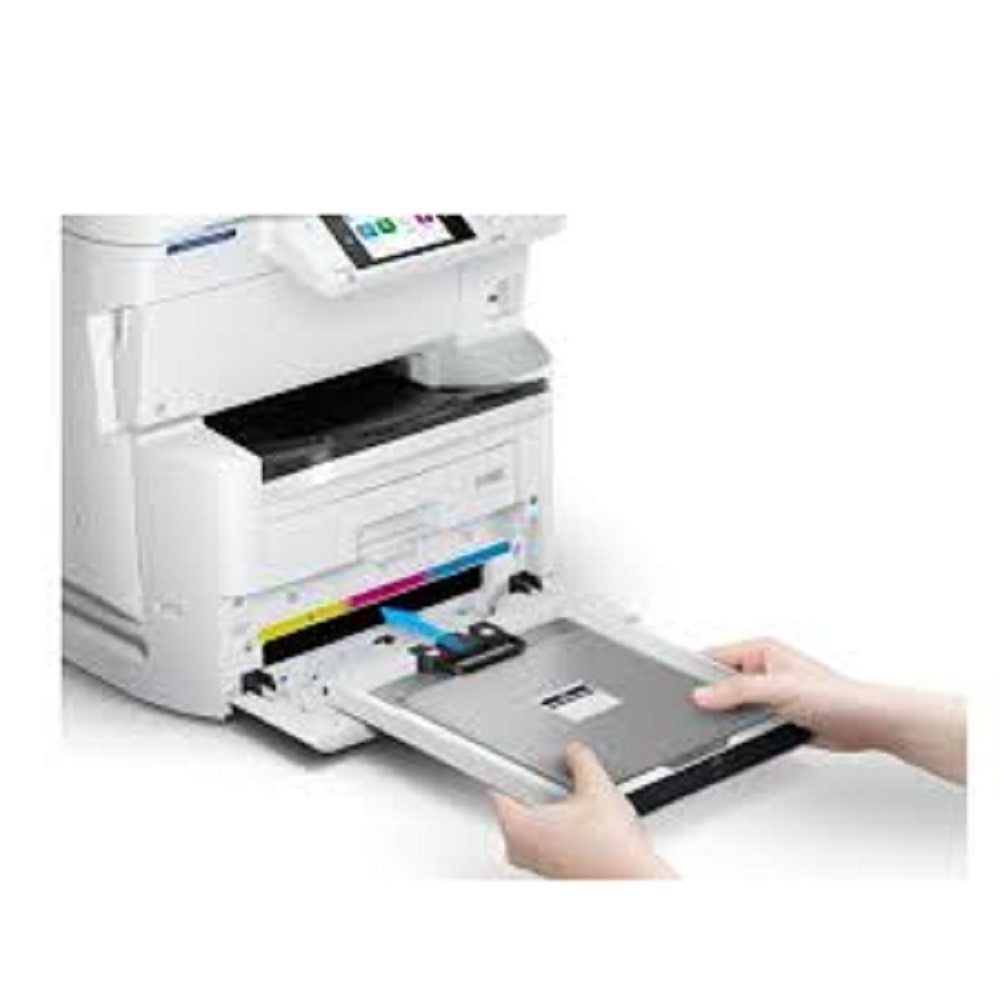
Q: When should I replace the ink cartridges, and what yields can I expect?
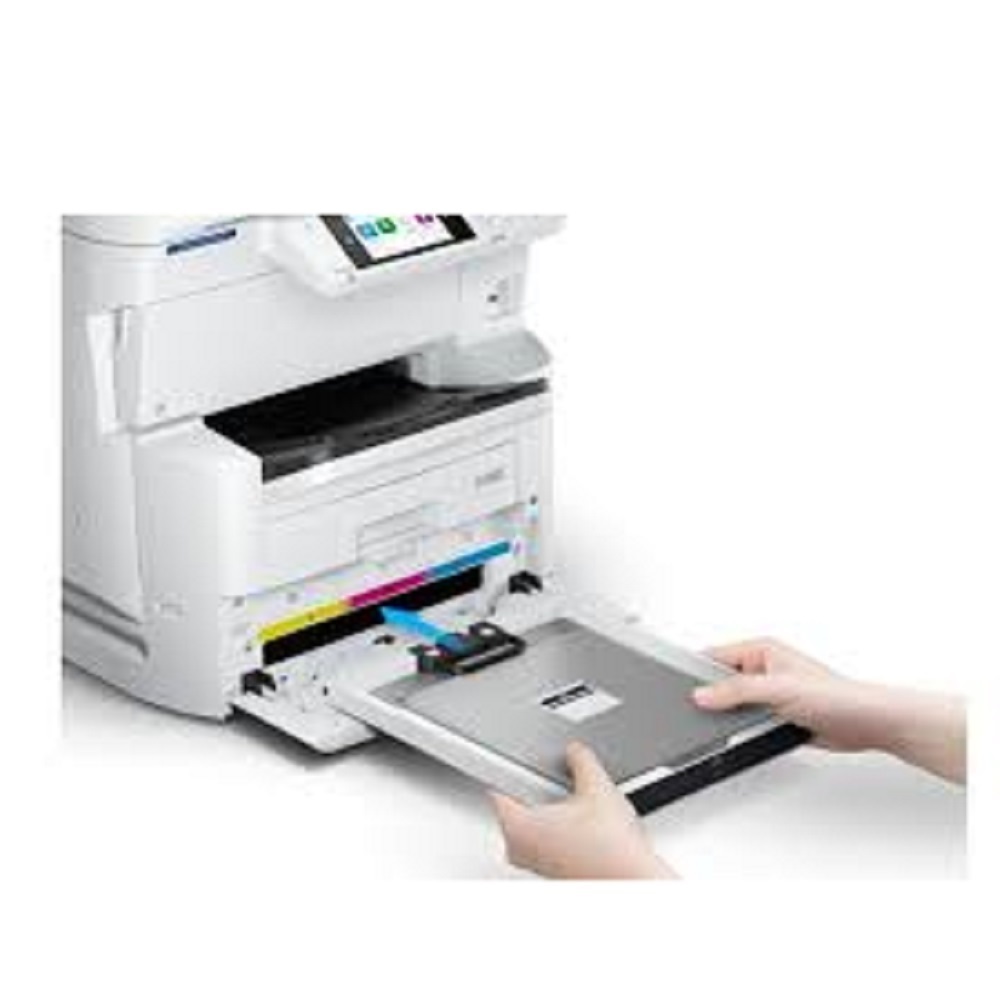
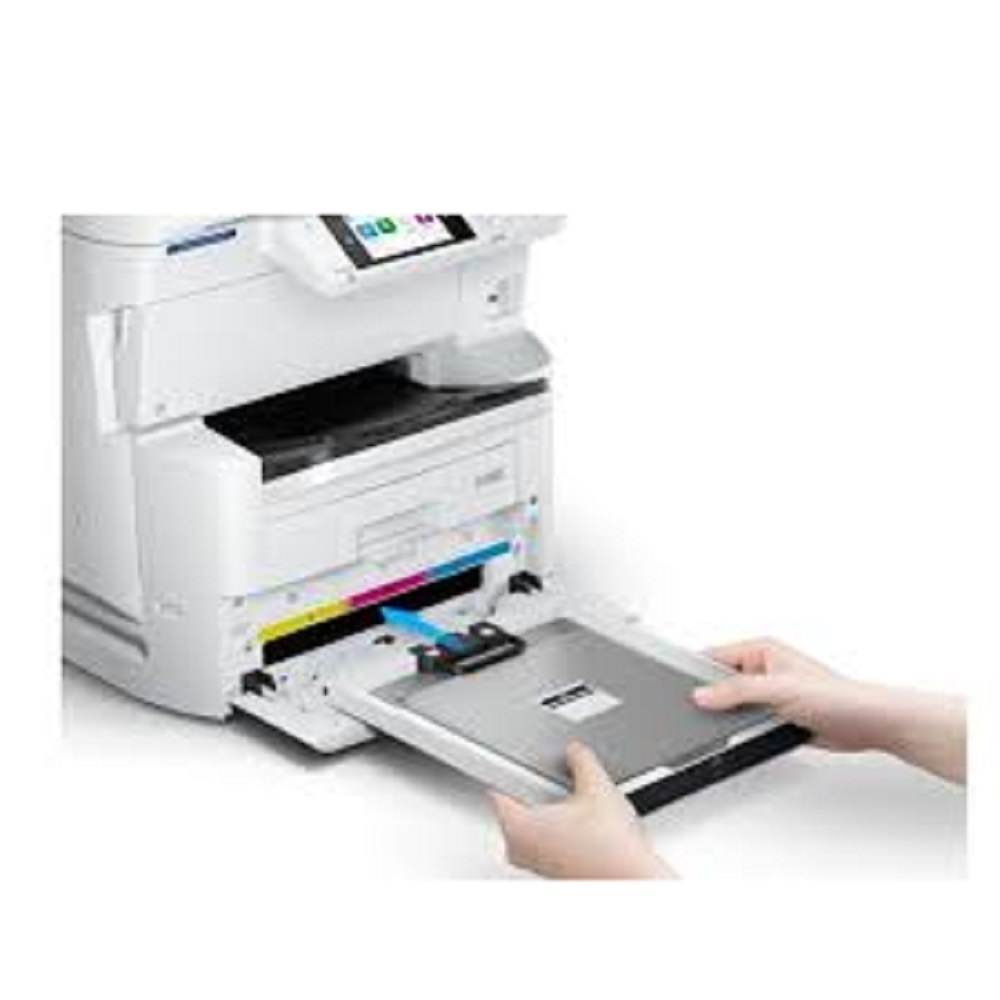
A: Replace the black cartridge after approximately 50,000 pages and the color cartridges after about 20,000 pages, depending on usage and print coverage. The display panel notifies you when cartridges are low or empty.
Q: Where can the Epson WorkForce Pro EM-C8100 be purchased or serviced in India?
A: The EM-C8100 is available through authorized Epson dealers, distributors, traders, and service providers across India. Contact your local supplier or visit the Epson India website to locate the nearest authorized partner.
Q: What types of documents and paper sizes can the EM-C8100 handle?
A: This photocopier accepts a broad range of paper sizes, including A3, A4, A5, B4, B5, Legal, and Letter, with weights from 60 to 256 gsm, accommodating diverse copying and printing needs such as reports, booklets, and ID cards.
Q: How do I use advanced copy features like N-Up or book copying?
A: Access the advanced copy features through the touchscreen menu. Select the desired feature, such as N-Up for consolidating multiple originals on one page or book copy for duplicating bound documents, and follow the on-screen prompts.







 Send Inquiry


 Send Inquiry