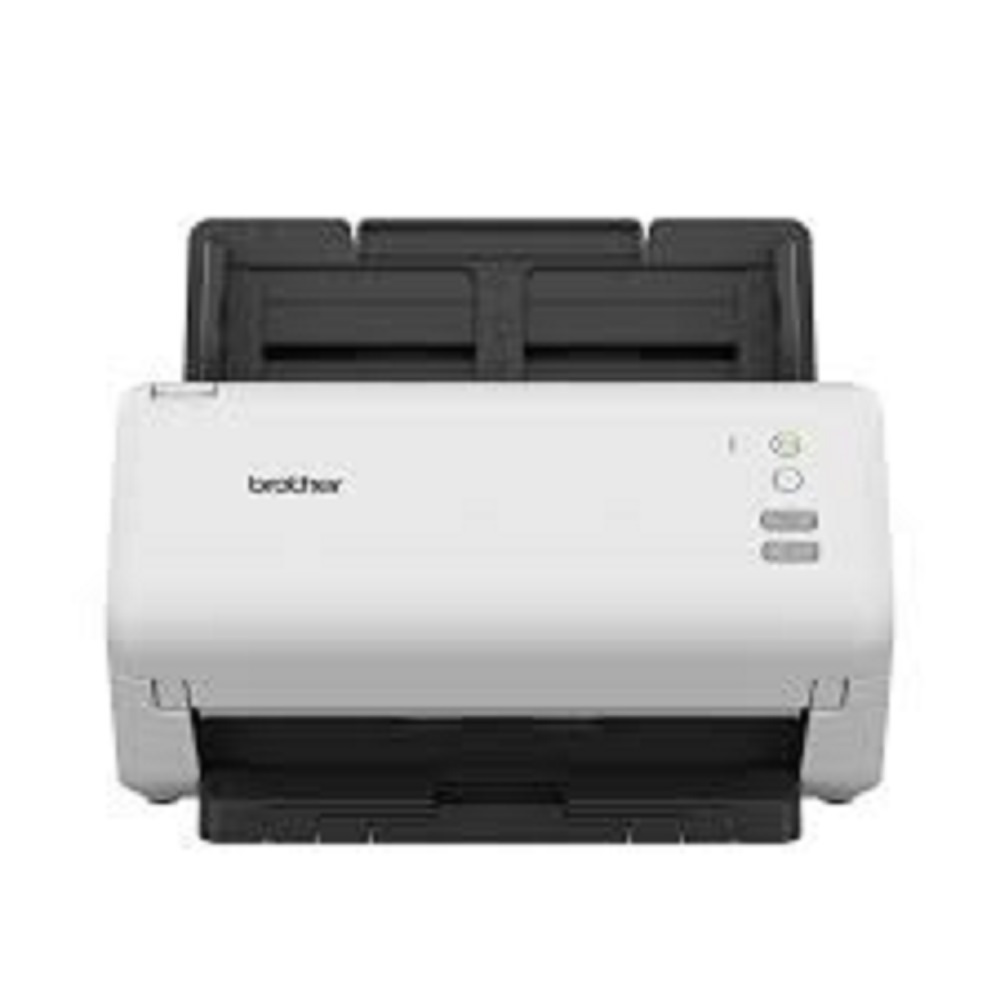
Desktop Document Scanner Brother ADS-4300N About
Key Features
- High-Speed Scanning up to 40 PPM / 80 IPM
- One-Pass Duplex Colour & Mono Scanning
- 80-Sheet Automatic Document Feeder (ADF)
- Gigabit Ethernet Network Connectivity
- SuperSpeed USB 3.0 Interface
- Optical Resolution up to 600 600 dpi
- Advanced Image Processing & Batch Scanning
- Ultrasonic Multi-Feed Detection Sensor
- Scan to Network Folder, FTP/SFTP, USB, PC & Mobile
- Supports PDF, Searchable PDF, JPEG, TIFF and OCR
- TWAIN, WIA, ISIS & Linux SANE Driver Support
- Compatible with Windows, macOS and Linux
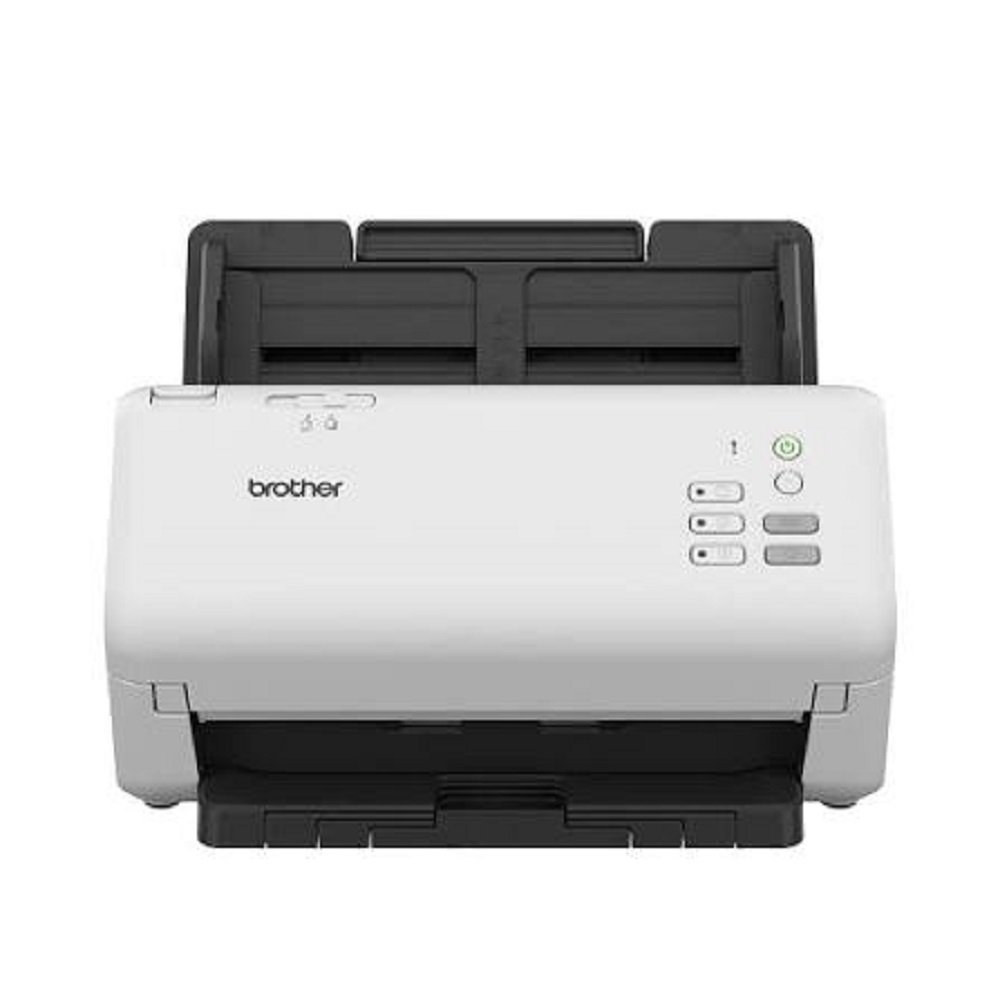
- Compact Desktop Design with Low Maintenance
Applications
- Corporate Offices
- Government Departments
- Banks & Financial Institutions
- Hospitals & Healthcare
- Schools, Colleges & Universities
- Legal & Chartered Accountant Firms
- Insurance Companies
- Logistics & Document Management Centres
Benefits
- Fast and accurate document digitization
- Network-enabled scanning for shared office environments
- Automatic double-sided scanning saves time
- Reliable paper handling with multi-feed detection
- High-quality image output with OCR support
- Ideal for medium to high-volume document scanning workflows
Why Choose All Tech Solutions?
- Brother Product Sales & Support
- Professional Installation & Product Demonstration
- Competitive Pricing
- Sales, Service & AMC Support
- PAN India Delivery
- Expert Technical Assistance
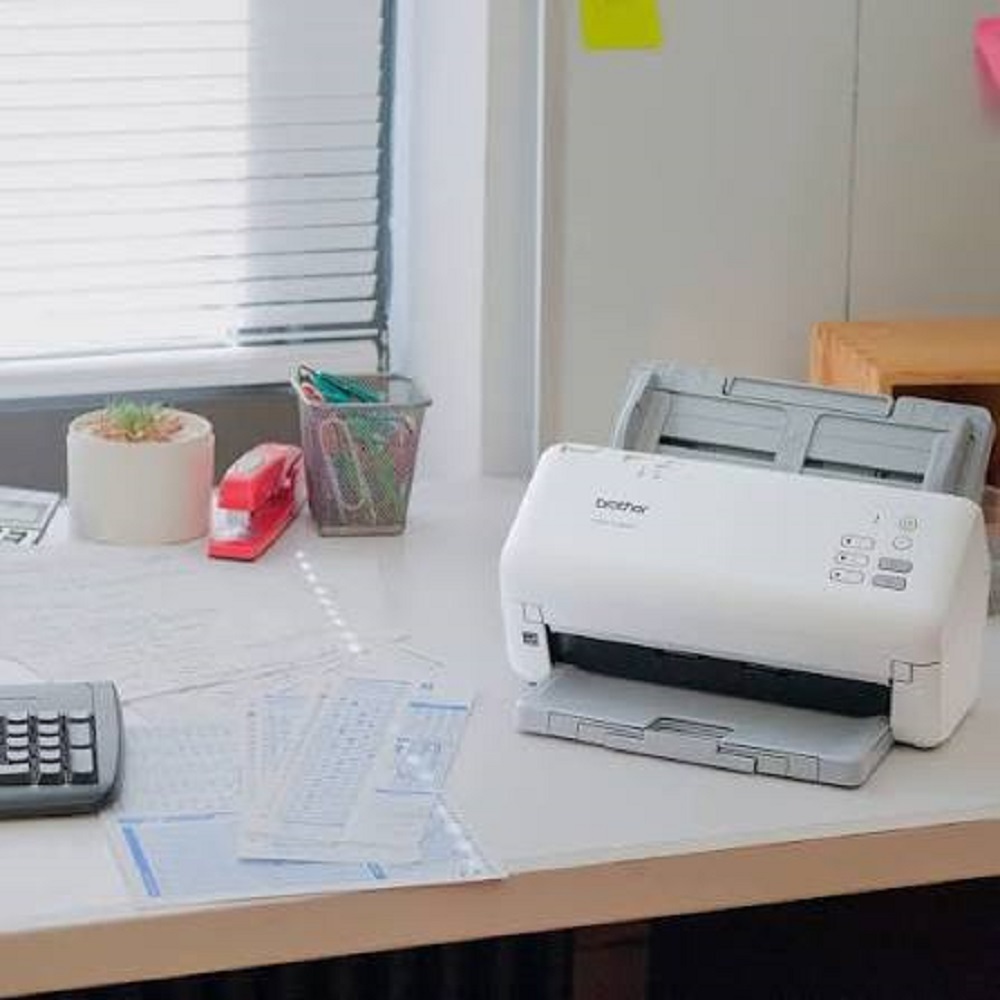
Versatile High-Speed ScanningThe ADS-4300N maximizes productivity with an impressive scan speed of up to 40 ppm / 80 ipm (A4, color, duplex). Thanks to its 80-sheet capacity ADF and robust feeding mechanism, it easily handles large digitization tasks, from daily office workflows to archiving needs. Its CIS sensor ensures precise and consistent image quality for every scan.
Flexible Connectivity and CompatibilityConnect the scanner effortlessly to your network or computer via USB 3.0 or Ethernet LAN. Compatible with Windows, macOS, and Linux, it offers broad driver support (TWAIN, WIA, ICA, SANE), ensuring seamless integration with popular document management software and workflows.
Advanced Features for Professional ResultsBenefit from duplex scanning, multi-feed detection, long paper support, and built-in OCR. These features streamline your scanning process and help create searchable, editable, and secure digital files in a variety of formats, supporting everything from administrative tasks to complex archiving projects.
FAQ's of Desktop Document Scanner Brother ADS-4300N:
Q: How do I connect the Brother ADS-4300N to my computer or network?
A: You can connect the ADS-4300N via USB 3.0 directly to your PC or use Ethernet LAN for network connectivity. This allows multiple users to access the scanner from their workstations in an office environment.
Q: What file formats and features does the scanner support?
A: The scanner exports digital files in PDF, Secure PDF, JPEG, TIFF, PNG, Searchable PDF, Word, and Excel formats. It also supports OCR, duplex scanning, and multi-feed detection for efficient document processing.
Q: When is this scanner best utilized?
A: The ADS-4300N is ideal for environments requiring consistent, high-volume scanning, such as offices, homes, document archiving, and management tasks. Its daily duty cycle supports up to 6,000 sheets, making it suitable for regular, intensive use.
Q: Where can the ADS-4300N be installed and used?
A: Its compact desktop size allows easy installation in office cubicles, workstations, reception areas, or home offices. The scanner is designed for environments needing dedicated, reliable document digitization.
Q: What is the process for scanning and saving documents?
A: Load up to 80 sheets into the ADF, select your desired settings via the mono LCD display, and start the scan. Documents are rapidly digitized and saved in your chosen format with options for direct network or PC transfer.
Q: How does the scanner benefit business operations?
A: It enhances efficiency by accelerating digital transformation, enabling rapid paper-to-digital workflows, improving document security with secure formats, and supporting easy file management and archiving through advanced features like OCR and long paper support.







 Send Inquiry


 Send Inquiry