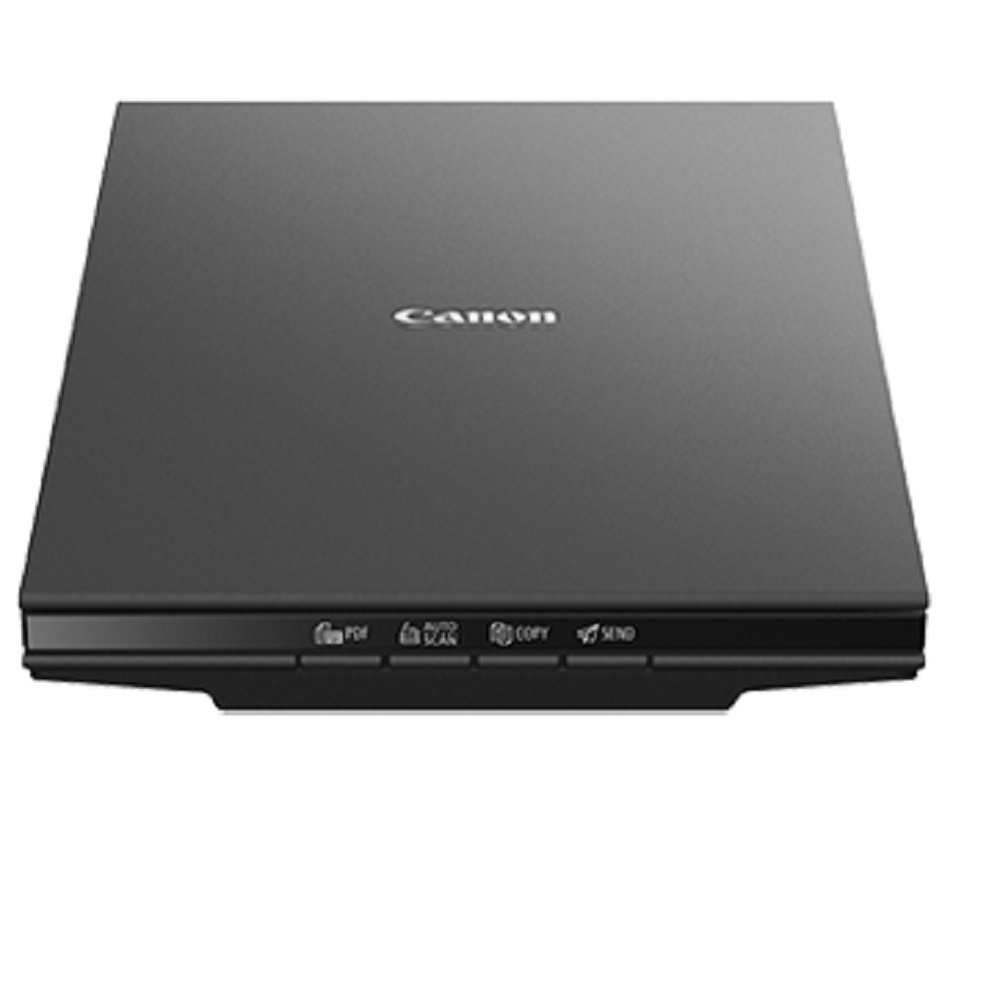
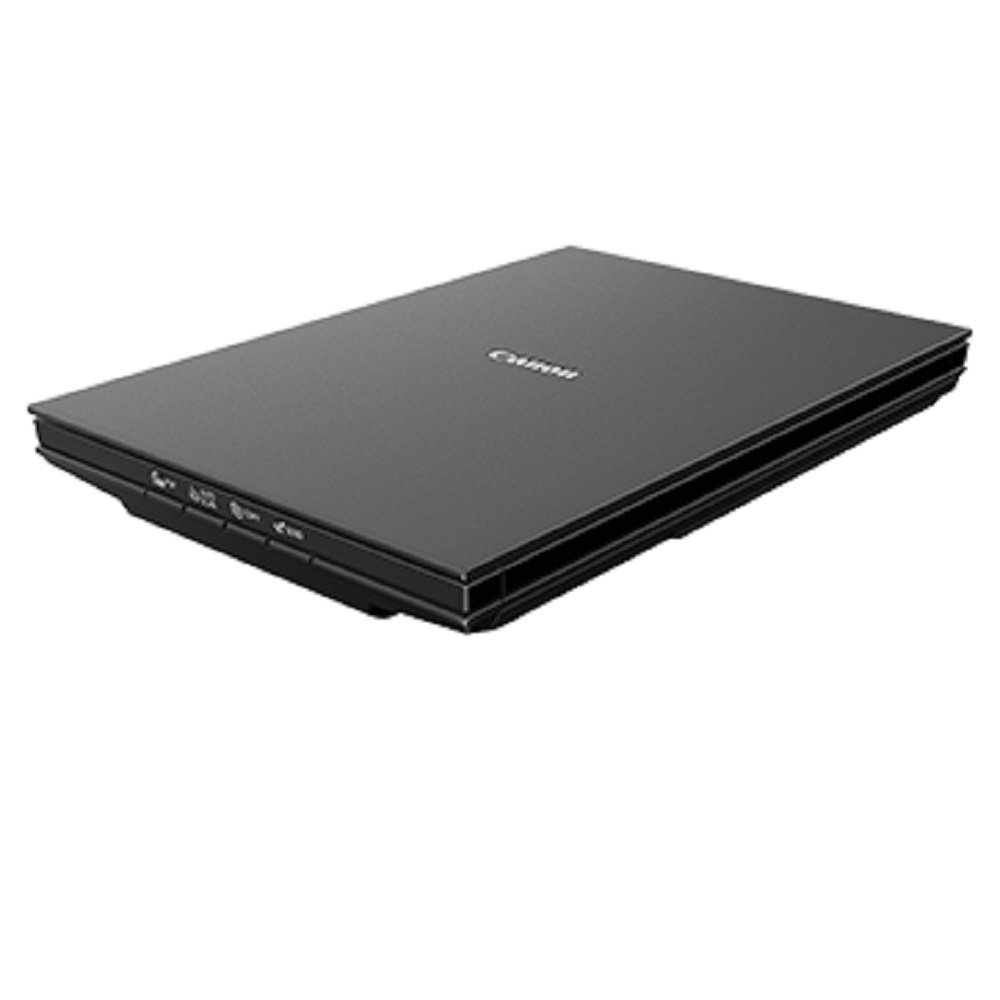
canon LiDE 300 flatbed scanner About
| Scanner Element | CIS (Colour Contact Image Sensor) |
| Light Source | 3-colour (RGB) LED |
| Optical Resolution*1 | 2400 x 2400dpi |
| Scanning Bit Depth |
| Grayscale | 16-bit input
8-bit output |
| Colour | 48-bit input (16-bit for each colour)
Win: [48 or 24-bit output (16-bit or 8-bit for each colour)]
Mac: [24-bit output (8-bit for each colour)]
*48-bit: Windows TWAIN Driver only |
| Scanner Speed |
| Preview Speed*3 | Approx. 9 s |
| Scan Speed*4 |
| Colour A4, 300dpi | Approx. 10 s |
| Colour 4x6, 300dpi | Approx. 5 s |
| Maximum Document Size | A4 / Letter (216 x 297mm) |
| Scanner Buttons (EZ Buttons) | 4 buttons (PDF, AUTOSCAN, COPY, SEND |
| Interface | USB 2.0 Hi-Speed Mini-B |
| System Requirements*6 | Windows 10 / 8.1 / 7 SP1
Mac OS 10.12 ~10.13, Mac OS X v10.11.6 |
| Operating Environment |
| Temperature | 5 - 35C |
| Humidity | 10 - 90% RH (no dew condensation) |
| Power Supply | Supplied via USB port |
| Power Consumption |
| Maximum during operation | approx. 4.5W |
| Stand-by | approx. 0.3W |
High-Resolution ScanningThe Canon LiDE 300 delivers crisp and clear digital images thanks to its CIS optical sensor and a resolution of up to 2400 x 2400 dpi. The device supports both 48-bit color and 16-bit greyscale input, ensuring true-to-life image reproduction for a wide range of documents and photos.
EZ Buttons for Simplified OperationWith four intuitive EZ buttons on the scanner's interface-PDF, Auto Scan, Copy, and Send-users can quickly execute common scanning tasks. This design streamlines workflows, minimizing manual adjustments and accelerating productivity for home and professional office applications.
Versatile Media Compatibility and USB PowerSupporting A4/Letter-sized documents, photos, magazines, and even thicker items up to 21 mm with its advanced Z-lid, the LiDE 300 is powered by a single USB cable for added convenience. This efficient design eliminates unnecessary cables and power adapters, making it easy to set up anywhere.
FAQ's of canon LiDE 300 flatbed scanner:
Q: How do I connect and power the Canon LiDE 300 scanner?
A: The Canon LiDE 300 connects to your computer via the supplied USB 2.0 cable and draws all necessary power through this connection, so no separate power adapter is required.
Q: What operating systems are supported by the LiDE 300 scanner?
A: The scanner supports Windows 10, Windows 8.1, Windows 7 SP1, and macOS versions from 10.12 to 10.14. Ensure your system meets these requirements for a seamless installation.
Q: What types of documents and media can I scan with this scanner?
A: You can scan a variety of items, including documents, photos, magazines, and ID cards. The advanced Z-lid design enables you to scan thicker documents up to 21 mm easily.
Q: What are the main benefits of the EZ buttons on the scanner?
A: The four EZ buttons on the Canon LiDE 300 allow quick access to scanning, copying, creating PDFs, and sending scanned files, eliminating multiple manual steps and speeding up common tasks.
Q: When should I use the Auto Scan mode?
A: Auto Scan mode is ideal when you want the scanner to automatically detect your document type and adjust settings for optimal results. This is especially useful for quick, everyday scanning.
Q: Where can I find support or service for my Canon LiDE 300 in India?
A: Canon has an established distribution and service network across India. For support, reach out to authorized dealers, distributors, or service providers, or visit Canon's official Indian website.
Q: What is the typical scan speed for an A4 color document at 300 dpi?
A: The Canon LiDE 300 can scan an A4 color document at 300 dpi in approximately 10 seconds, making it a fast and efficient choice for regular scanning needs.







 Send Inquiry


 Send Inquiry